How to Make a Pig Talk With AI: A Simple 2026 Guide
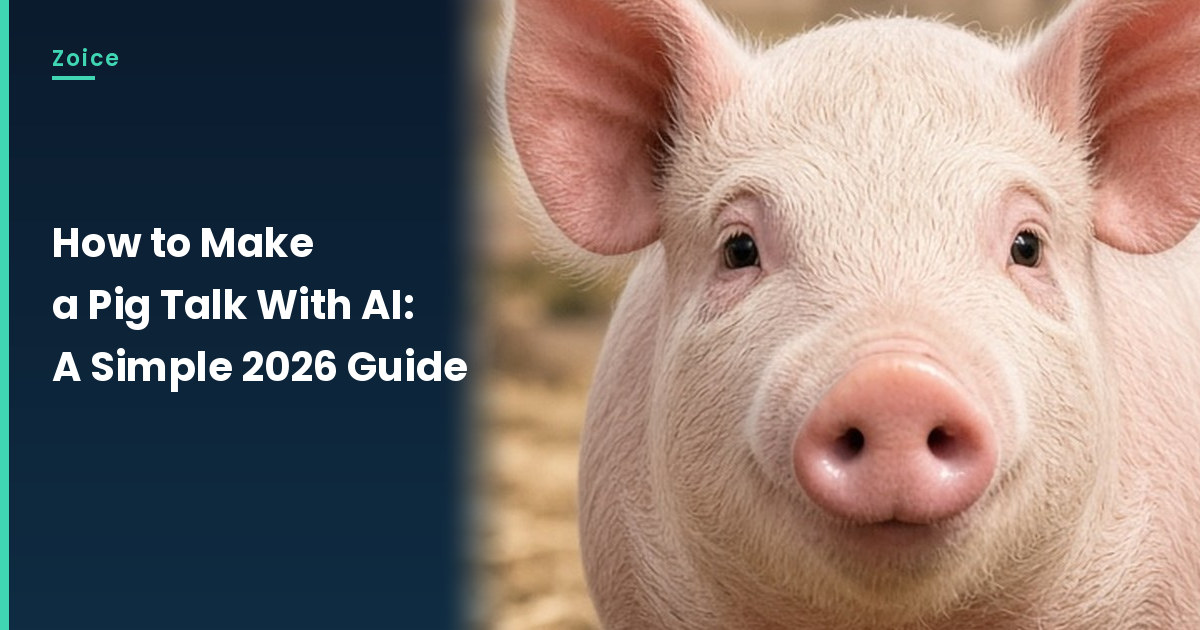
A talking pig is instant comedy. In Zoice you upload one pig image as your Host, paste a script, and lip sync follows the snout. An action prompt adds the charm: a snout wiggle, flapping ears and a happy nod. This guide walks through every click up to Generate.
Below is how to make a pig talk with AI, one screen at a time. Farm animals are some of the most popular picks in our AI talking animals generator list.
Picking a Pig Image
A clear pig image makes the snout and mouth easy to follow. Look for:
- A pig facing the camera straight on
- A clean snout and visible mouth line
- Ears up and eyes open
- A farmyard or mud puddle setting for the joke
How to Make a Pig Talk With AI in Zoice (Step-by-Step)
Our Host is an AI-made fictional pink farm pig, created for this post.
Step 1: Visit Zoice and Sign In
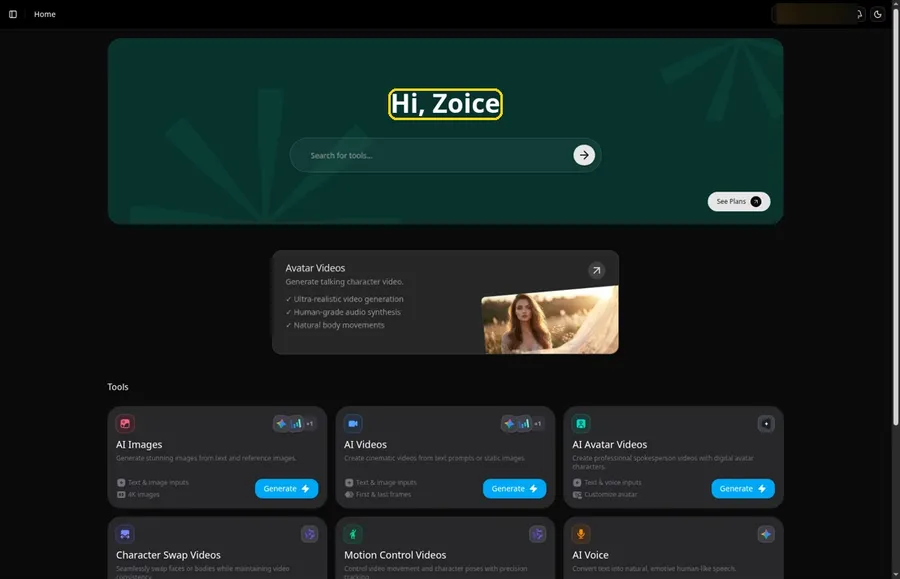
Go to Zoice and click Sign In, using email or Google; Home opens once the pig project can begin.
Step 2: Open Avatar videos
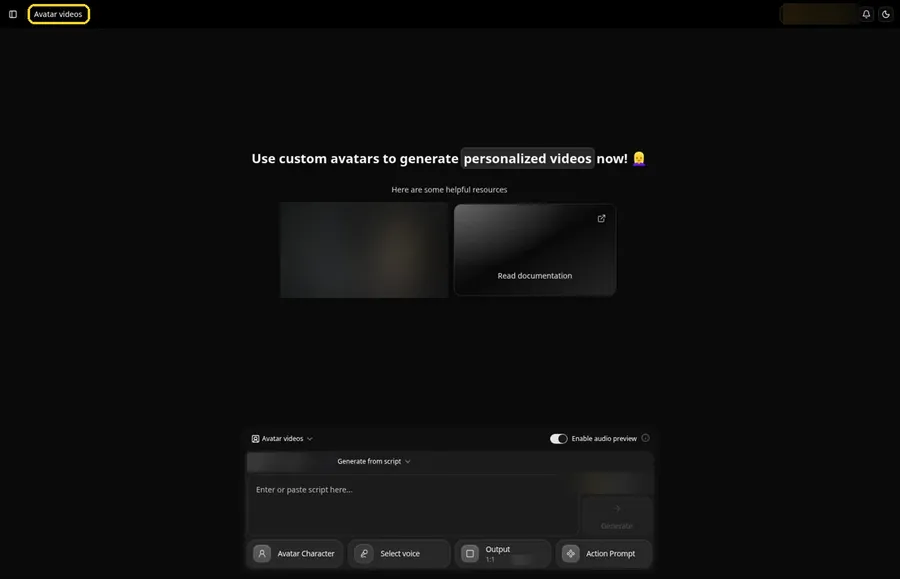
Pick Avatar videos from the sidebar to begin the pig. The screen that opens is titled Avatar videos, with the composer for the pig at the bottom.
Step 3: Click Avatar Character, Then Create New
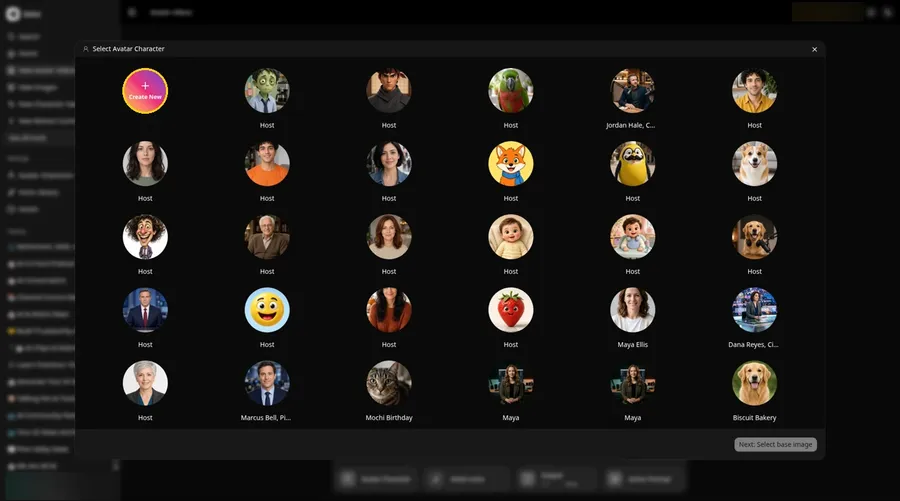
The talking pig begins at the Avatar Character button, which opens Select Avatar Character. Click Create New, then click Create New on the Avatar Characters page to reach the full-screen Create new avatar page for the talking pig.
Step 4: Choose Upload Image
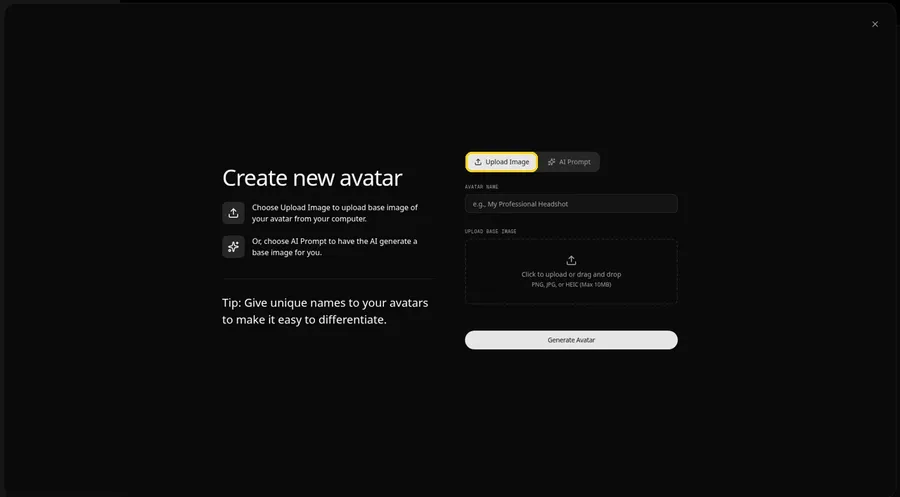
Keep Upload Image selected under UPLOAD BASE IMAGE so the talking pig photo can be added. The AI Prompt tab sits beside it if you ever want to describe the talking pig instead of uploading.
Step 5: Upload Your Pig Image
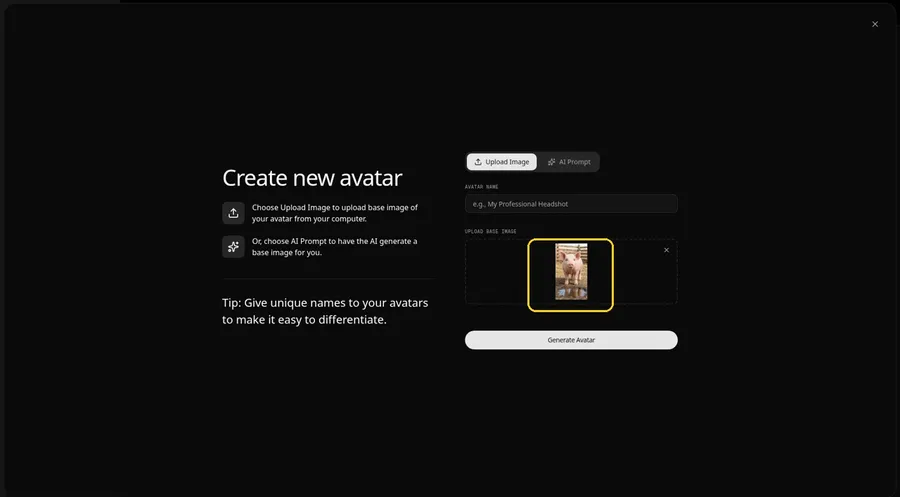
Choose a clear, front-facing pig photo in the upload area and check the preview shows the pig looking straight ahead.
Step 6: Name Your Avatar Host and Click Generate Avatar
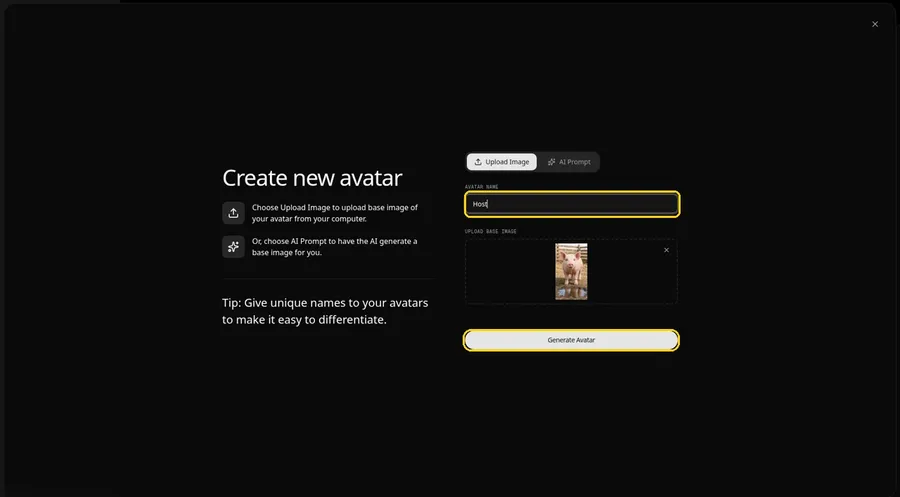
Call the talking pig Host in the AVATAR NAME field, then click Generate Avatar to generate and save it.
Step 7: Open the Add Script Panel
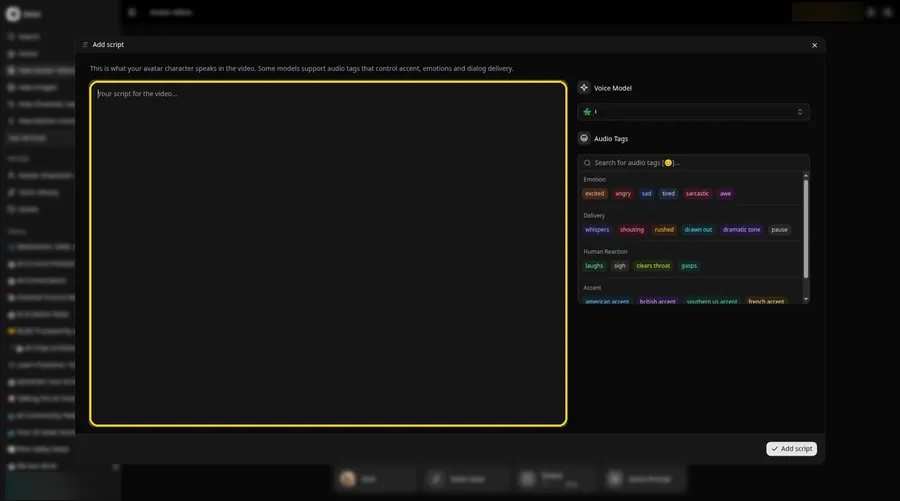
Click the script box in the composer to open the Add script panel for the pig.
Step 8: Choose the Voice Model
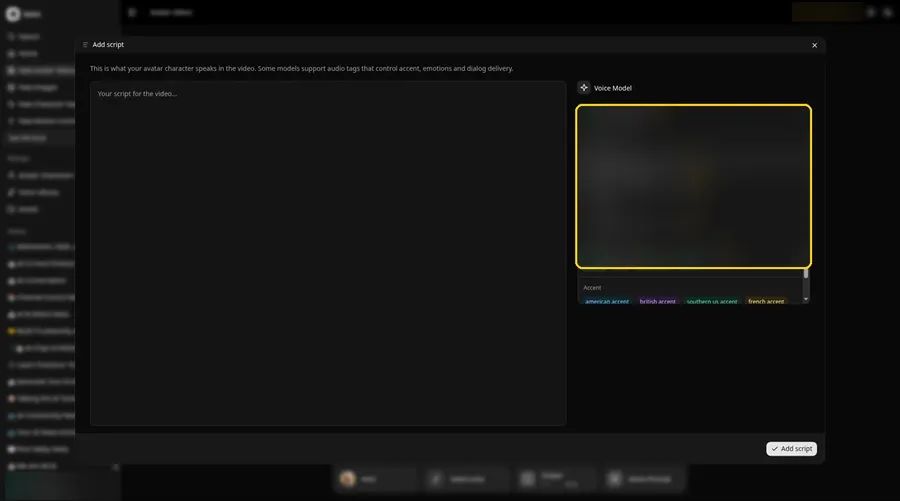
Pick a model in the Voice Model menu before the pig script goes in.
Step 9: Paste Your Script and Click Add Script
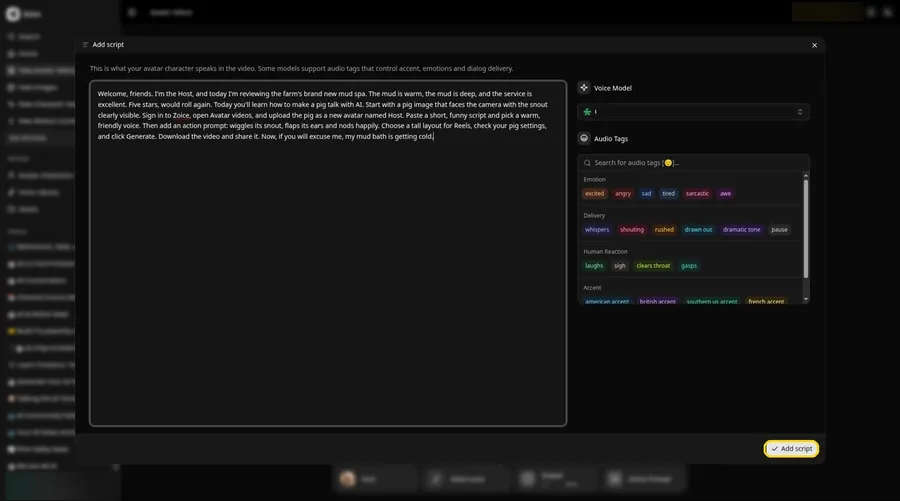
Drop in the full pig script, then click Add script. The opening words are: Welcome, friends.
Step 10: Pick a Voice
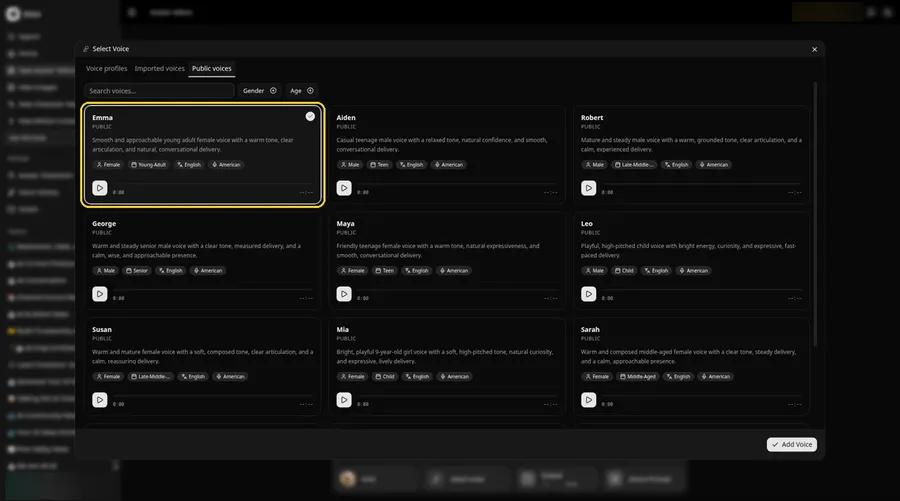
- Click the voice button in the composer to open Select Voice for the talking pig.
- Pick a voice for the talking pig on the Public voices tab.
- Click Add Voice to attach that voice to the talking pig.
Choose a warm, friendly adult voice for the pig Host.
Step 11: Choose Your Output Settings
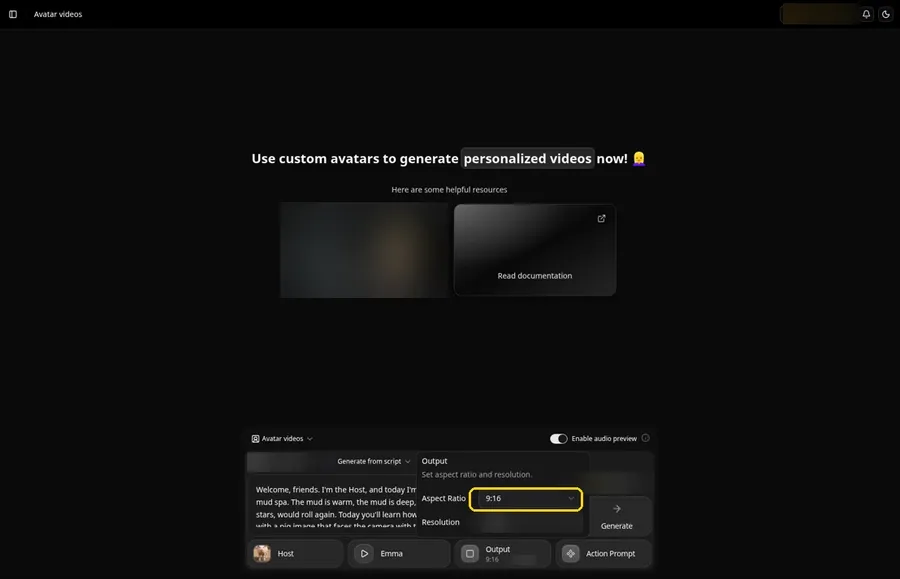
Choose your output settings. Use the Output aspect ratio dropdown and select 9:16, which suits this talking pig.
Step 12: Add an Action Prompt
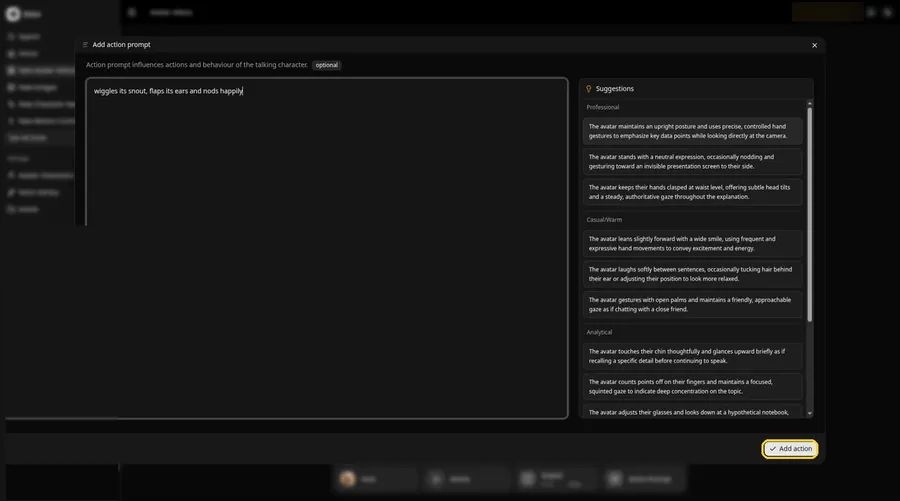
Use the Add action prompt panel to enter wiggles its snout, flaps its ears and nods happily, then click Add action. The talking pig Action Prompt chip reads Added, and that is the only source of the talking pig movement.
Step 13: Click Generate
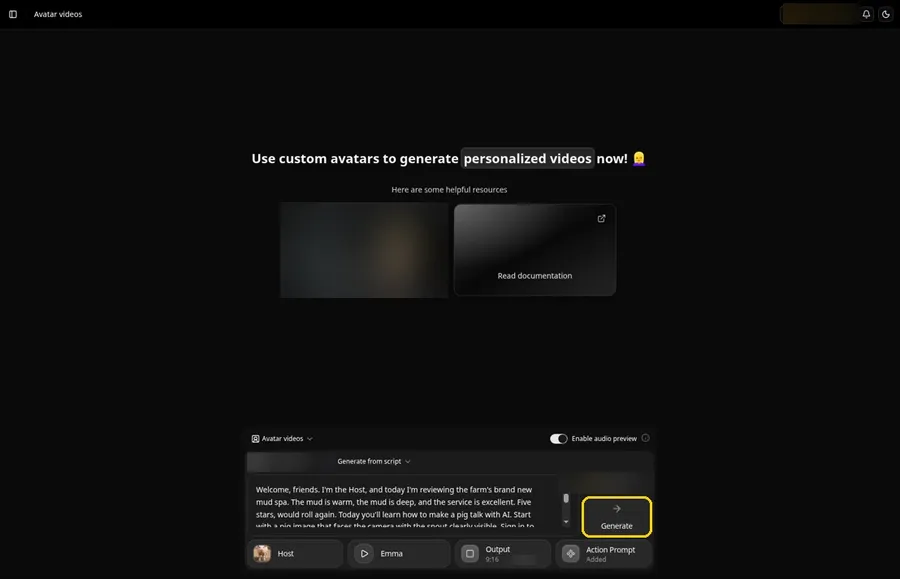
Check the pig Host, the voice, the script, the 9:16 output and the Added action prompt, then click Generate.
Step 14: Confirm the Audio Preview and Let Zoice Process
Zoice plays an audio preview of the pig script; click Generate avatar video to confirm, then wait while the video processes.
Step 15: Watch the Result
Play the pig video in the player and make sure the words and the prompted moves line up.
Step 16: Download From the Player Menu
Click the three-dot menu on the player, then Download, and the pig video saves to your device.
Step 17: Share Your Talking Pig
Post it to Reels or Shorts, or send it to the family chat.
Writing the Pig Action Prompt
Pigs show their mood with the snout and ears, so start there.
- wiggles its snout, flaps its ears and nods happily
- tilts its head and sniffs the air
- closes its eyes in delight, then grins
Demo Idea: The Mud Spa Review
The pig Host reviews the farm's new mud spa like a luxury hotel critic. This is the exact script:
"Welcome, friends. I'm the Host, and today I'm reviewing the farm's brand new mud spa. The mud is warm, the mud is deep, and the service is excellent. Five stars, would roll again. Today you'll learn how to make a pig talk with AI. Start with a pig image that faces the camera with the snout clearly visible. Sign in to Zoice, open Avatar videos, and upload the pig as a new avatar named Host. Paste a short, funny script and pick a warm, friendly voice. Then add an action prompt: wiggles its snout, flaps its ears and nods happily. Choose a tall layout for Reels, check your pig settings, and click Generate. Download the video and share it. Now, if you will excuse me, my mud bath is getting cold."
Your pig has a review to post. Try Zoice and open the mud spa.
Tips for Your Pig Video
- Pick a pig image that faces the camera with the snout and mouth clearly visible.
- A farm or straw background keeps the scene simple and readable.
- Write the script as a review or a complaint; pigs make great critics.
- Action prompt tip: name one or two moves, such as wiggles its snout, then nods happily.
- Pick a warm, friendly adult voice for the pig Host.
Keep a pet pig at home? Our pet talk guide covers it.
FAQ
Do I need a real pig photo?
No. An AI-made pig image works, as long as the snout and eyes are clear.
Can I make a cartoon pig?
Yes, but use your own character rather than a famous one.
Can the pig say my name?
Yes. Type the name in the script and spell it the way it sounds.
Can I share it as a Short?
Yes. Choose 9:16 in the output settings before you generate the pig video.
Try Zoice
The mud spa review is ready. Any farm photo can speak, as our guide on how to make a picture talk shows, or Try Zoice and make your pig talk.