Now with 4K avatar videos

AI Talking Photo Generator

Upload any photo and make it talk. A portrait, a pet, a cartoon, an old family picture. Type your script or upload audio, and get a lifelike 4K talking video in minutes. No camera, no filming, no editing skills.

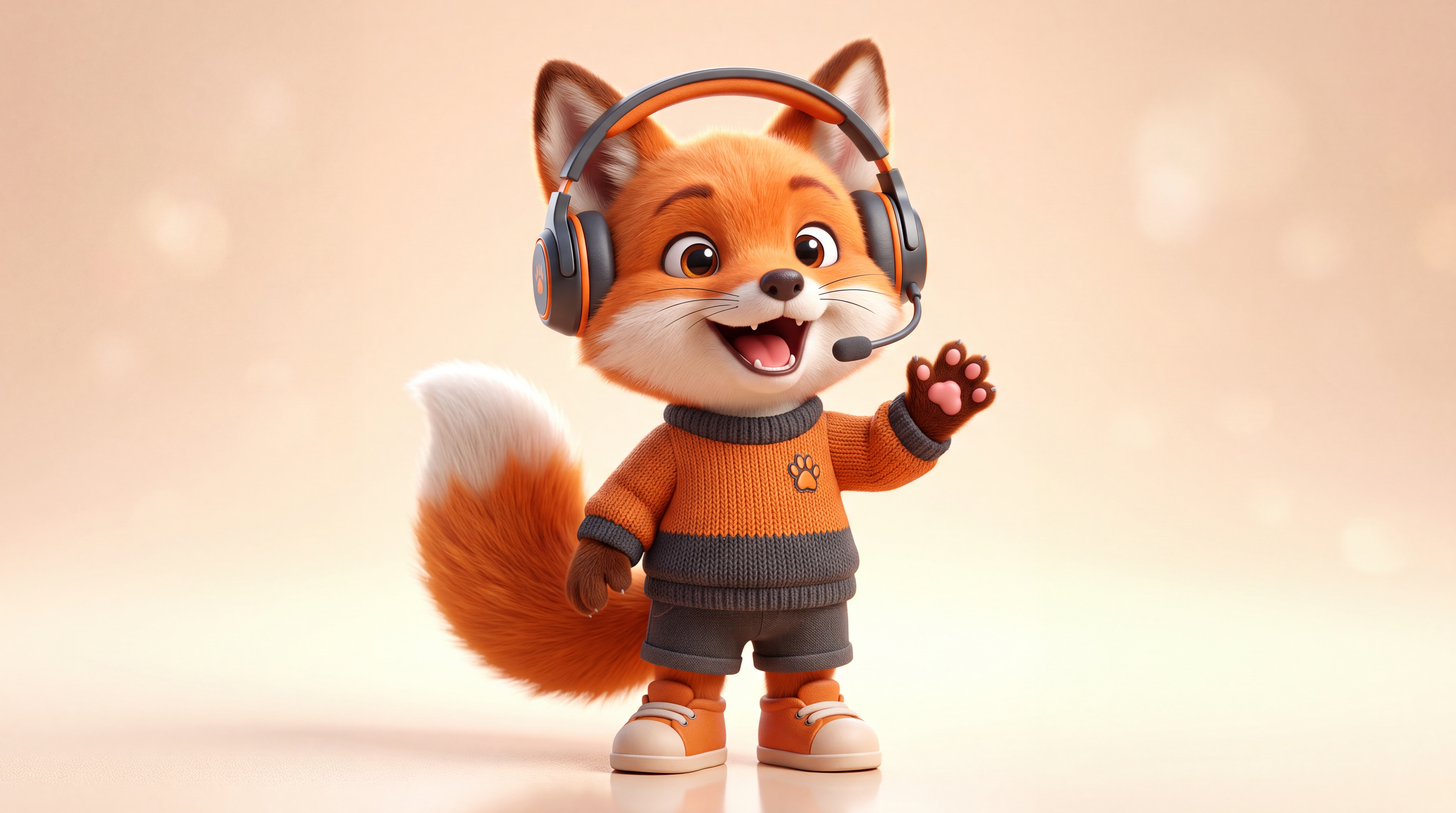
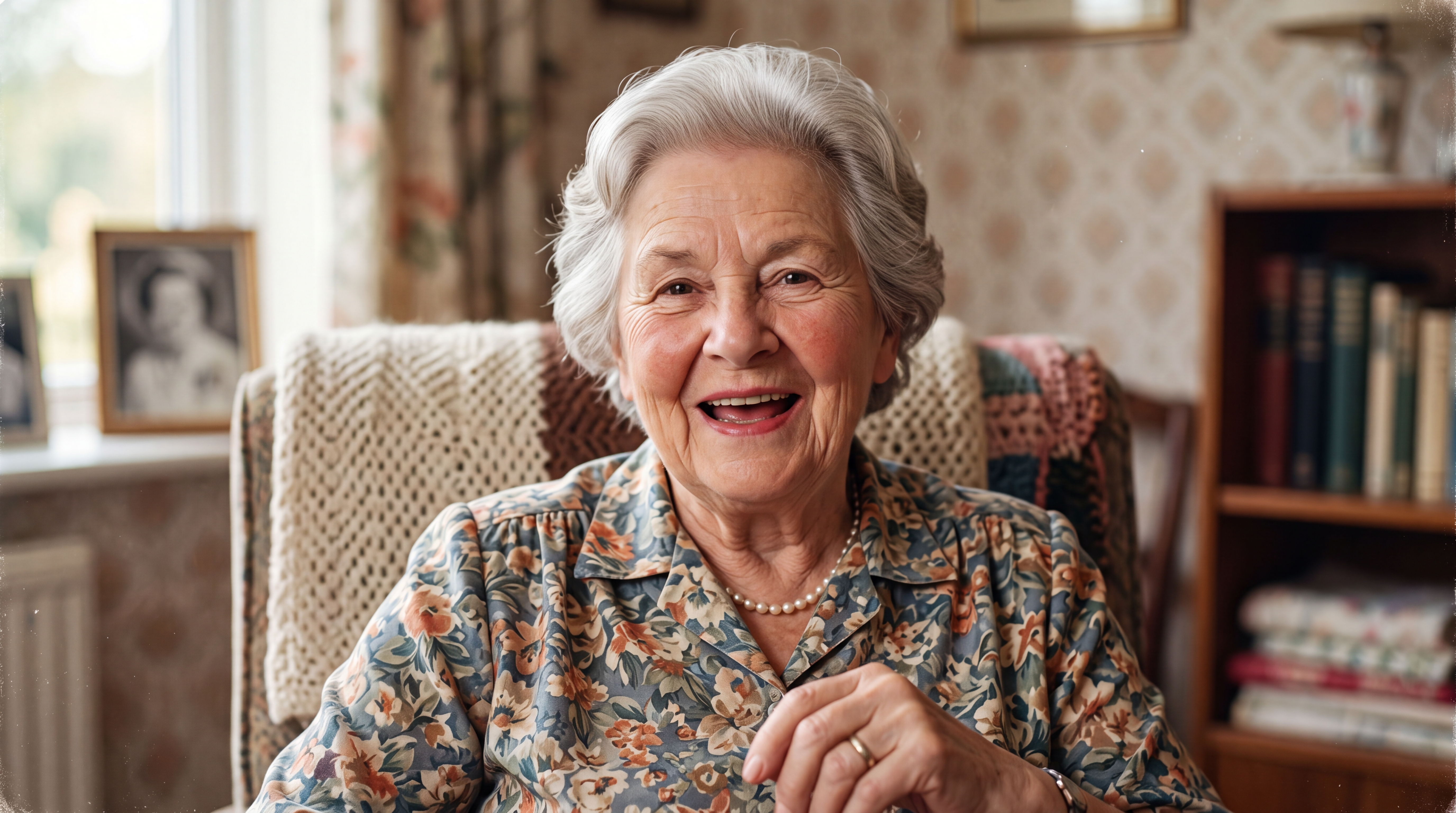
Works with any photo, people, pets, cartoons

4K video output

Type text or upload your own audio
What is an AI Talking Photo Generator?

An AI talking photo generator is a tool that turns a still image into a video of the person or character in it speaking, with synchronized lip movements and natural facial expressions. Upload any photo, whether it's a portrait, a pet, a cartoon, or an old family picture. Then type a script or upload audio, and the AI animates the face to match every word. With Zoice, you can also clone your own voice so the photo speaks as you, and export the result in 4K.
Upload a photo

Your AI Avatar ✨

Your AI Avatar ✨

Your AI Clone ✨

Make any photo talk in 4 easy steps

Four steps and less than a minute of your time. Zoice handles the rest and delivers a publish ready talking video.
01

Upload your photo

Upload any photo with a clear, front facing face. A portrait, a pet, a cartoon character, or an old family picture all work.

02

Add a voice

Type your script and pick from 50+ ready made voices, clone your own voice from a short audio sample, or upload an audio file.

03

Write your script and generate

Set the resolution and aspect ratio, then hit generate. Zoice animates the face with natural lip sync and expressions.

04

Download and publish

Export your talking photo video in up to 4K and publish it to YouTube, TikTok, Instagram, or anywhere else.
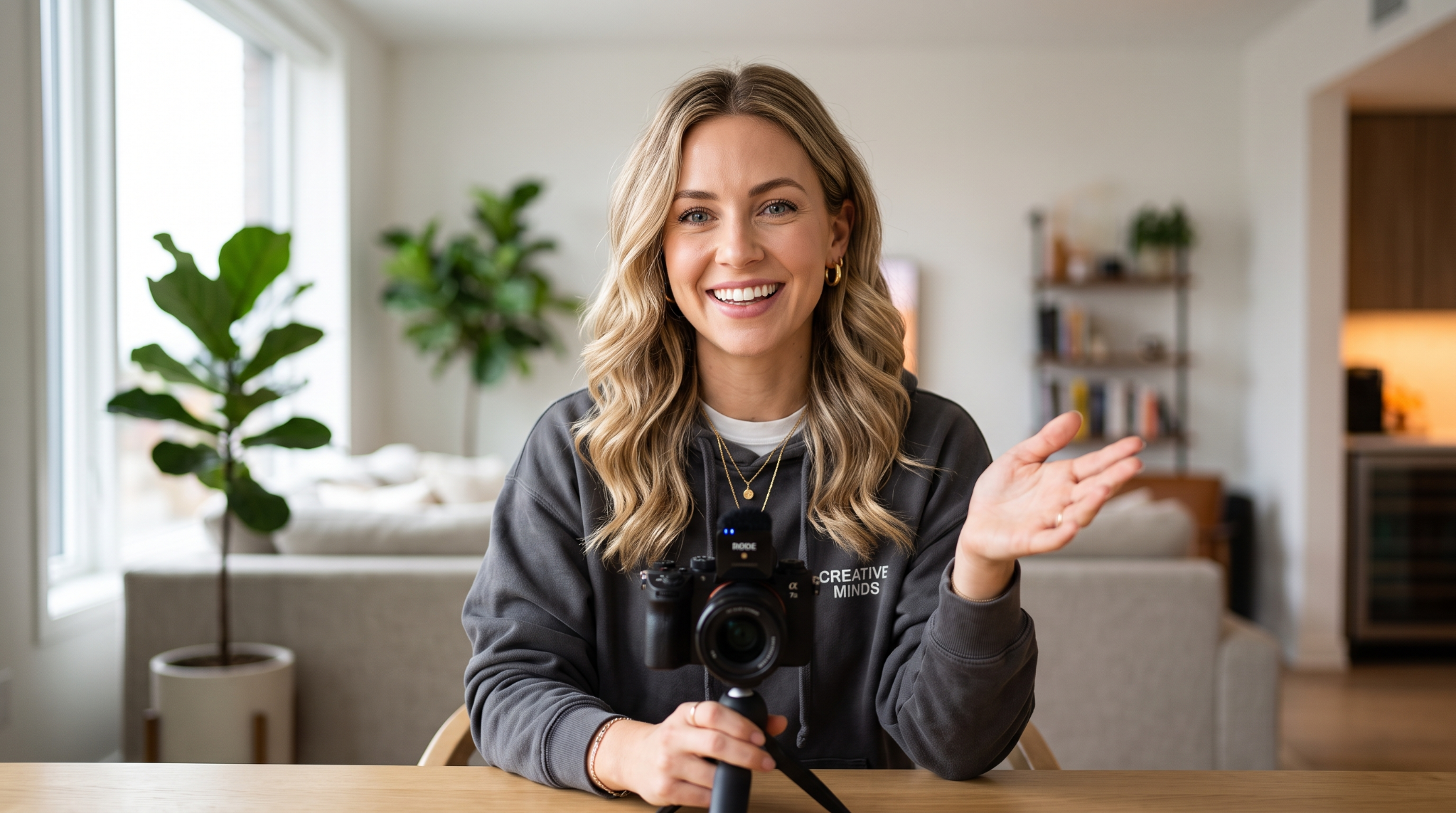
See talking photos in action

From quick social shorts to full explainer videos, one photo is all it takes. Any face, any script, any language.

AI Educator

AI Doctor

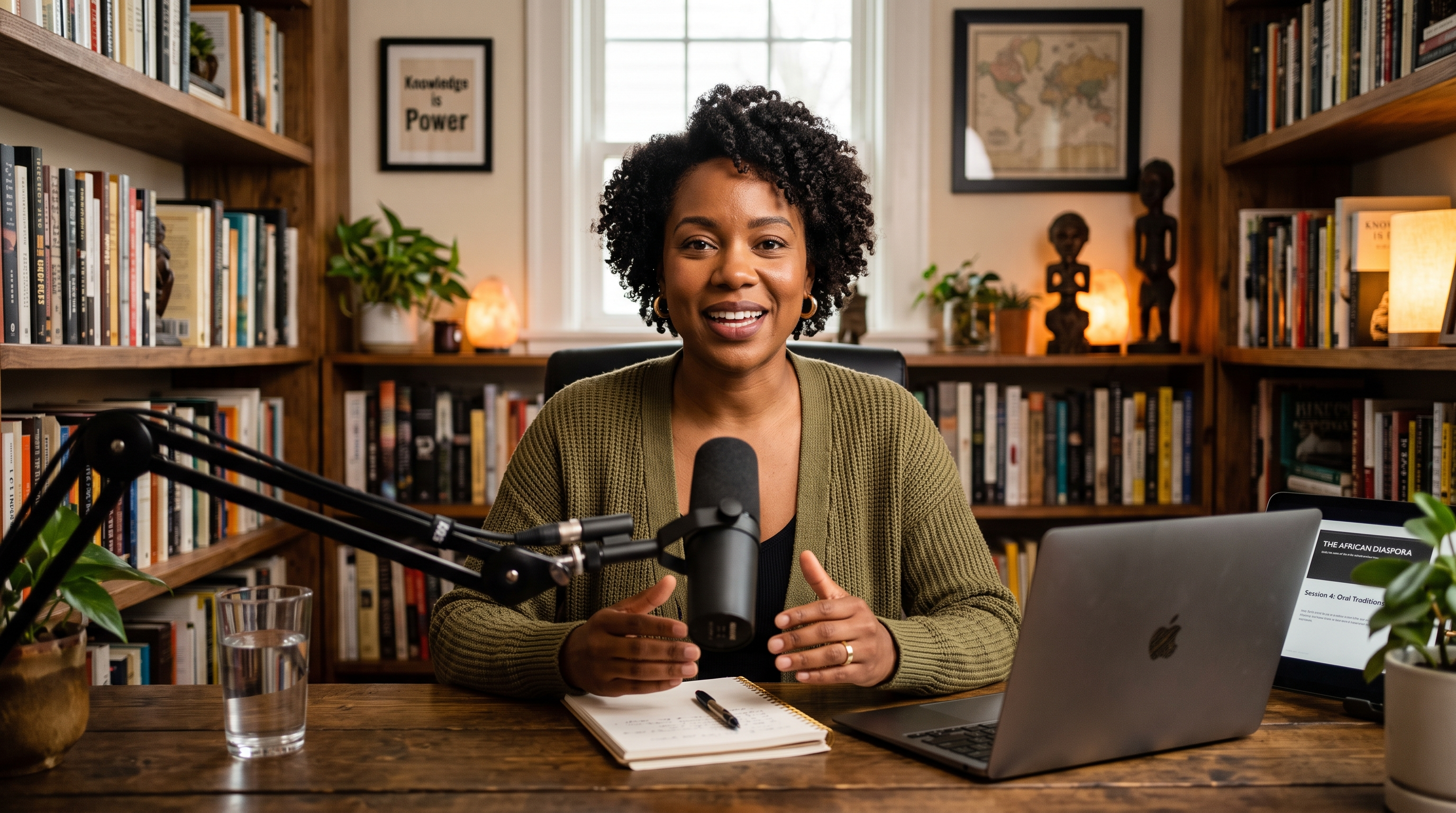
AI Podcaster

AI Real Estate Agent

AI Freelancer

AI HR

AI News Anchor

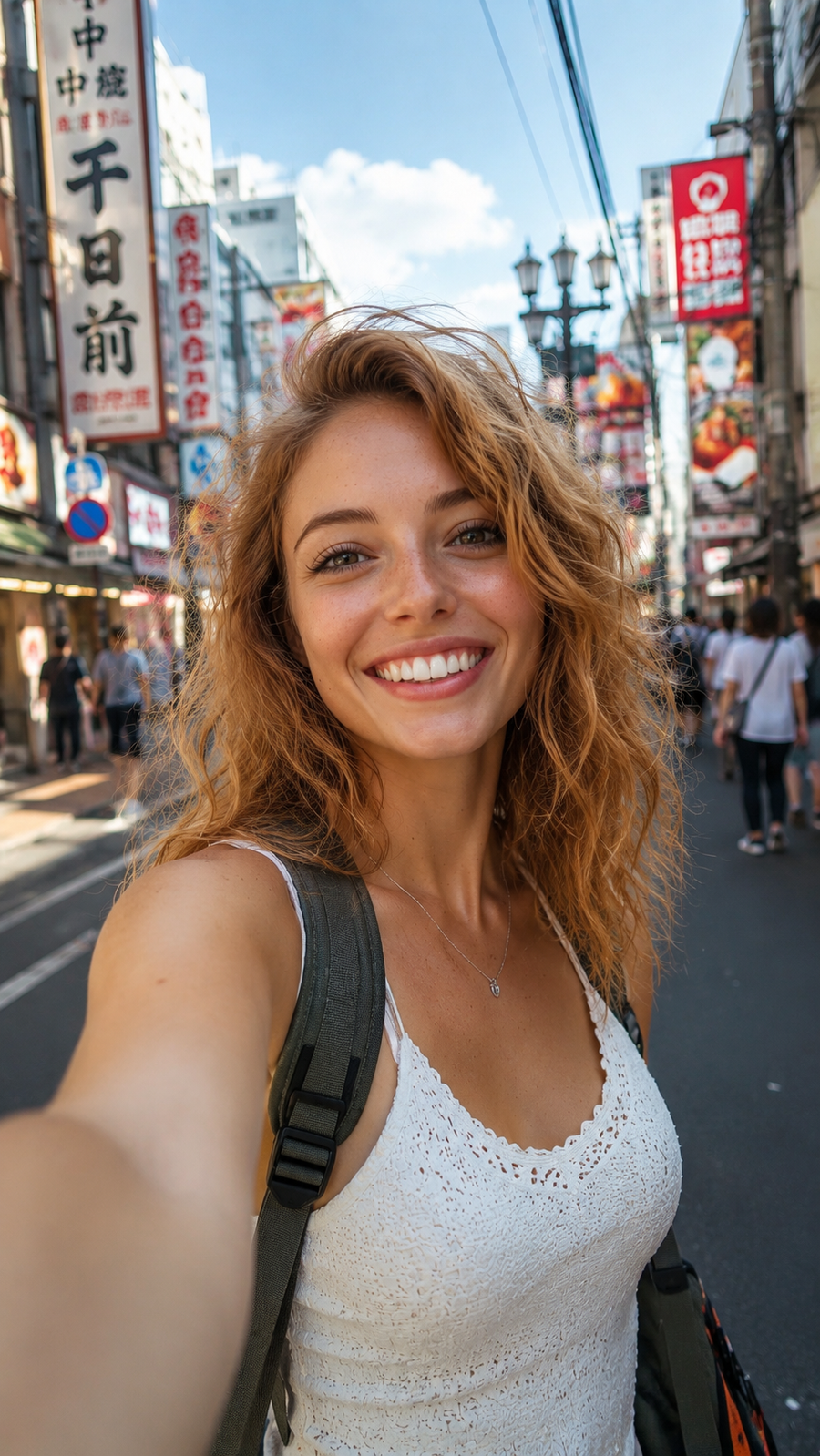
Make your photo speak any language

One photo, every market. Your talking photo speaks 170+ languages and dialects, and if you clone your voice, your Spanish, Portuguese, and Hindi videos still sound like you. Fine tune emotion, tone, and pacing with audio tags in your script.

170+ languages

Your photo can speak 170+ languages and accents. One image, localized videos for every market.

Total voice control

Direct tone, emotion, pacing, and flow with audio tags placed right in your script. No re-recording, no separate audio editing.

Bring your own voice

Import voice profiles from ElevenLabs, LMNT, and other platforms, or clone your voice directly in Zoice.

Why choose Zoice's AI Talking Photo Generator

Most talking photo tools produce stiff videos with out of sync, robotic audio. Zoice is engineered for true realism. Natural motion, expressive speech, and lip sync that holds up in 4K.

Zoice

Realistic & expressive

Others

Stiff & robotic
Zoice
Recommended
Built for creators who publish daily without filming daily.
  • Captures micro expressions and natural movement for a lifelike presence
  • Works with any photo: people, pets, cartoons, and old pictures
  • Imports voice profiles from ElevenLabs, LMNT, and more with BYOK support
  • Delivers longer videos at lower cost. Premium features included, not upsold
Others
Common frustrations with other talking photo tools
  • Stiff animations with vacant expressions and poor lip syncing
  • Short clip limits, 5 to 90 seconds before you hit a paywall
  • Closed platforms with rigid workflows and no voice import options
  • Hidden credit costs and watermarks on the free tier

What creators make with talking photos

One photo is a full content engine. Whether it's a 15-second vertical for your followers or a mascot that fronts your whole brand, the face on camera doesn't have to be yours, or even human. No studio gear, no scheduling headaches.
Faceless Channels

Faceless Channels

YouTube and TikTok creators run entire channels fronted by a talking photo. Publishing daily with no camera, no crew, not even their own face required.
Pet Content

Pet Content

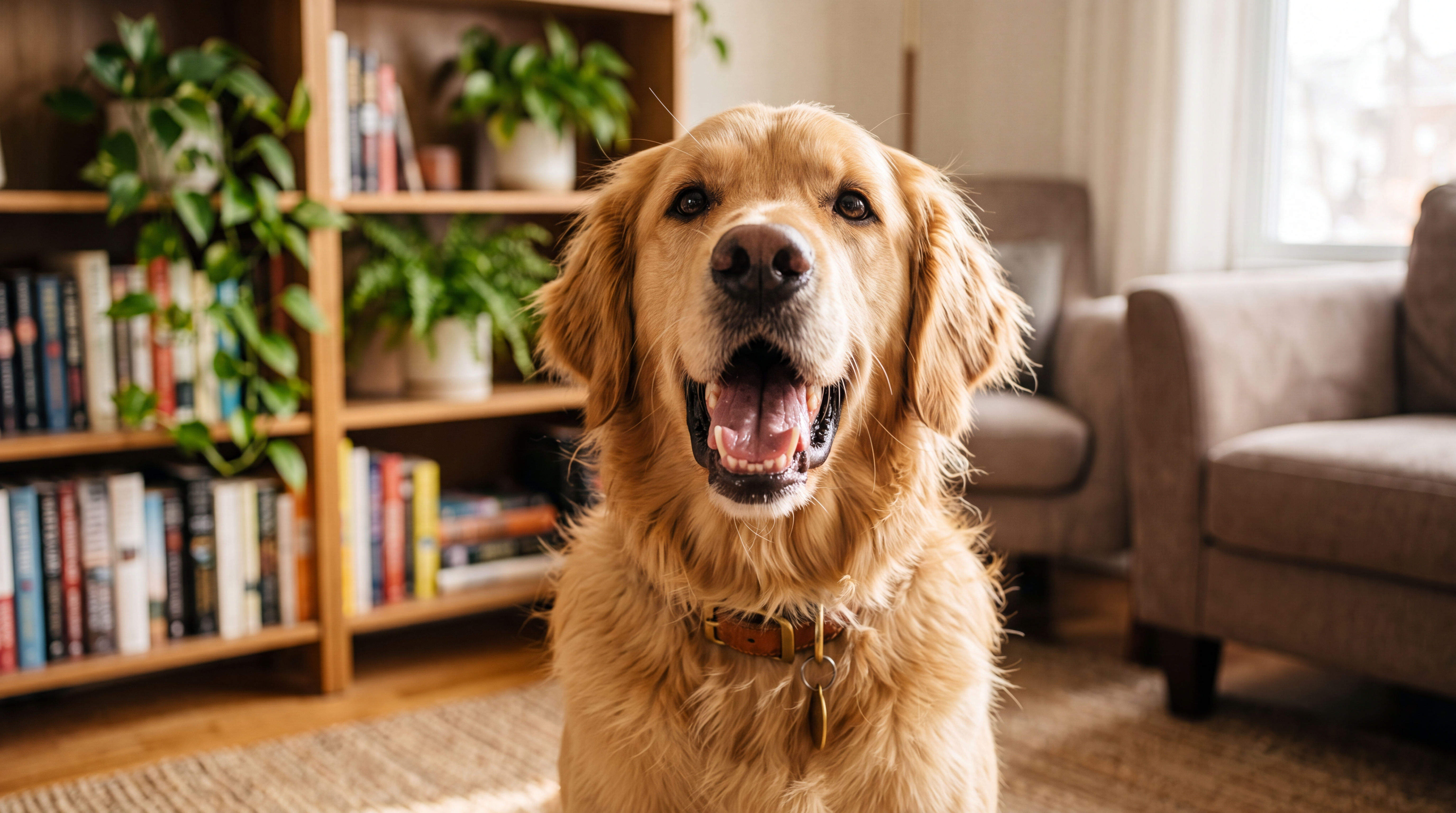
Pet accounts give their dog or cat a voice. Birthday messages, reaction videos, and running gags that turn a photo of your pet into a recurring character.
Brand Mascots

Brand Mascots

Businesses turn a logo character or mascot illustration into a spokesperson that delivers updates, promos, and support answers in any language.
Family Keepsakes

Family Keepsakes

People bring old family photos to life for birthdays, anniversaries, and tributes. A single picture becomes a moving, speaking memory.
Social Media

Social Media

Creators and personal brands post daily talking videos to jump on trends and test dozens of hooks without ever filming themselves.
Multilingual Content

Multilingual Content

Creators expand into new markets by publishing the same video in Spanish, Portuguese, or Hindi. Still their face, still their voice.
Online Courses

Online Courses

Educators and coaches turn a single portrait into a consistent on-screen teacher, producing full course modules from simple scripts with no re-shoots when the material changes.
Cartoon Characters

Cartoon Characters

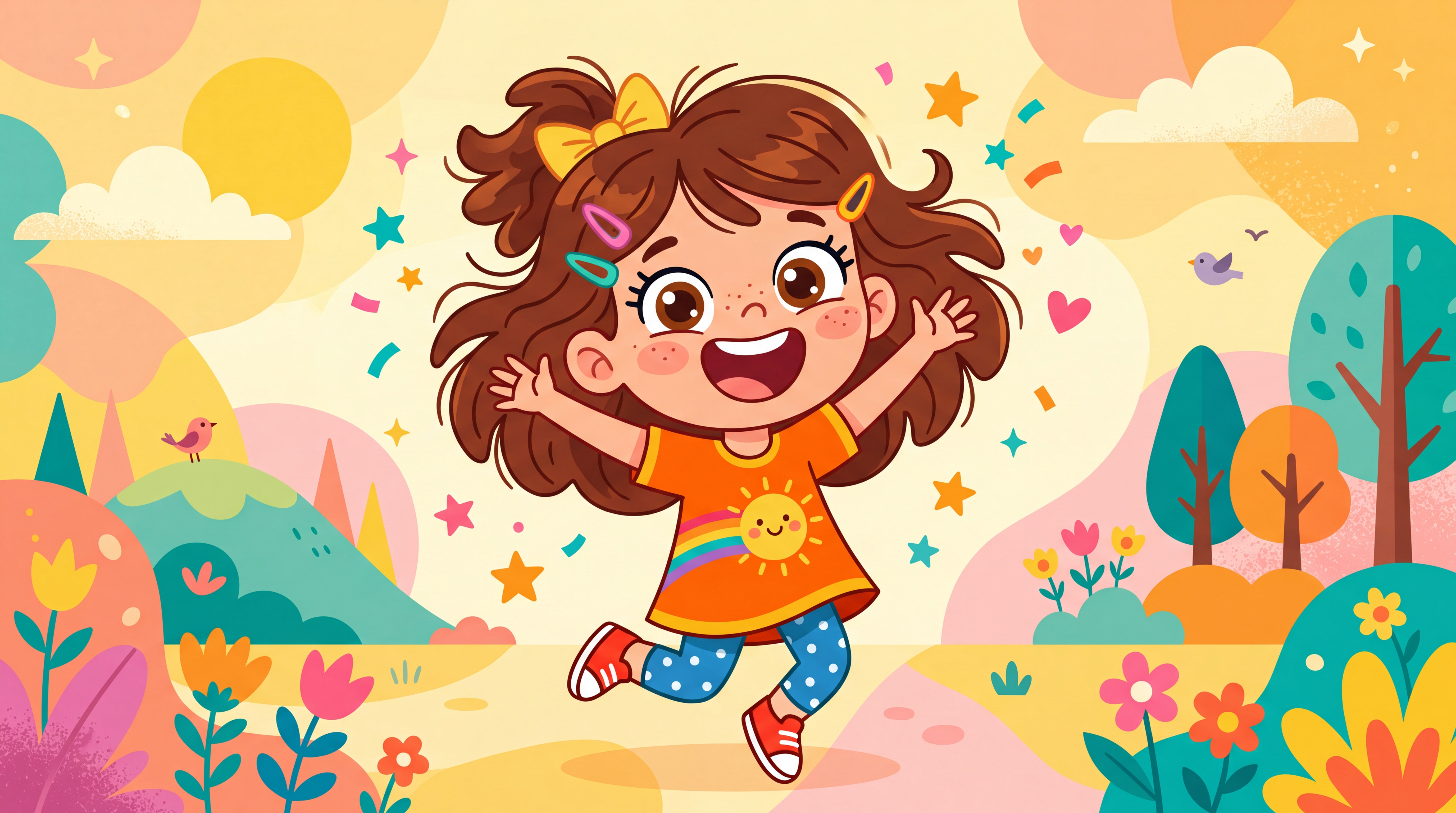
Storytellers and kids' channels make illustrated characters speak their scripts, turning static artwork into episodes without an animation team.

Direct your photo like a pro

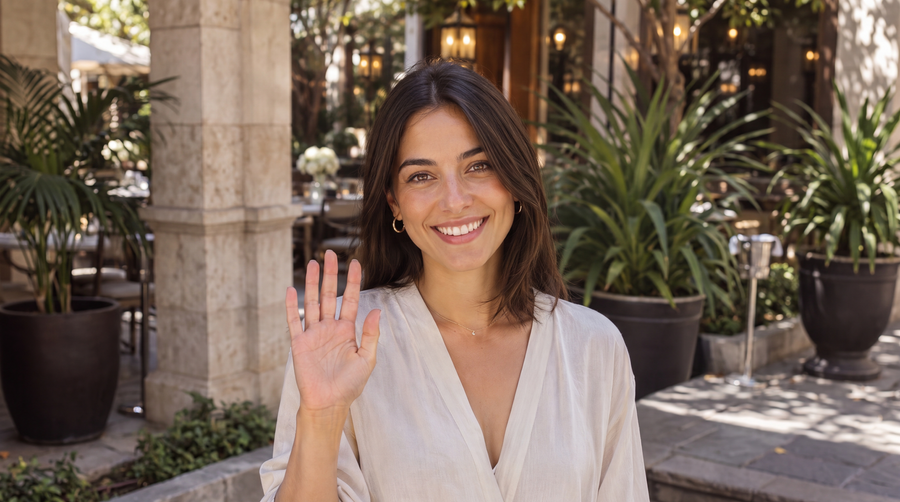
Stop settling for static talking heads. With action prompts, you have full creative control. Type what you want your talking photo to do, pointing at a product, giving a thumbs up, nodding along, and watch it bring your script to life exactly as you pictured it.
Get started for free
smiling and waving at the camera

Contextual gestures

Zoice blends your action prompts with natural body language, so every movement feels human and matches the tone of your script.

Timeline triggering

Drop actions onto exact timestamps. Make your photo point at a product or nod at a key takeaway precisely when you choose.

Actions library

Browse a growing library of pre built movements, from professional presentation sweeps to casual expressions. If you can type it, your photo can do it.

Features of the AI Talking Photo Generator

Zoice's AI talking photo generator packs everything you need under the hood, from 4K resolution and natural movement to voice cloning and 170+ languages.

4K videos

Generate talking photo videos in up to 4K quality, ready for YouTube, ads, and product pages.

Aspect ratios

Around 10 aspect ratio options including 1:1, 9:16, and 16:9, so one script fits Shorts, Reels, and widescreen.

Natural movements

Expressions and gestures are generated automatically, and action prompts let you direct specific movements when you want control.

Works with any image

Photos, illustrations, pets, old pictures, and AI generated portraits. If it has a face, Zoice can make it talk.

170+ languages

Write your script in any supported language and reach audiences across every market and platform.

Preview

Generate and review the speech before rendering the full video, so you never spend credits on a take you'll throw away.

Connect your favorite voice tools

Zoice connects with the voice tools you already use. Import voice profiles from ElevenLabs, LMNT, Fish Audio, and more, and pair them with your talking photo.
Get started for free

Connect with other services

ElevenLabs
LMNT
Fish Audio

Bring Your Own Key (BYOK)

Connect your voice cloning service with your own API key and import your existing high-fidelity voice profiles in seconds, no re-recording, no starting over.

Universal compatibility

Your voices are never locked in. Use imported profiles with any talking photo you create, and take the voices you make here to other leading AI audio tools.

No extra charge

Audio generation is free when you use an imported voice profile, you only pay for the video render.

Transparent credit usage

Every talking photo video shows its exact credit cost before you hit generate. Costs are calculated from your configuration, duration, quality, and resolution, so there are no surprises after the render.
Get started for free

Audio generation

300 credits / first 840 characters, then 5 credits / 14 characters

300

Video generation

609 credits / first 840 characters, then 1 credit / 14 characters

609

Risk, Free Audio Previews

Listen before you render. Preview and tweak your audio track before committing to the full video generation, so you never waste credits on a take that sounds wrong.

Credit history

Track every credit. A dedicated usage dashboard breaks down when, where, and how your credits were spent on every single generation.

Instant credit refunds

If a generation fails due to a system error or rendering glitch, credits are refunded to your account automatically, no support ticket, no waiting.

Loved by creators

Rated ⭐4.6 on Trustpilot!
5.0

Amazing Tool for Creating AI Avatar Videos

Absolutely an amazing tool for creating ai avatar video, the realism it gives feel so natural.
J

Jagdish Kashyap

Founder @ Riseable

Favorite Features

  • Realistic avatars
  • Natural expressions
  • Easy to use
Kushal Arora
Amazing tool easy to use.
Rohit
I have been using this tool for the last 3 to 4 months, and no doubts it is one of the best AI Avatar Generator tools.
Varnit
Never have been better the experience of creating avatars online. The user flow was easy and the outputs are surprisingly good.
Hayat Ahmad
This is an amazing tool and gonna boom in the AI VIDEO GENERATOR Industry for sure. I have personally used this and loving it more.
Stuart Adam
i love using zoice, really love the sleek ui/ux. previously i was using heygen which was so complicated to use. never going back!
Ritik
Used it to generate ai videos for my social media page. Works great. Sometimes takes few mins longer than usual but results are great.
Mohit Rajora
10/10 recommended. So easy to use and very productive AI generator tool.
Dhruv Tiwari
One of the best tool for creators, who are busy travelling, as they don’t have desks, so they can upload a photo and generate their own professional videos, zoice is best
Abhishek Choudhary
Absolutely loved their product
Abhiti Inc
Nice easy to use. Perfect work. Good one...
Nikhil Saini
I have used this tool to create my own avatar. I just got amazed to see the results. It was like I am really presenting some information live. If you are shy and don't want to create videos are front of camera, then it is your go to tool. it will help you to create your own avatar. You just need to upload a pic and paster your script, that's it. You are all set to start you journey as a video creator. If you are looking for a simple solution for your needs, just use Zoice, you would love it.
CW CW
Easy to use, administrator responds to issues. Reliable voices for your avatar.
Harsh Gaur
Best AI tool for avatar
Lovish Madaan
Great experience with Zoice! The platform is easy to use, the AI avatars look realistic, and the video generation process is fast and smooth. Customer support was also responsive and helpful. A solid AI video tool for creators and businesses alike.
M. Byrd
I feel this company should have all 5 stars! Their customer service is fantastic. I am a seasoned web person, so I know about startups. This review is for an emerging company with an emerging technology, so is it perfect? Absolutely not, but this company is doing it right. KUDOS! I had to do a brief add: The quality of the talking-head rendering rivals all the big tech companies, and I use a lot of them (as well), so there ya have it.
Bastien Hullessen
Loving it so far! The results are very convincing, and Praneet has been incredibly helpful getting me onboarded. I can't recommend it enough.
Andrew Schulz
zoice is a great platform for generating ai avatars and voices. when i got stuck with the output of a talking avatar, support quickly provided a solution and made it reasonable to keep going in the platform!
Vaibhav Rajawat
I have been using this website from last 1 week. And the quality I am getting is unmatched. Must try.
Anshul
Best tool i used till now. Perfect lip sync for your audio solutions.
Dev Tantia
I've been using Zoice for a few weeks and it's been a pretty big W so far.

The AI Twin Generator was the main reason I signed up, and honestly, it delivered. Setting up my AI twin was way easier than I expected, and being able to create videos without constantly recording myself is a huge time saver. If you've ever had to redo takes over and over, you already know the struggle.

The platform is easy to use, which sounds obvious, but you'd be surprised how many AI tools make simple stuff feel complicated for no reason. Zoice keeps video, voice, and image generation in one place, so you're not juggling a bunch of tabs. Big plus.
Supporting Ainain
I’ve been using Zoi’s avatar platform for a while, and I’m thoroughly impressed. Uploading my own photos was straightforward, and the avatars generated were high quality, capturing my likeness in a fun, engaging way. The video output quality exceeded my expectations—especially given how budget-friendly the subscription is. I was pleasantly surprised to find such quality at a lower price point.

One thing to note: achieving top-tier results depends on using the right prompts. Their recommendations are spot-on, and following them really made a difference in the final product.

Perhaps the standout element, though, is their support team. Whenever I had questions—whether about crafting the right prompt or troubleshooting—they were responsive, knowledgeable, and eager to help. If you’re ever stuck, don’t hesitate to reach out to them—they truly make the experience seamless. Overall, I’m delighted with the service and feel lucky to have found an AI company offering such great value.

Longer Videos, Lower Cost

See how Zoice's talking photo pricing compares to top alternatives for 1080p videos from 60 seconds to 5 minutes.
Costs based on duration
60 second video (1080p)
$2.98
90 second video (1080p)
$3.72
120 second video (1080p)
$4.46
180 second video (1080p)
$5.94
300 second video (1080p)
$8.89

Frequently Asked Questions

What is an AI talking photo generator?

An AI talking photo generator is a tool that turns a still image into a video of the person or character in it speaking, with synchronized lip movements and natural facial expressions. You upload a photo, type a script or upload audio, and the AI animates the face to match every word. Zoice generates talking photo videos in up to 4K resolution across 170+ languages.

How do I make a photo talk with Zoice?

Making a photo talk takes four steps: upload a photo with a clear face, add a voice by typing a script, cloning your own voice, or uploading audio, choose your resolution and aspect ratio, and click generate. Most videos are ready in minutes, with no camera, studio, or editing skills required.

What kinds of photos can I use?

Any image with a clear, front facing face works, including portraits, selfies, pets, cartoon characters, illustrations, old family photographs, and AI generated faces. Higher resolution images with the mouth fully visible produce the most realistic results.

Can I make an old or black and white photo talk?

Yes. Upload a scanned copy of the photo and Zoice animates the face with natural lip sync and expressions. Old family photos are one of the most popular uses, for birthdays, anniversaries, and tributes that bring a still memory to life.

Can I use my own voice?

Yes, in three ways. Clone your voice in Zoice from a short audio sample, upload a recording of yourself reading the script, or import an existing voice profile from ElevenLabs, LMNT, or Fish Audio using your own API key.

How long can a talking photo video be?

Zoice generates talking photo videos up to 5 minutes long, longer than most alternatives, which typically cap videos between 5 and 90 seconds. Credit costs scale with duration and are shown before you generate.

What languages are supported?

Zoice supports export up to 4K resolution, with high-resolution output available at lower pricing tiers than most competitors. This matters if your videos go on YouTube, product pages, or paid ads where crisp quality affects performance.

Can I use talking photo videos commercially?

Yes. Videos you generate with Zoice can be used for marketing, ads, YouTube and TikTok content, courses, and client work, as long as you have the rights to the photo and audio you upload.

How is a talking photo different from an AI clone?

A talking photo animates any single image to speak one script, while an AI clone is a reusable digital version of you built from your photo and voice that you can use across unlimited videos. If you want to make one image talk, use the talking photo generator.

How much does it cost to make a talking photo video?

Zoice uses transparent credit pricing, and every video shows its exact credit cost before you hit generate. Costs scale with duration, quality, and resolution. As an example, a 60 second 1080p video costs around $2.98, less than HeyGen and other alternatives at every length. Failed generations are refunded automatically.