How to Make Italian Brainrot Videos With AI: A 2026 Guide
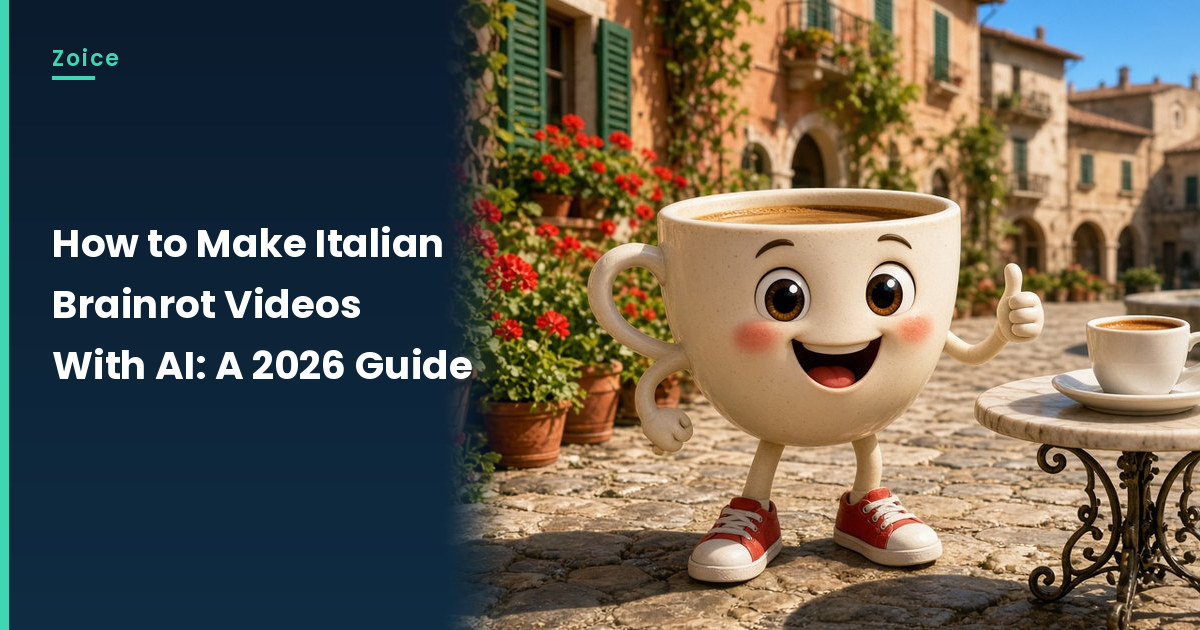
Italian brainrot is the internet's gloriously absurd character trend: an odd creature, a dramatic name and a backstory that makes no sense. In Zoice you upload your own original creature as the Host, write its legend, and let it speak in a dramatic voice.
Invent your own creature rather than borrowing an existing one, since those belong to their creators. For more on building characters, see how to create a talking character.
Inventing a Brainrot Creature
- Mash two things together, like a lemon and a penguin
- Give it a long, rhyming, dramatic name
- Add one prop, such as a chef hat or a tiny scooter
- Keep a clear face with eyes and a mouth area
How to Make Italian Brainrot Videos With AI in Zoice (Step by Step)
Go through each screen as shown. Our original creature is Limonino Pinguino, a lemon-bodied penguin with a handlebar mustache.
Step 1: Sign In to Zoice
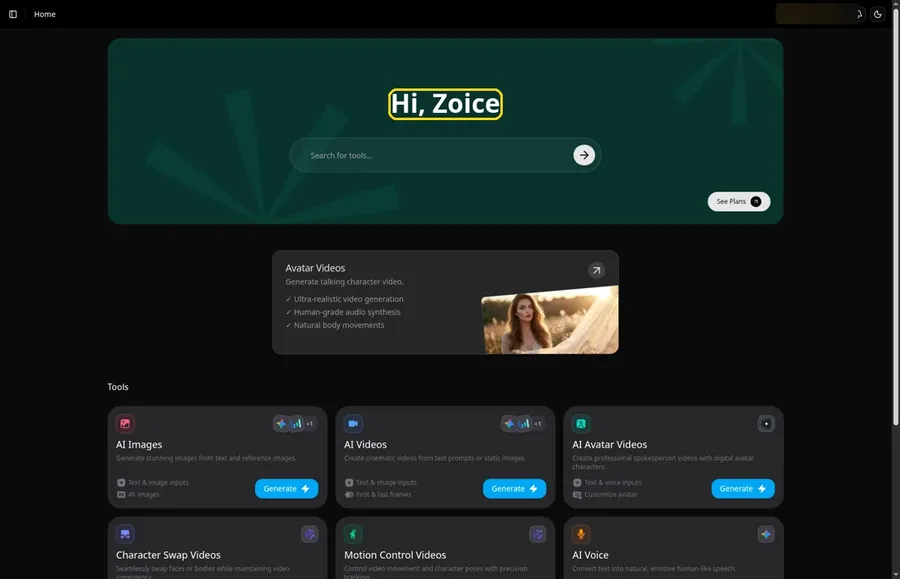
Press Sign In on Zoice and log in. Home opens with the Hi, Zoice heading.
Step 2: Open the Avatar videos Page
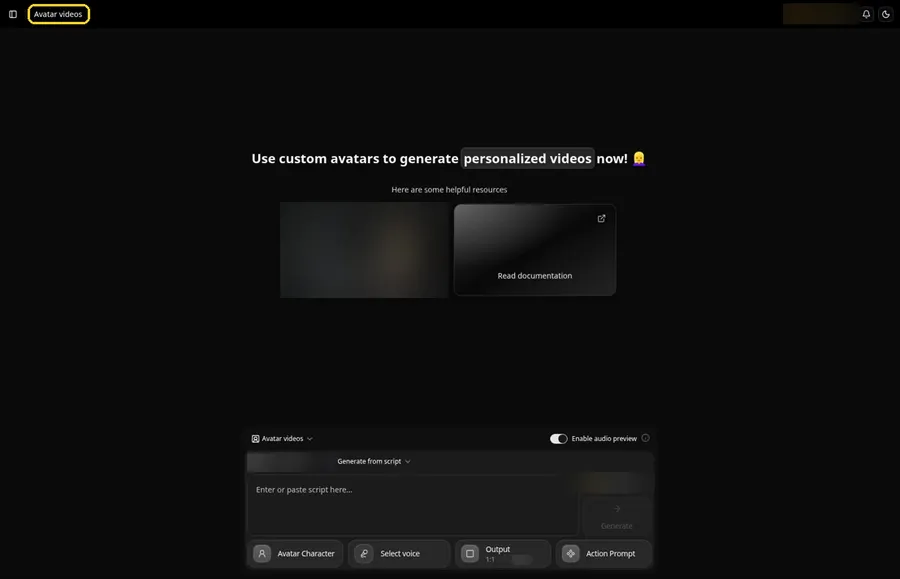
Select Avatar videos in the sidebar.
Step 3: Start a New Character
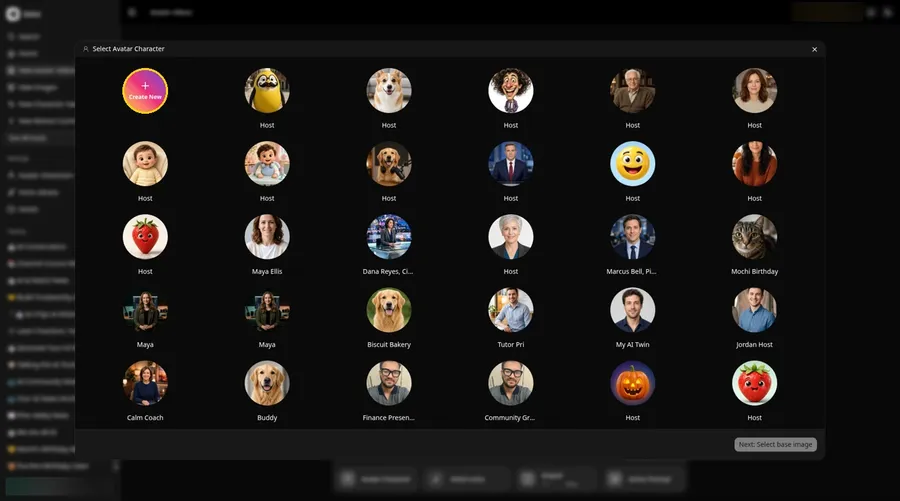
Bring up Select Avatar Character from the Avatar Character button, then use Create New for the brainrot character. A second Create New on the Avatar Characters page opens the full-screen Create new avatar page for the brainrot character.
Step 4: Leave Upload Image On
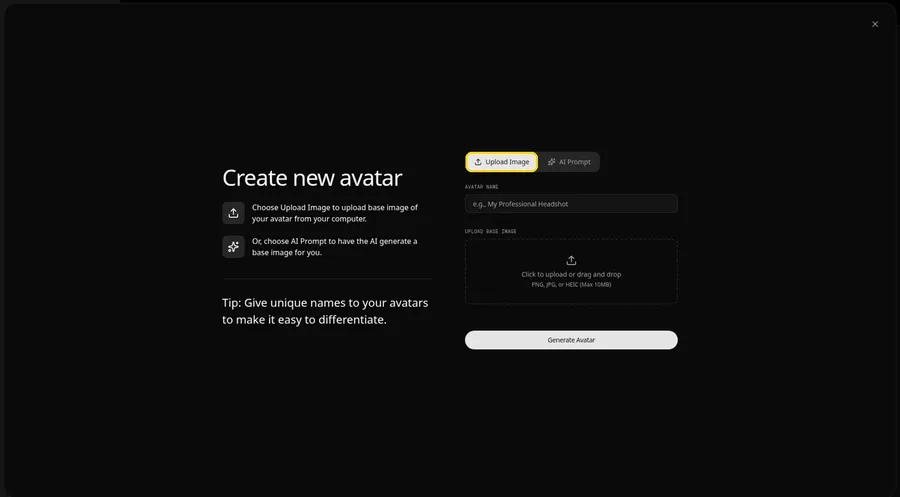
The Create new avatar page opens full screen on the Upload Image tab under Upload Base Image. Stay on Upload Image for the brainrot character. AI Prompt is the other tab if you have no image yet.
Step 5: Upload Your Creature
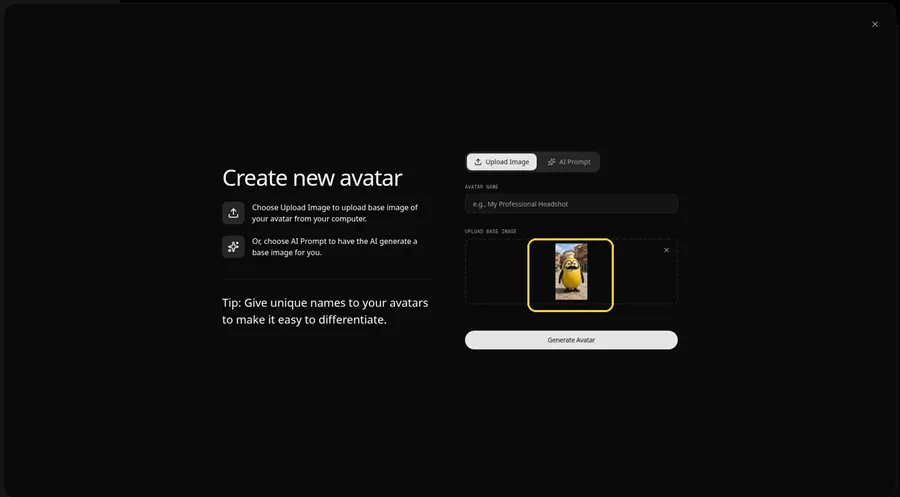
Click the upload area under Upload Base Image and add a front-facing shot with the mouth in view. Check the preview.
Step 6: Name the Creature Host
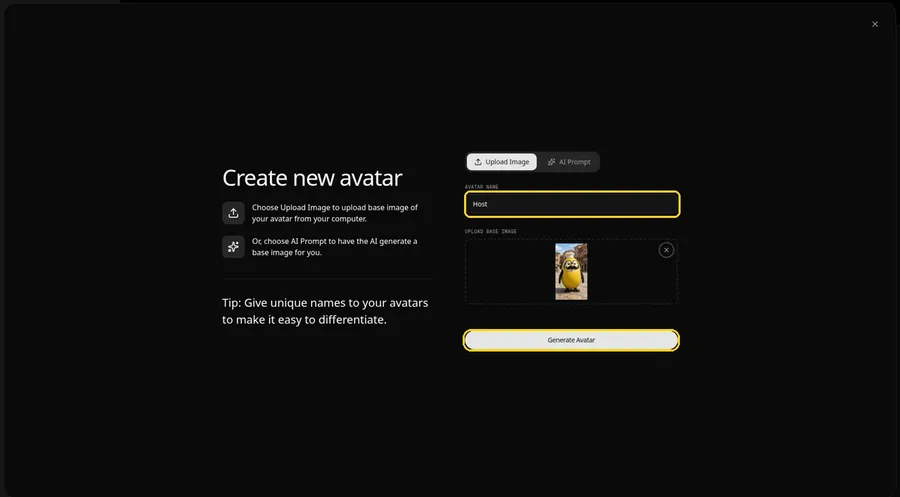
In the Avatar Name field, type Host and click Generate Avatar so the brainrot character is saved for later videos.
Step 7: Open the Script Panel
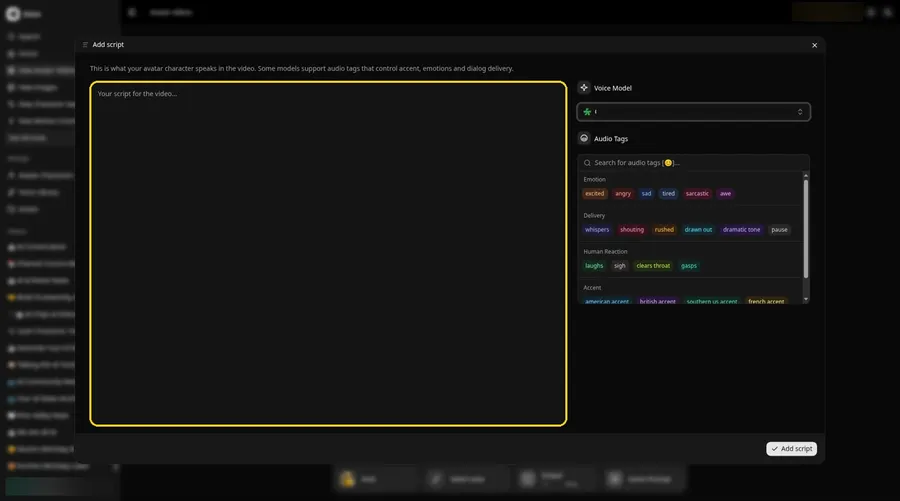
Click the script box in the composer. The Add script panel opens.
Step 8: Choose a Voice Model
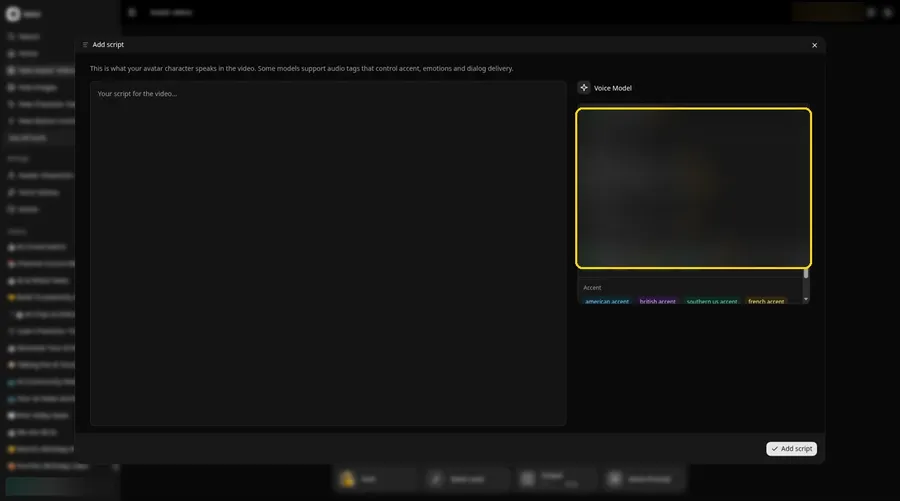
Pick one from the Voice Model menu.
Step 9: Paste the Legend
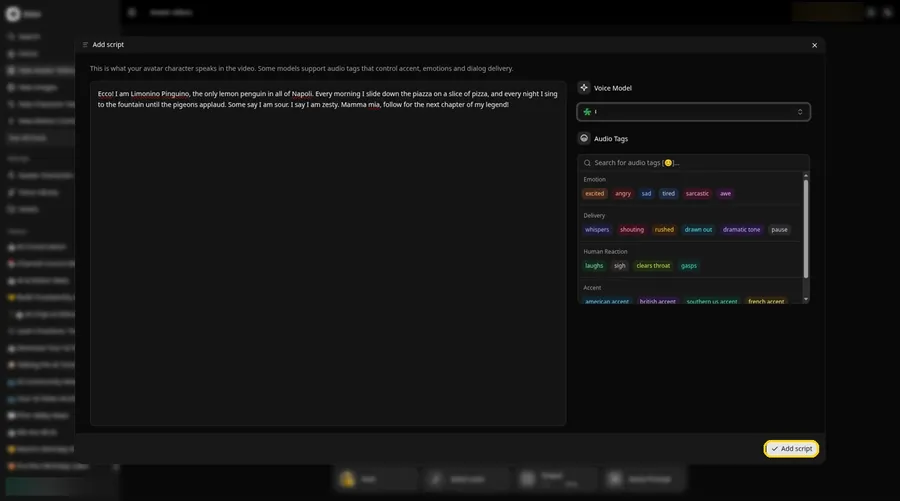
Paste the creature's backstory and press Add script. Ours opens: Ecco! I am Limonino Pinguino.
Step 10: Give the Creature a Voice
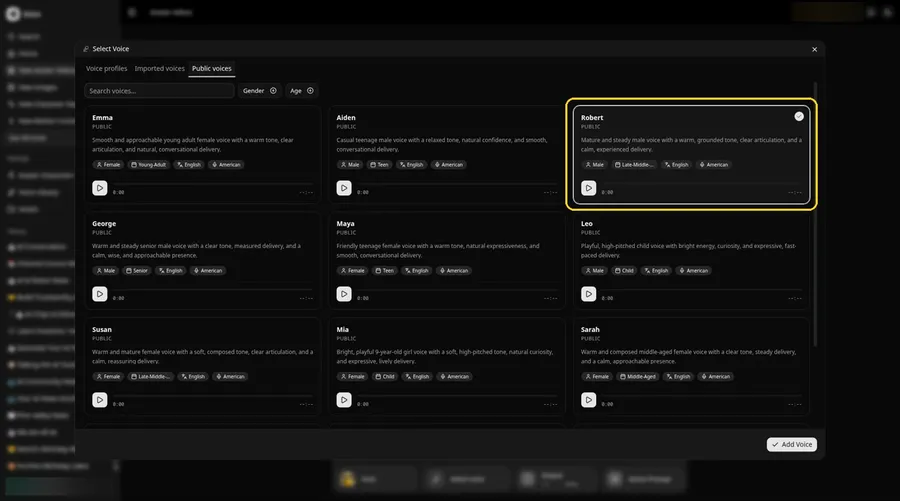
- In the composer, click the voice button so Select Voice opens for the brainrot character.
- Choose a voice for the brainrot character from the Public voices tab.
- Click Add Voice, and the brainrot character now has that voice.
A steady, grounded voice gives the penguin's legend a mock-serious tone.
Step 11: Choose Your Output Settings
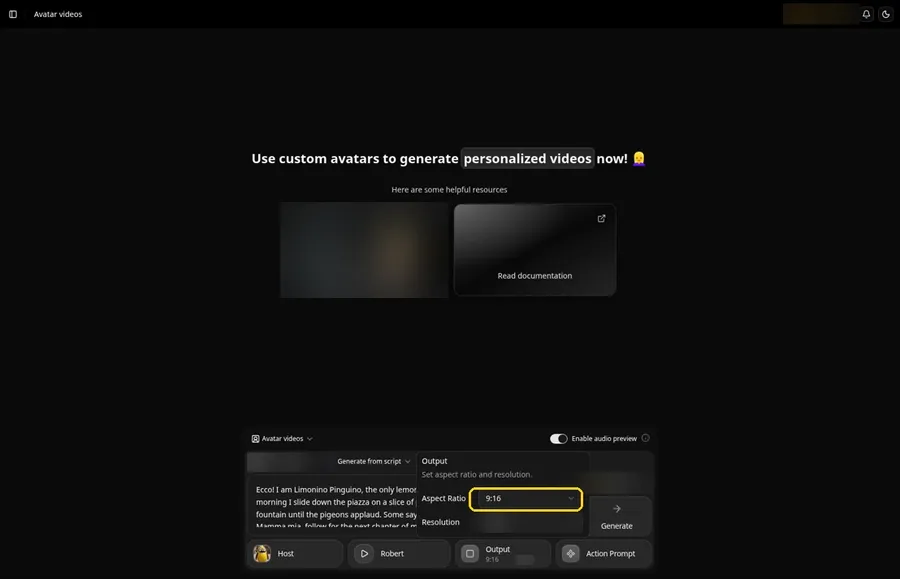
Choose your output settings. Open the Output popover and set the Aspect Ratio dropdown to 9:16.
Step 12: Add an Action Prompt
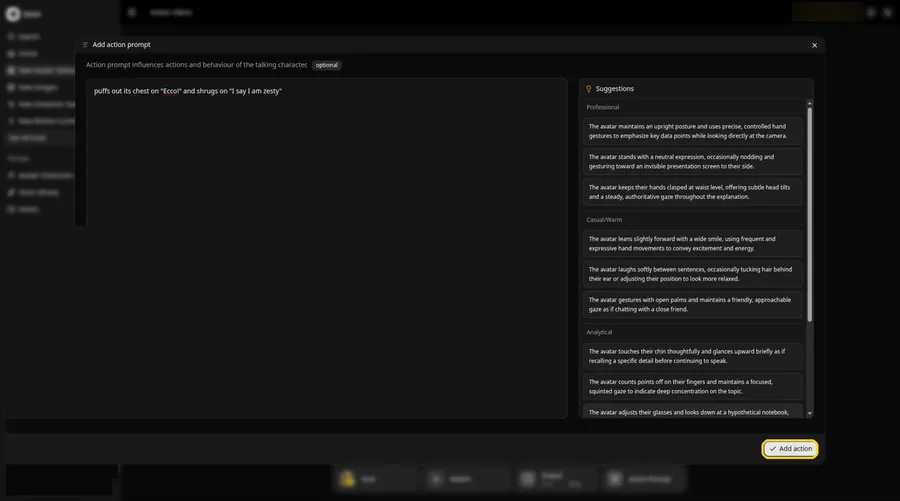
Click Action Prompt. In the Add action prompt panel, type: puffs out its chest on "Ecco!" and shrugs on "I say I am zesty". Click Add action. Added then shows on the Action Prompt chip in the composer.
Step 13: Click Generate
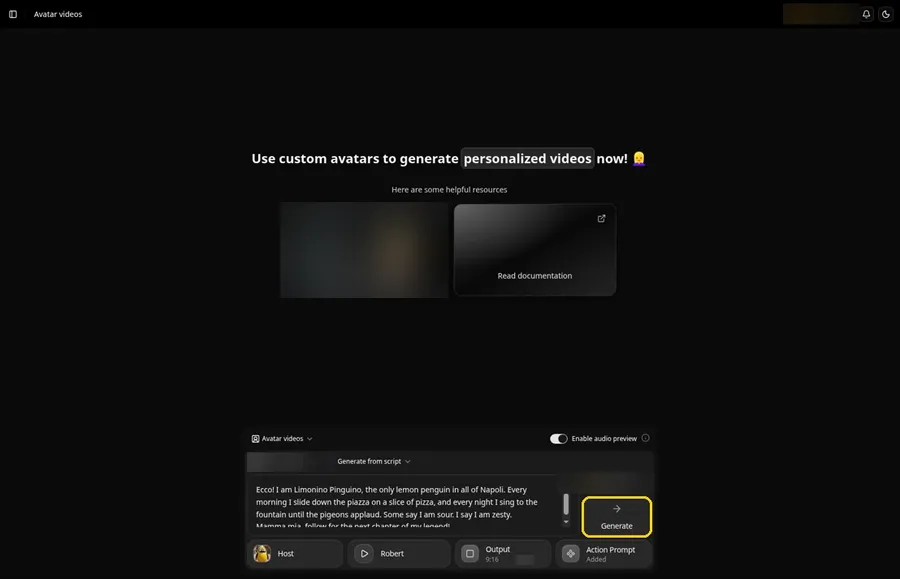
Double-check the creature, legend, voice, frame and action prompt, then click Generate.
Step 14: Confirm the Preview
Once the audio preview plays, approve it with Generate avatar video.
Step 15: Watch the Legend
Play the clip once it is ready and check the name is pronounced the way you wrote it.
Step 16: Download
The player menu has a Download option; use it to save the file.
Step 17: Post the Next Chapter
Post it and tease a sequel with a second creature.
Tips for Brainrot Videos
- Make your creature fully original
- Write the name so the voice can pronounce it, even if you add extra vowels
- Keep the story absurd but short
- End every clip with a cliffhanger
- Build a cast of rival creatures over time
For more viral formats, see our AI meme video generators.
Demo Idea: The Legend of Limonino Pinguino
Our creature Host read this script:
"Ecco! I am Limonino Pinguino, the only lemon penguin in all of Napoli. Every morning I slide down the piazza on a slice of pizza, and every night I sing to the fountain until the pigeons applaud. Some say I am sour. I say I am zesty. Mamma mia, follow for the next chapter of my legend!"
Invent your own creature next. Try Zoice and give it a legend.
FAQ
Can I use an existing brainrot character?
Use your own original creature instead. Existing characters belong to their creators.
Does the creature need a human face?
It needs a clear face with a visible mouth area. Surreal faces can work, so test one image first.
Can the script sound Italian?
Pick a voice that fits the style and spell words the way you want them said.
Can my creature return in later videos?
Yes. The Host stays saved in your avatar list.
Try Zoice
One strange creature and one dramatic script are all it takes. Try Zoice and start the legend.