How to Make a Talking Zombie Video With AI: 2026 Guide
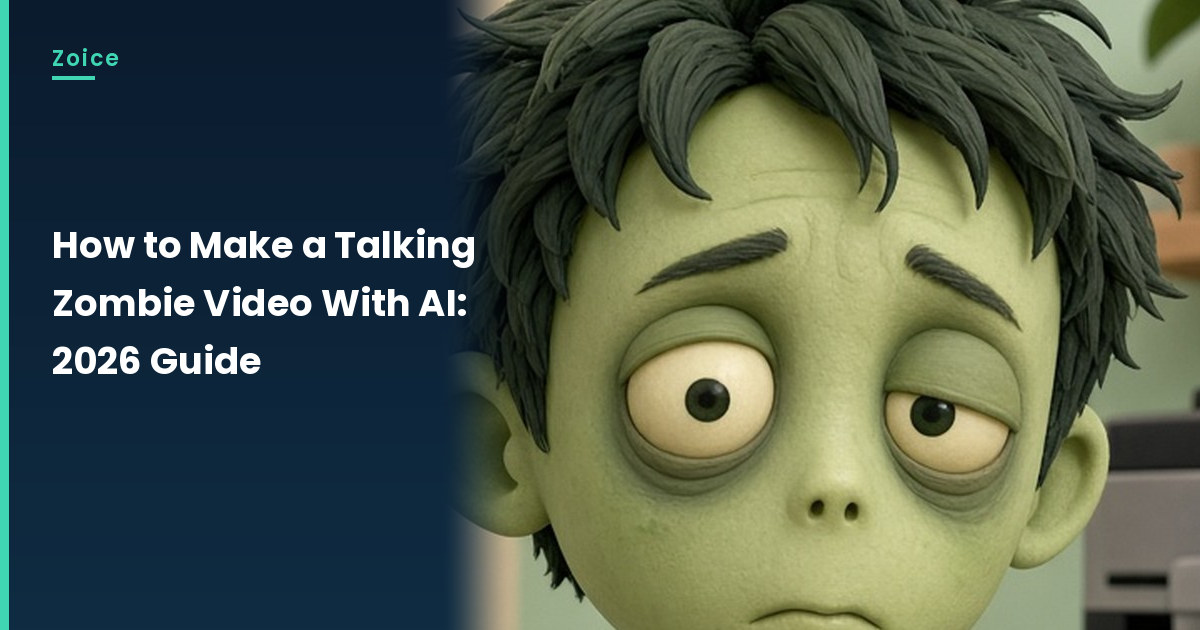
Zombies usually just groan, so a zombie with something to say gets attention fast. In Zoice you upload one zombie character image as your Host, add a script, and lip sync follows your words. An action prompt adds the moves: a slow head tilt, heavy blinks and a reaching arm. Here is how to make a zombie talk with AI, one screen at a time. This guide shows each zombie click up to Generate.
Spooky characters pair well with our Halloween talking photo tutorial.
Creating a Talking Zombie Character Image
A friendly, cartoon-style talking zombie works far better than a scary one. When you create the zombie image:
- Keep the face clean, with no gore
- Give the zombie a closed mouth and clear eyes
- Add a funny prop setting like an office break room
- Use bright, even light so the face reads well
How to Make a Talking Zombie Video in Zoice (Step-by-Step)
Our Host is an AI-made fictional cartoon zombie in a rumpled office shirt, created for this post.
Step 1: Visit Zoice and Sign In
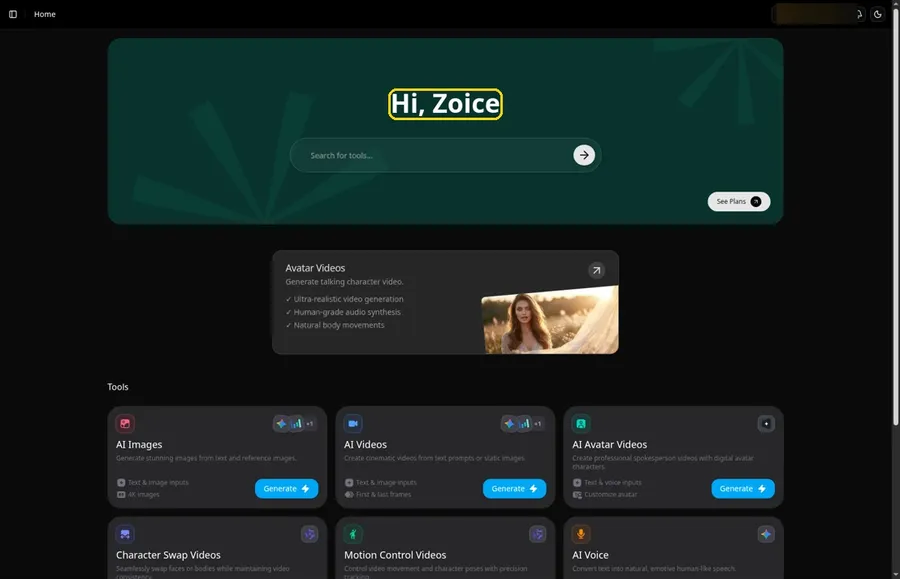
Click Sign In on Zoice and log in with your email or Google account to start the zombie video.
Step 2: Open Avatar videos
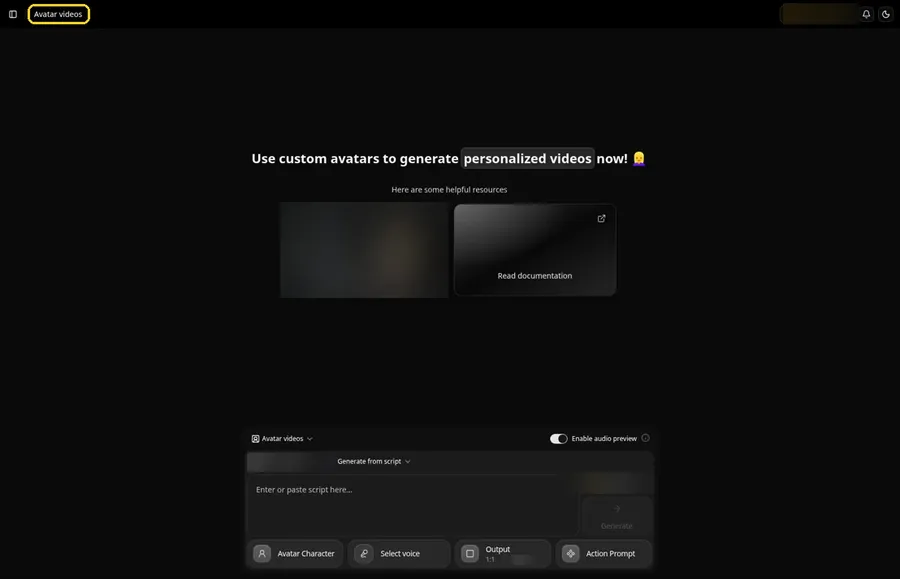
Use Avatar videos in the sidebar to reach the Avatar videos page, where the zombie gets built in the composer.
Step 3: Click Avatar Character, Then Create New
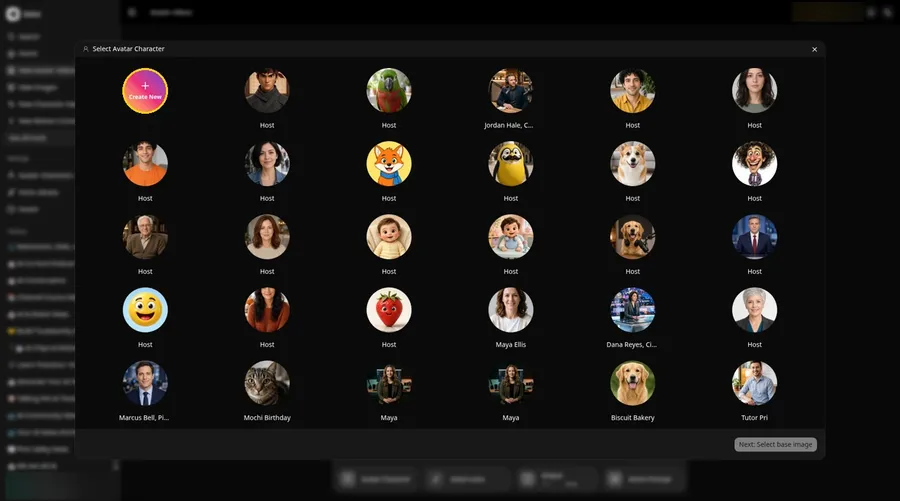
Open Avatar Character, and the Select Avatar Character window appears for the talking zombie. Create New there leads to the Avatar Characters page, where a second Create New opens the full-screen Create new avatar page for the talking zombie.
Step 4: Choose Upload Image
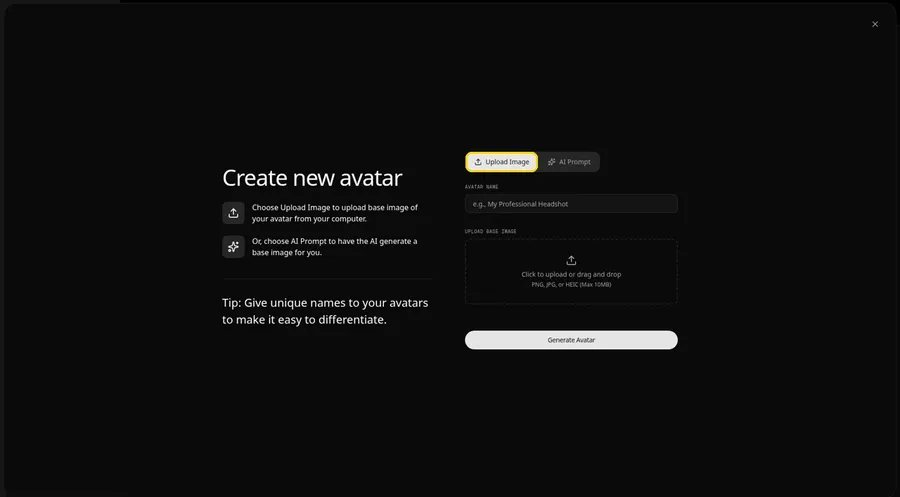
Keep Upload Image selected under UPLOAD BASE IMAGE so the talking zombie photo can be added. The AI Prompt tab sits beside it if you ever want to describe the talking zombie instead of uploading.
Step 5: Upload Your Zombie Character Image
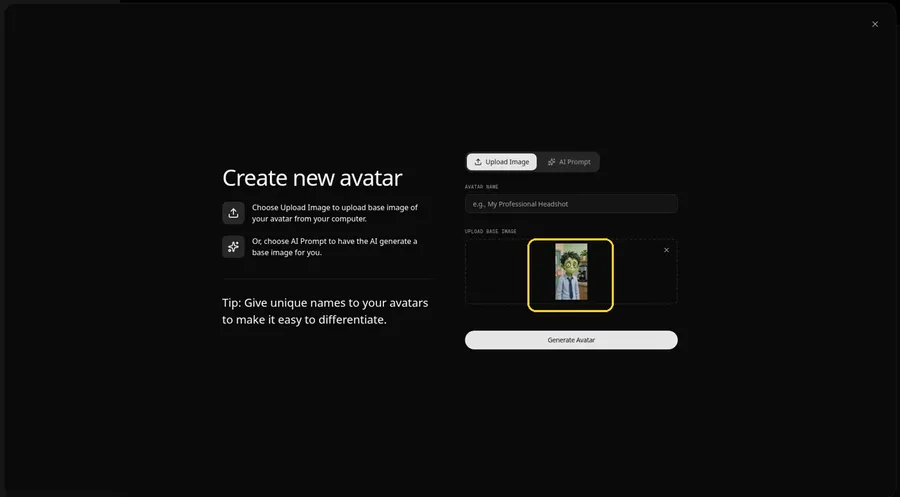
Choose a clear, front-facing zombie character photo in the upload area and confirm the zombie faces the camera in the preview.
Step 6: Name Your Avatar Host and Click Generate Avatar
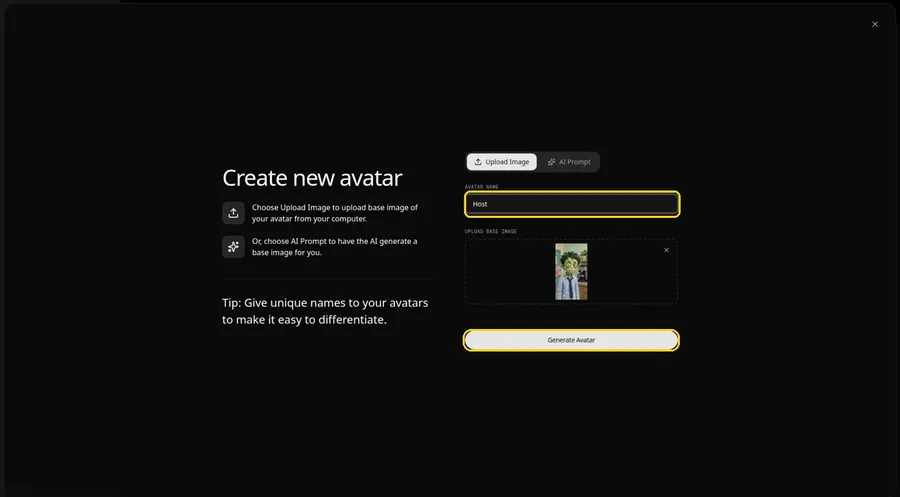
Type Host in the AVATAR NAME field and click Generate Avatar, so the talking zombie is saved for later videos.
Step 7: Open the Add Script Panel
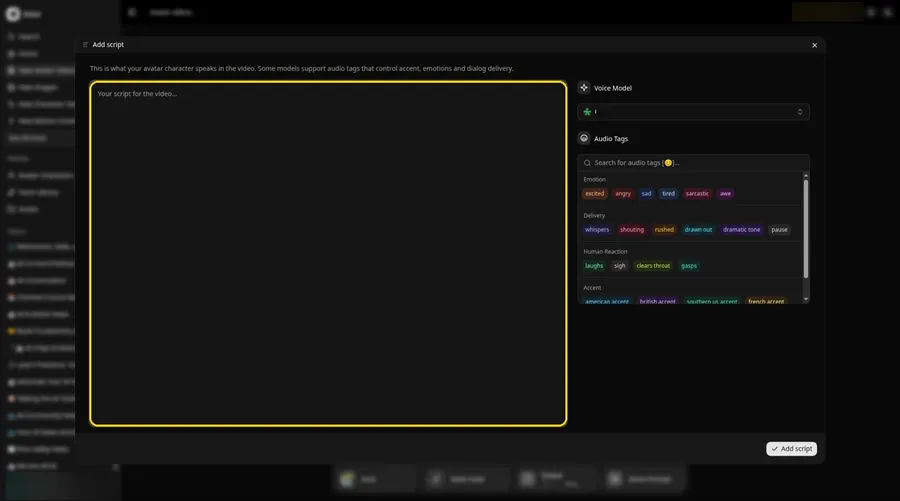
Select the script box, and the Add script panel for the zombie slides open with the voice controls on the right.
Step 8: Choose the Voice Model
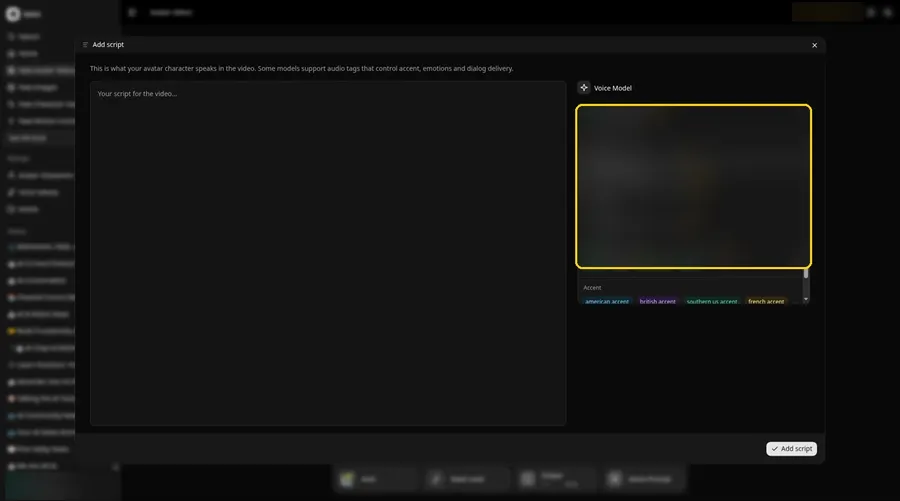
Choose the voice model from the Voice Model menu; it shapes how the zombie sounds.
Step 9: Paste Your Script and Click Add Script
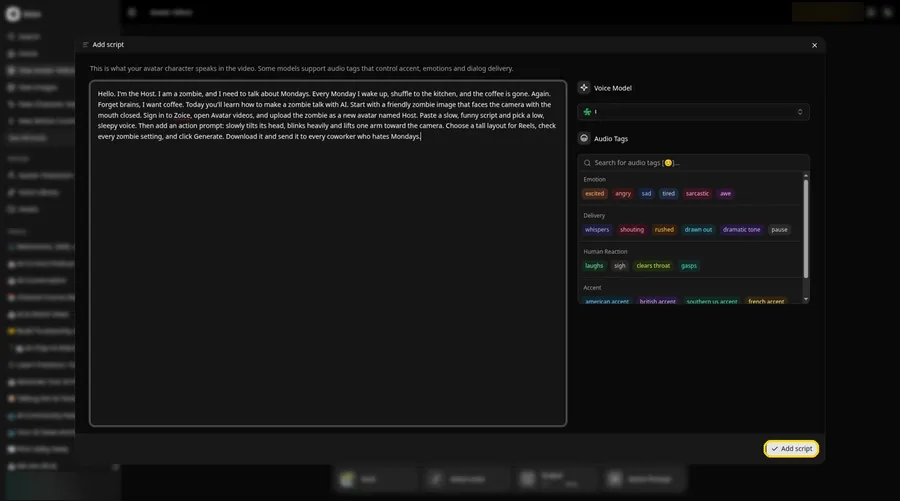
Paste the zombie script, read it once more and click Add script. It opens with: Hello.
Step 10: Pick a Voice
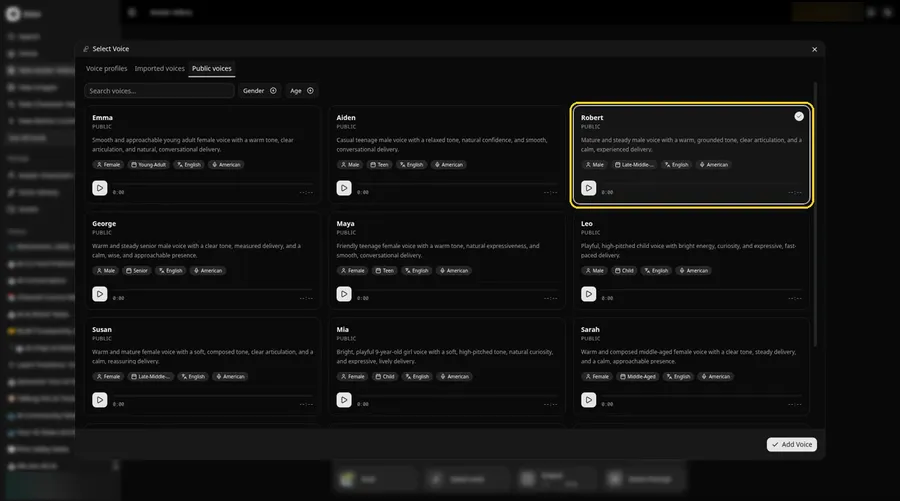
- In the composer, click the voice button so Select Voice opens for the talking zombie.
- Choose a voice for the talking zombie from the Public voices tab.
- Click Add Voice, and the talking zombie now has that voice.
Choose a calm, steady adult voice for the zombie Host.
Step 11: Choose Your Output Settings
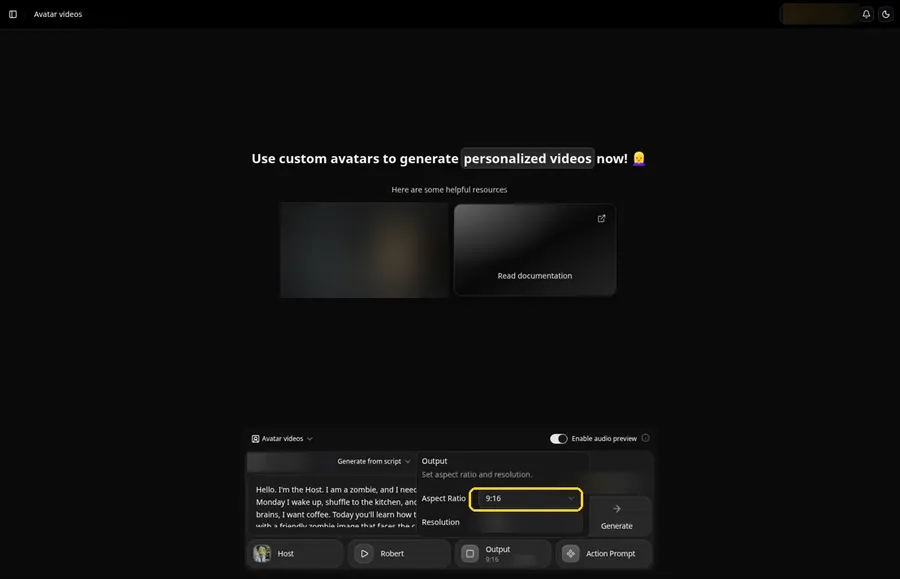
Choose your output settings. Set the Output aspect ratio dropdown to 9:16 if the talking zombie is headed to that frame.
Step 12: Add an Action Prompt
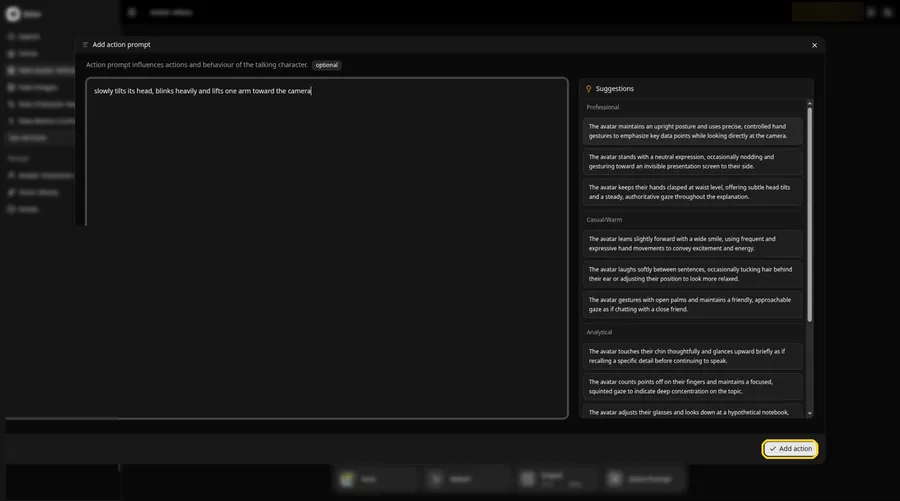
Click Action Prompt and type in the Add action prompt panel: slowly tilts its head, blinks heavily and lifts one arm toward the camera. Click Add action, and Added shows on the talking zombie Action Prompt chip. This step is the only place the talking zombie gets its moves.
Step 13: Click Generate
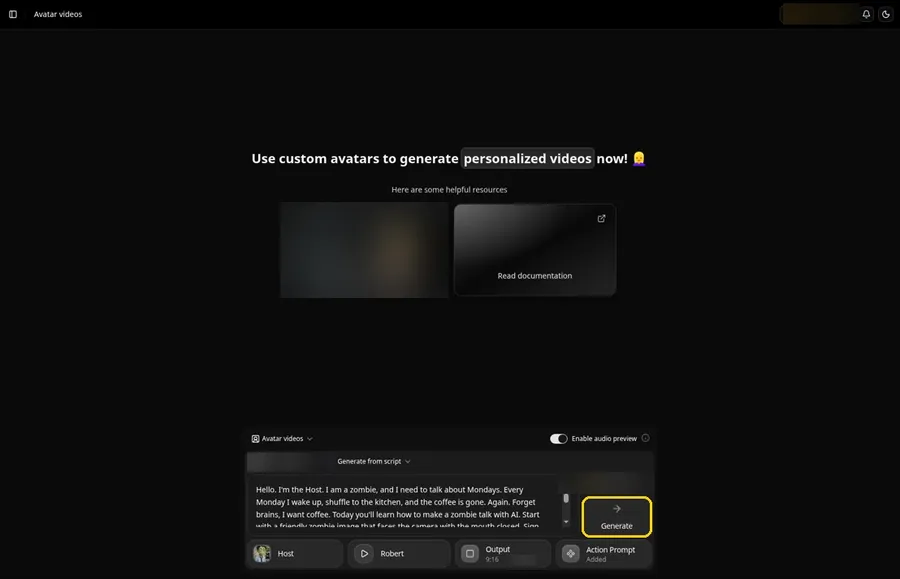
Look over every zombie setting in the composer once more, then click Generate.
Step 14: Confirm the Audio Preview and Let Zoice Process
An audio preview of the zombie lines plays first; if it sounds right, click Generate avatar video and let Zoice process it.
Step 15: Watch the Result
Watch the zombie video once in the player to check the lip sync and the action prompt.
Step 16: Download From the Player Menu
Open the three-dot menu on the player and click Download to save the zombie video.
Step 17: Share Your Talking Zombie
Post it to Reels or Shorts, or drop it in the office chat on a Monday.
Writing the Talking Zombie Action Prompt
A talking zombie should move slowly and heavily. Describe a sleepy motion and one reaching gesture.
- slowly tilts its head, blinks heavily and lifts one arm toward the camera
- yawns, then droops its shoulders
- shuffles closer to the camera and squints
Demo Idea: A Talking Zombie Hates Mondays
The friendly talking zombie Host complains about Monday mornings and asks for coffee instead of brains. This is the exact script:
"Hello. I'm the Host. I am a zombie, and I need to talk about Mondays. Every Monday I wake up, shuffle to the kitchen, and the coffee is gone. Again. Forget brains, I want coffee. Today you'll learn how to make a zombie talk with AI. Start with a friendly zombie image that faces the camera with the mouth closed. Sign in to Zoice, open Avatar videos, and upload the zombie as a new avatar named Host. Paste a slow, funny script and pick a low, sleepy voice. Then add an action prompt: slowly tilts its head, blinks heavily and lifts one arm toward the camera. Choose a tall layout for Reels, check every zombie setting, and click Generate. Download it and send it to every coworker who hates Mondays."
Monday deserves a talking zombie. Try Zoice and wake yours up.
Tips for Your Talking Zombie Video
- Keep the look friendly and cartoon-like so the video works for all ages.
- Use a front-facing image with the mouth closed and clearly visible.
- Write the lines slowly with short words; a drawn-out delivery suits a zombie.
- Action prompt tip: keep the moves slow, such as slowly tilts its head, then lifts one arm.
- Choose a calm, steady adult voice for comic effect.
Want another monster? See our goblin talk tutorial.
Talking Zombie Video FAQ
Does the zombie have to look scary?
No. A friendly cartoon zombie works well and keeps the video light.
Can I use it outside Halloween?
Yes. A zombie complaining about Mondays works any time of year.
How do I make it move slowly?
Describe slow moves in the action prompt, such as slowly tilts its head.
Which image works best?
A front-facing image with a clear mouth and eyes.
Try Zoice
The talking zombie video is almost done. Find more cartoon styles in our AI talking cartoon generator roundup, or Try Zoice and make your zombie talk.