Best Faceless AI Video Generator Tools for Creators in 2026
A faceless video lets you publish without appearing on camera, using a voice, visuals and often an on-screen presenter. If that presenter should be a talking Host, Zoice is our top pick: one uploaded photo becomes the Host, your script becomes its lines, and an action prompt adds gestures and expressions while you stay off camera.
Choosing the best faceless AI video generator comes down to the kind of video you post. This guide compares Zoice with HeyGen, InVideo AI, Kapwing, Syllaby, JoggAI and Faceless.so, from long YouTube explainers to Shorts and daily story channels. Every feature and price below was checked on the tool's own site.
What Is a Faceless AI Video Generator?
A faceless AI video generator produces a video you can publish without filming yourself. Some tools assemble narration, captions and scenes from a script. Others put a talking presenter on screen to speak your words, so viewers still have a face to follow while the creator stays out of view.
It suits creators who value privacy, channels that post often and anyone who writes faster than they film. Typical uses include YouTube explainers, Shorts, TikTok tips and Instagram Reels.
Three questions narrow the field quickly:
- Presenter: do you want a talking Host on screen, or narration over scenes?
- Control: should the tool build the whole cut, or do you want to direct each line yourself?
- Posting: will the tool publish for you, or will you upload by hand?
Quick Comparison: Faceless AI Video Generators
| Tool | Best For | Talking Host from your own photo | Builds the full cut from a script | Auto posting | Starting price | Rating |
|---|---|---|---|---|---|---|
| Zoice | Talking Host videos | Yes | No, the Host speaks the script you write | No | Free plan; paid from $7.99/month | Not listed |
| HeyGen | Full script-to-video cuts | Not on its faceless page (stock presenters) | Yes | Not stated | Free plan; see tool site | Not listed |
| InVideo AI | An agent-built first cut | Not stated | Yes | Not stated | See tool site | Not listed |
| Kapwing | Editing after generation | Not stated | Yes | Not stated | Free to try; see tool site | Not listed |
| Syllaby | Idea to scheduled post | Not stated | Yes | Yes, schedule and publish | See tool site | Not listed |
| JoggAI | Avatar library variety | Not stated on its faceless page | Yes | Yes, sharing to social platforms | Free plan; Starter from $24/month billed yearly | Not listed |
| Faceless.so | Daily auto posting | No | Yes | Yes | Free to sign up; plans from $29/month | Not listed |
Prices come from each vendor's own site on the day we checked. Plans change often, so confirm on the vendor's page before you pay.
The biggest split in this table is the presenter. Zoice centers the video on a Host who speaks for you, while HeyGen, InVideo AI, Kapwing and Faceless.so lean on generated scenes and narration, and Syllaby and JoggAI mix both with planning or posting tools.
1. Zoice: Best Overall
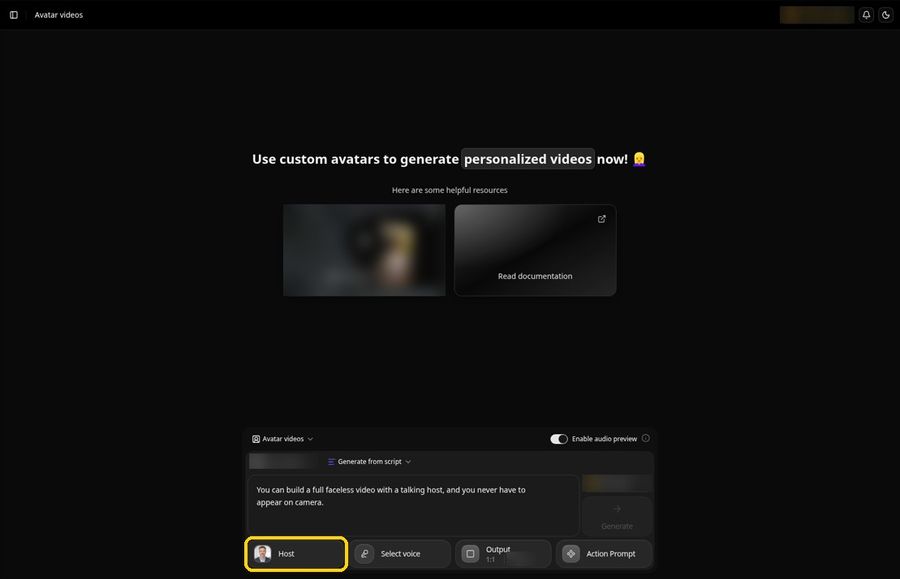
With Zoice, a single portrait becomes an on-screen Host that reads the lines you write, so a faceless channel still has a presenter without you stepping in front of a camera. You write every line, choose the voice and set the frame for a wide upload or a vertical Short. Our AI avatar generator page shows how the Host is made.
Key Features
- Create a Host from one uploaded photo, or describe a face with an AI prompt
- Lip sync that follows each word of your script
- Action prompts for gestures, expressions and movement, from a suggested prompt or your own words
- Pick a voice from the Voice profiles, Public voices or Imported voices tab
- New voice profiles made from a reference audio file
- Output settings with 16:9, 9:16 and 1:1 aspect ratios
- An audio preview before you confirm the video
Best For
- Faceless YouTube explainers and Shorts that need a presenter on screen
- Creators who want the same Host and voice across every upload
Pros of Zoice
- A Host from one photo. A presenter carries the video while you stay off camera.
- Directed gestures. Action prompts place a gesture or expression on the lines you choose.
- Your own voice if you want it. A voice profile can come from your own reference audio.
- One workspace. Avatar videos, images and voice tools sit in the same app.
- A free way in. A free plan is available, and paid plans start at $7.99 per month.
Cons of Zoice
- Needs an internet connection. Everything happens online, so an offline laptop cannot make a video.
- Smaller public avatar library. Expect fewer stock presenters to browse than on the biggest avatar platforms.
Overall Zoice Rating
Not listed. No G2 or Capterra score was readable for this tool when we checked, so we do not quote one.
Pricing
| Plan | Monthly price |
|---|---|
| Free | $0 |
| Starter | $7.99 |
| Basic | $29.99 |
| Creator | $49.99 |
| Agency | $89.99 |
Paid plans start at $7.99 per month. Plans can change, and the Zoice pricing page always has the latest list.
When to Use It
If your faceless video needs a presenter on screen and you want to decide how that presenter moves, Zoice is the tool to try. For more presenter-led options, see our AI talking head generator roundup.
- A long-form YouTube explainer led by the same Host every week, with the 16:9 output
- A vertical Short where the Host delivers one quick tip, with the 9:16 output
- A video where a gesture or expression should land on one key line. Try Zoice
2. HeyGen: Best for Full Script-to-Video Cuts
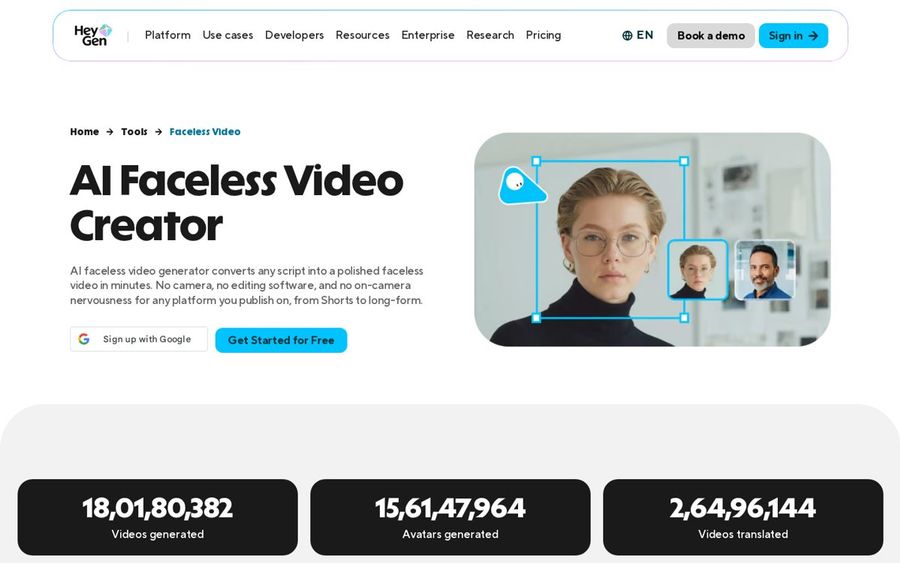
HeyGen's faceless video tool takes a script, a one-line idea or a PPT file and builds the whole video around it, with scenes, pacing, narration and on-screen visuals. A stock presenter is optional, so it suits creators who want the tool to assemble most of the cut.
Key Features
- Paste a script, a one-line idea or a PPT file and get scenes, pacing, narration and on-screen visuals
- AI voiceovers and dubbing in 177+ languages and dialects
- An optional AI spokesperson picked from hundreds of stock presenters
- Voice cloning from one recorded sample
- 9:16, 16:9 and 1:1 output with captions timed to the narration
- A highlights workflow that turns a longer upload into short clips
Best For
- Creators who want a finished cut built from a script
- Channels that publish the same episode in several languages
Pros of HeyGen
- One flow. Script, voice, visuals and captions come together in a single pass.
- Presenter optional. Add a stock presenter or keep the video narration-led.
- Language reach. Dubbing carries one script into many markets.
Cons of HeyGen
- More than a Host clip needs. The faceless page centers on fully generated cuts, which is more than a simple talking presenter video requires.
- Stock presenters on this page. The faceless page offers stock presenters; photo avatars live on a different HeyGen page.
Overall HeyGen Rating
Not listed. No G2 or Capterra score was readable for this tool when we checked, so we do not quote one.
Pricing
A free plan is available. See the HeyGen pricing page for paid plans.
When to Use It
HeyGen makes sense if you would rather hand over the whole cut, presenter included or not.
3. InVideo AI: Best for an Agent-Built First Cut
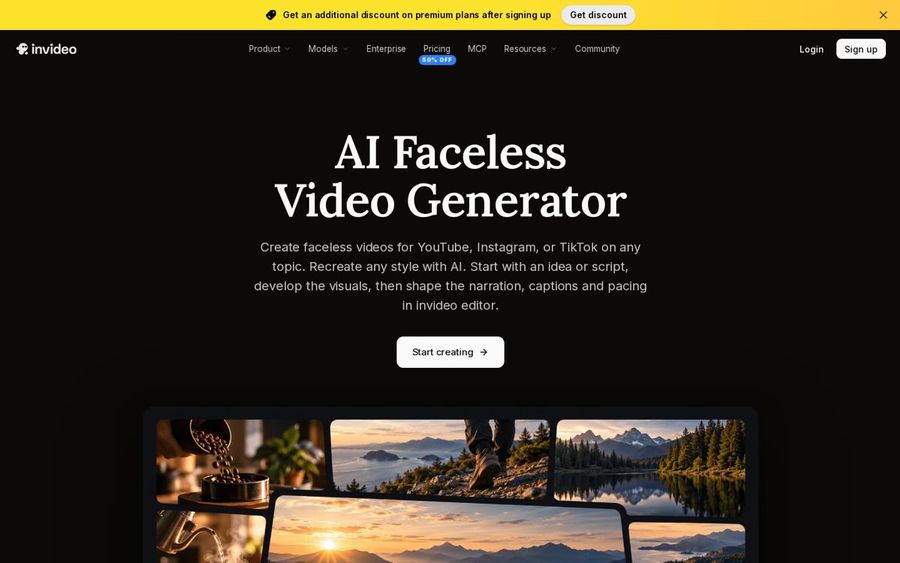
InVideo AI hands your idea or script to an AI agent that drafts the scenes, then lets you shape narration, captions and pacing in the invideo editor. Its faceless page focuses on narrated explainers, stories and product videos.
Key Features
- Give the agent your idea or script, the audience and the tone you want
- The agent drafts scenes and can combine them with footage you bring
- Captions, sound effects and music balanced against the voiceover in the editor
- Storyboarding that turns a script into a shot-by-shot plan
- Script writing inside invideo with an AI co-writer
- Multiplayer mode for editing with teammates in real time
Best For
- Narrated explainers and mini documentaries
- Editors who polish a generated draft themselves
Pros of InVideo AI
- Idea to editable cut. The agent gives you a draft you can keep working on.
- Editor included. Timing, captions and sound are fixed in the same place.
- Team editing. Multiplayer mode lets several people work on one video.
Cons of InVideo AI
- No presenter from your photo here. The faceless page centers on scenes and narration rather than a presenter built from your own photo.
- More to learn. Agents, storyboards and a timeline editor add steps that a single Host clip does not need.
Overall InVideo AI Rating
Not listed. No G2 or Capterra score was readable for this tool when we checked, so we do not quote one.
Pricing
The faceless page lists paid plans with a time-limited discount at the time of writing, so check the invideo pricing page for the current price.
When to Use It
InVideo AI works well for narrated explainers and short documentaries where the visuals carry the story and no presenter is needed.
4. Kapwing: Best for Editing After Generation
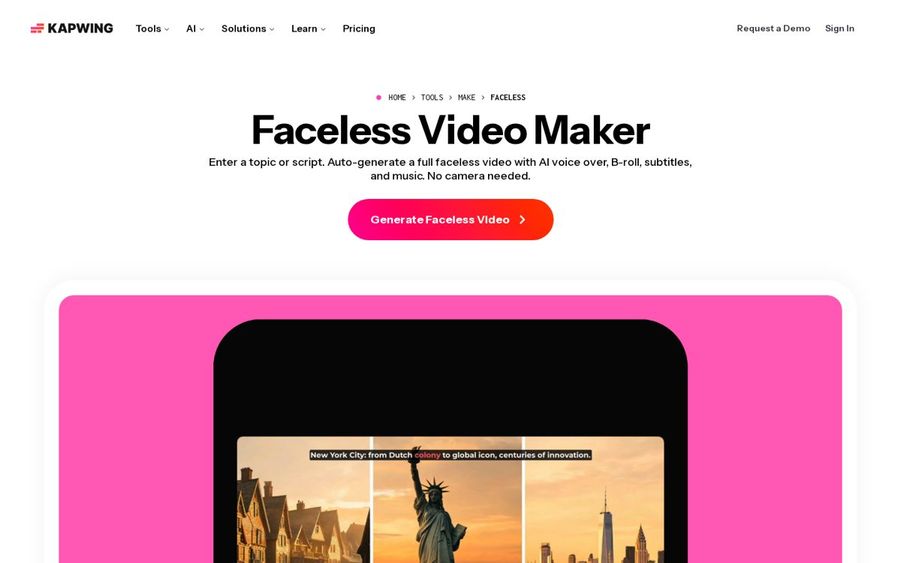
Kapwing's Faceless Video Maker builds an editable storyboard from a topic, a script, a PDF or any text, then opens the result in its full browser-based editor so you can change every part.
Key Features
- Start from a prompt, a script, a PDF or uploaded text
- A storyboard with an editable script, voice over, music, text overlay and subtitles
- Any aspect ratio, including vertical for TikTok, wide for YouTube and square for Instagram
- A recurring AI character that keeps the same face, voice and style across videos
- Paste a published video link to add its footage
- Works in the browser with no download
Best For
- Creators who want to swap clips and fix timing themselves
- Turning articles, press releases or PDFs into videos
Pros of Kapwing
- Full editor. Every part of the generated draft stays editable on a timeline.
- Starts from documents. PDFs and long text become a video without retyping.
- Recurring character. One AI character can front a whole series.
Cons of Kapwing
- Watermark on free exports. Kapwing's FAQ says exports from a Free account carry a watermark until you move to Pro.
Overall Kapwing Rating
Not listed. No G2 or Capterra score was readable for this tool when we checked, so we do not quote one.
Pricing
Free to try. Kapwing recommends a Pro subscription for the full AI Studio, and its paid tiers are listed on the Kapwing site.
When to Use It
Kapwing suits you if you plan to edit the generated draft yourself before it goes live.
5. Syllaby: Best for Going From Idea to Scheduled Post
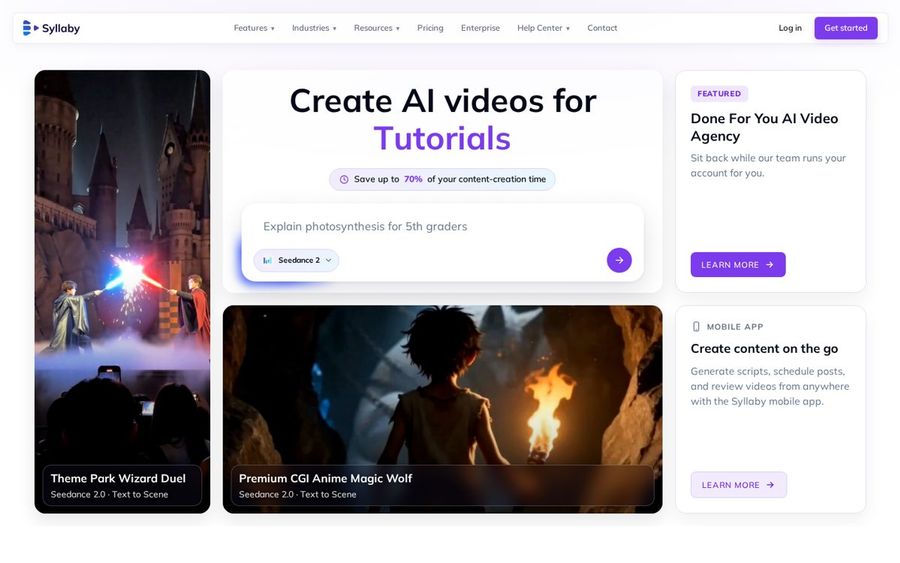
Syllaby lays out a four-step workflow: generate an idea, write the script, generate the video, then schedule and publish. AI avatars and AI Clips sit inside that flow, so planning and posting live next to production.
Key Features
- Four steps from an idea to a scheduled or published video
- AI avatars that speak your script, from a stock presenter or one that looks like you
- AI Clips that turn a script into faceless videos for TikTok, YouTube Shorts and Reels with visuals, transitions, captions and music
- Voice cloning from a voice sample, plus a library of AI voices
- A mobile app for scripts, scheduling and review
- Bulk scheduling across your accounts
Best For
- Creators who plan a posting calendar
- Short-form channels on TikTok, Shorts and Reels
Pros of Syllaby
- Planning in the same app. Ideas, scripts and the schedule live in one place.
- Avatars and faceless clips. Both formats come from the same account.
- Mobile app. Scripts and schedules can be handled away from a desk.
Cons of Syllaby
- Wide product. The homepage leads with ads and cinematic scenes, so faceless tools are one part of a larger app.
Overall Syllaby Rating
Not listed. No G2 or Capterra score was readable for this tool when we checked, so we do not quote one.
Pricing
See tool site. Prices were not shown on the Syllaby homepage when we checked.
When to Use It
Syllaby earns its place when scheduling and publishing matter as much as making the video.
6. JoggAI: Best for Avatar Library Variety
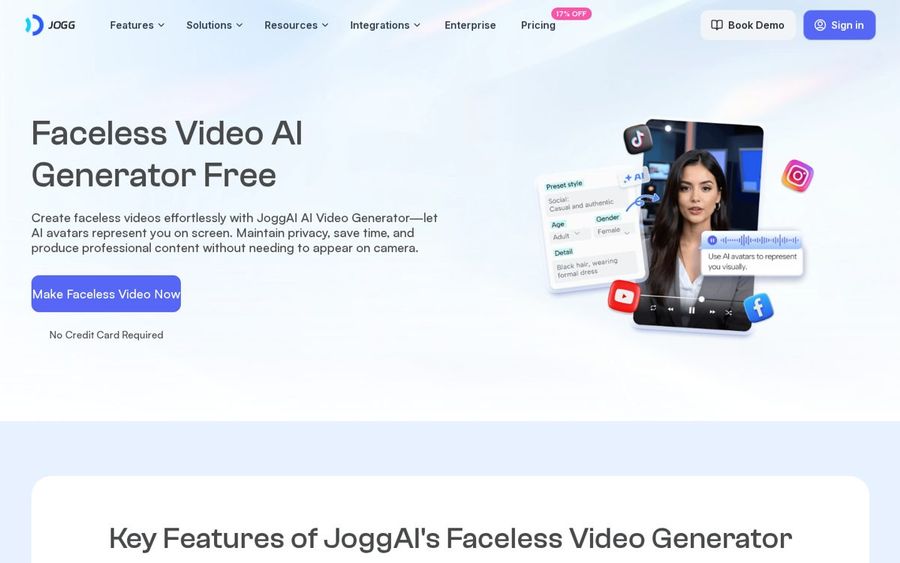
JoggAI's faceless tool puts an AI avatar on screen to represent you, picked from a library that runs from professional to UGC-style looks, with a script writer and AI voiceovers in the same flow.
Key Features
- AI avatars in professional and UGC-style looks from a varied library
- An AI script generator
- AI voiceovers for narration
- Support for 50+ languages
- Lip sync between the avatar and the voiceover
- Several video dimensions and sharing to social platforms
Best For
- Creators happy with a stock avatar presenter
- Sellers and marketers who make product explainers
Pros of JoggAI
- Presenter in the flow. An avatar is part of the faceless tool, not an add-on.
- Script writer included. A draft script is one click away.
- Many languages. One video idea can reach viewers in other languages.
Cons of JoggAI
- Small free allowance. The free plan covers up to three avatar videos, according to its pricing table.
Overall JoggAI Rating
Not listed. No G2 or Capterra score was readable for this tool when we checked, so we do not quote one.
Pricing
Free plan available. Starter is listed at $24 per month billed yearly, or $29 billed monthly, on the faceless page.
When to Use It
JoggAI is a good match when a stock avatar presenter is enough and you want many looks to try.
7. Faceless.so: Best for Daily Auto Posting
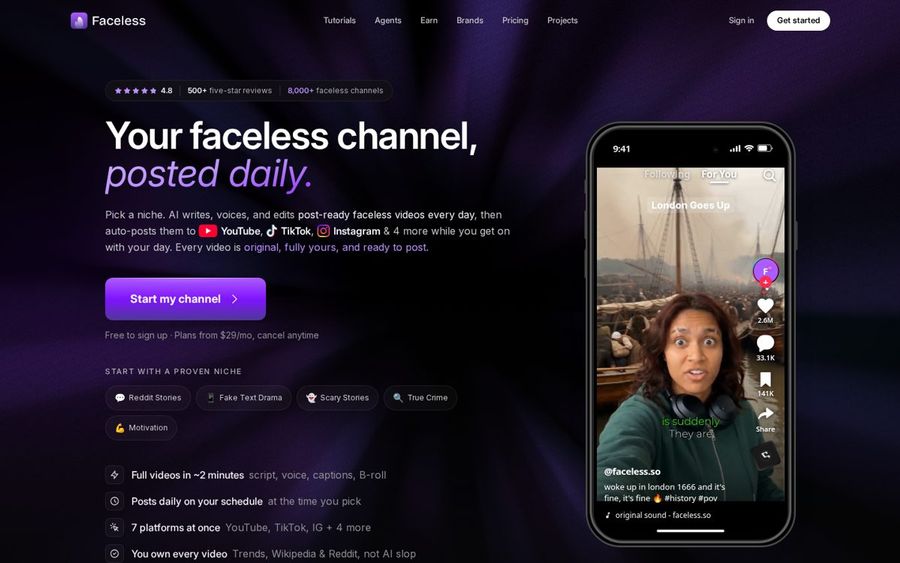
Faceless.so is built to keep a channel posting on its own. Pick a niche, and it writes, voices, captions and edits videos, then posts them on your schedule, with a chance to approve, edit or skip each one first.
Key Features
- 28 niches to start from, or your own prompt
- Scripts researched from Google Trends, Wikipedia, news and Reddit threads
- Voices in 90+ languages, or a clone of your own voice
- Word-timed captions and background music added automatically
- Auto posting to YouTube, TikTok, Instagram, Facebook, LinkedIn, Threads and X
- A review queue plus the Faceless Studio editor
Best For
- Story, history and trivia channels that need no presenter
- Creators who want a new video every day
Pros of Faceless.so
- Hands-off posting. Videos go out on the days and times you pick.
- Seven platforms. One setup covers YouTube, TikTok, Instagram and four more.
- Approval queue. You can edit or skip a video before it posts.
Cons of Faceless.so
- Paid plan to finish videos. Its FAQ says signing up, scripting and choosing a style are free, but making the finished video needs a paid plan.
Overall Faceless.so Rating
Not listed. No G2 or Capterra score was readable for this tool when we checked, so we do not quote one.
Pricing
Free to sign up. Plans start from $29 per month, according to faceless.so.
When to Use It
Faceless.so is made for narrated niche channels, such as scary stories or history, where the same format repeats every day.
How to Choose a Faceless AI Video Generator
Start from the kind of faceless video you post most often.
- Choose Zoice if you want a talking Host on screen and want to direct gestures with action prompts. It covers long-form YouTube explainers in 16:9 and Shorts in 9:16.
- Choose HeyGen or InVideo AI if you want the tool to build scenes and narration from your script.
- Choose Kapwing if you plan to edit the draft yourself on a timeline.
- Choose Syllaby, JoggAI or Faceless.so if planning and posting matter as much as production.
Setting up the channel itself, from niche to branding, is a separate job, and our guide on how to start a faceless YouTube channel with AI covers it. For presenter-led channels, see our YouTube avatar generator picks and our picks for AI avatars with gestures.
FAQ
What is the best faceless AI video generator?
It depends on the format you make. Zoice is the strongest fit when your faceless video needs a talking Host on screen, while tools such as Kapwing or Faceless.so suit narrated videos with no presenter.
Can I make faceless YouTube videos with a talking Host?
Yes. In Zoice you upload one photo as your Host, add a script and choose a 16:9 output for a standard upload or 9:16 for a Short.
Do I need to show my face or use my own voice?
No. The Host can speak with a public voice, or you can make a voice profile from your own reference audio if you want the channel to sound like you.