Best AI Vlog Generator: Faceless Creator Picks for 2026
The best AI vlog generator for faceless creators who want a recurring Host for daily or weekly vlogs, travel diaries and creator updates, without filming, is Zoice, our top pick for turning one photo into a presenter that can return in the next episode. Upload a clear photo, paste the update you want to share, and Zoice lip syncs every word so the same Host can carry the channel.
We compared five tools on a start from one still photo, a mouth that follows the words, a Host you can reuse, and a price you can confirm on the tool's own site. Zoice comes first, and each tool after it earns a place for a different job. This guide is for the vlog format and a channel routine, not for brand influencer content. For that format, see our list of the best AI influencer video generator. For related channel and travel tools, see our article on the best AI avatar generator for YouTube, our guide to the best AI avatar generator for travel videos, our walkthrough on how to start a faceless YouTube channel with AI, and the AI avatar generator overview.
What Is an AI Vlog Generator?
An AI vlog generator turns a still photo into a presenter that can deliver a vlog script on camera, then return in later episodes. The usual starting point is a clear portrait plus the words you want to share, such as a daily or weekly update, a travel diary or a creator note. The tool then builds a video in which the mouth follows those words, so you can run a faceless vlog without filming each episode.
Creators use the format for a recurring channel Host, a travel diary, and a regular creator update. The Host is a presenter reading your script. Review every clip before it goes live, and tell viewers that the presenter is an AI avatar.
What to check before you pick a tool:
- Can one photo become a recurring Host without filming each episode?
- Does the mouth follow a script you wrote?
- Can the same Host return for a travel diary or a weekly update?
- Is the starting price published on the tool's own site?
Quick Comparison: Best AI Vlog Generators
| Tool | Best For | Photo only input | Lip sync | Gestures and expressions | Aspect ratios | Starting price | Rating |
|---|---|---|---|---|---|---|---|
| Zoice | A recurring Host for faceless daily or weekly vlogs, travel diaries and creator updates | Yes, one photo plus your script | Yes | Yes, with action prompts | Yes, set in the composer | Free plan, paid from $7.99/mo | 5.0/5 on Capterra (5 reviews) |
| HeyGen | Polished vlog presenters for a more formal channel update | A photo avatar or a stock avatar | Yes | Expressive presenters are listed on the official site | Not stated on the public homepage | Free plan, paid from $29/mo | Not listed |
| Captions | Short social edits and AI actor workflows for vlog-style posts | An upload or an AI actor workflow, as listed on official pages | Talking presenters are listed among product options | Presenter motion is listed on the official site | Not stated on the public homepage | Free plan, paid from $24.99/mo | Not listed |
| Synthesia | Studio-style presenters for planned channel updates | A stock avatar or a custom avatar workflow, as listed on official pages | Yes | Presenter motion is listed on the official site | Not stated on the public homepage | A free plan is listed. Paid starting price in dollars was not confirmed on the official page when we checked | Not listed |
| Hedra | Cinematic talking presenters for character-led vlog clips | A photo or a character input, as listed on official pages | Yes | Presenter motion is listed on the official site | Not stated on the public homepage | Paid starting price not listed as a simple creator plan on the official page when we checked | Not listed |
1. Zoice: Best AI Vlog Generator Overall
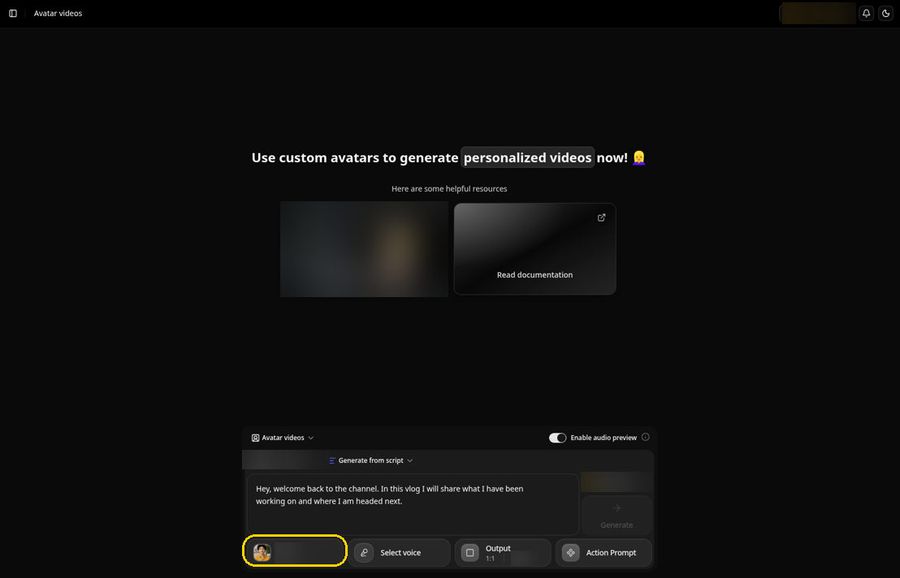
Zoice suits a faceless creator who already has a photo and a script for a daily or weekly vlog, a travel diary or a creator update. One still image becomes a Host, your script becomes the lines, and the mouth is lip synced to those words. The same presenter can return in the next episode, so the channel keeps a consistent face without filming. Review every script before it goes live, and tell viewers that the presenter is an AI avatar.
Key Features
- One photo becomes a Host that speaks your vlog script, lip synced word by word
- Action prompts direct gestures, body motion and expressions, so the presenter can nod, pause or look toward the camera
- Voice cloning from a short sample, with permission, so your own voice can carry the channel
- Voice import from a reference audio file if you already have narration you like
- 50+ voices and 170+ languages for a second language version of the same update
- Aspect ratio options for a YouTube vlog or a short social clip
Best For
- Faceless creators who want a recurring Host for a channel routine
- Travel diaries and creator updates that use the same presenter
- Teams that would rather write the update than film each episode
Pros of Zoice
- One photo is enough. You do not need to film a new take for every episode.
- You control the words. The script is yours, so you can review every line before it goes live.
- The same Host can return. Save the presenter and bring it back for the next update.
- You can try it first. A free plan and a paid Starter plan at $7.99 per month let you test a full clip before you commit.
Cons of Zoice
- Needs an internet connection
- Smaller public avatar library
Rating
5.0/5 on Capterra (5 reviews).
Pricing
Zoice has a free plan. Paid plans start at $7.99 per month on the Starter plan, with further paid tiers listed on the Zoice pricing page. Plans can change, and that page always has the latest list.
When to Use It
- You want a recurring Host for a faceless daily or weekly vlog, a travel diary or a creator update
- You would rather write the line than film each episode
- You want the same presenter to return in later episodes
- Try Zoice
2. HeyGen: Best for Polished Vlog Presenters
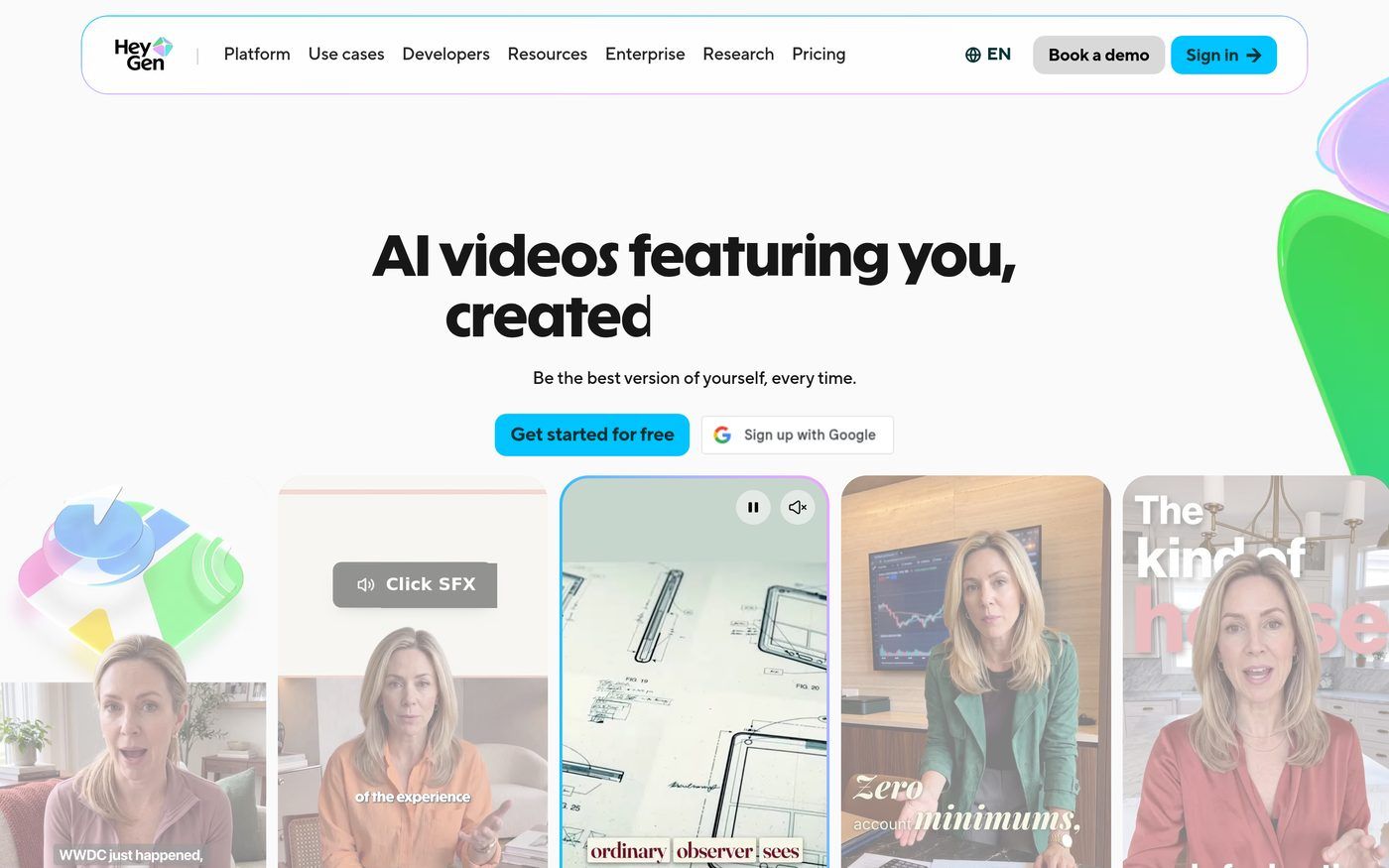
HeyGen is a strong match when you want a polished presenter for a more formal channel update. The official site presents HeyGen as an AI video platform with photo and stock avatars, a free plan and paid Creator plans listed from $29 per month.
Key Features
- Photo avatars and stock avatars, as listed on official pages
- A free plan, with paid Creator plans listed from $29 per month on the official pricing page
- Expressive presenters listed among official product options
Best For
- Creators who want a polished presenter for a channel update
- Teams that already work in HeyGen
Pros of HeyGen
- Presenter video is a stated focus. Official pages are built around on-camera avatars.
- A free plan is listed. You can try the flow before you look at paid Creator tiers.
Cons of HeyGen
- A simple Host composer for a repeatable vlog routine is not the only starting path on official pages
- A public G2 or Capterra rating was not available to list
Rating
Not listed.
Pricing
HeyGen has a free plan. Paid plans start at $29 per month on the Creator plan. Confirm the current list on the official pricing page.
When to Use It
- You want a polished presenter for a more formal channel update, and can start on a listed free plan
3. Captions: Best for Short Social Vlog Edits
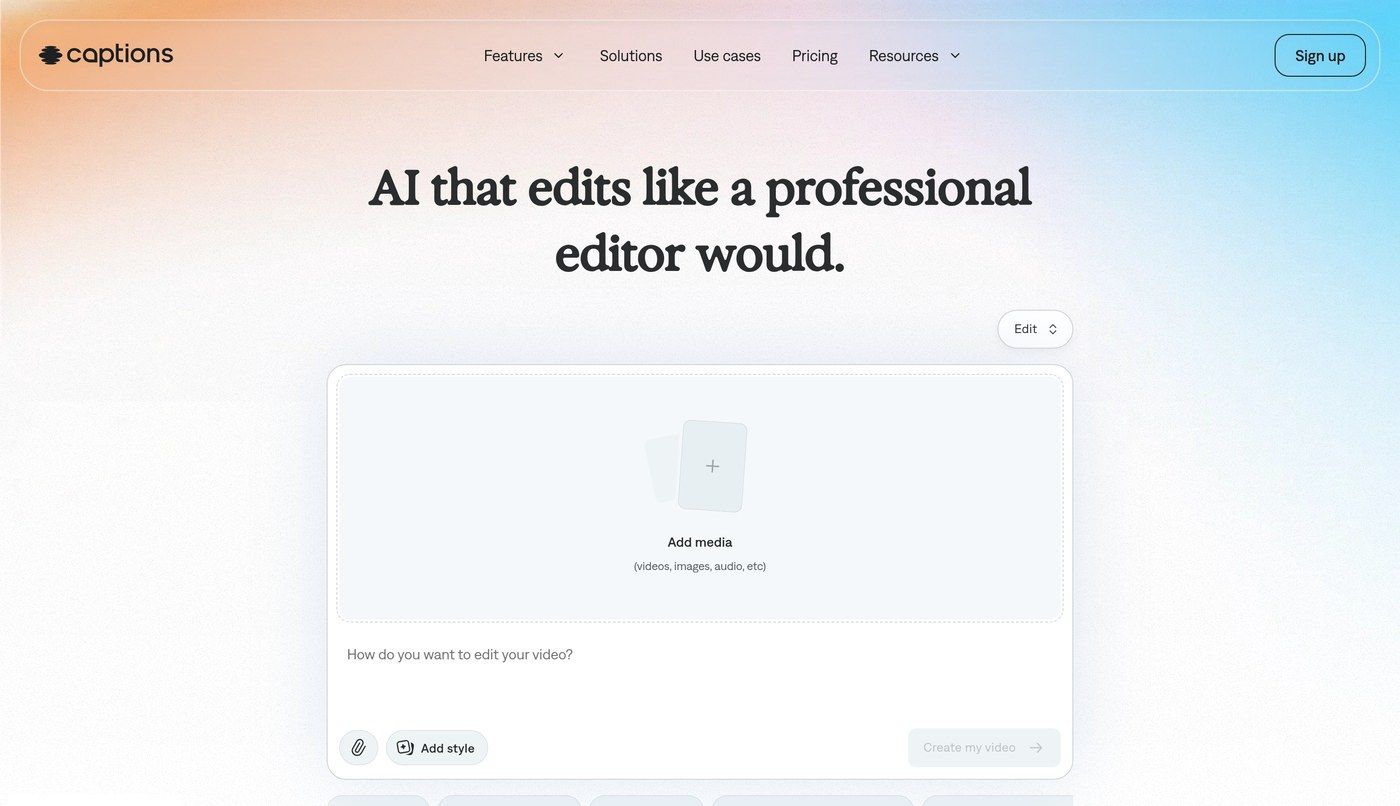
Captions is a strong match when you want a short social edit or an AI actor workflow for a vlog-style post, rather than a simple Host reading a script. The official homepage presents Captions as an AI video editor, with a free plan and paid Max plans listed from $24.99 per month on the official pricing page.
Key Features
- AI video editing and AI actor tools listed on official pages
- A free plan, with paid Max plans listed from $24.99 per month on the official pricing page
- A public flow aimed at short social edits and generated presenters
Best For
- Creators who want a short social edit for a vlog-style post
- Teams that already like Captions' editor workflow
Pros of Captions
- Social editing is a stated focus. Official pages are built around AI editing and AI actor workflows.
- A free plan is listed. You can try the flow before you look at paid Max tiers.
Cons of Captions
- A photo-plus-script Host for a repeatable vlog episode is not the main starting path on the official homepage
- A public G2 or Capterra rating was not available to list
Rating
Not listed.
Pricing
Captions has a free plan. Paid plans start at $24.99 per month on the Max plan, as listed in dollars on the official pricing page. Confirm the current list there.
When to Use It
- You want a short social edit or an AI actor workflow for a vlog-style post, rather than a simple Host composer
4. Synthesia: Best for Studio-Style Channel Updates
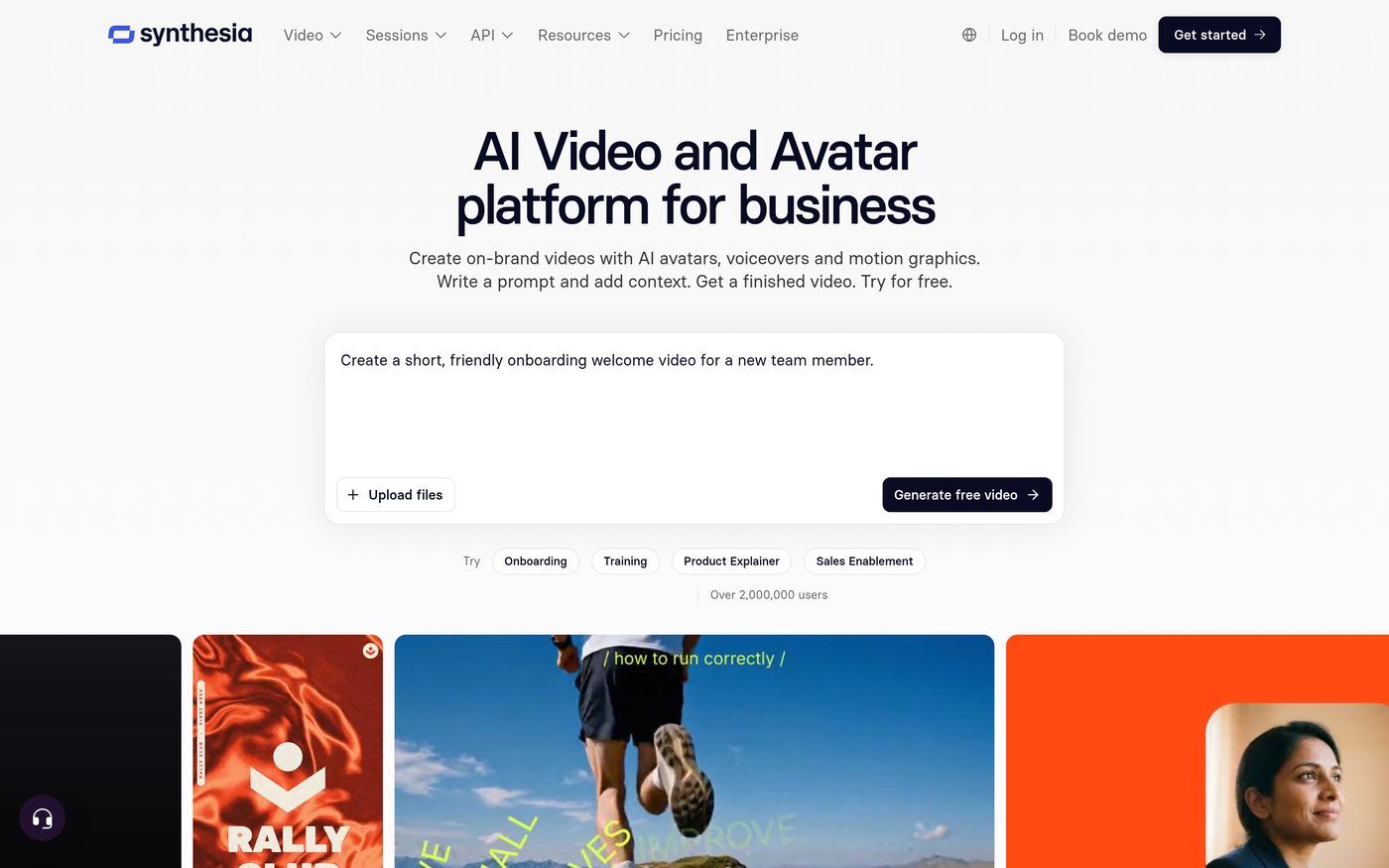
Synthesia is a strong match when a team wants a studio-style presenter for a planned channel update, and is comfortable working in a stock or custom avatar workflow. The official site presents Synthesia as an AI video platform for presenters, with a free plan listed. The official pricing page showed prices in local currency when we checked, so we are not listing a single dollar starting price.
Key Features
- Stock and custom avatar workflows listed on official pages
- A free plan listed on the official pricing page
- A public flow aimed at studio-style presenter videos
Best For
- Teams that want a studio-style presenter for planned updates
- Groups that already work in Synthesia
Pros of Synthesia
- Studio presenters are a stated focus. Official pages are built around on-camera avatar videos.
- A free plan is listed. You can try the flow before you look at paid tiers.
Cons of Synthesia
- A simple photo-plus-script Host for a casual vlog is not the main starting path on official pages
- A public G2 or Capterra rating was not available to list
Rating
Not listed.
Pricing
Synthesia lists a free plan on its official pricing page. Paid plans are also listed there. The amounts on that page were shown in local currency when we checked, so we are not listing a single dollar starting price. Confirm the current list there.
When to Use It
- You want a studio-style presenter for a planned channel update
5. Hedra: Best for Cinematic Vlog Presenters
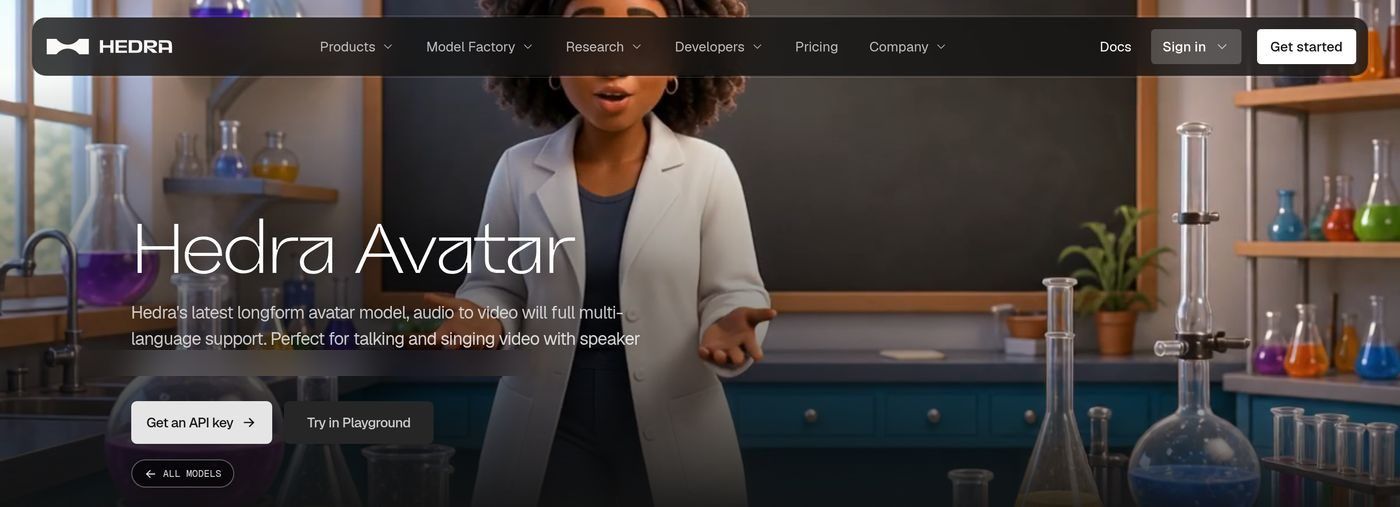
Hedra is a strong match when you want a cinematic talking presenter for a character-led vlog clip, and you are comfortable starting from a photo or a character input. Official pages present Hedra as a tool for talking character video. A simple creator-plan dollar starting price was not clearly listed when we checked, so we are not listing a paid starting price.
Key Features
- Talking character videos from a photo or a character input, as listed on official pages
- A public flow aimed at cinematic talking performers
- Presenter motion listed among official product options
Best For
- Creators who want a cinematic talking presenter for a vlog clip
- Teams that already like Hedra's character-video path
Pros of Hedra
- Character video is a stated focus. Official pages are built around talking performers on camera.
- A photo can be a starting point. That can suit a recurring vlog Host.
Cons of Hedra
- A simple creator-plan dollar starting price was not clearly listed when we checked
- A public G2 or Capterra rating was not available to list
Rating
Not listed.
Pricing
Hedra's official pricing page lists model and compute options rather than a simple creator plan, so we are not listing a paid starting price. Confirm figures on the official site.
When to Use It
- You want a cinematic talking presenter for a vlog clip and can confirm plan details on the official site
How to Choose an AI Vlog Generator
Start with the job. If you want a recurring Host for a faceless daily or weekly vlog, a travel diary or a creator update, Zoice is the most direct path. If you want a polished or studio-style presenter, look at HeyGen or Synthesia. If the brief is a short social edit, Captions is the closer editor fit. If you want a cinematic talking presenter, Hedra is the closer character-video fit.
This is a vlog format and a channel routine, not a brand influencer workflow. Review every script as you would any public episode, and tell viewers that the presenter is an AI avatar.
FAQ
Can I run a vlog without showing my face?
Yes. In Zoice you start from one photo and a script, and the Host is lip synced to those words, so you can run a faceless vlog without filming each episode. Use only a photo you have the right to use, and tell viewers that the presenter is an AI avatar. Review the clip before it goes live.
How often can I post an AI vlog?
Whenever you have a new script. In Zoice you change the script and generate again, so the same Host can return in the next episode. The tool does not set a posting schedule. Review each episode before it goes live.
Which tool suits a travel vlog?
If you want a recurring Host for a travel diary or a creator update, Zoice is the most direct path. If you want a polished presenter for a more formal travel update, look at HeyGen. For a closer look at travel-specific presenter tools, see our guide to the best AI avatar generator for travel videos. Review every episode before it is published.