Best Text to Speech API Tools: Our Top Picks for 2026

A text to speech API lets your own app send a script and get spoken audio back. Zoice is our top pick for developers who want to try voices in a playground before writing code: the Zoice developer platform at dev.zoice.com has a Text to Speech page with a live playground and a documented endpoint.
This guide compares Zoice with ElevenLabs, Google Cloud Text to Speech, Amazon Polly, Microsoft Azure Speech, Deepgram and Murf. Each entry covers what the API offers according to its own site, who it suits, pros, cons, the G2 rating where one exists and how pricing works, with a screenshot of each.
What Is a Text to Speech API?
A text to speech API is a web endpoint that turns text into audio. Your code sends the words and the voice you want, and the service returns speech you can play, save or stream inside your product.
Developers use one to add narration to apps, read content aloud, voice an assistant or produce audio in bulk without recording sessions. The main differences between providers are how you pick voices, what the request looks like, which cloud they live in and whether you can test voices before you build.
Quick Comparison: Best Text to Speech API Tools
| Tool | Best For | Endpoint style | Try before you build | Starting price | Rating |
|---|---|---|---|---|---|
| Zoice | An API with a playground to try first | POST /v1/text-to-speech with voice_id and script_text | Yes, playground at dev.zoice.com | Usage based; see Zoice Developer Platform | Not listed |
| ElevenLabs | A dedicated voice API | POST /v1/text-to-speech/:voice_id | Yes, Try it in the docs | See tool site | 4.5/5 on G2 |
| Google Cloud Text to Speech | Teams on Google Cloud | Cloud API | Demo on the product page | See tool site | 4.3/5 on G2 |
| Amazon Polly | Teams on AWS | Managed service API | Not stated | See tool site | 4.4/5 on G2 |
| Microsoft Azure Speech | Teams on Azure | Azure API | Not stated | See tool site | 4.2/5 on G2 |
| Deepgram | Voice agent builders | Streaming API | Not stated | See tool site | Not listed |
| Murf | Teams already using Murf | API | Not stated | See tool site | 4.7/5 on G2 |
1. Zoice: Best Overall
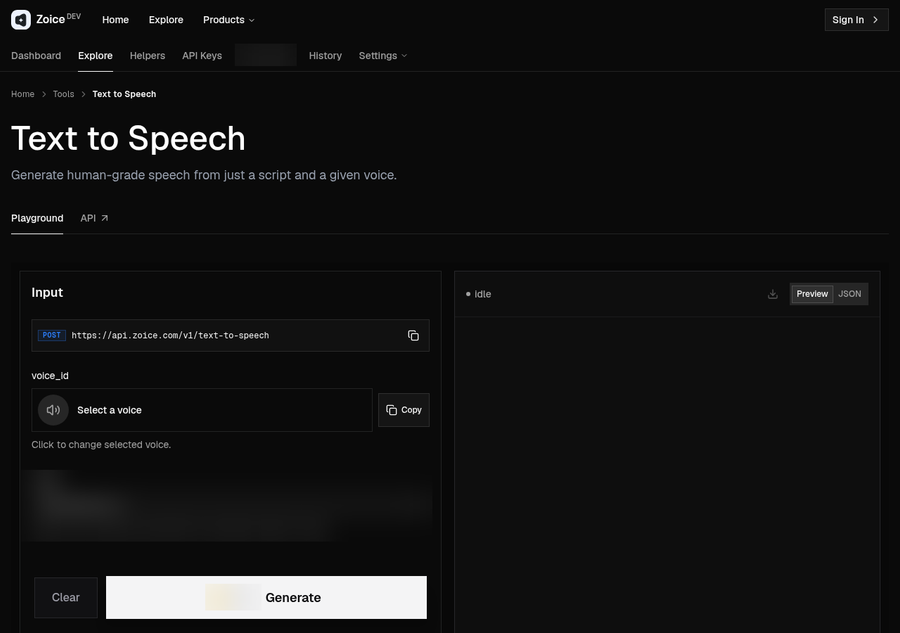
Zoice pairs its app with a developer platform. On the Text to Speech page at dev.zoice.com you can pick a voice and test a script in the Playground, then call the same feature from code through the documented endpoint.
Key Features
- A Text to Speech page on dev.zoice.com, described as generating speech from just a script and a given voice
- A Playground where you select a voice, enter a script and preview the result
- A documented endpoint: POST https://api.zoice.com/v1/text-to-speech
- A request body with voice_id for the voice and script_text for the words to speak
- Preview and JSON views of the response in the Playground
- The same voices in the Zoice app, where a script can also drive a talking Host video
Best For
Developers who want a text to speech API with a playground to try first.
Pros of Zoice
- Test voices in the browser before writing code
- A short, readable request body
- Same workspace as avatar videos, images and voice
- Usage based API pricing
Cons of Zoice
- Needs an internet connection
- Smaller public avatar library
Overall Zoice Rating
Not listed. Zoice does not yet have a G2 rating for this use.
Pricing
API pricing is usage based and separate from Zoice app plans. Usage and spending are tracked in the developer dashboard, and current rates are listed on the Zoice Developer Platform.
When to Use It
- You want to hear voices in a playground before you integrate
- You prefer a small request with a voice and a script
- You may also want the same script on a talking Host video later Try Zoice
If your project needs a face as well as a voice, see our guides to the best AI talking photo generator and the best AI avatar generator with voice cloning.
2. ElevenLabs: Best for a Dedicated Voice API
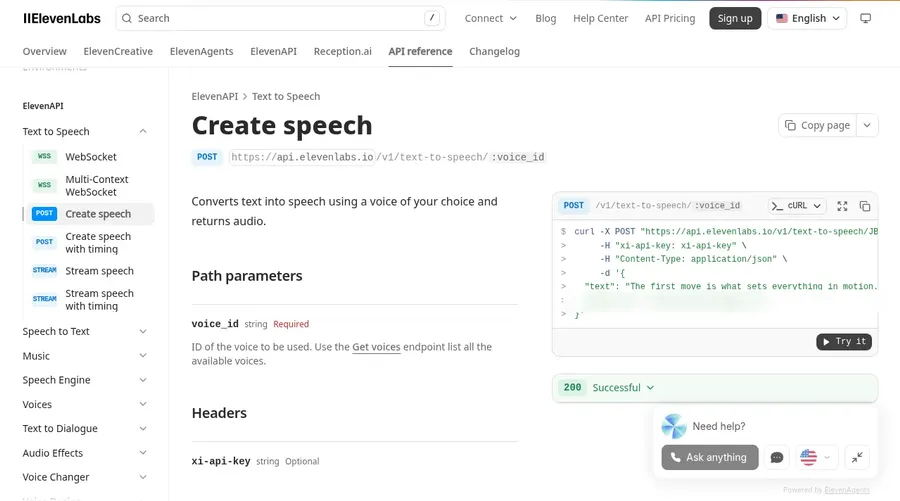
ElevenLabs documents a Create speech endpoint, POST /v1/text-to-speech/:voice_id, that converts text into speech using a voice of your choice and returns audio. The voice is set in the path and the text goes in the request body.
Key Features
- Create speech endpoint with the voice ID in the path
- Text sent in the request body, audio returned
- Streaming and WebSocket variants listed in the docs
- Try it button inside the API reference
Best For
A dedicated voice API from a voice-first company.
Pros of ElevenLabs
- Clear API reference with example requests
- Streaming options for real-time use
Cons of ElevenLabs
- Audio only, so a talking video needs another tool
Overall ElevenLabs Rating
4.5/5 on G2 from 1,294 reviews.
Pricing
See tool site.
When to Use It
Pick ElevenLabs when voice is the core of your product and you want streaming endpoints.
3. Google Cloud Text to Speech: Best for Google Cloud Teams
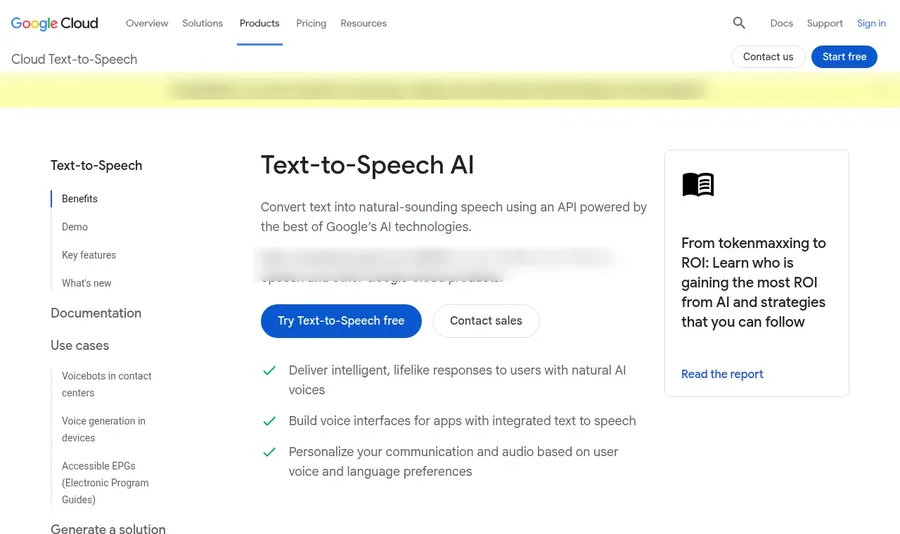
Google Cloud Text to Speech converts text into natural-sounding speech using an API, according to its product page. It sits inside Google Cloud alongside other Google services.
Key Features
- Text to speech through a Google Cloud API
- Many voices and languages
- SSML support and custom voices
- A demo on the product page
Best For
Teams already building on Google Cloud.
Pros of Google Cloud Text to Speech
- Fits into existing Google Cloud projects
- SSML for fine control over speech
Cons of Google Cloud Text to Speech
- Setup runs through a Google Cloud account and project
Overall Google Cloud Text to Speech Rating
4.3/5 on G2 from 274 reviews.
Pricing
See tool site.
When to Use It
Pick Google Cloud when your app already runs on Google Cloud.
4. Amazon Polly: Best for AWS Teams
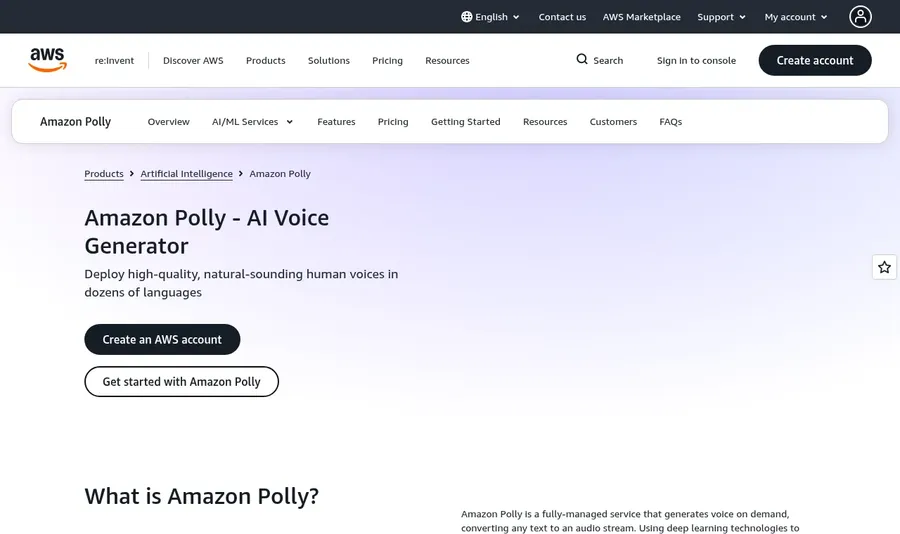
Amazon Polly is a fully managed AWS service that turns text into speech. Its page presents it as an AI voice generator for applications.
Key Features
- Fully managed text to speech service on AWS
- SSML support
- Voices across many languages
Best For
Teams already on AWS.
Pros of Amazon Polly
- Managed service inside the AWS console
- SSML support
Cons of Amazon Polly
- Requires an AWS account
Overall Amazon Polly Rating
4.4/5 on G2 from 80 reviews.
Pricing
See tool site.
When to Use It
Pick Polly when the rest of your stack lives on AWS.
5. Microsoft Azure Speech: Best for Azure Teams
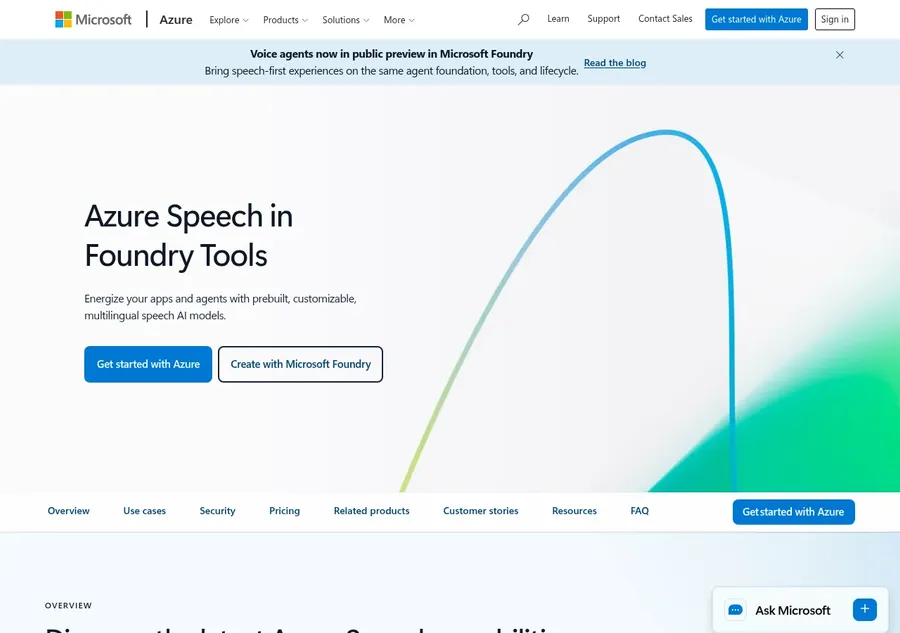
Azure Speech offers text to speech as part of Microsoft's speech services, with custom voices and speaking styles, and it can run in the cloud or in containers.
Key Features
- Text to speech in Azure Speech
- Custom voices and speaking styles
- Cloud or container deployment
Best For
Teams building on Azure.
Pros of Microsoft Azure Speech
- Container option for teams that need to run it themselves
- Speaking styles for different tones
Cons of Microsoft Azure Speech
- Requires an Azure account
Overall Microsoft Azure Speech Rating
4.2/5 on G2 from 95 reviews, on the Azure Text to Speech API listing.
Pricing
See tool site.
When to Use It
Pick Azure Speech when your organization already uses Azure.
6. Deepgram: Best for Voice Agents
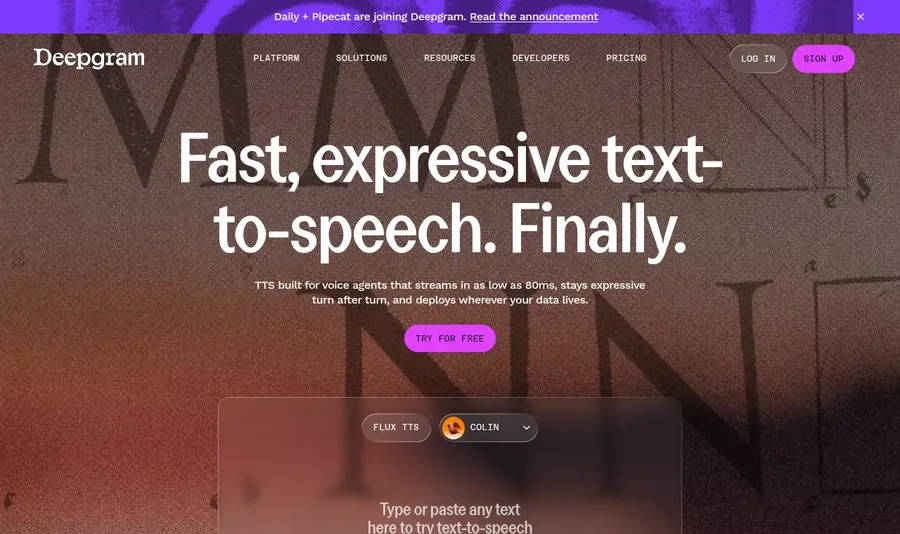
Deepgram markets its text to speech for voice agents, with streaming audio and deployment in the cloud, a private cloud or on premises.
Key Features
- Text to speech API built for voice agents
- Streaming audio
- Cloud, private cloud or on premises deployment
Best For
Builders of real-time voice agents.
Pros of Deepgram
- Focus on real-time conversation
- Flexible deployment options
Cons of Deepgram
- Aimed at agent builders rather than general narration
Overall Deepgram Rating
Not listed.
Pricing
See tool site.
When to Use It
Pick Deepgram when your product is a live voice agent.
7. Murf: Best for Teams Already Using Murf
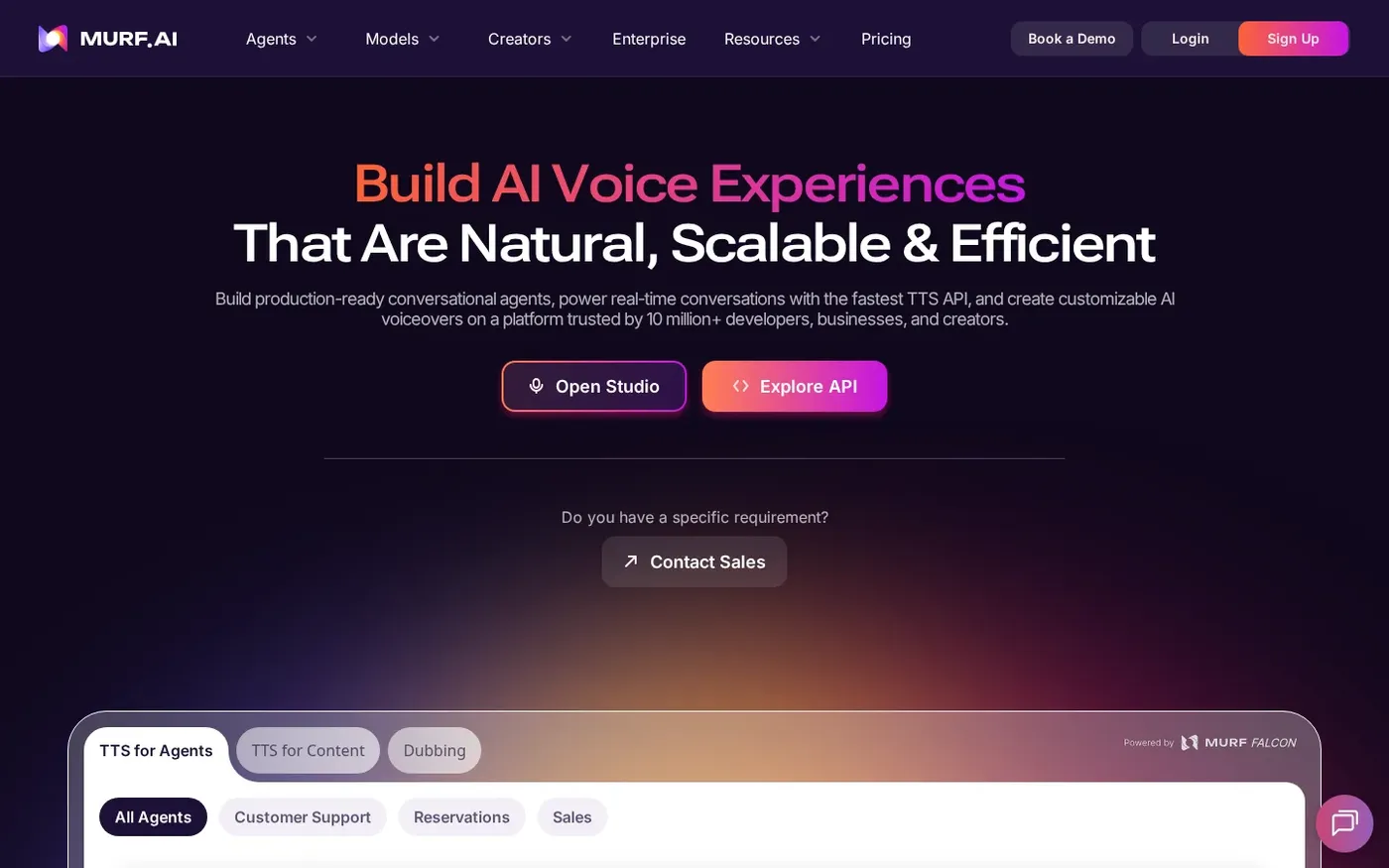
Murf offers API access to the voices from its platform, so a team that builds voiceovers in Murf Studio can use the same voices in code.
Key Features
- API access to Murf voices
- Murf Studio for voiceover editing
- Integrations
Best For
Teams that already use Murf Studio.
Pros of Murf
- Same voices in the editor and the API
- Studio for non-developers on the team
Cons of Murf
- Best value when your team already works in Murf
Overall Murf Rating
4.7/5 on G2 from 1,420 reviews.
Pricing
See tool site.
When to Use It
Pick Murf when your writers already use Murf Studio and developers need the same voices.
How to Choose the Right Text to Speech API
- Choose Zoice if you want to try voices in a playground and send a simple voice and script request.
- Choose ElevenLabs if you want a voice-first API with streaming endpoints.
- Choose Google Cloud, Amazon Polly or Azure Speech if you want to stay inside the cloud you already use.
- Choose Deepgram for live voice agents, or Murf if your team already works in Murf Studio.
For a no-code option, read our best AI text to speech guide or try the Zoice AI avatar generator.
FAQ
What is a text to speech API?
It is a web endpoint that takes text and a voice choice and returns spoken audio your app can play or save.
Can I test the Zoice Text to Speech API before coding?
Yes. The Text to Speech page at dev.zoice.com has a Playground where you pick a voice, enter a script and preview the result.
What does a Zoice text to speech request need?
The documented endpoint is POST https://api.zoice.com/v1/text-to-speech, with voice_id for the voice and script_text for the words. See the API documentation on dev.zoice.com for the full details.