Best AI Dog Video Generator: Make Your Dog Talk in 2026
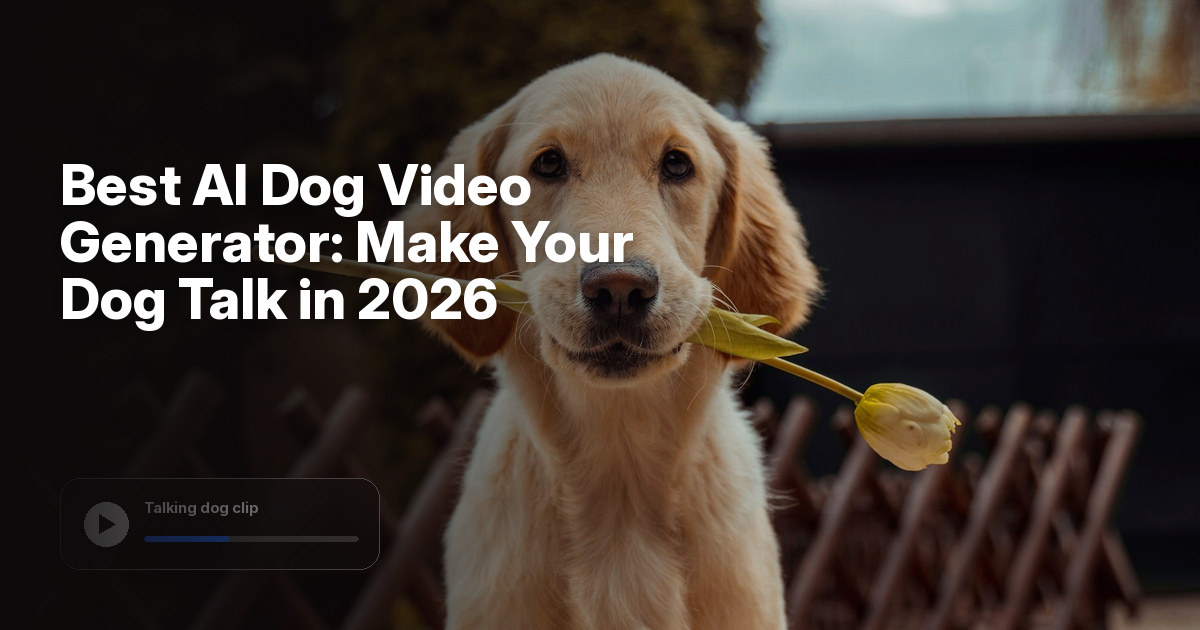
The best AI dog video generator for talking clips, birthday messages and pet memes is Zoice, our top pick for turning one dog photo into a Host that speaks your script. Upload a clear photo, paste the line you want, and Zoice lip syncs every word so the same dog can come back in the next post.
We compared four tools on what a dog owner or pet creator actually needs: a start from one still photo, a mouth that follows the words, control over the script, and a price you can confirm on the tool's own site. Zoice comes first, and each tool after it earns a place for a different job. If you want your dog to sing rather than talk, see our picks for the best AI dog singing generator rather than repeating that path here. For the step by step talking flow, see how to make my dog talk with AI.
What Is an AI Dog Video Generator?
An AI dog video generator turns a dog photo into a clip in which that dog appears to talk or sing. The usual starting point is a still image with a readable face, plus the words you want spoken. The tool then builds a video in which the mouth follows those words, rather than inventing a new scene from a general text prompt.
Dog owners use the format for talking birthday messages, short comedy skits, welcome clips for a pet account and simple memes. A golden retriever can deliver a joke to a friend, or a rescue account can let a new arrival "introduce" itself. The dog is the performer, and you stay off camera.
What to check before you pick a tool:
- Can one dog photo become the performer, without a studio shoot?
- Does the mouth follow a script you wrote, or do you have to supply a finished audio track?
- Can the same dog Host return in a series of posts?
- Is the starting price published on the tool's own site?
For a wider look at talking pet clips, see our list of the best AI talking pet generator tools and the overview of the AI talking photo generator.
Quick Comparison: Best AI Dog Video Generators
| Tool | Best For | Photo only input | Lip sync | Gestures and expressions | Aspect ratios | Starting price | Rating |
|---|---|---|---|---|---|---|---|
| Zoice | Talking or singing dog clips from one photo and a script | Yes, one photo plus your script | Yes | Yes, with action prompts | Yes, set in the composer | Free plan, paid from $7.99/mo | 5.0/5 on Capterra (5 reviews) |
| Hedra | Audio-driven talking dog or character clips from a still image | No, a still image plus an audio track | Yes | Facial motion driven by the audio | Not stated on the public pricing page | Confirm on Hedra's site | Not listed |
| Vidnoz | Talking clips from a photo avatar, plus a large stock avatar library | Photo avatars are available, or start from a template | Yes, you enter text for speech | Expressive avatars are listed on the official site | Not stated on the public homepage | Free plan | Not listed |
| Viggle AI | Animated dog or character motion from a still image | An image or character, not a script-first flow | Not stated as a scripted talking Host feature | Motion from the character engine, not a typed script | Not stated on the public homepage | Free plan, paid from $7.99/mo | Not listed |
1. Zoice: Best AI Dog Video Generator Overall
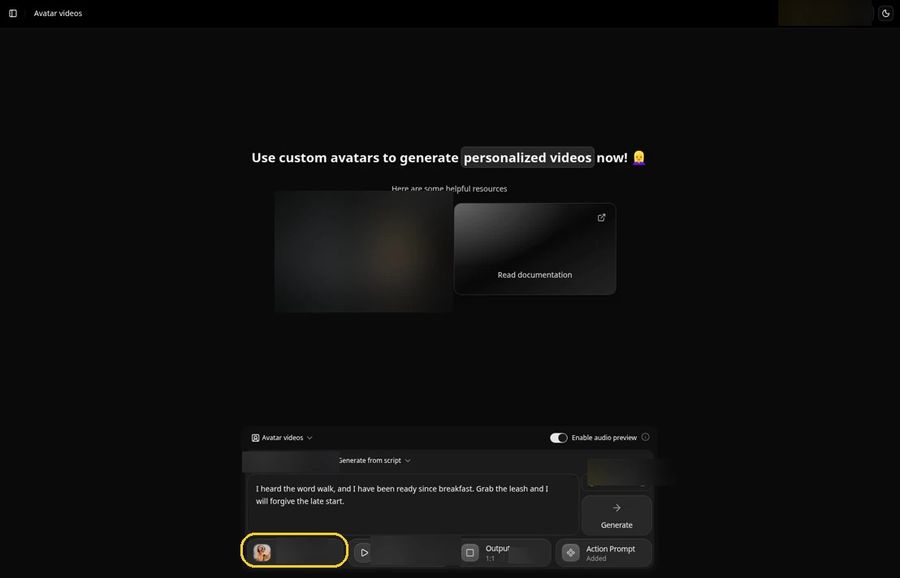
Zoice suits a dog owner or pet creator who already has a photo and a line to deliver. One still image becomes a Host, your script becomes the lines, and the mouth is lip synced to those words. A pet account can post a talking birthday clip, and a meme page can bring the same dog back for a new joke.
Key Features
- One dog photo becomes a Host that speaks your script, lip synced word by word
- Action prompts direct gestures, body motion and expressions, so a dog Host can tilt its head, wag or look surprised on a punchline
- Voice cloning from a short sample, with permission, so a familiar voice can carry the series
- Voice import from a reference audio file if you already have narration you like
- 50+ voices and 170+ languages for birthday messages, jokes and posts that travel
- Aspect ratio options for YouTube, Reels, Shorts and square posts
Best For
- Dog owners who want a talking birthday message or a short greeting from their own pet
- Pet accounts and meme pages that need a returning dog Host
- Creators who want the same photo to talk in one clip and sing in another
Pros of Zoice
- One photo is enough. You do not need a studio or a trainer on set to put your dog on camera.
- You control the words. The script is yours, so the joke, the greeting and the caption stay in your hands.
- The same Host can return. Save the dog character and bring it back for the next post.
- You can try it first. A free plan and a paid Starter plan at $7.99 per month let you test a full dog clip before you commit.
Cons of Zoice
- Needs an internet connection
- Smaller public avatar library
Rating
5.0/5 on Capterra (5 reviews).
Pricing
Zoice has a free plan. Paid plans start at $7.99 per month on the Starter plan, with further paid tiers listed on the Zoice pricing page. Plans can change, and that page always has the latest list.
When to Use It
- You have a clear dog photo and a script ready to speak
- You want the same Host to talk or sing across a series of clips
- You would rather write the line than record a separate audio track first
- Try Zoice
2. Hedra: Best for Audio-Driven Talking Dog Clips
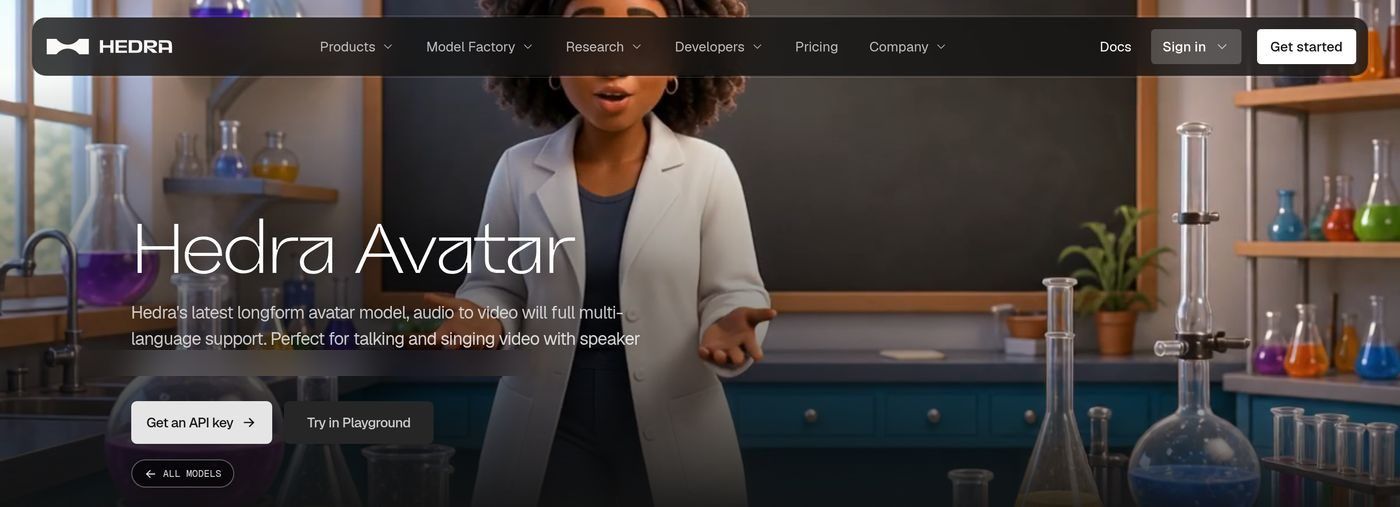
Hedra is a strong match when you already have the voice track and want a still dog or character image to speak it. On the Hedra Avatar product pages, the tool is described as image-to-video lip sync: you provide a start frame and an audio track, and the model builds a talking or singing clip with lip sync and facial motion. Official sample descriptions include talking mascots and stylized characters, which is closer to a talking-dog job than a scenic video.
Key Features
- Talking and singing clips from a still image plus an audio track
- Lip sync and facial motion driven by that audio
- Multilingual support listed on the official model page
Best For
- Creators who already recorded the dog's voice and need the face to follow it
- Character clips where a pet, mascot or stylized figure has to talk
Pros of Hedra
- Audio is the driver. If you already like the voice performance, Hedra is built to put that track on a still character.
- Character work is in view. Official samples include talking mascots and stylized figures, not only human presenters.
- Lip sync is a stated feature. The model pages describe lip sync and facial motion for dialogue and vocal performances.
Cons of Hedra
- An audio track is required, so you cannot start from a script alone the way you can in Zoice
- The public model pages are aimed at developers and Play users, which can feel heavier than a simple composer
- A public G2 or Capterra rating was not available to list
Rating
Not listed.
Pricing
Hedra's public pricing page, at the time of writing, listed GPU and research rates rather than a simple monthly creator plan, so we are not listing a paid starting price. Confirm the current offer on Hedra's own site.
When to Use It
- You already have a dog or character image and a finished voice track
- You want audio-driven lip sync more than a script-first composer
3. Vidnoz: Best for Photo Avatars and a Large Library
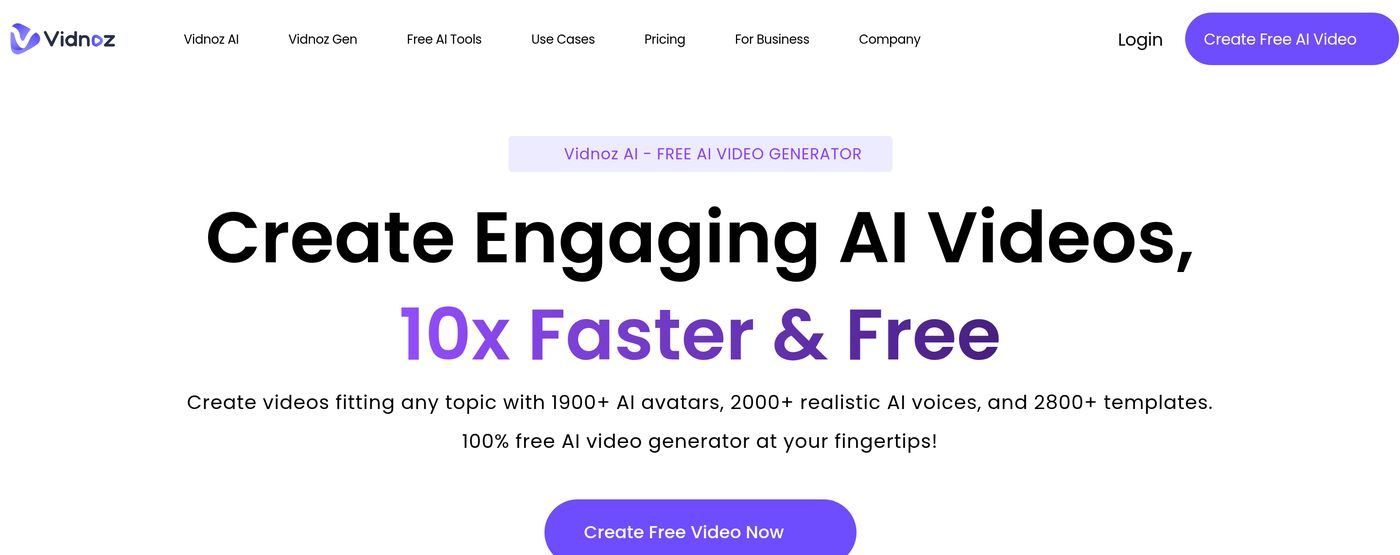
Vidnoz is an avatar video platform with a large stock library and a photo-avatar path, which makes it useful when you want a talking clip without building a workflow from scratch. The official homepage promotes a large library of AI avatars, and the flow is described as choosing a template or avatar, entering text for speech, and generating the video. Expressive avatars are also listed. A free plan appears on the pricing page. Paid plan dollar amounts were not clearly visible when we checked, so we are not listing a paid starting price.
Key Features
- A large stock avatar library, with 1,900 plus avatars listed on the official homepage
- A photo-avatar path, so you can start from a still image rather than a stock character
- Text entered for speech, with lip sync as part of the avatar flow
- Templates that can speed up a first talking clip
Best For
- Creators who want a photo avatar inside a larger template library
- Teams that prefer a stock character when a personal dog photo is not the point
Pros of Vidnoz
- The library is large. You can start from a stock avatar or a template if you do not want to rely on one photo.
- Text in, speech out. You type the line rather than editing a timeline from scratch.
- A free plan is listed. You can try the flow before you look at paid tiers.
Cons of Vidnoz
- The flow is template and avatar led, so it is less focused than a single Host composer
- A paid starting price was not clearly visible on the official pricing page when we checked
- A public G2 or Capterra rating was not available to list
Rating
Not listed.
Pricing
Vidnoz lists a free plan on its official pricing page. Paid plans appear on that page, but the dollar amounts were not clearly visible when we checked, so we are not listing a paid starting price. Confirm the current figures there.
When to Use It
- You want a talking clip from a photo avatar or a stock character
- You prefer a template-led avatar studio over a single Host composer
4. Viggle AI: Best for Animated Dog Motion from a Still Image
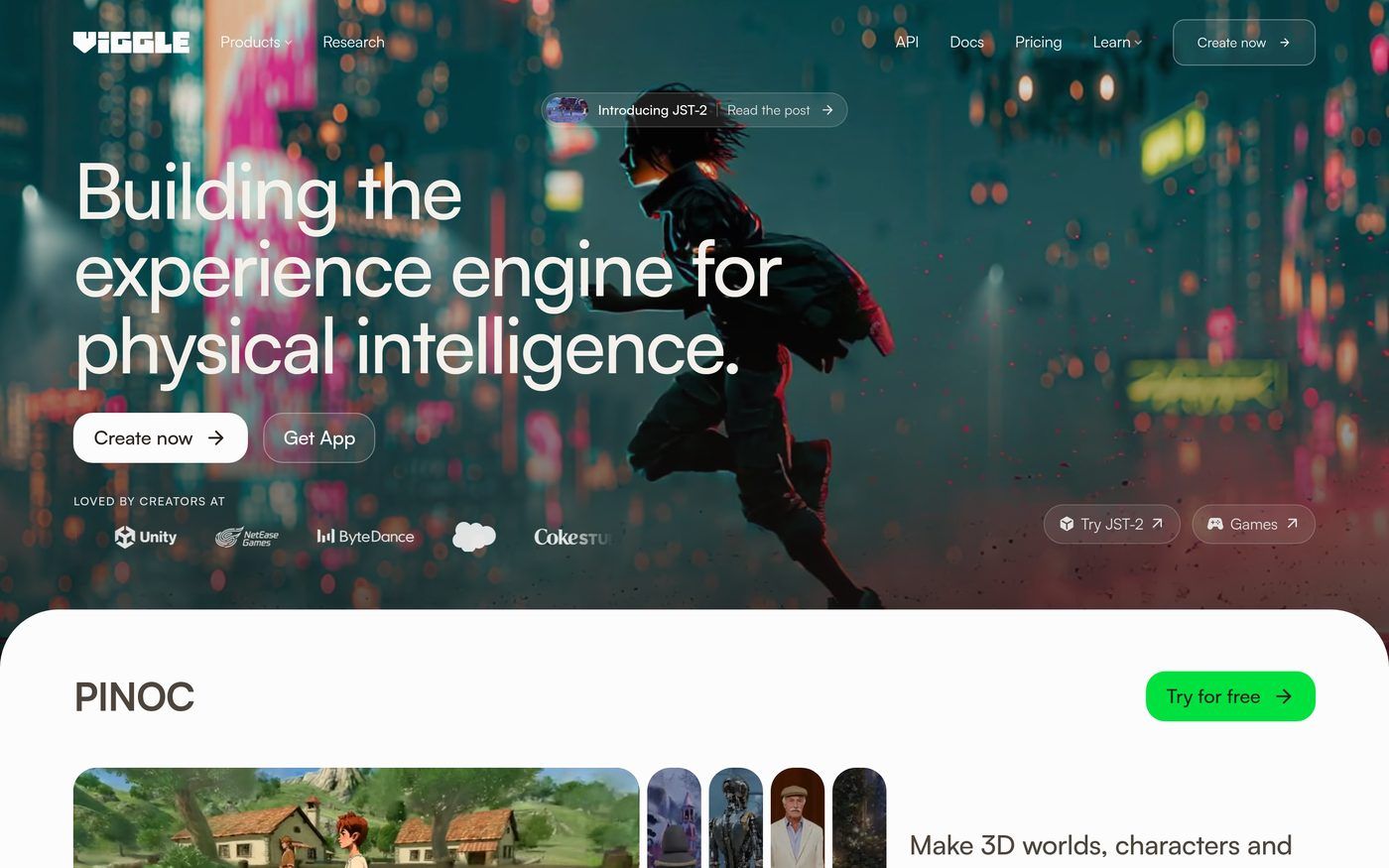
Viggle AI is an experience and character engine for animated motion, not a dedicated talking-avatar composer. Its public homepage focuses on a 3D character engine and on turning still images and characters into moving clips. That helps if you want a dog to run, turn or hold a pose in a short animated hook. It is a weaker fit if your main job is to type a monologue and have one dog Host speak it.
Key Features
- Image and character animation through a public character engine
- A free plan, with a paid Pro plan listed on the official pricing page
- Tools aimed at 3D characters, games and creator motion, rather than a scripted talking Host
- A "Create now" path from the homepage for a first clip
Best For
- Creators who want a dog or character to move in a short animated clip
- Visual hooks where motion matters more than a spoken script
Pros of Viggle AI
- A still image can start the motion. You do not need a full 3D shoot to get a moving character.
- The official pricing is clear. A free plan and a paid Pro plan at $7.99 per month are listed on Viggle's own pricing page.
- The look is distinctive. The public examples lean into stylized 3D characters rather than a plain talking-head frame.
Cons of Viggle AI
- The public site does not present a script-first talking Host composer the way Zoice does
- Lip sync to a typed script is not stated as the core flow
- A public G2 or Capterra rating was not available to list
Rating
Not listed.
Pricing
Viggle AI has a free plan. Paid Pro plans start at $7.99 per month on the official pricing page. Confirm the current list there.
When to Use It
- You have a dog or character image and want it to move in a short animated clip
- You care more about motion than about pasting a full spoken script
How to Choose an AI Dog Video Generator
Start with the clip you want to post. If the line comes first and you want your own dog to say it, Zoice is the most direct path: one photo, a script, and lip sync in the composer. If you already have a voice track, Hedra is the closer match, because its avatar models are built around an image plus audio. If you want a photo avatar inside a larger template library, Vidnoz is the one to try. If the job is a stylized motion hook rather than a talking line, Viggle AI is the more natural fit.
Keep the same dog face across a series if you can. Singing is a separate use of the same photo, and the best AI dog singing generator covers that path in more detail.
FAQ
Can AI make my dog talk from one photo?
Yes. Tools in this list can take a dog photo and produce a clip in which the dog appears to talk. In Zoice, you upload the photo, paste your script, and the Host is lip synced to those words. Other tools may ask for a finished audio track, a template or a motion path instead.
What kind of dog photo works best?
A clear, well-lit photo with the face in view works best. The eyes and mouth should be easy to see, and a front-facing or three-quarter frame is easier for lip sync than a shot from behind or in deep shadow. A puppy or a senior dog can work when the face is sharp.
Can my dog video sing a song?
Yes. Zoice can lip sync a Host to sung lines as well as spoken ones, so the same dog photo can talk in one clip and sing in another. Change the script and generate again if you want a new take. If singing is the whole project, use the dog singing listicle linked above.
Can I change the line after I generate the clip?
Yes. Change the script and generate again. That is the way to edit a talking-dog clip in Zoice: you revise the words, then create a new take from the same Host, rather than cutting the first clip on a timeline.