Best AI Avatar Generator for Safety Training Videos
The best AI avatar generator for safety training videos is Zoice, our top pick for turning a safety procedure into a calm, clear presenter video that crews can watch before a shift. Upload a photo of a supervisor or a friendly character, paste your toolbox talk or site briefing, choose from 170+ languages, and export a sharp video up to 4K. When a rule or a route changes, you edit the script and render again instead of gathering the crew for a new shoot.
We compared four tools on what safety leads and site teams need: clear speech, a trusted presenter, fast updates, languages for the crew, and a price that fits a site budget. Zoice ranked first for safety training videos, and each other tool earned its place for one clear strength.
What Should an AI Avatar Generator Do for Safety Training Videos?
Safety training is about clear steps, repeated often. A worker needs to hear where the exits are, how to lift, which gear to wear, and what to do when something goes wrong. The words come from a safety lead, and they change when a site, a machine, or a rule changes. An AI avatar helps because the video is built from a script, so you can change one line and render again.
This guide is about workplace safety walkthroughs presented by an avatar. The avatar delivers your wording, and your safety lead still reviews it. We do not make compliance or certification claims about any tool in this guide.
What to check before you pick a tool for safety videos:
- Clear speech: a steady voice that carries over a short briefing
- A trusted face: a supervisor photo or a friendly character workers will watch
- Fast changes: update one step when a route, a rule, or a machine changes
- Languages: briefings in the languages your crew speaks
- Short clips: toolbox talks that fit a few minutes before a shift
- Cost: a plan that suits a site team or a small company
Related terms you will see:
- Safety training video: a clip that explains one hazard and the right response
- Workplace safety avatar: a presenter who reads the safety script
- Site safety briefing: a short message on the rules for a specific site
- Toolbox talk: a quick pre shift clip on one topic
Quick Comparison: Best AI Avatar Generators for Safety Training Videos
| Features | Zoice | HitPaw | Percify | DreamFace |
|---|---|---|---|---|
| Best For | Site briefings from a supervisor's photo | Credit based avatars from text, photos, or stock | Photo to talking avatar with credit plans | Quick photo, script, or audio avatars |
| Presenter source | One photo or character image | Text, stock avatars, and uploaded photos | One photo and a voice | Photo, script, or audio |
| Languages | 170+ | 80 languages for voiceovers | Not listed | Not listed |
| Max export | Up to 4K | Not listed | 720p lip sync | Not listed |
| Safety fit | Delivers a clear video you can show on a tablet | Voice cloning listed on its avatar page | Lip sync from a photo and voice | Cartoon and full body options |
| Starting price* | $7.99/mo for avatar videos | Credit packs, 20 credits per second | Paid from $26/mo | Paid from $12.99/mo |
| Overall rating | 9.8 | 8.4 | 8.2 | 8.1 |
*Prices and limits change often. Check each tool's own pricing page before you pay.
All four can put a talking face on a safety message. The difference is polish and range: Zoice delivers a sharp, up to 4K video from a photo and your script, while the others sell credit packs for short clips or lean toward fun and social use.
1. Zoice: Best AI Avatar Generator for Safety Training Videos Overall
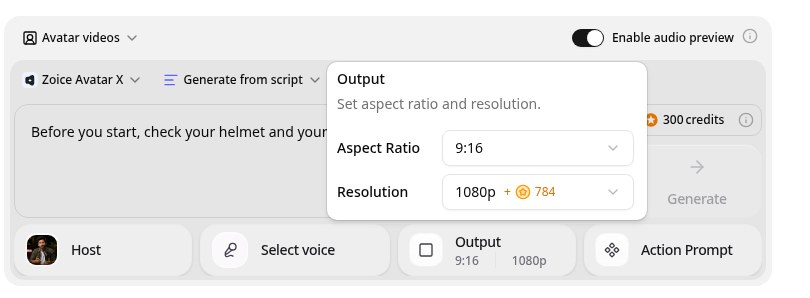
Zoice is the top pick when a safety lead wants a clear presenter that is quick to build and easy to update. Its Avatar X model turns a photo or character into a talking video from a typed script or your own audio, with natural lip sync, facial expressions, and gestures you can guide with a prompt or a timeline. Use a supervisor's photo, clone a voice from a short sample, write in one of 170+ languages, and export from 480p up to 4K in any aspect ratio.
Key Features
- Talking video from one photo or character image
- Script or uploaded audio, with natural lip sync
- Voice cloning from a short audio sample, or 50+ ready made voices
- Scripts in 170+ languages and dialects
- Expressions and gestures, with action prompts and timeline triggers
- Export from 480p up to 4K in any aspect ratio
Best For
- Safety leads who turn toolbox talks into short clips
- Crews that speak more than one language
- Sites where rules, routes, or machines change often
Pros of Zoice
- Sharp up to 4K
High resolution keeps the presenter clear on a large screen or a phone.
- Directed delivery
Add a nod, a smile, or a point by action prompt instead of a flat read.
- Clear credit costs
Credits are listed by resolution and length, so you know the cost before you render.
- Quick site updates
Change a route or a rule in the script and render again without a new shoot.
- A supervisor the crew knows
Start from your own photo so the message comes from a familiar face.
- Crew languages
Brief the same rule in 170+ languages and dialects.
Cons of Zoice
- Delivers the video file
Zoice makes the video. Sign in sheets and completion records belong in your safety system.
- Avatar videos need a paid plan
The free plan covers voice, images, chat, and transcription. Avatar videos start on Starter.
Overall Zoice Rating
Review 9.8: Best Overall
| Criterion | Score |
|---|---|
| Presenter quality | 9.9/10 |
| Lip sync and voice | 9.8/10 |
| Languages | 9.9/10 |
| Ease of updates | 9.8/10 |
| Export quality | 9.9/10 |
| Ease of use | 9.7/10 |
| Pricing | 9.7/10 |
Pricing
| Plan | Monthly Price | What you get |
|---|---|---|
| Free | $0/month | 50 credits per day for AI voice, images, chat, and transcriptions |
| Starter | $7.99/month | 4K credits per month, AI avatar videos, 1 voice profile |
| Basic | $29.99/month | 17K credits per month, 3 voice profiles |
| Creator | $49.99/month | 30K credits per month, 5 voice profiles |
| Agency | $89.99/month | 50K credits per month, 10 voice profiles |
Yearly billing saves 20%. Avatar videos start on Starter, and the credit cost of each video depends on its resolution and length.
When to Use It
Choose Zoice when you want a clear, familiar presenter for each briefing, your sites change, and your crew speaks more than one language.
- Record a pre shift toolbox talk on one hazard.
- Walk through a lifting or machine procedure step by step.
- Share a short site briefing when a route or rule changes. Try Zoice
2. HitPaw: Best for Credit Based Avatar Clips
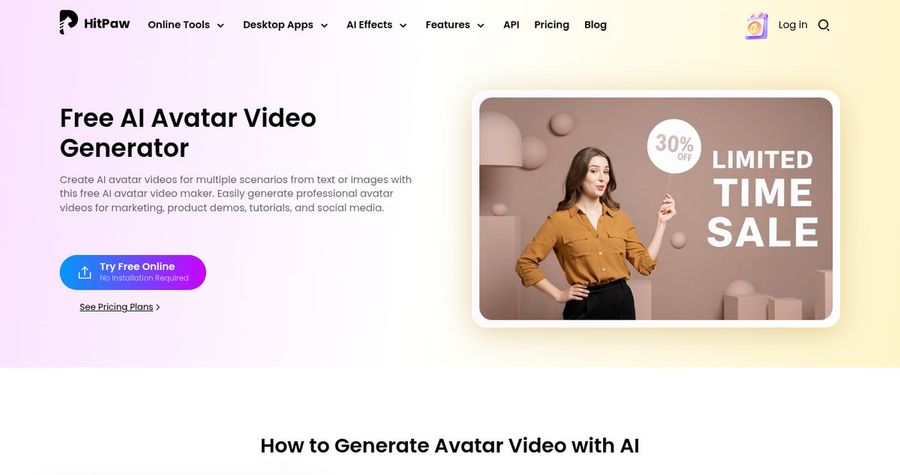
HitPaw is the choice if you want avatar tools inside a video editor. HitPaw offers AI avatar tools through its Edimakor editor and its online avatar video generator. You can build a talking video from text, a stock avatar, or an uploaded photo, with lip sync, subtitles, and backgrounds. Its avatar page says it can clone a voice you provide.
Key Features
- Avatars from text, stock avatars, or uploaded photos
- Talking photo and animated characters
- Voice cloning from a clip you provide
- 100+ voiceovers in 80 languages
- Gestures and expressions in the avatar editor
- Subtitles, backgrounds, and layouts
Best For
- Teams that already edit video in Edimakor
- Teams that want text, photo, or stock avatars
Pros of HitPaw
- Voice cloning listed
Its avatar page says it can clone a voice you provide.
- Many ways in
Text, a photo, or a stock avatar all work as a starting point.
Cons of HitPaw
- An editor first
Edimakor is a video editor with avatar tools inside, so it feels heavier than a tool built only for avatars.
- Credits go fast
A standard avatar costs 20 credits per second, and credits need a paid plan.
Overall HitPaw Rating
Review 8.4: best for Credit Based Avatar Clips
Pricing
HitPaw is credit based. A standard AI avatar costs 20 credits per second, and a HeyGen powered avatar costs 50 credits per second. Credits need an active paid plan. Check HitPaw's pricing page for current details.
When to Use It
Use HitPaw when you want avatars inside an editor. Use Zoice when you want a dedicated avatar tool with up to 4K output.
3. Percify: Best for Photo to Talking Avatar on Credits
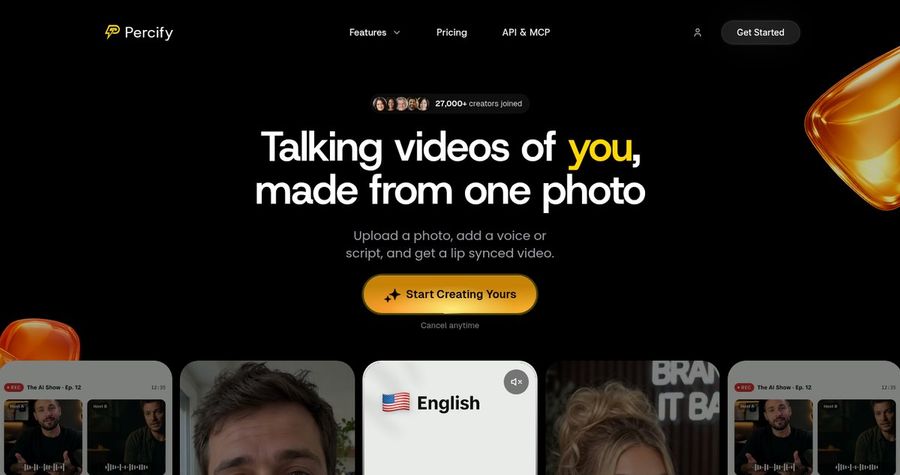
Percify is the choice if you want a photo based avatar billed by the second. Percify turns a photo, a voice, or a script into a lip synced talking avatar video. It lists custom avatars, voice cloning, stock presenters, captions, translation and dubbing, and a catalog of text to video models.
Key Features
- Photo to talking avatar
- Custom avatars and voice cloning
- Stock presenters and captions
- Translation and dubbing
- 34 text to video models
- Fast 480p or High 720p lip sync
Best For
- Teams that want clear per second credit costs
- Teams that want an API on a higher plan
Pros of Percify
- Photo in, video out
One photo and a voice are enough to start a talking avatar.
- Clear credit table
Per second credit costs are published in its docs.
Cons of Percify
- Lower lip sync resolution
Lip sync is listed at 480p and 720p, while Zoice exports up to 4K.
- API on higher plans
API keys need the Scale or Ultra plan.
Overall Percify Rating
Review 8.2: best for Photo to Talking Avatar on Credits
Pricing
Creator costs $26 per month for 1,233 credits, Scale costs $65 for 3,000, and Ultra costs $128 for 8,000. Fast 480p lip sync costs 2 credits per second, and High 720p costs 6. Check Percify's pricing page for current details.
When to Use It
Use Percify when you want credit billing by the second. Use Zoice when you want a higher resolution file for a big screen.
4. DreamFace: Best for Quick Photo Avatars on Mobile
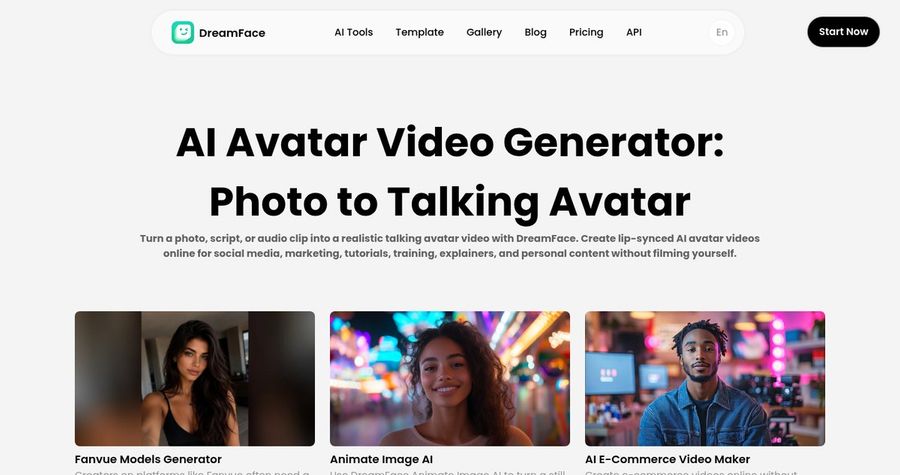
DreamFace is the choice if you want a quick avatar from a phone. DreamFace creates talking avatars from a photo, a text script, or uploaded audio, with lip synced speech, voice options, and facial animation. It also offers full body and cartoon avatar tools and an iOS app.
Key Features
- Talking avatars from a photo, script, or audio
- Lip synced speech and voice options
- Facial animation
- Full body and cartoon avatar tools
- Credit based generations
- iOS app
Best For
- Teams that make clips on an iPhone
- Teams that want cartoon or full body avatars
Pros of DreamFace
- Fun avatar types
Cartoon and full body options add variety.
- Quick start
A photo, a script, or audio all work, and there is an iOS app.
Cons of DreamFace
- Credits cap use
Plans give a fixed pool of credits per period.
- Consumer feel
The tools lean toward social and fun use, so test them against workplace needs.
Overall DreamFace Rating
Review 8.1: best for Quick Photo Avatars on Mobile
Pricing
Premium Lite costs $12.99 per month for 2,400 credits, and Premium costs $24.99 per month for 4,600 credits, with weekly and yearly options. Check DreamFace's pricing page for current details.
When to Use It
Use DreamFace when speed on a phone matters most. Use Zoice when you want a steady, professional presenter.
Safety Training Video Ideas That Work
Short, single hazard videos get watched. These formats suit a site or a shop floor:
- Toolbox talk: one hazard, one rule, and one thing to do, in two minutes.
- Gear check: what to wear, and how to check it before starting.
- Route and exit briefing: the way in, the way out, and the meeting point.
- Incident reminder: a short clip after a near miss that restates the rule.
Want more procedure ideas? See our SOP video picks, or read about healthcare training avatars.
How We Compared AI Avatar Generators for Safety Training Videos
We scored each tool the way safety leads and site teams would, using the public features, limits, and prices on each tool's own site.
We looked at presenter quality, lip sync, language range, ease of updates, export quality, tools for short briefings, and price. Zoice ranked as the best AI avatar generator for safety training videos overall. HitPaw led avatar tools inside a video editor, Percify led credit billed photo avatars, and DreamFace led quick mobile avatars.
How to Choose an AI Avatar Generator for Safety Training Videos
Start with who watches the briefing and where they watch it.
- Screen: pick an export that stays clear on a tablet or a site monitor.
- Voice: choose a steady voice that carries in a noisy room.
- Languages: confirm every language your crew speaks.
- Updates: check how fast you can change a step and render again.
- Review: have your safety lead approve every script before it plays.
- Cost: compare the price of a full clip, not only the entry plan.
If you want one tool that turns a safety script and a supervisor photo into a clear, sharp presenter video, Zoice is the strongest pick for safety leads and site teams. You can make your first toolbox talk in Zoice in a few minutes.
FAQ
Can an AI avatar present safety steps?
Yes. An avatar can read the safety script you write, so you can make a clear video for each topic. Your safety lead should review every script, since they know the site and the rules.
Can I make short toolbox talk clips?
Yes. A single topic script gives a short clip. In Zoice you set the length with the script, and credits depend on resolution and length.
Can it speak my crew's language?
Yes. Zoice supports scripts in 170+ languages and dialects. A native speaker on your crew should check the wording before you play the video.