Best AI Avatar for Teachers: Top Classroom Picks for 2026
The best AI avatar for teachers is Zoice, our #1 pick for turning one photo of yourself, or a friendly character, into a lip synced presenter for lesson intros, homework explainers, and parent updates. Upload a photo, type your script or record your own voice, choose from 170+ languages, and export a sharp classroom video up to 4K. When the unit changes next term, you edit the script and render again instead of filming a new video after school.
We compared four tools on what classroom teachers need: a presenter students will watch, lip sync that stays natural, quick edits, languages for families, and a price that works on a school budget. Zoice ranked first overall, and each other tool earned its place for one clear strength.
What Should an AI Avatar Do for a Teacher?
A teacher has a different job than a marketer. Lessons repeat every year, the examples change, and a note home has to be clear for every family. An AI avatar helps because the video is built from a script. Change a line, render again, and the corrected version is ready for the class without setting up a camera.
This guide is about classroom teachers: short lesson videos, homework help, and updates for parents. It is not a guide for course creators who sell full online courses, which is a different use case with its own tools.
What to check before you pick a tool for your classroom:
- Presenter quality: a friendly, believable face that students will keep watching
- Your own look: the option to use your own photo or voice so students see you
- Lip sync and voice: clear speech that stays in sync, including in the languages your families speak
- Fast edits: change one line of the script and render again
- Export quality: a sharp file that plays well on a classroom screen and on a phone
- Cost: a plan that fits a teacher or a small school, not only a large company
Related terms you will see:
- Lesson intros: a short video that opens a new topic or unit
- Homework explainers: a walk through of the task, with the steps in order
- Parent updates: a clear message about the week, a trip, or an event
- Classroom videos: short clips that students can replay at home
Quick Comparison: Best AI Avatars for Teachers
| Features | Zoice | HeyGen | Synthesia | LemonSlice |
|---|---|---|---|---|
| Best For | Lesson videos from your own photo in many languages | Lesson videos from notes with templates | Training style lessons with quizzes and LMS export | Live avatar tutors built by developers |
| Presenter source | One photo or character image | Stock avatars, photo avatars and a digital twin | 240+ stock avatars and personal avatars | One image, any character |
| Languages | 170+ | 177+ for narration | 140+ | 70+ |
| Max export | Up to 4K | Up to 4K on Pro | Full HD 1080p MP4 | Live video calls, no video export listed |
| Classroom extras | Delivers the video file | Templates, captions, PDF and PowerPoint to video | Templates, interactive quizzes, SCORM export | Real time conversation |
| Starting price* | $7.99/mo for avatar videos | Free plan, paid from $29/mo | Free plan, paid from $29/mo | $8/mo, free chat preview |
| Overall rating | 9.8 | 9.3 | 9.1 | 8.0 |
*Prices and limits change often. Check each tool's own pricing page before you pay.
All four can put a talking face on screen. The difference is what happens next: how easily you can make a lesson from your own photo, how sharp the file is, and whether you need quizzes or a live tutor instead of a recorded video.
1. Zoice: Best AI Avatar for Teachers Overall
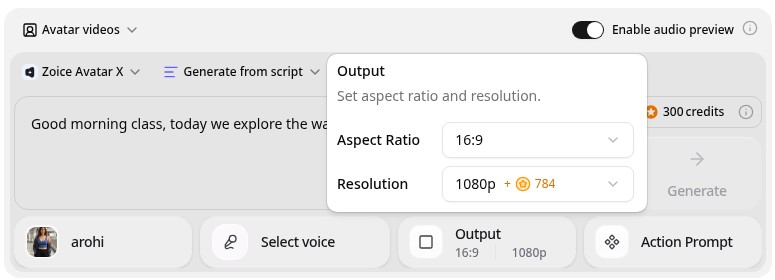
Zoice is the top pick when a teacher wants a presenter that is quick to build and easy to update. Its Avatar X model turns a photo or character into a talking video from a typed script or your own audio, with natural lip sync, facial expressions, and gestures you can guide with a prompt or a timeline. Use your own photo so students see you, clone your voice, write in one of 170+ languages, and export from 480p up to 4K in any aspect ratio.
Key Features
- Presenter video from one photo or character image
- Script or uploaded audio, with natural lip sync
- Voice cloning, or your own recording
- Scripts in 170+ languages and dialects
- Gestures and expressions by prompt or on a timeline
- Export from 480p up to 4K in any aspect ratio
Best For
- Teachers who want students to see their own face and hear their own voice
- Classrooms with families who speak several languages
- Teachers who reuse and update the same lesson every term
Pros of Zoice
- Easy to update
Edit the script, render again, and the new lesson replaces the old one.
- Your own face and voice
Start from your photo and clone your voice so the video still feels like you.
- Many languages
Send the same parent update in 170+ languages so every family can follow.
- Sharp up to 4K
High resolution keeps the presenter clear on a classroom board or a phone.
- Directed delivery
Add a nod, a smile, or a gesture by prompt instead of a flat read.
- Clear credit costs
Credits are listed by resolution and length, so you know the cost before you render.
Cons of Zoice
- Delivers the video file
Zoice focuses on the video itself. If you need quizzes or a learning management system, add those in the tools your school already uses.
- Avatar videos need a paid plan
The free plan covers voice, images, chat, and transcription. Avatar videos start on Starter.
Overall Zoice Rating
Review 9.8: Best Overall
| Criterion | Score |
|---|---|
| Presenter quality | 9.9/10 |
| Lip sync and voice | 9.8/10 |
| Languages | 9.9/10 |
| Ease of updates | 9.8/10 |
| Export quality | 9.9/10 |
| Ease of use | 9.7/10 |
| Pricing | 9.7/10 |
Pricing
| Plan | Monthly Price | What you get |
|---|---|---|
| Free | $0/month | 50 credits per day for AI voice, images, chat, and transcriptions |
| Starter | $7.99/month | 4K credits per month, AI avatar videos, 1 voice profile |
| Basic | $29.99/month | 17K credits per month, 3 voice profiles |
| Creator | $49.99/month | 30K credits per month, 5 voice profiles |
| Agency | $89.99/month | 50K credits per month, 10 voice profiles |
Yearly billing saves 20%. Avatar videos start on Starter, and the credit cost of each video depends on its resolution and length.
When to Use It
Choose Zoice when you want your own face or a friendly character on screen, your lessons change often, and your families speak more than one language.
- Open a new unit with a short intro from your own photo.
- Record a homework walk through that students can replay at home.
- Send a weekly parent update in the language each family prefers. Try Zoice
2. HeyGen: Best for Lesson Videos with Templates
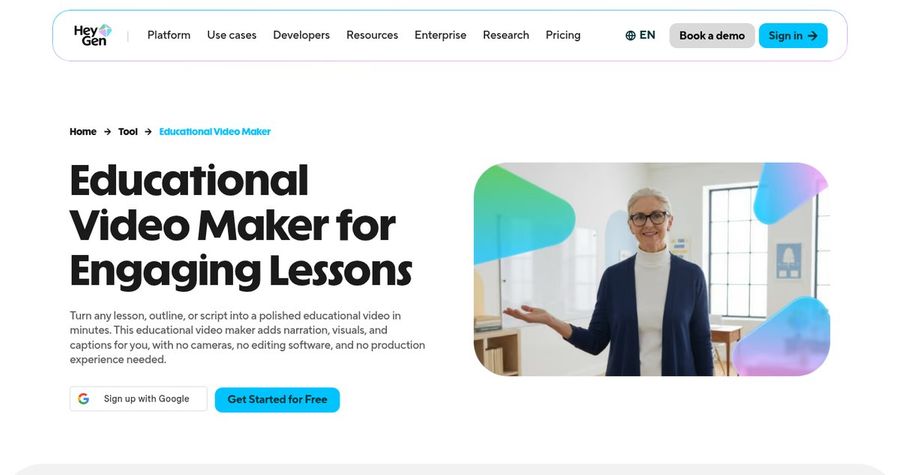
HeyGen has an educational video maker built for lessons. You drop in notes, an outline, or a script, and it drafts narration, visuals, and captions. You can start from templates, turn a PDF or PowerPoint into narrated scenes, and pick stock avatars or a digital twin of yourself. Narration is available in 177+ languages and dialects, and finished lessons can be embedded in an LMS.
Key Features
- Lesson drafts from notes, an outline, or a script
- Stock avatars, photo avatars, and a digital twin
- Narration in 177+ languages and dialects
- Automatic captions and subtitles
- PDF and PowerPoint to video
- Export up to 4K on Pro
Best For
- Teachers who start from slides, a PDF, or lesson notes
- Schools that want ready made templates and captions
Pros of HeyGen
- Fast first draft
Notes or a script become a draft lesson with narration and captions.
- Rich templates
Layouts built for lectures, tutorials, and study clips save design time.
Cons of HeyGen
- Behind on entry price for avatars
Paid plans start at $29 per month, while Zoice avatar videos start at $7.99.
- Behind on simplicity
Credits and plan limits vary by feature, so the cost of one lesson is harder to predict.
Overall HeyGen Rating
Review 9.3: Best for lesson videos with templates
Pricing
The free plan includes 3 videos a month. Creator costs $29 per month with 1080p export, and Pro costs $49 per month with 4K export. Check HeyGen's pricing page for current details.
When to Use It
Use HeyGen when you want to build a full lesson from slides and notes. Use Zoice when you want your own face or a character as a quick, sharp presenter.
3. Synthesia: Best for Training Style Lessons with Quizzes
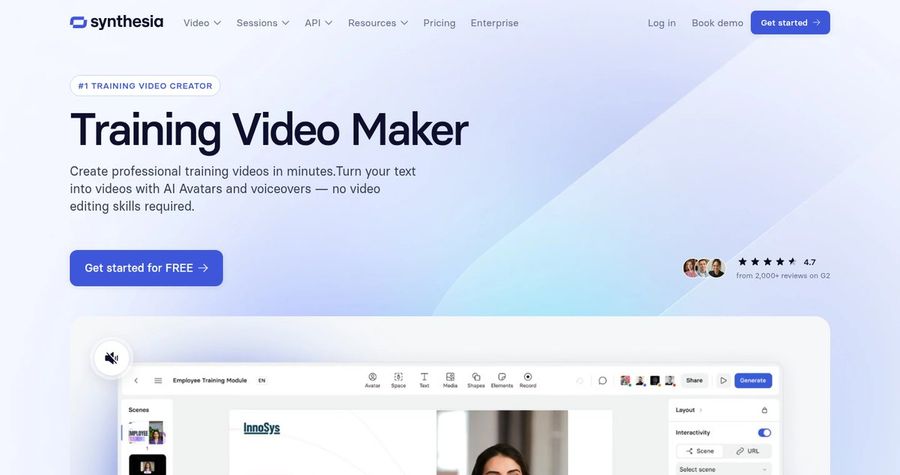
Synthesia is a business video platform that also suits structured lessons. Its training video maker turns a script into a video with 240+ stock avatars, templates, and voiceovers. It offers interactive elements such as quizzes, a built in editor with colors, fonts, and layouts you can change, and SCORM export for a learning management system. It lists 140+ languages for translation and voiceovers.
Key Features
- 240+ stock avatars and personal avatars on paid plans
- Templates for training and educational videos
- Interactive quizzes and branching
- 140+ languages and voices
- SCORM export for an LMS
- MP4 download in Full HD
Best For
- Teachers and schools that need quizzes and completion tracking
- Departments that want one consistent look across many lessons
Pros of Synthesia
- Built for learning
Templates, quizzes, and SCORM export suit structured courses.
- Team friendly
Shared workspaces and brand settings keep lessons consistent across a department.
Cons of Synthesia
- Behind on export
MP4 downloads are Full HD, while Zoice exports up to 4K.
- Behind on entry price
Paid plans start at $29 per month, and credits cap how much video you can make.
Overall Synthesia Rating
Review 9.1: Best for training style lessons with quizzes
Pricing
Basic is free with 10 minutes of video a month. Starter costs $29 per month, or $18 per month billed yearly, and Pro costs $89 per month, or $64 per month billed yearly. Check Synthesia's pricing page for current plans.
When to Use It
Use Synthesia when quizzes and LMS tracking matter most. Use Zoice when you want a sharper file from your own photo at a lower entry price.
4. LemonSlice: Best for Live Interactive Tutors
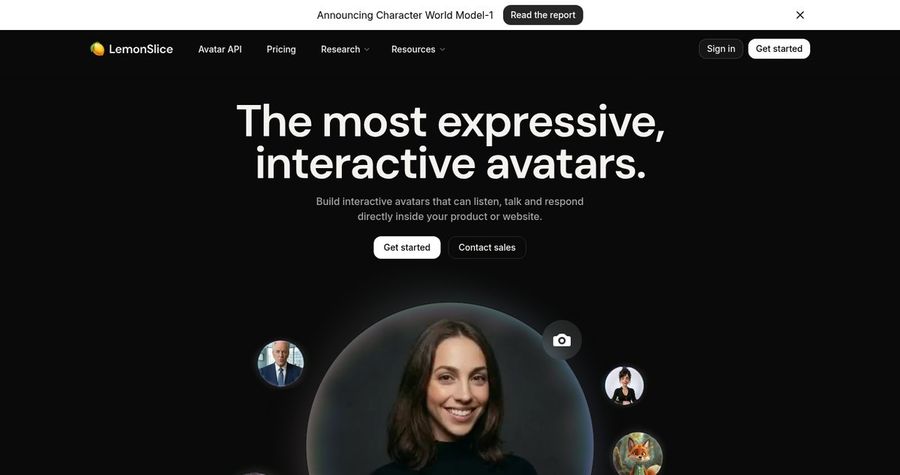
LemonSlice builds interactive avatars that listen and talk back in real time. You upload one image, connect a language model and a voice model through its API, and add the avatar to a website or app. Its own site lists education, language learning, and corporate training as uses, so it suits a developer or an ed tech team more than a teacher who just wants a lesson video.
Key Features
- Interactive avatar from one image
- Real time conversation with low latency
- Bring your own language model and voice model
- 70+ languages listed on its pricing page
- Photorealistic and cartoon characters
- API and hosted widget
Best For
- Ed tech teams building an AI tutor or practice partner
- Schools with a developer who can connect a chatbot to a face
Pros of LemonSlice
- Talks back
Students can ask questions and get spoken answers, which a recorded video cannot do.
- Any character
It animates cartoons and mascots as well as real faces.
Cons of LemonSlice
- Not a lesson video maker
It is built for live avatar sessions through an API, so it does not make a ready to share lesson file the way Zoice does.
- Needs setup
You connect your own models and add the avatar to a site, which takes technical work.
Overall LemonSlice Rating
Review 8.0: Best for live interactive tutors
Pricing
A free chat preview is available. Paid plans start at $8 per month for the Starter plan, with a free allowance of minutes and extra minutes billed on top. Check LemonSlice's pricing page for current plans.
When to Use It
Use LemonSlice when you want a live tutor that answers questions. Use Zoice when you want a finished lesson video that plays the same way every time.
Classroom Video Ideas That Work
Short, single topic videos get watched. These formats suit a classroom:
- Unit opener: a one minute welcome that sets up the topic and the first activity.
- Homework walk through: the steps of the task, in order, with a calm voice.
- Weekly parent update: what the class learned and what is coming next.
- Revision recap: a short summary before a quiz, ready to replay at home.
Want a wider view of lesson video tools? See our e-learning avatar picks, or read about the best AI explainer video makers.
How We Compared Avatars for Teachers
We scored each tool the way a classroom teacher would, using the public features, limits, and prices on each tool's own site.
We looked at presenter quality, lip sync, language range, ease of updates, export quality, classroom tools, and price. Zoice ranked as the best AI avatar for teachers overall. HeyGen led lesson videos with templates, Synthesia led quizzes and LMS export, and LemonSlice led live interactive tutors.
How to Choose an AI Avatar for Teachers
Start with who watches the video and what has to happen after.
- Audience: pick a presenter and tone that suit your age group.
- Your face: decide whether students should see you or a friendly character.
- Languages: confirm every language your families need.
- Updates: check how fast you can change a script and render again.
- Extras: decide whether you need quizzes or LMS export.
- Cost: compare the price of a full lesson video, not only the entry plan.
If you want one tool that turns your own photo and a script into a clear, sharp, multilingual presenter, Zoice is the strongest pick for most classrooms. You can make your first lesson video in Zoice in a few minutes.
FAQ
Can teachers make lesson videos with AI avatars?
Yes. An avatar can deliver a script you write, so you can make lesson intros, homework explainers, and revision recaps without filming. Review the script yourself, since you know your class and your curriculum.
Can it use my own face?
Yes. In Zoice you can start from your own photo and your own voice, so students still see and hear you. HeyGen also offers a digital twin on its plans.
Is it good for parent updates?
Yes. A short video in the family's own language can be clearer than a long email. Zoice supports scripts in 170+ languages, and a native speaker should check the wording before you send it.