Best AI Avatar Generator for E-Learning: Top Picks
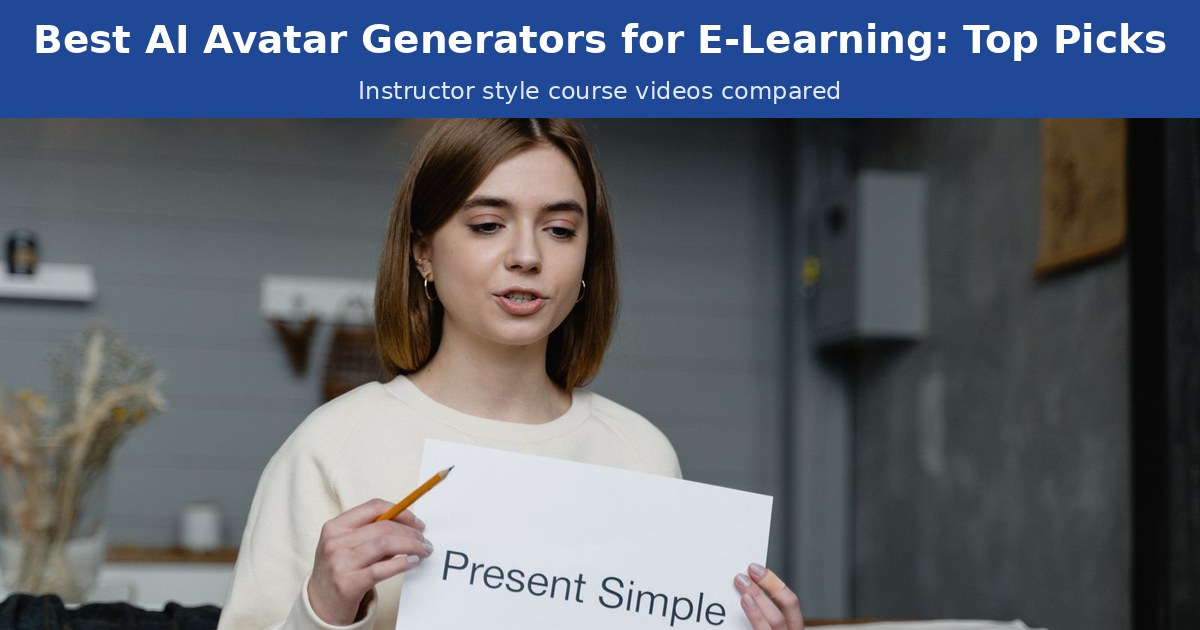
The best AI avatar generator for e-learning lets you keep the same instructor on screen across every module without booking a studio, a camera crew, or a reshoot each time a lesson changes. Course creators and learning and development (L&D) teams use AI avatars to turn scripts into lesson videos, fix outdated modules in minutes, and give learners one familiar face from the first lesson to the final quiz.
We ranked five platforms on what matters for online courses: a consistent instructor, natural speech, simple workflows, localization, LMS friendly exports, and price. Zoice is #1 Best Overall for turning one photo into a talking head instructor. Colossyan, HeyGen, Synthesia, and Elai each win a niche, but trail on photo only setup, update costs, or value for smaller teams.
What Is an AI Avatar Generator for E-Learning?
An AI avatar for e-learning is a digital instructor that speaks your lesson script on camera. You start from a photo or a stock presenter, add a script or recorded audio, choose a voice, and the tool renders a talking head video with matching lip movement. Instead of filming every module, you write it, generate it, and publish it.
For course work, the useful features are:
- A consistent instructor: the same face and voice in every module
- Script to lesson video: paste a script, pick a voice, and generate
- Natural speech and lip sync: delivery that keeps learners watching
- Localization: the same lesson in new languages
- Export options: MP4 files, captions, and in some tools SCORM packages
Related terms you will see:
- AI instructor avatar: a digital presenter who teaches your lessons
- Course avatar video: a lesson or recap delivered by an avatar
- LMS avatar: an avatar video inside a learning management system
- SCORM: a package format that lets an LMS track completion
The big win is reuse. One instructor can carry an entire course, and updating a lesson means editing a script, not rebooking a shoot.
Quick Comparison: Best AI Avatar Generators for E-Learning
| Features | Zoice | Colossyan | HeyGen | Synthesia | Elai |
|---|---|---|---|---|---|
| Best For | Photo to instructor lessons | Course builder templates and branching | Polished studio instructor avatars | Enterprise L&D localization | Quick explainer lessons |
| Instructor consistency | Same face from one photo, reused across unlimited videos | Strong with stock or instant custom avatars | Strong with stock, photo, or custom avatars | Strong with stock or personal avatars | Good with stock avatars |
| Photo to talking head | Yes, one photo, no calibration recording | Instant custom avatars; studio avatar is a paid add-on | Photo avatars, unlimited on paid plans | Personal avatars on paid plans; studio avatar is a paid add-on | Selfie avatar is an add-on or on Team and above |
| Script to lesson | Script or uploaded audio, then generate | Course outline editor, PPT and PDF import | Studio editor, PPT and PDF import | Templates, PowerPoint import, script assistant | Script, slides, or URL to video |
| Lip sync | Natural lip sync up to 4K | Lip sync across languages | Strong with Avatar IV | Strong; lip sync dubbing uses extra credits | Adequate; trails the leaders |
| Multilingual | 170+ languages and accents | 120+ languages | 175+ languages on paid plans | 160+ languages and voices | 75+ languages |
| Captions and LMS export | MP4 up to 4K for LMS upload; check caption and SCORM needs | Subtitles; SCORM on Professional and above | SCORM and LMS integrations on Business | Auto captions; SCORM on Enterprise | Auto captions; SCORM on Enterprise |
| Starting price* | $7.99/mo for avatar videos | Free / $59/mo (annual) | Free / $29/mo | Free / $29/mo | Free / $29/mo |
| Overall rating | 9.8 | 9.3 | 9.1 | 9.0 | 8.7 |
*Prices and plan limits change often. Check current pricing on each vendor's site before you subscribe.
Every tool here can make a decent lesson. The gap shows up when you need the same instructor across dozens of modules, frequent updates, and a price that works for a small team. Zoice leads on that mix.
Zoice: Best AI Avatar Generator for E-Learning Overall
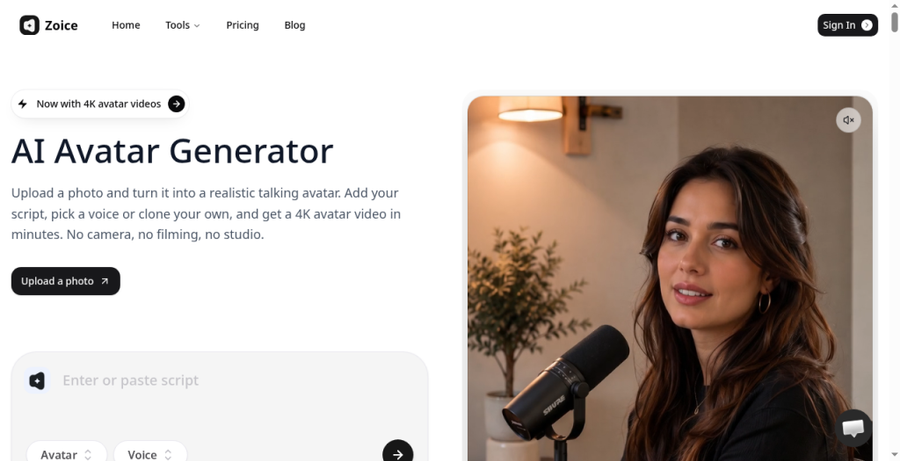
Zoice is the best AI avatar generator for e-learning when you want one consistent instructor without a camera, a studio, or a calibration recording. Upload a single clear photo, paste a lesson script or upload your own audio, pick a cloned or ready made voice, and Zoice turns it into a talking head lesson with natural lip sync in up to 4K. Once your instructor exists, every new module is script work, not a reshoot.
Key Features
- Talking head instructor from a single photo, with no calibration video
- Script or uploaded audio to lesson video, with an audio preview before you spend video credits
- Voice cloning included, plus 50+ ready made voices and avatars
- 170+ languages and accents for global courses
- Output from 480p up to 4K, in any aspect ratio
- Up to 10 minutes per generation
Best For
- Course creators building a full course around one instructor
- L&D and HR teams turning SOPs into presenter led training
- Coaches and educators who update lessons often
- Small teams that want quality lessons without enterprise pricing
Pros of Zoice
- Photo to instructor in minutes
A headshot is enough to start. No studio session, no consent video, no processing queue.
- Script to lesson without editing skills
Type the script, choose a voice, and generate, or upload narration you already recorded.
- The same face across every module
Build the instructor once and reuse it across unlimited videos, so learners see one teacher throughout.
- Natural speech and lip sync
Expressions and mouth movement stay believable on close shots, which matters in long modules.
- Updates without reshoots
When a policy or product changes, edit the script and regenerate that lesson.
- Transparent credits
Plans list credits clearly and per video costs are published, so you can estimate course cost upfront.
Cons of Zoice
- Best value when you ship lessons often
Teams that make one or two videos a year will not get full value from reuse. If your LMS requires SCORM packages, check current export options or package the videos in your course authoring tool.
Overall Zoice Rating
Review 9.8: Best Overall
| Criterion | Score |
|---|---|
| Consistent instructor across modules | 9.9/10 |
| Talking head from one photo | 9.9/10 |
| Natural speech and lip sync | 9.8/10 |
| Script to lesson workflow | 9.8/10 |
| Multilingual lessons | 9.7/10 |
| LMS friendly MP4 exports | 9.3/10 |
| Reuse for course updates | 9.9/10 |
| Speed and pricing | 9.8/10 |
Pricing
| Plan | Monthly Price | What you get |
|---|---|---|
| Free | $0/month | 50 credits per day for AI voice, images, chat, and transcriptions |
| Starter | $7.99/month | 4K credits per month, AI avatar videos, 1 voice profile |
| Basic | $29.99/month | 17K credits per month, 3 voice profiles |
| Creator | $49.99/month | 30K credits per month, 5 voice profiles |
| Agency | $89.99/month | 50K credits per month, 10 voice profiles |
Yearly billing saves 20%. Enterprise plans are available for larger teams. Avatar videos start on Starter.
When to Use It
Choose Zoice for the strongest overall AI instructor avatar: one photo, one face, fast updates.
- Build a full course with one instructor face.
- Update lessons without refilming when content changes.
- Localize training for new regions with the same instructor. Try Zoice.
Colossyan: Best for Course Builder Templates
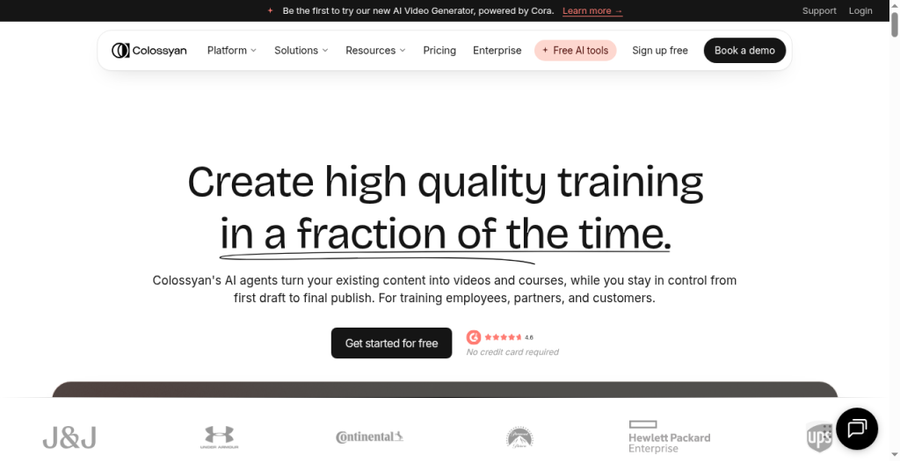
Colossyan is built for training teams that want video and course creation in one place. It pairs 300+ stock avatars and 700+ voices with a course outline editor, PPT and PDF import, interactive videos with branching, and SCORM export.
Key Features
- Instant custom avatars plus a large stock library
- Course outline editor with PPT and PDF import
- Interactive videos and unlimited course creation
- 120+ languages with monthly auto translation limits on lower plans
- SCORM export on Professional and above; 4K on Enterprise
Best For
- L&D teams that want course building and video in one tool
- Instructional designers who rely on templates and interactive scenarios
Pros of Colossyan
- Course first design
Outlines, interactivity, and video live together.
- LMS packaging
SCORM export publishes straight into common learning systems.
Cons of Colossyan
- Slower to turn your own photo into an avatar
Studio quality avatars are a paid add-on, and getting your own face on screen is less direct than Zoice's one photo setup.
- Behind on creator friendly pricing
Professional is about $59 per month billed annually, with monthly caps on video minutes and SCORM exports.
Overall Colossyan Rating
Review 9.3: Best for course builder templates
Pricing
Free Starter plan with limited minutes. Professional about $59/month billed annually, plus $30/month per extra editor. Enterprise is custom. Studio custom avatars cost extra. Check current pricing on Colossyan's site.
When to Use It
Use Colossyan when templates, branching, and SCORM drive your workflow. If you want a Colossyan alternative with a photo based instructor and low cost updates, use Zoice.
HeyGen: Best for Polished Studio Instructor Avatars
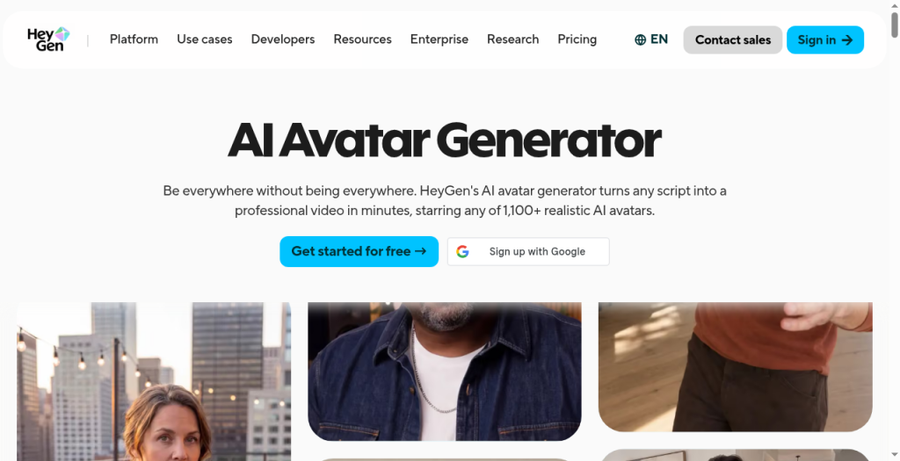
HeyGen is a strong pick when your course needs a polished, studio style presenter. Paid plans include unlimited photo avatars, voice cloning, and 175+ languages, and the Business plan adds quizzes, branching, SCORM export, and LMS integrations.
Key Features
- 500+ stock avatars plus photo and custom video avatars
- Voice cloning and 175+ languages on paid plans
- 1080p on Creator, 4K on Pro and above
- SCORM export and LMS integrations on Business
Best For
- Teams that want a premium look for flagship courses
- Companies already using HeyGen for marketing
Pros of HeyGen
- Polished presenter quality
Avatars look sharp for brand facing training and course trailers.
- Wide language coverage
175+ languages and dialects support global rollouts.
Cons of HeyGen
- Behind on value for smaller teams
SCORM and LMS features sit on the $149 per month Business plan, which is a lot for solo course creators.
- Behind on flexible updates for frequent course changes
Credit use varies by model and length, so regenerating many lessons can cost more than expected.
Overall HeyGen Rating
Review 9.1: Best for polished studio instructor avatars
Pricing
Free plan with 3 videos per month up to 1 minute. Creator $29/month ($24/month billed annually), Pro from $49/month, Business $149/month plus $20 per extra seat, Enterprise custom. Check current pricing on HeyGen's site.
When to Use It
Use HeyGen for flagship courses that need a studio look. Use Zoice for a polished instructor from one photo at a lower cost per lesson.
Synthesia: Best for Enterprise L&D Localization
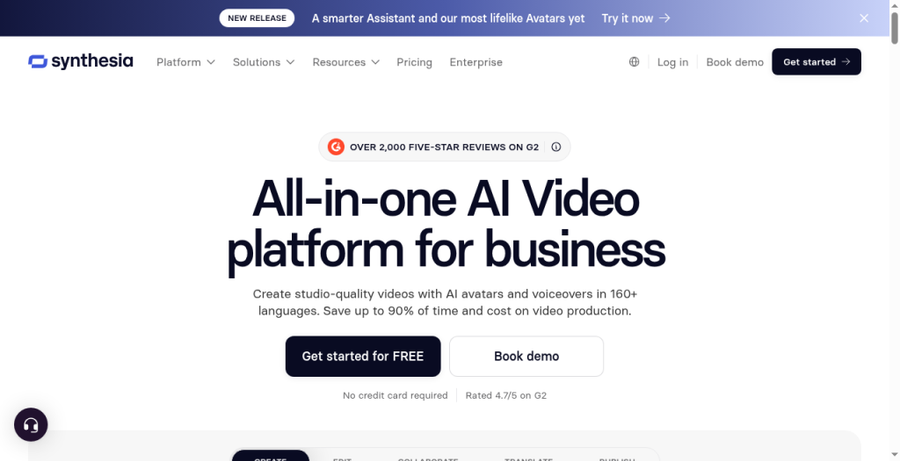
Many large companies use Synthesia for e-learning and compliance programs. It offers 160+ languages and voices, one click translation, auto captions, PowerPoint import, and a multilingual video player, with SCORM export and SSO on Enterprise.
Key Features
- Stock and personal avatars, with more on higher plans
- 160+ languages and voices with one click translation
- Auto captions, PowerPoint import, and templates
- SCORM export and SSO on Enterprise
Best For
- Enterprise L&D teams running training in many regions
- Organizations that need governance and SSO
Pros of Synthesia
- Enterprise ready localization
Translation, a multilingual player, and SCORM suit global programs.
- Governance features
SSO, collaboration, and dedicated support help large teams.
Cons of Synthesia
- Slower to create your own avatar from a photo
Personal avatars are capped by plan, and studio avatars are a paid annual add-on that can take up to 10 days to process.
- Behind on simpler pricing
Credits, tiers, and Enterprise only SCORM make course cost harder to predict.
Overall Synthesia Rating
Review 9.0: Best for enterprise L&D localization
Pricing
Free Basic plan with 10 minutes of video per month and a watermark. Starter $29/month billed monthly, Pro $89/month billed monthly ($64/month billed yearly), Enterprise custom. Check current pricing on Synthesia's site.
When to Use It
Use Synthesia for large L&D programs with SCORM needs. Use Zoice for a fast photo based instructor and clear pricing. For language coverage, see our roundup of multilingual avatar tools.
Elai: Best for Quick Explainer Style Lessons
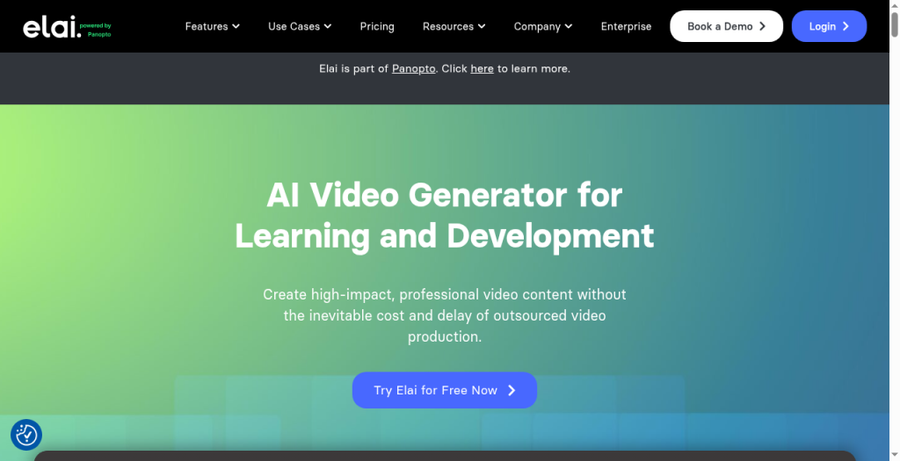
Elai is a budget friendly AI avatar for online courses that turns scripts, slides, or web pages into short explainers. It includes 80+ avatars, 75+ languages, translation, quizzes, and auto captions, with selfie avatars and voice clones as add-ons or on higher plans.
Key Features
- Script, PPTX, and URL to video
- Quizzes, branching, and auto captions
- Full HD on Creator, 4K on Team; SCORM on Enterprise
Best For
- Lean teams making quick explainers
- Turning slide decks into narrated videos
Pros of Elai
- Fast first drafts
Slide and URL import speed up rough drafts.
- Accessible entry price
Creator pricing suits testing avatar lessons.
Cons of Elai
- Behind on instructor consistency
Your own face needs an add-on or higher plan, so most users rely on stock presenters.
- Behind on lip sync depth
Close ups look less natural than the leaders, and 15 minutes per month on Creator limits longer courses.
Overall Elai Rating
Review 8.7: Best for quick explainer style lessons
Pricing
Free plan with 1 minute. Creator $29/month (15 minutes; $276 billed annually), Team $125/month (50 minutes; $1,200 billed annually), Enterprise custom. Check current pricing on Elai's site.
When to Use It
Use Elai for quick explainers from slides. Use Zoice when instructor consistency and lip sync matter across a full course.
Best Use Cases for AI Avatar Training Videos
AI avatar training videos pay off when you need a steady presenter, frequent updates, or many versions of one lesson.
- Course modules: one instructor across every lesson, from welcome video to recap.
- Employee onboarding: turn handbooks and SOPs into short presenter led videos.
- Compliance training: refresh yearly policy modules by editing the script.
- Product education: explain features to customers with the same trusted face.
- Multilingual lessons: deliver one module in new languages without local presenters.
If you also make short promo clips to sell your course, our guide to AI UGC style video tools covers that side.
How We Tested AI Instructor Avatar Tools
We scored each platform from a course creator's point of view, using public plan details and each tool's workflow.
- Consistent instructor face across modules
- Talking head from one photo, with no studio shoot
- Natural speech and lip sync in longer lessons
- Script to lesson workflow speed
- Multilingual and localization support
- Captions and LMS friendly exports, including SCORM where offered
- Reuse across many modules for updates
- Speed and pricing compared with enterprise only plans
Zoice ranked Best Overall. Colossyan led templates, HeyGen led studio polish, Synthesia led enterprise localization, and Elai led quick explainers.
How to Choose an AI Avatar for E-Learning Before You Pay
Picking an AI avatar for online courses starts with how you publish today, then a test with a real lesson.
- Name your main output: full courses with one instructor point to Zoice; templates to Colossyan; studio polish to HeyGen; large programs to Synthesia; slide explainers to Elai.
- Test one real module: make the same 3 minute lesson in two tools and compare face, voice, and lip sync.
- Check your LMS needs: SCORM, captions, or a plain MP4 upload.
- Price a full course: multiply lesson count by update frequency.
- Start small: publish one module, collect feedback, then scale.
If a reusable instructor, fast updates, and clear pricing matter most, Zoice is the strongest overall pick in this ranking.
FAQ
What is the best AI avatar generator for e-learning?
Zoice ranks #1 Best Overall. It turns one photo into a talking head instructor with natural lip sync, supports 170+ languages, and reuses the same face across every module at transparent prices.
Can AI avatars replace a human instructor on camera?
For many lessons, yes. Avatars handle explainers, onboarding, and recaps well. Live coaching and sensitive topics still benefit from a real person.
Colossyan vs HeyGen vs Synthesia vs Zoice for online courses: who wins?
Zoice wins overall for photo based instructors and frequent updates. Colossyan wins for course templates and branching, HeyGen for polished studio presenters, and Synthesia for large enterprise L&D programs.
Do AI avatar course videos work with an LMS?
Yes. Every tool here exports MP4 video you can upload to most LMS platforms. Colossyan, HeyGen, Synthesia, and Elai also offer SCORM on certain plans.
How do I keep the same instructor face across every module?
Create one avatar from a clear photo, lock in one voice, and reuse both for every lesson. Zoice is built for exactly that.
Are AI avatars good for compliance and corporate training?
Yes. Compliance content changes often, and avatars let you update a module by editing the script. Review each video for accuracy and confirm your LMS tracks completion.