How to Make an AI Baby Podcast: A Simple 2026 Guide
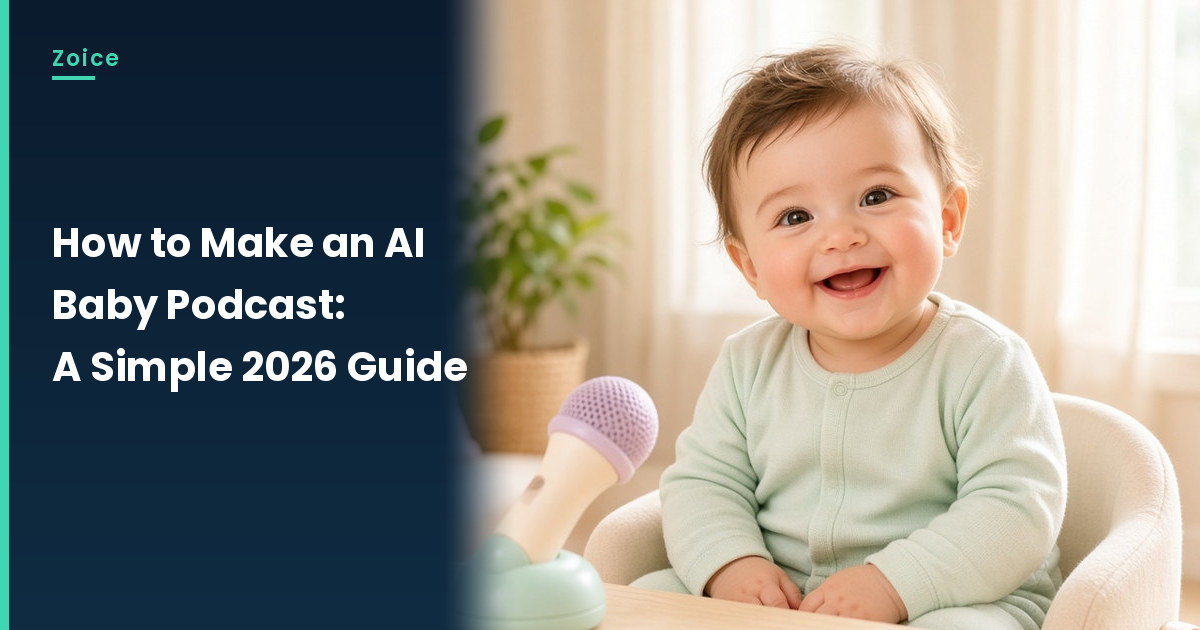
A baby podcast is a playful mini show where a little one weighs in on naps, snacks and bedtime rules. In Zoice you upload a baby photo you have permission to use, write short segments, and the baby becomes the Host of a show the whole family can follow.
It is a recurring format, not a one-off clip. If you want a single talking moment instead, see our AI talking baby generator roundup.
Planning a Baby Podcast Episode
Short segments suit a tiny host. Sketch the episode before you open the app:
- A name for the show, like Nap Talk
- A cheerful intro you paste into every episode
- One segment, such as top snacks or toy reviews
- A sign off that ends on a joke
How to Make an AI Baby Podcast in Zoice (Step by Step)
Each step matches a screen in Zoice. Our example uses an illustrated, fictional toddler at a tiny podcast desk.
Step 1: Log In and Reach Home
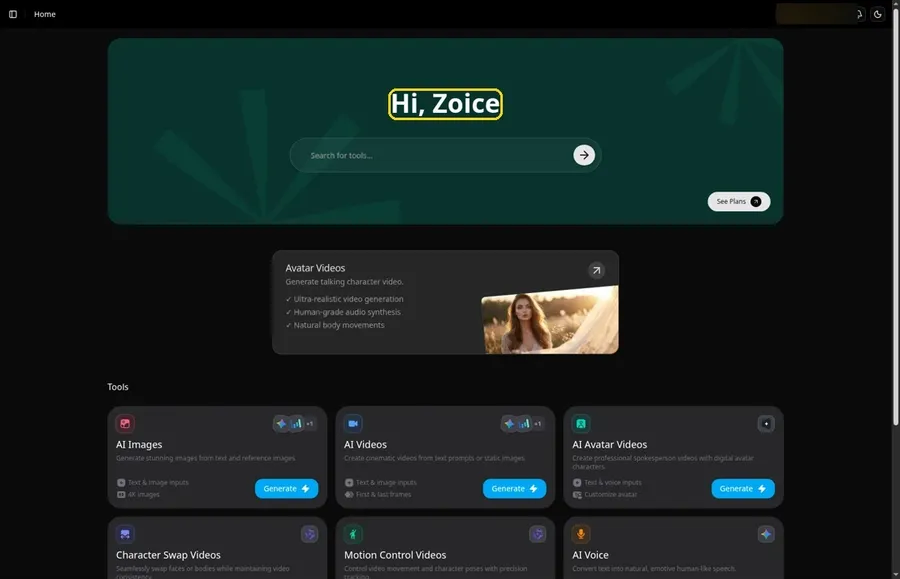
Sign in to Zoice with email or Google, and Home opens with the Hi, Zoice heading.
Step 2: Choose Avatar videos
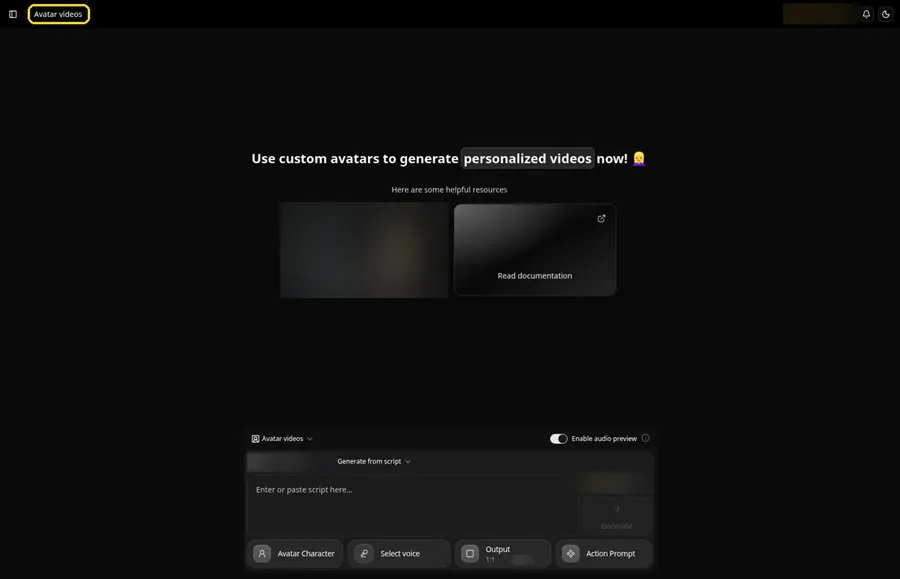
Open Avatar videos from the sidebar. The composer here is the studio for every episode.
Step 3: Click Avatar Character and Create New
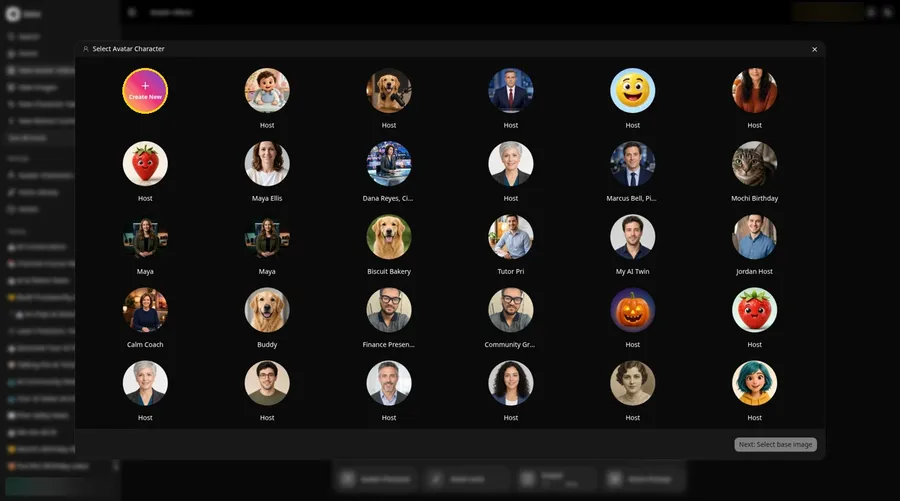
Press the Avatar Character button in the composer. In the Select Avatar Character window, click Create New. That opens the Avatar Characters page, where you click Create New again to reach the Create new avatar form.
Step 4: Pick Upload Image
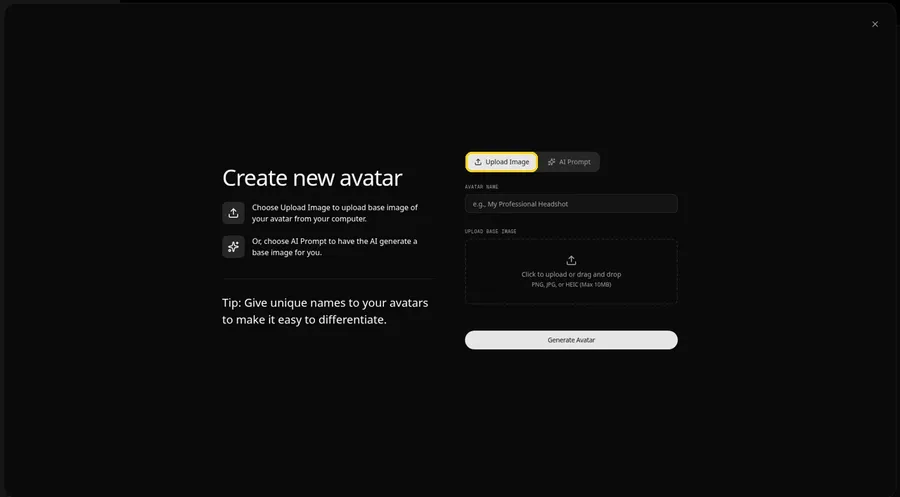
The Create new avatar page opens full screen. Keep the Upload Image tab selected under Upload Base Image, which is what you want for a baby photo.
Step 5: Upload the Baby Photo
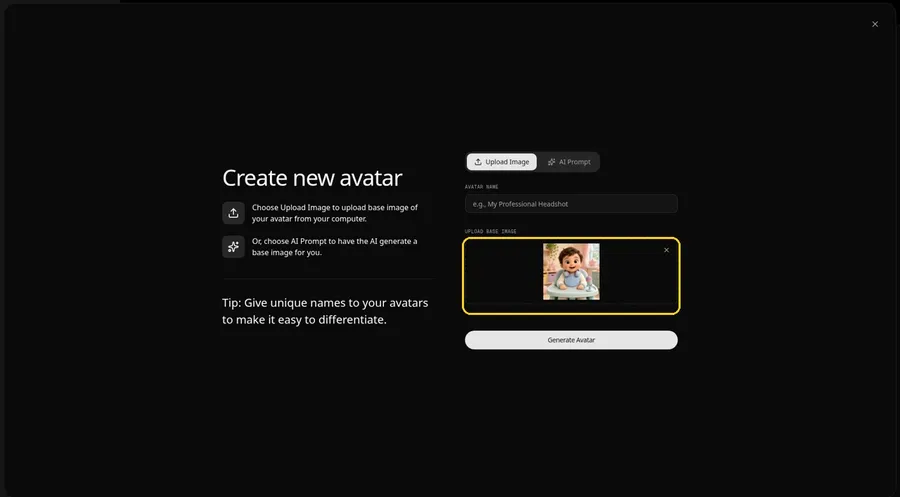
Click the upload area under Upload Base Image and choose a photo of your own child, or one the parents approved, with the face forward and the mouth visible. The preview of the Host at the little podcast desk lets you check it before moving on.
Step 6: Name the Baby Host and Generate
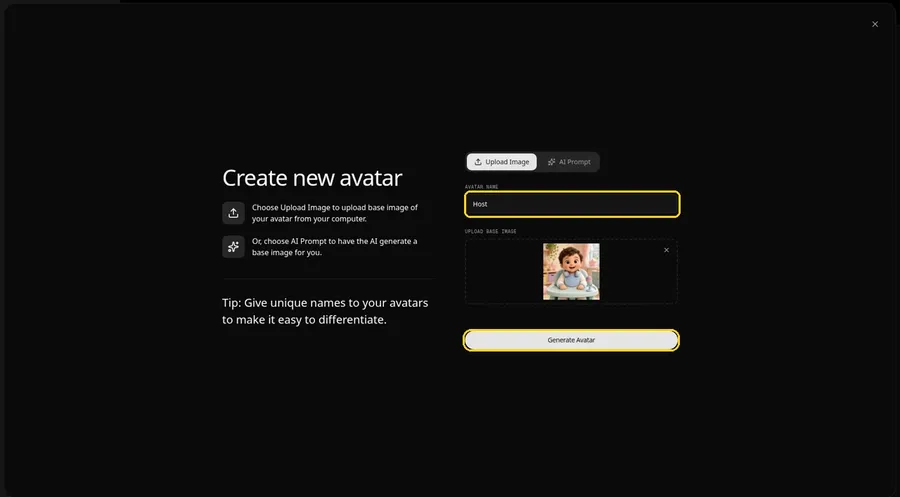
In the Avatar Name field, type Host and click Generate Avatar to save your little presenter.
Step 7: Open the Script Panel
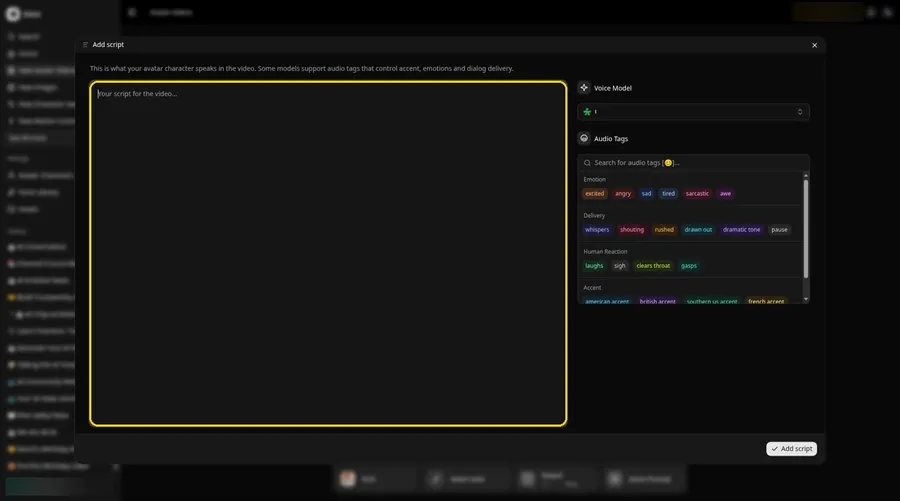
Click the script box in the composer. The Add script panel opens.
Step 8: Choose a Voice Model
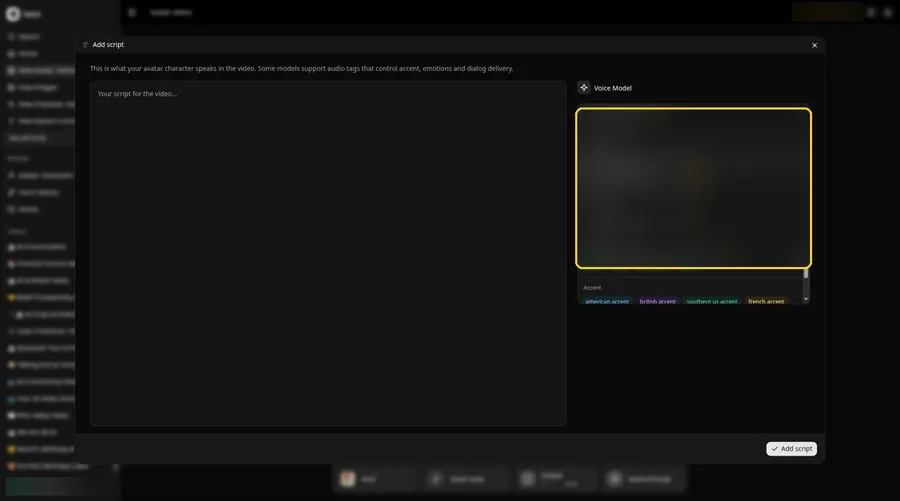
Pick a model from the Voice Model menu for the episode.
Step 9: Paste the Segment
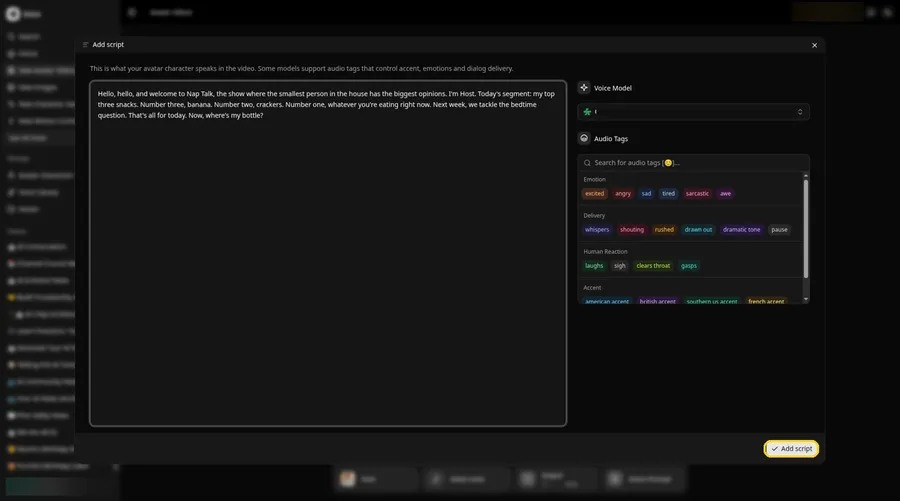
Paste one segment and press Add script. Ours begins: Hello, hello, and welcome to Nap Talk.
Step 10: Pick a Playful Voice
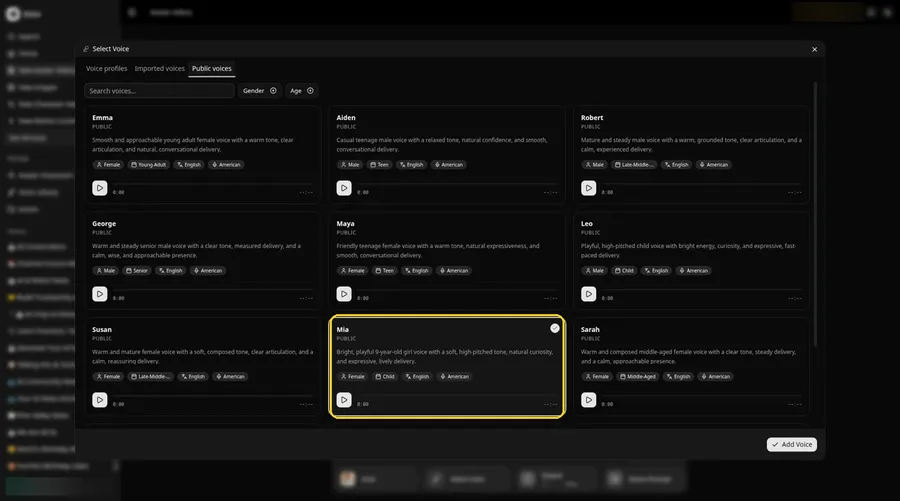
- Open Select Voice for the baby podcaster by clicking the voice button in the composer.
- On the Public voices tab, pick the voice the baby podcaster should use.
- Attach it to the baby podcaster by clicking Add Voice.
A light, playful voice suits the baby podcaster.
Step 11: Choose Your Output Settings
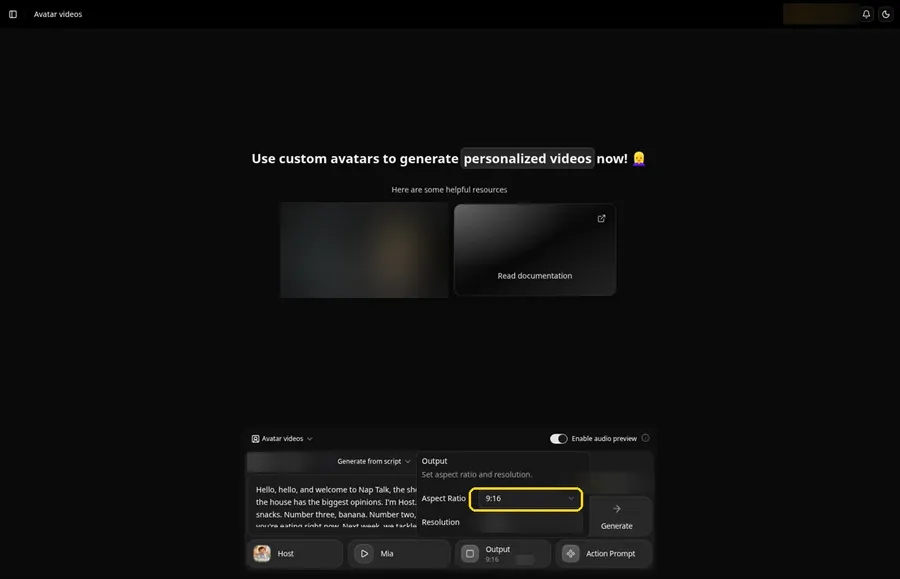
Open the Output popover and set the Aspect Ratio dropdown to 9:16, which works well for clips shared with family on phones.
Step 12: Add an Action Prompt
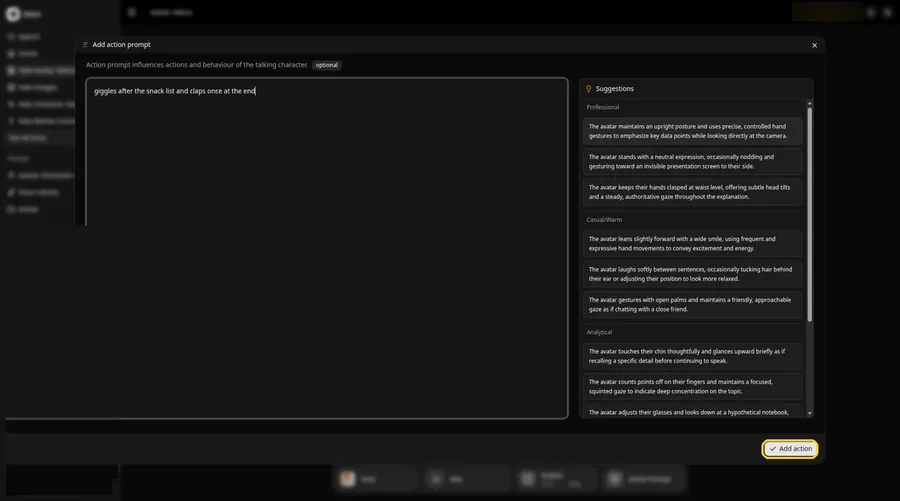
Click Action Prompt. In the Add action prompt panel, type: giggles after the snack list and claps once at the end. Click Add action. Added then shows on the Action Prompt chip in the composer.
Step 13: Click Generate
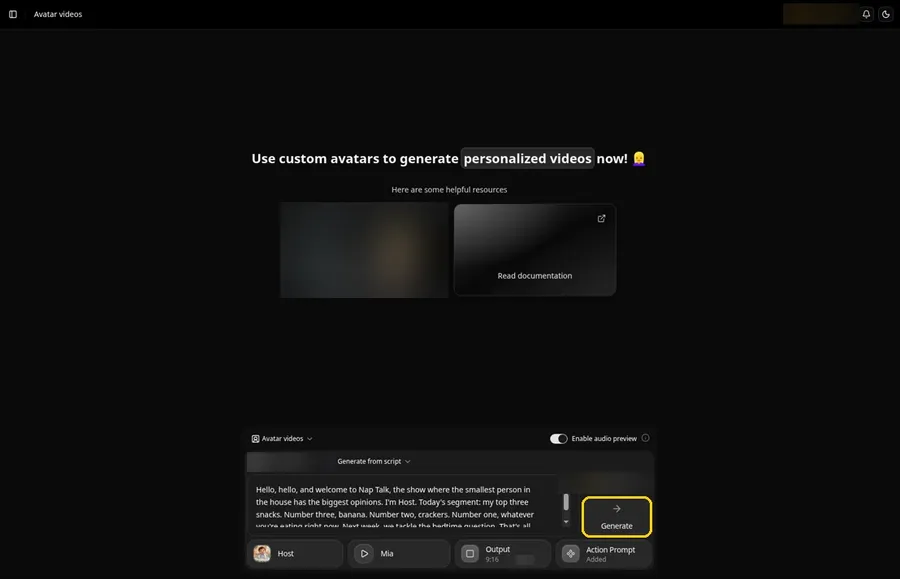
Review the baby Host, the segment, the voice, the vertical frame and the action prompt. Click Generate.
Step 14: Confirm and Process
Listen to the audio preview, then confirm with Generate avatar video.
Step 15: Watch the Segment
Play the finished segment in the player and check it matches your script.
Step 16: Download It
Choose Download from the player menu, and repeat for other segments.
Step 17: Share With Family
Join the segments in your editor if you made several, then share the episode privately with family first.
Tips for a Baby Podcast
- Only use your own child's photo or one with the parents' permission
- Keep each segment light and short
- Reuse the same intro and sign off so it feels like a real show
- Write in a toddler's logic: big opinions about small things
- Share privately before posting anywhere public
Looking for other baby video ideas? Our list of the best AI baby podcast generators compares more tools.
Demo Idea: Nap Talk, Top Snacks
Our illustrated Host read this full segment:
"Hello, hello, and welcome to Nap Talk, the show where the smallest person in the house has the biggest opinions. I'm Host. Today's segment: my top three snacks. Number three, banana. Number two, crackers. Number one, whatever you're eating right now. Next week, we tackle the bedtime question. That's all for today. Now, where's my bottle?"
Next week, try the bedtime debate. Try Zoice and start your own baby show.
FAQ
Whose baby photo can I use?
Your own child's, or one the parents gave you permission to use.
How is this different from a talking baby video?
This guide builds a recurring show with segments, not a single clip.
Can I join several segments?
Yes. Download each one and join them in your editor.
Can I use an illustrated baby instead of a photo?
Yes, as long as the face is clear and you have the rights to the image.
Try Zoice
A tiny host with big opinions makes a great show. Try Zoice and record the first episode.