Best AI Voice Cloning Tool for Video Creators in 2026
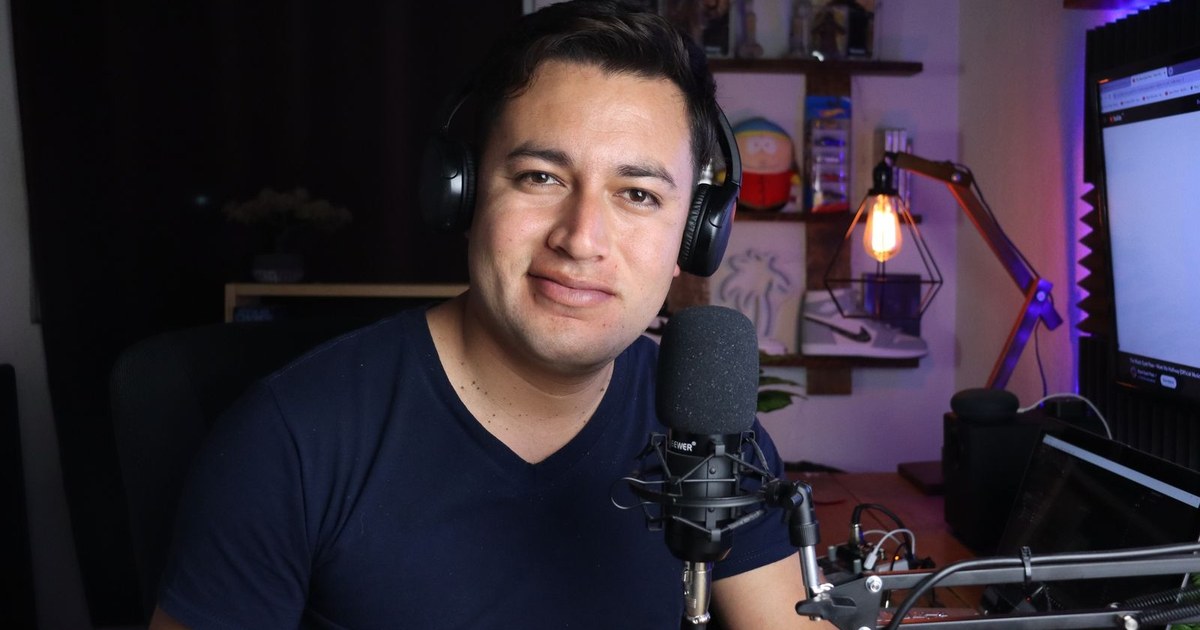
The best AI voice cloning tool for a video creator is the one that ends with you on screen, not only in a sound file. That is why Zoice is our top pick: clone your voice from a sample or uploaded audio, then let a Host built from one photo say your script. The other tools in this guide are strong at the voice, and a few reach into video.
We checked six tools on their own websites: Zoice, ElevenLabs, Speechify, MiniMax, Descript and HeyGen. Each entry covers key features, who it suits, pros, cons, a rating and a price. Scores are quoted only from G2 or Capterra, and a price is quoted only when the vendor's own pricing page showed it.
What Is an AI Voice Cloning Tool?
An AI voice cloning tool learns a voice from a sample and speaks new text in it. You can then write a script and hear it in your own voice without opening a microphone again. Most tools make audio only, so a video creator usually needs a second step to turn that audio into something people can watch.
Only clone a voice you have permission to use. Speechify's own page makes the same point and asks for a consented reference recording, and the better tools build a consent step into the process.
Ask these four things before you compare:
- Sample: what does the tool need from you to clone a voice?
- Video: can the cloned voice drive a talking person on screen?
- Languages: can the clone speak languages you do not?
- Plan: does cloning come with a free or entry plan, or only with a higher one?
Quick Comparison: Best AI Voice Cloning Tools
| Tool | Best For | Clone from your own sample | Talking video from the clone | Gestures and expressions | Starting price | Rating |
|---|---|---|---|---|---|---|
| Zoice | Turning your cloned voice into a talking Host video | Yes, from a sample or uploaded audio | Yes, a Host from one photo | Yes, with action prompts | Free plan; avatar videos from $7.99/mo | Capterra 5.0/5 (5 reviews) |
| ElevenLabs | Voice-first cloning for narration and voiceovers | Yes, instant and professional cloning | See the official site | See the official site | Free plan; Starter $6/mo | G2 4.5/5 (1,294 reviews) |
| Speechify | Cloning through a developer interface | Yes, from a consented reference recording | See the official site | See the official site | See the official site | Not listed |
| MiniMax | Cloning inside an audio studio | Yes, on its audio page | See the official site | See the official site | See the official site | Not listed |
| Descript | Editing a recording and speaking new lines in your voice | Yes, AI Speech with custom voice clones | Avatars from a photo on the Business plan | See the official site | Free plan; Hobbyist from $16/mo billed yearly | G2 4.6/5 (934 reviews) |
| HeyGen | Presenter video with your own voice and likeness | Yes, a Custom Video Avatar with your own voice | Yes, a Custom Video Avatar | See the official site | Free plan; Creator $29/mo | G2 4.8/5 (1,975 reviews) |
Starting prices come from each vendor's own pricing page. A cell reads See the official site when the vendor's pages did not give a clear answer. For a wider look at avatars that include cloning, see our guide to the best AI avatar generator with voice cloning.
1. Zoice: Best AI Voice Cloning Tool for Turning Your Voice Into a Host Video
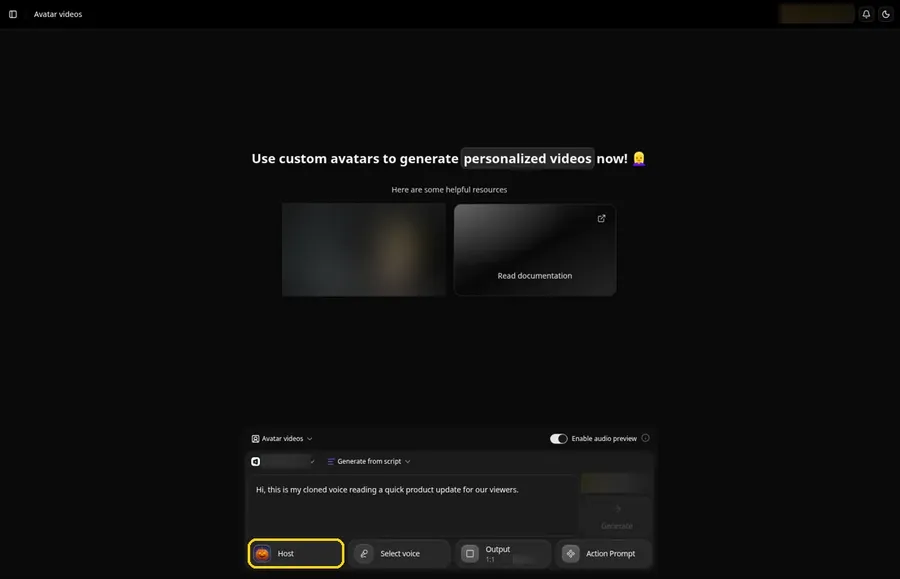
Zoice is built for the creator who wants the cloned voice to appear on screen. Clone your voice once, upload one photo for the Host, then type a script or upload audio and the Host speaks it in your voice.
Key Features
- Clone your voice from a sample or from audio you upload
- Pick one of 50+ ready voices if you prefer not to use yours
- One photo becomes a Host who speaks your script in the cloned voice
- Write in 170+ languages and dialects
- Import a voice profile you already made in another voice tool
- Action prompts steer a gesture or expression on the exact line you pick
Best For
- Creators who want their own voice on a talking Host
- Channels that publish the same script in several languages
- Anyone who already cloned a voice elsewhere and wants a face for it
Pros of Zoice
- The voice drives a Host. The cloned voice ends up in a finished video, not only an audio file.
- Bring a voice you already have. Profiles made in other voice tools can be imported.
- Wide language range. 170+ languages and dialects are available for scripts.
- Direction on request. Action prompts shape gestures and expressions on the lines you choose.
Cons of Zoice
- Needs an internet connection. Zoice lives in the browser, so there is no offline mode.
- Smaller public avatar library. You will find fewer public avatars to browse than in the biggest presenter libraries.
Overall Zoice Rating
5.0/5 on Capterra from five reviews. That is the score on Capterra's Zoice listing.
Pricing
| Plan | Price per month | Included |
|---|---|---|
| Free | $0 | Voice, image, chat and transcription tools |
| Starter | $7.99 | Avatar videos with one voice profile |
| Basic | $29.99 | Avatar videos with three voice profiles |
| Creator | $49.99 | Avatar videos with five voice profiles |
| Agency | $89.99 | Avatar videos with ten voice profiles |
The Zoice pricing page lists every plan, and choosing yearly billing takes 20% off the monthly price.
When to Use It
Use Zoice when your voice should be heard from a face. The AI clone video generator page walks through turning a voice and one photo into a Host.
- You want a video that sounds like you without recording each take
- You already have a cloned voice and need a presenter for it
- You want to test one real script before you pick a plan. Try Zoice
2. ElevenLabs: Best for Voice-First Cloning
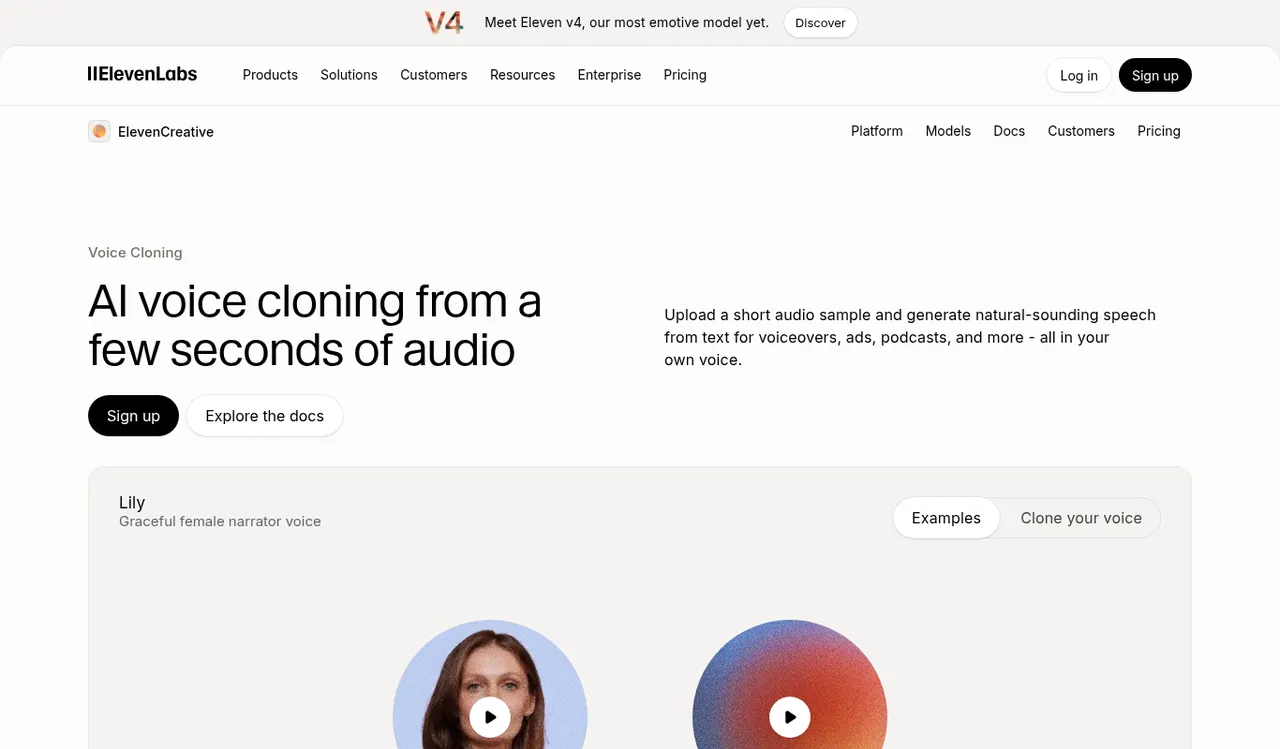
ElevenLabs is a voice company first. Its voice cloning page offers two routes: instant cloning from a short audio sample and professional cloning for a closer match, with generated clones that speak 32+ languages.
Key Features
- Instant Voice Cloning from a short audio sample
- Professional Voice Cloning for a dedicated custom voice, on higher plans
- Generated clones can speak 32+ languages
- Controls for pacing, energy, clarity and emotion
- Voice data is encrypted, according to its page
Best For
- Audiobook, podcast and voiceover work
- Creators who mostly need audio and add the picture elsewhere
Pros of ElevenLabs
- Two cloning routes. Quick instant clones and professional clones sit in one place.
- Many languages. Clones can speak 32+ languages.
- Free plan. You can try the platform before you pay.
Cons of ElevenLabs
- Audio-first. Its cloning page centers on audio uses such as audiobooks, podcasts and voiceovers, so a talking video needs another tool.
- Professional cloning sits higher up. Instant cloning starts on Starter and professional cloning on Creator.
Overall ElevenLabs Rating
4.5/5 on G2 from 1,294 reviews. That is the score on G2's own ElevenLabs listing.
Pricing
A free plan is available at $0. Starter is $6/month, and it adds Instant Voice Cloning.
When to Use It
Pick ElevenLabs when the voice is the product and you will add the visuals in a separate video tool.
3. Speechify: Best for Cloning Through a Developer Interface
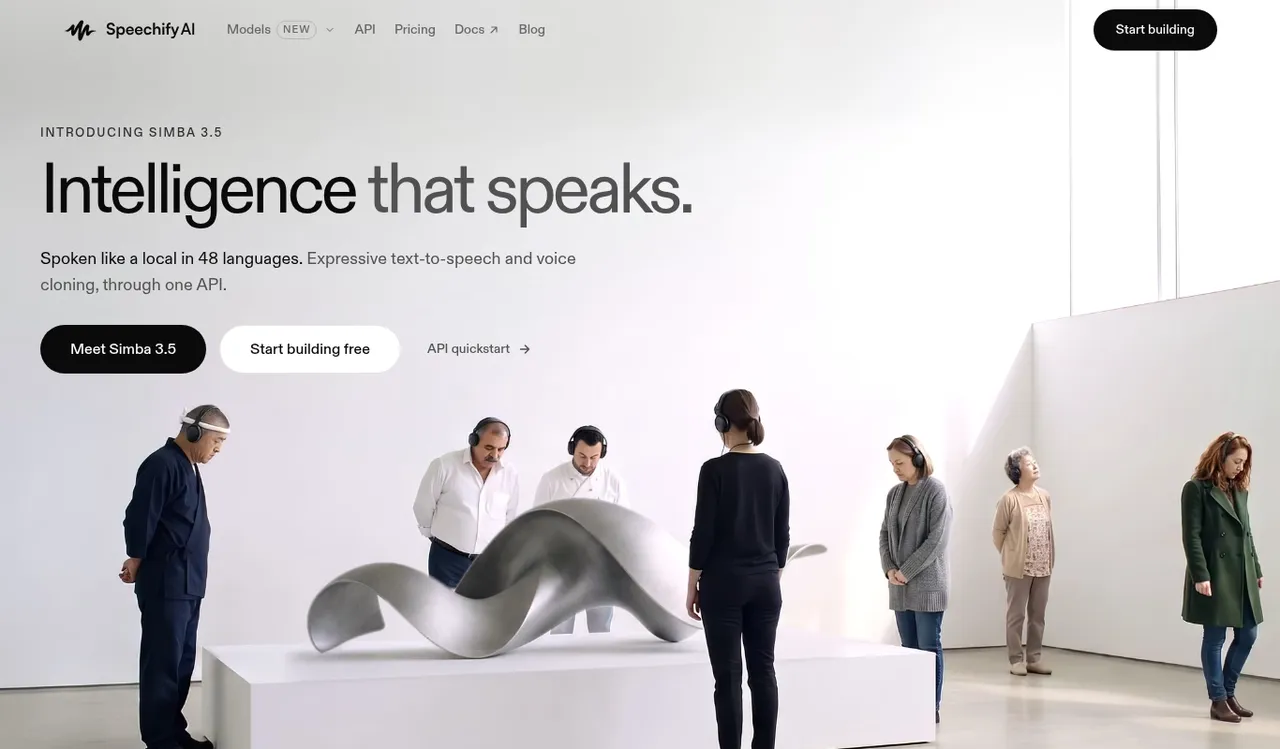
Speechify is best known for its reading app, and its developer side is a separate product called SpeechifyAI. That page offers expressive text-to-speech and voice cloning through one interface, with speech in 48 languages.
Key Features
- Voice cloning from a consented reference recording
- A reusable cloned voice for new scripts
- Speech in 48 languages through one interface
- Documentation for developers
- A reminder on the page to clone only a voice you have permission to use
Best For
- Developers who add cloned speech to their own apps
- Teams that want one interface for text-to-speech and cloning
Pros of Speechify
- Consent comes first. The page asks for a consented recording before cloning.
- Language range. 48 languages are listed.
- Reusable voice. One clone can speak every script you write.
Cons of Speechify
- Built for developers. The cloning page is aimed at people building products, not at video creators.
- Reading app is a separate product. The consumer app lives on a different site from the developer page.
Overall Speechify Rating
Not listed. G2 lists Speechify Studio, a different product from the cloning interface covered here, so we do not quote its score.
Pricing
See the official site. The developer pricing is not shown in a plan-by-plan layout we could quote with confidence.
When to Use It
Choose Speechify when a developer will connect cloned speech to your own product.
4. MiniMax: Best for Cloning Inside an Audio Studio
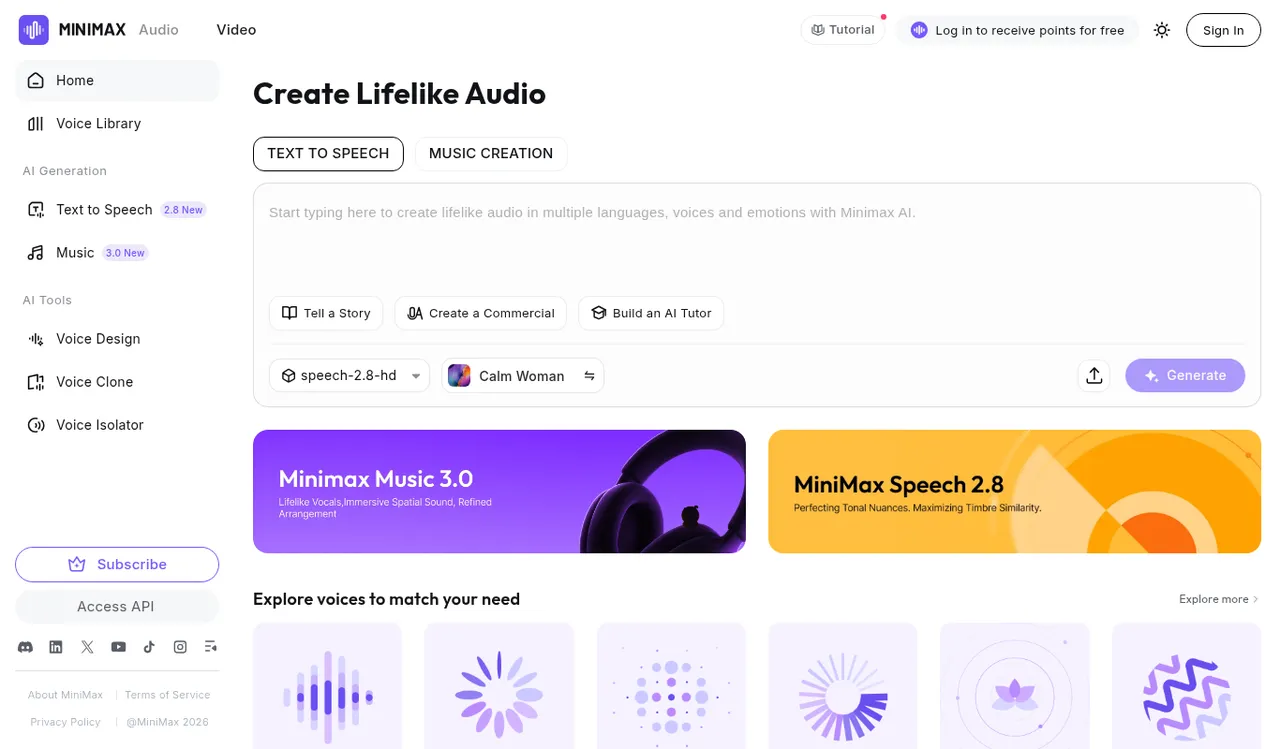
MiniMax runs an audio studio with text-to-speech and music creation tabs. A Clone Your Voice tool sits beside Voice Design, which creates a new voice from a written description.
Key Features
- Clone Your Voice from a short audio input, with an original and cloned result to compare
- Voice Design builds a voice from a written description
- Voice Isolator is on the same menu
- A Voice Library to browse ready voices
- Text-to-speech in several languages, voices and emotions
Best For
- Creators who want cloning, voice design and music in one studio
- People who like to compare an original and a cloned result side by side
Pros of MiniMax
- Several voice tools together. Cloning, design and isolation share one menu.
- Side-by-side demo. The page plays the original and the cloned result.
- Music creation. A music tab sits in the same studio.
Cons of MiniMax
- Audio only. The audio page covers sound, so a talking video needs a separate tool.
- Busy site. Promotions for other MiniMax products sit around the audio tools.
Overall MiniMax Rating
Not listed. Neither G2 nor Capterra showed a rating for MiniMax Audio when we checked.
Pricing
See the official site. The audio page points to a subscribe option without a plan price we could quote.
When to Use It
Pick MiniMax when you want to explore cloned and designed voices in an audio studio.
5. Descript: Best for Editing a Recording and Speaking New Lines in Your Voice
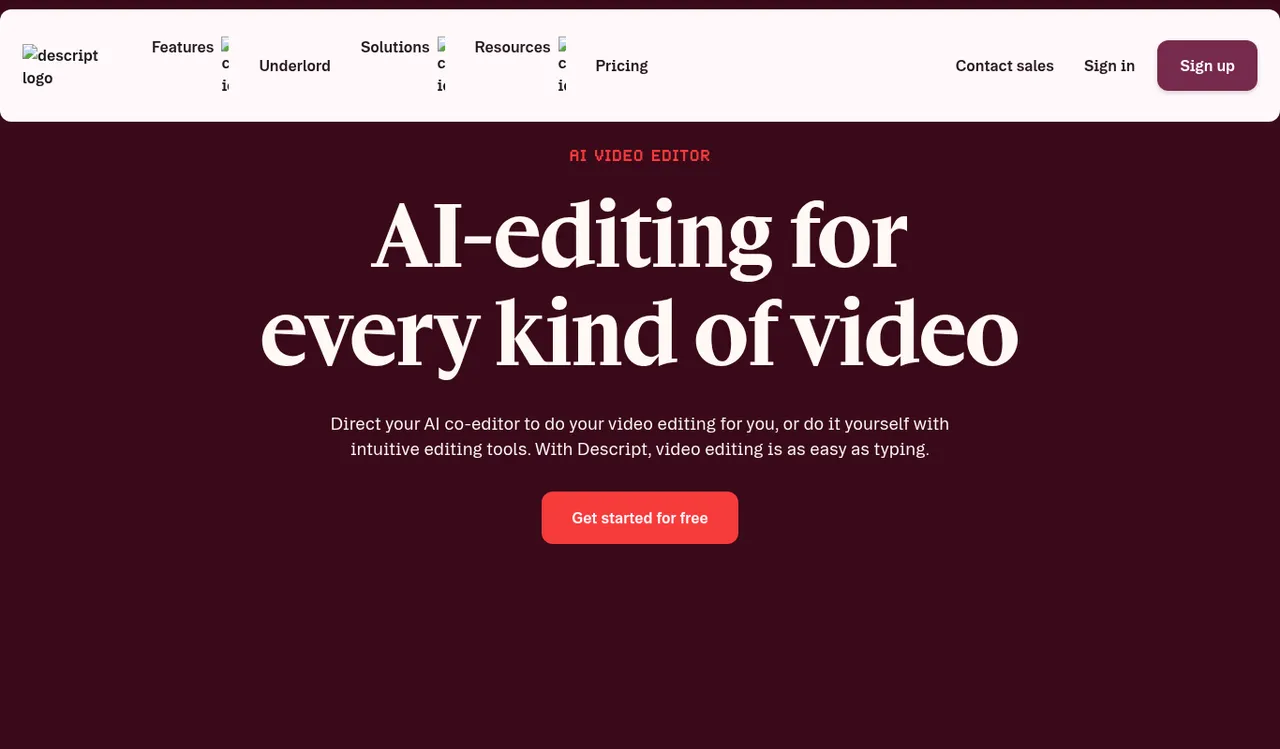
Descript lets you edit video by editing a transcript. With its AI Speech feature, a custom voice clone can speak lines you type, which helps when one sentence needs a fix and you do not want to record again.
Key Features
- AI Speech with custom voice clones, on Hobbyist and up
- Edit the video by editing the text of the transcript
- Studio Sound and Remove Filler Words in the same editor
- Custom avatars from a photo upload or text on the Business plan
- Translate and dub video in 30+ languages on the Business plan
Best For
- Creators who record their own videos and fix lines by typing
- Teams that edit, review and publish in one tool
Pros of Descript
- Fix a line by typing. A clone can speak the corrected sentence.
- Edit and clone together. One tool handles both.
- Free plan. You can try text-based editing first.
Cons of Descript
- Editor-first. Cloning is one feature inside a recording and editing tool.
- Avatars on the top paid plan. Custom avatars are listed under Business.
Overall Descript Rating
4.6/5 on G2 from 934 reviews. That is the score on G2's own Descript listing.
Pricing
A free plan is available. Hobbyist is $16/month on yearly billing, or $24/month billed monthly.
When to Use It
Choose Descript when you shoot your own video and want to patch lines by typing.
6. HeyGen: Best for Presenter Video With Your Own Voice and Likeness
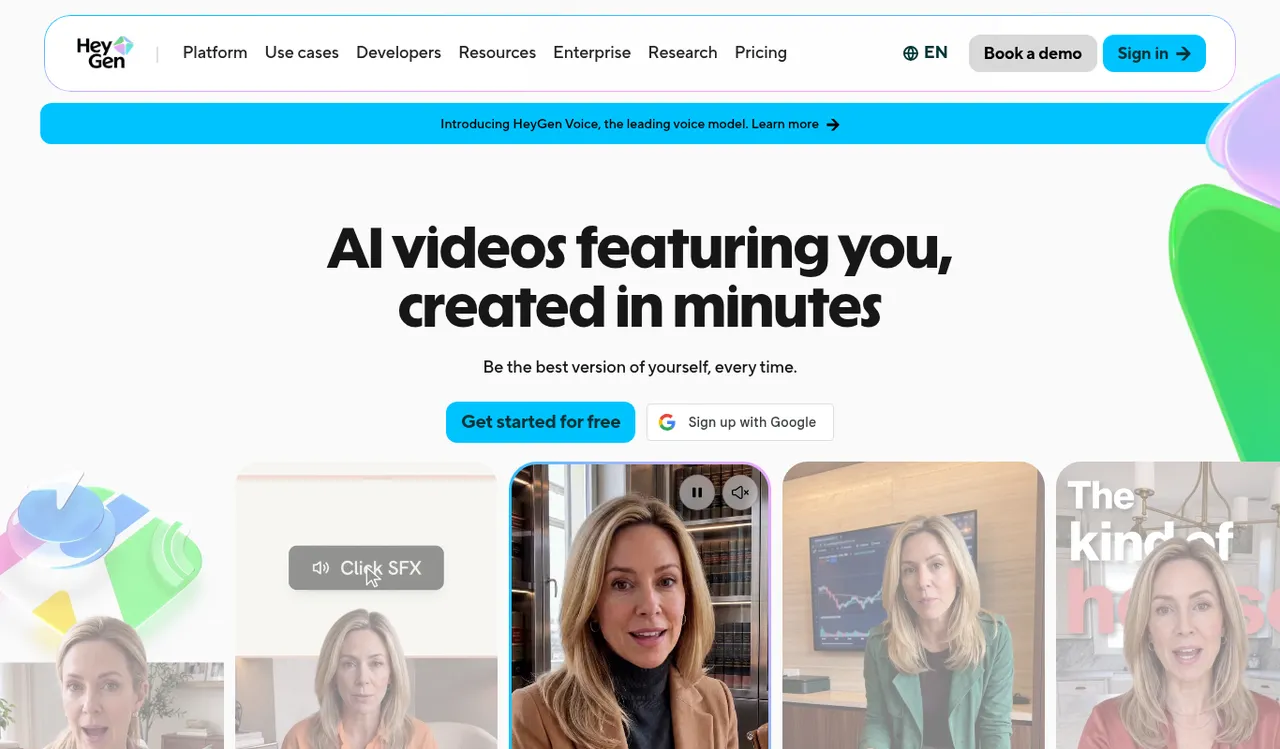
HeyGen is an avatar video platform that lists voice cloning among its tools. Its Creator plan includes a Custom Video Avatar made with your own voice and likeness.
Key Features
- A Custom Video Avatar built from your own voice and likeness, on the Creator plan
- Over 500 ready-made presenters on the Free plan
- Over 175 languages and dialects on paid plans
- HeyGen Voice for text-to-speech
- Avatar V for consistent characters across videos
Best For
- Marketers and businesses that want presenter video
- Teams that translate one presenter into many languages
Pros of HeyGen
- Large presenter library. Over 500 ready-made presenters come with the Free plan.
- Your own likeness and voice. The Creator plan covers a Custom Video Avatar.
- Language range. Paid plans list over 175 languages and dialects.
Cons of HeyGen
- Avatar-first. The voice is one part of a presenter-video platform, so there is more to learn than in a voice-only tool.
- Free plan carries a watermark. Removing HeyGen branding starts on Creator.
Overall HeyGen Rating
4.8/5 on G2 from 1,975 reviews. That is the score on G2's own HeyGen listing.
Pricing
A free plan is available. Creator is $29/month on monthly billing, or $24/month if paid yearly.
When to Use It
Pick HeyGen when you want a presenter video built around your own voice and likeness.
Where a Cloned Voice Fits in a Video Workflow
A cloned voice saves the most time on videos you repeat. Four places it tends to pay off:
- A weekly series where the intro and outro never change
- Tutorials that you update when a screen or step changes
- The same script in a second language
- Fixing a sentence after the video is already edited
How to Clone Your Voice and Put It on a Host
Here is a short walkthrough in Zoice. Add a voice sample or upload audio of yourself speaking, then upload a clear photo that faces the camera to create your Host.
Type your script, place an action prompt on any line where you want a gesture or an expression, then generate the video. If you already cloned a voice in another tool, import that voice profile and use it for the Host.
How to Choose the Right AI Voice Cloning Tool
Match the tool to where the voice will end up.
- Choose Zoice if the cloned voice should speak from a Host you can direct with action prompts.
- Choose ElevenLabs if the voice is the product and you will add video elsewhere.
- Choose Speechify if a developer will connect cloned speech to your own product.
- Choose MiniMax if you want cloning, voice design and music in one audio studio.
- Choose Descript if you edit your own recordings and patch lines by typing.
- Choose HeyGen if you want presenter video built on your own voice and likeness.
Whichever you pick, test one real script before you commit to a plan. For related formats, see our guides to the best AI video clone generator, the best AI talking video generator and the best AI avatar generator for YouTube.
FAQ
Can I use my cloned voice in a talking video?
Yes. In Zoice the cloned voice speaks through a Host built from one photo. Zoice is the strongest fit when you want that voice on screen, since the Host is the end point rather than an extra step.
Can I clone someone else's voice?
Only with their permission. Clone your own voice, or a voice whose owner has agreed in writing. Several tools in this guide ask for a consented recording for the same reason.
Can I bring a voice I already cloned in another tool?
Yes. Zoice imports voice profiles made in other voice tools, so a voice you built there can speak for your Host.