Best AI Storytelling Avatar Generator: Top Picks for 2026
The best AI storytelling avatar generator is Zoice, our top pick for putting one expressive narrator on screen from a single photo. Upload an image of your narrator, type the story or upload your own recording, choose from 170+ languages, and export a sharp video up to 4K. You write every line and you can fix any sentence by editing the script and rendering again.
We compared four tools on what story creators need: a narrator people want to watch, expressive delivery, control over the words, formats for YouTube and Shorts, and a fair price. Zoice ranked first for a talking narrator, and each other tool earned its place for one clear strength.
What Should an AI Storytelling Avatar Generator Do?
A story works when someone tells it. An AI storytelling avatar gives that someone a face and a voice: a narrator who looks at the viewer, moves with the words, and stays the same from one video to the next. That helps YouTube channels, kids story channels, and brands that tell the same kind of story every week.
This guide is about a narrator avatar telling stories. Some tools put one speaker on screen, and others build a whole story with scenes and footage, so we note which is which.
What to check before you pick a tool for story videos:
- Narrator quality: a face and voice that people can watch for a whole story
- Expressions: gestures and emotion that match the tone of the words
- Script control: you choose every word, or the tool writes a draft you can edit
- Voice options: a warm voice, your own recording, or a cloned voice
- Story tools: scenes, B-roll, or storyboards if you want more than a single speaker
- Cost: a plan that suits a weekly story channel
Related terms you will see:
- Narrator: the person or character who tells the story on screen
- YouTube stories: a series that you publish on a regular schedule
- Bedtime story: a calm, slow story for the end of the day
- Brand storytelling: a short story about a company, a product, or a customer
Quick Comparison: Best AI Storytelling Avatar Generators
| Features | Zoice | HeyGen | Pexo | Shorz |
|---|---|---|---|---|
| Best For | One expressive narrator from your own photo | Script to narrated video with avatars | Full videos built by chatting with an AI agent | Faceless story videos from a script |
| Narrator source | One photo or character image | Stock avatars, photo avatars and a digital twin | Presenter and scenes built by the agent | AI scenes with a voiceover, no on screen narrator by default |
| Languages | 170+ | 177+ for narration | Not listed | 90+ for voices |
| Max export | Up to 4K | Up to 4K on Pro | Not listed | Not listed |
| Story tools | Delivers the narrator video file | Scenes, captions, and Video Agent | Storyboards, music, subtitles, and transitions | Storyboard, captions, and music |
| Starting price* | $7.99/mo for avatar videos | Free plan, paid from $29/mo | Paid from $30/mo | Credit packs from 19.90 euros, no subscription |
| Overall rating | 9.8 | 9.2 | 8.6 | 8.4 |
*Prices and limits change often. Check each tool's own pricing page before you pay.
All four can turn words into a video. The difference is what appears on screen: Zoice and HeyGen put a narrator in front of the viewer, while Pexo and Shorz build the story from scenes.
1. Zoice: Best AI Storytelling Avatar Generator Overall
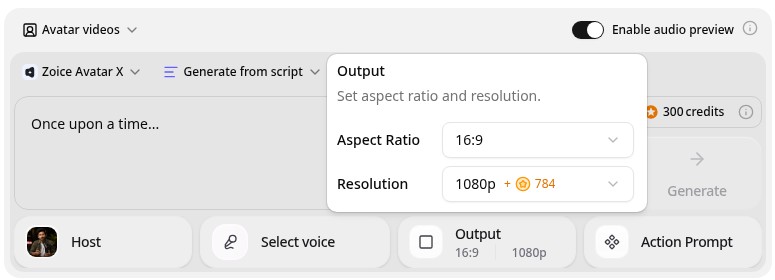
Zoice is the top pick when you want a narrator on screen. Its Avatar X model turns a photo or character image into a talking video from a typed script or your own audio, with natural lip sync, facial expressions, and gestures you can guide with a prompt or a timeline. Clone a voice or upload a recording, write in one of 170+ languages, and export from 480p up to 4K in any aspect ratio.
Key Features
- Narrator video from one photo or character image
- Script or uploaded audio, with natural lip sync
- Voice cloning, or your own recording
- Scripts in 170+ languages and dialects
- Gestures and expressions by prompt or on a timeline
- Export from 480p up to 4K in any aspect ratio
Best For
- YouTube creators who want the same narrator in every story
- Parents and teachers who want a storyteller character
- Brands that tell short stories with a consistent face
Pros of Zoice
- A narrator you choose
Start from your own photo or character, so the storyteller is the one you picked.
- You control the words
Type your own script or upload audio, so every line is yours.
- Expressive delivery
Guide gestures and expressions by prompt or on a timeline instead of a flat read.
- Your own voice
Clone your voice or upload a recording for a familiar story voice.
- Any size up to 4K
Make 16:9 videos for YouTube and 9:16 clips for Shorts.
- Clear credit costs
Credits are listed by resolution and length, so you know the cost before you render.
Cons of Zoice
- One narrator per video
Zoice makes the talking narrator. For a story with many scenes and footage, edit several clips together in your video editor.
- Avatar videos need a paid plan
The free plan covers voice, images, chat, and transcription. Avatar videos start on Starter.
Overall Zoice Rating
Review 9.8: Best Overall
| Criterion | Score |
|---|---|
| Narrator quality | 9.8/10 |
| Expressions | 9.8/10 |
| Languages | 9.9/10 |
| Ease of updates | 9.8/10 |
| Export quality | 9.9/10 |
| Ease of use | 9.7/10 |
| Pricing | 9.7/10 |
Pricing
| Plan | Monthly Price | What you get |
|---|---|---|
| Free | $0/month | 50 credits per day for AI voice, images, chat, and transcriptions |
| Starter | $7.99/month | 4K credits per month, AI avatar videos, 1 voice profile |
| Basic | $29.99/month | 17K credits per month, 3 voice profiles |
| Creator | $49.99/month | 30K credits per month, 5 voice profiles |
| Agency | $89.99/month | 50K credits per month, 10 voice profiles |
Yearly billing saves 20%. Avatar videos start on Starter, and the credit cost of each video depends on its resolution and length.
When to Use It
Choose Zoice when you want a face for your stories, you write the words yourself, and you want a sharp file you can publish anywhere.
- Tell a short story on YouTube with the same narrator every week.
- Read a bedtime story in a calm voice with a friendly character.
- Share a brand story in one language, then again in another. Try Zoice
2. HeyGen: Best for Script to Narrated Video
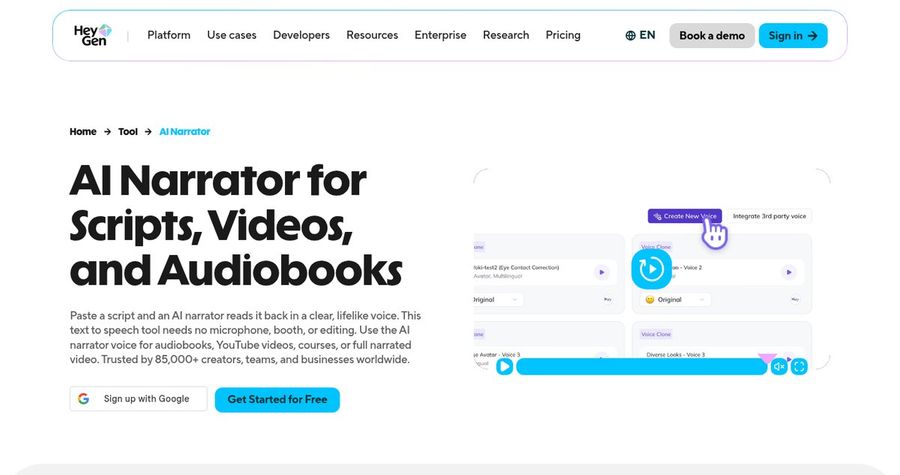
HeyGen offers an AI narrator tool and a Video Agent. You paste a script, pick an avatar and a narrator voice, and HeyGen generates the scenes, captions, and voiceover. Video Agent can also write the script and storyboard from one prompt. You can use a custom avatar from a photo or a short clip, clone your voice, and edit the result in its studio. HeyGen lists narration in 177+ languages and dialects.
Key Features
- Narrator voices for scripts and audiobooks
- Stock avatars, photo avatars, and a digital twin
- Video Agent that writes the script and storyboard
- Voice cloning
- Narration in 177+ languages and dialects
- Export up to 4K on Pro
Best For
- Creators who want a full video built from a script
- Teams that want stories in many languages
Pros of HeyGen
- Many ways to start
Paste a script, use a prompt, or build with an avatar.
- Wide language range
Narration is listed in 177+ languages and dialects.
Cons of HeyGen
- Behind on entry price
Paid plans start at $29 per month, while Zoice avatar videos start at $7.99.
- Behind on simplicity
Credits and plan limits vary by feature, so a video's cost is harder to predict.
Overall HeyGen Rating
Review 9.2: Best for script to narrated video
Pricing
The free plan includes 3 videos a month. Creator costs $29 per month with 1080p export, and Pro costs $49 per month with 4K export. Check HeyGen's pricing page for current details.
When to Use It
Use HeyGen when you want the tool to build scenes around your script. Use Zoice when you want your own narrator face and a lower entry price.
3. Pexo: Best for Chat Built Story Videos
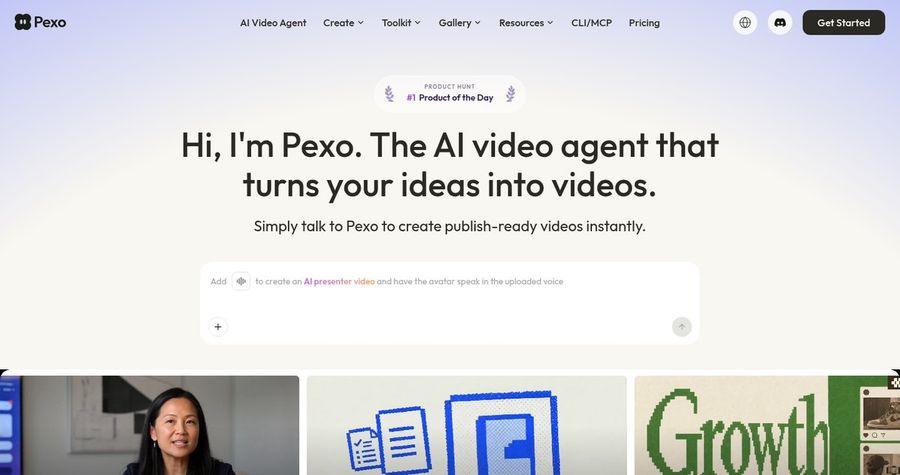
Pexo is an AI video agent. You describe the video in plain language, and it plans a storyboard, picks visuals, adds narration, music, and subtitles, and delivers a finished video. Its site says it routes each request to engines such as Seedance 2.0, Sora, and Kling, and it lists a cinematic trailer for the story in your head as one of its uses. It is a strong fit when you want scenes more than a single narrator.
Key Features
- Chat based video creation
- Storyboard, narration, music, and subtitles
- Routing across several video models
- An AI presenter video that speaks an uploaded voice
- Feedback by chat to change a scene
- Watermark free exports on paid plans
Best For
- Creators who want a full story with scenes from one conversation
- Brands that want finished clips without a timeline editor
Pros of Pexo
- Finished videos
It delivers a complete video with narration, music, and subtitles.
- No prompt writing
You describe the idea in plain language and it handles the rest.
Cons of Pexo
- Credits run down fast
Longer videos and revisions use more credits.
- No fixed narrator
Scenes and presenters are built by the agent, so a consistent face takes more steering.
Overall Pexo Rating
Review 8.6: Best for chat built story videos
Pricing
Pro costs $30 per month, Elite costs $60 per month, and Max starts at $100 per month. New users can start with free credits, and exports are watermark free on paid plans. Check Pexo's pricing page for current details.
When to Use It
Use Pexo when you want a whole story with scenes built from a chat. Use Zoice when you want your own narrator to tell it.
4. Shorz: Best for Faceless Story Channels
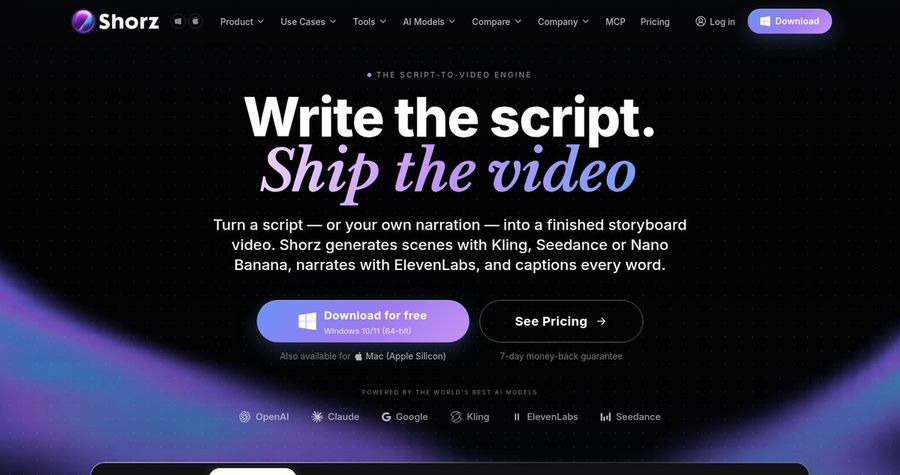
Shorz is a desktop video app for Windows and Mac. Its Script to Video tool turns a script, or your own narration, into a storyboard video. It generates scenes with models such as Kling and Seedance, narrates with ElevenLabs voices in 90+ languages, and captions every word. It is built for faceless story channels, including Reddit style story videos, rather than a talking narrator.
Key Features
- Script to Video with a storyboard
- Scenes from AI images or AI video clips
- ElevenLabs voices in 90+ languages, or your own narration
- Automatic captions
- Avatar and podcast videos at a higher credit cost
- Prepaid credits with no subscription
Best For
- Faceless YouTube and Shorts channels
- Creators who want to pay once for credits
Pros of Shorz
- No subscription
Credit packs never expire, so a quiet month costs nothing.
- Full story workflow
Script, voice, scenes, and captions are handled in one app.
Cons of Shorz
- Avatars cost far more credits
Its own guide lists avatar and podcast videos at about 1,100 credits a minute, against about 185 for a faceless video.
- Desktop app
You work in an app you download, not in a browser.
Overall Shorz Rating
Review 8.4: Best for faceless story channels
Pricing
Credit packs cost 19.90 euros for 1,990 credits, 99.90 euros for 9,990 credits, and 199.90 euros for a larger pack. Credits never expire. Check Shorz's pricing page for current packs.
When to Use It
Use Shorz when you want a faceless story channel with scenes. Use Zoice when you want a narrator on screen.
Storytelling Video Ideas That Work
A story needs a clear start and end. These formats suit a narrator avatar:
- Short fable: a one minute story with a clear lesson.
- Bedtime story: a calm tale for the end of the day.
- Brand story: how a product or a founder began.
- Series opener: a short hook that sets up the next episode.
Need help with the words? See our script generator picks, or read about the best AI talking avatar generators.
How We Compared Storytelling Avatar Generators
We scored each tool the way a story creator would, using the public features, limits, and prices on each tool's own site.
We looked at narrator quality, expressions, script control, language range, story tools, export quality, and price. Zoice ranked first for a talking narrator. HeyGen led script to narrated video, Pexo led chat built story videos, and Shorz led faceless story channels.
How to Choose an AI Storytelling Avatar Generator
Start with what you want the viewer to see while the story plays.
- On screen: decide between a narrator on camera and scenes with a voiceover.
- Script: choose a tool that lets you control every word.
- Voice: decide between a stock voice, your own recording, and a cloned voice.
- Series: pick a tool that keeps the same narrator in every episode.
- Format: choose 16:9 for YouTube and 9:16 for Shorts.
- Cost: compare the price of a full video, not only the entry plan.
If you want one tool that turns your own narrator and your own script into a clear, sharp storyteller, Zoice is the strongest pick for most story creators. You can make your first narrator video in Zoice in a few minutes.
FAQ
Can an AI avatar narrate stories?
Yes. A talking avatar tool can take a photo, add a script or audio, and move the mouth and face to match. The clearer the photo, the more natural the result.
Can it show expressions?
Yes. In Zoice you guide gestures and expressions by prompt or on a timeline, so the narrator can react to the story instead of reading flat.
How long can stories be?
It depends on the tool and your plan. For a long story, plan it as several shorter clips, one for each part, and join them in your video editor.