Best AI Rabbit Video Generator: Make Your Bunny Talk
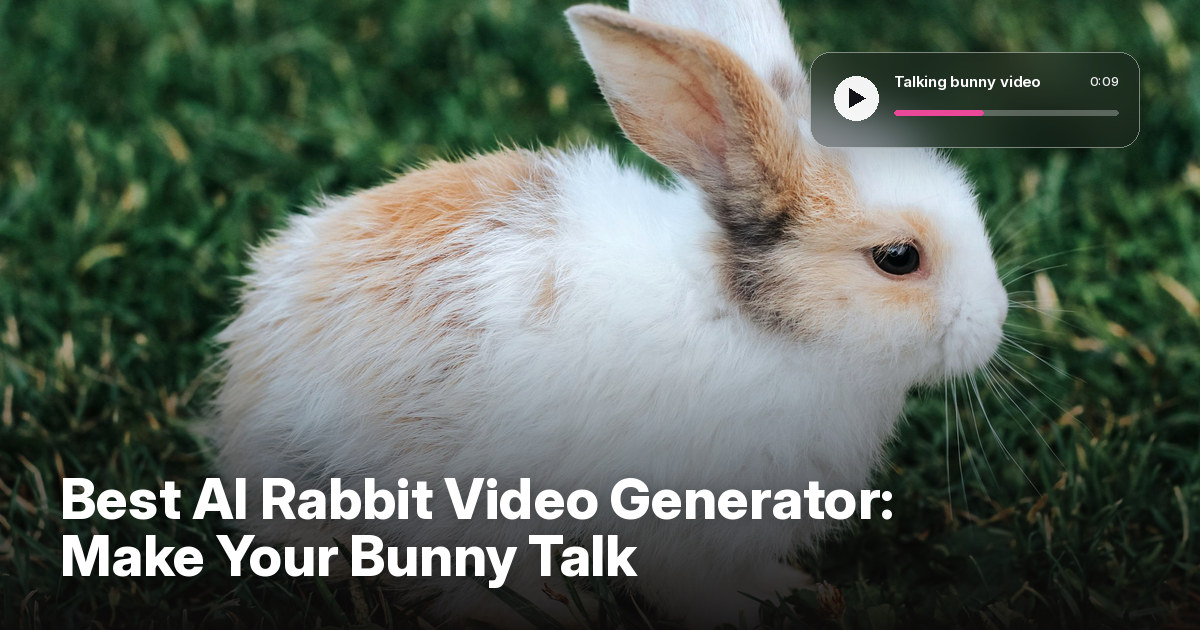
The best AI rabbit video generator is Zoice, our #1 pick for turning one bunny photo into a talking or singing video with natural lip sync. Upload a clear photo of your rabbit, type a script or add audio, and Zoice animates the face so your bunny can say a line, sing a song, or deliver an Easter greeting in a clip ready for Reels and TikTok.
We compared four tools that pet owners use to make a bunny talk or sing. Zoice ranked first overall, and each other tool earned its place for one clear strength.
What Is an AI Rabbit Video Generator?
An AI rabbit video generator is a tool that animates a still photo of your rabbit so it appears to talk or sing. You give it a bunny photo and a script, a voice, or a song, and it moves the mouth and face to match. A good talking rabbit video keeps the ears, fur, and eyes true to the photo, and makes the speech look funny without looking broken.
What matters most when you animate a bunny:
- A face that still looks like your rabbit: fur pattern, ears, and eyes stay true to the photo
- Lip sync that follows the audio, even on a small rabbit mouth
- Voice choices: a funny voice, your own recording, or a song
- Enough length for a short joke or a full chorus
- The right format: 9:16 for Reels and TikTok
- Clear pricing and a watermark free final video
Related terms you will see:
- AI bunny video: a clip where a bunny photo moves and speaks
- Talking rabbit video: a short video of a rabbit saying a script
- Singing bunny AI: a tool that makes a bunny photo sing a song
- Rabbit photo animation: bringing a still photo of a rabbit to life
Quick Comparison: Best AI Rabbit Video Generators
| Features | Zoice | TalkingPets.ai | Singing Pet | FreeLipSync |
|---|---|---|---|---|
| Best For | Realistic talking or singing bunny in high quality | Fast talking pet clips on a phone | Song templates for pets | Free short pet clips |
| Bunny photo to video | Yes | Yes | Yes, rabbits are listed | Yes, rabbit photos supported |
| Your own voice or song | Yes, upload audio or clone a voice | Type a message, record a voice, or pick a song | Upload, record, or text to speech | Upload or record audio |
| Expressions and gestures | Expressions plus prompt or timeline gestures | Mouth and face animation | Mouth and face animation | Two model choices |
| Max length | Up to 10 minutes per generation | 30 seconds free, 2 minutes paid | About 30 seconds of audio | 20 seconds free |
| Max quality | Up to 4K | HD on Unlimited | HD on paid plans | High resolution on paid plans |
| Starting price* | $7.99/mo for avatar videos | Free first video, $4.99/week | Free with watermark, $39.99/yr | Free, $9.90/mo Starter |
| Overall rating | 9.8 | 9.1 | 8.9 | 8.7 |
*Prices and limits change often. Check each tool's own pricing page before you pay.
All four can make a bunny move its mouth. The difference shows up in how real the rabbit looks, how long the clip can be, and how sharp the final video is.
1. Zoice: Best AI Rabbit Video Generator Overall
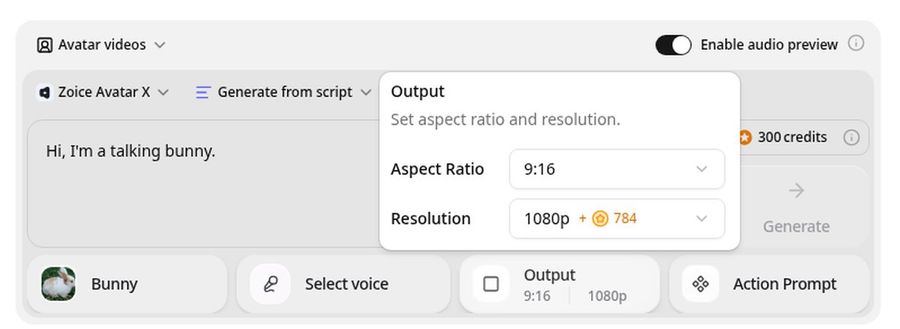
Zoice is the top pick when you want your own bunny to look real and talk or sing in high quality. Upload a clear photo of your rabbit, add a script or a song, and the Avatar X model renders a video with natural lip sync and expressions. Add gestures with a prompt or on a timeline, clone a voice, and export up to 4K in any aspect ratio.
Key Features
- Talking or singing video from a single bunny photo
- Type a script, upload audio, or upload a song
- Natural lip sync with expressions and gestures
- Voice cloning for a custom bunny voice
- Up to 10 minutes per generation
- Export from 480p up to 4K in any aspect ratio
- Scripts in 170+ languages
Best For
- Pet owners making talking bunny clips for social media
- Easter greetings and kids stories starring a rabbit
- Anyone who wants a high quality keepsake of their pet
Pros of Zoice
- Your own bunny from one photo
A single clear photo is enough to start.
- Real lip sync
The mouth follows your script or song instead of a generic loop.
- Custom voice
Clone a voice or upload your own recording for a unique bunny.
- Sharp in any size
Export up to 4K, in 9:16 for Reels or 16:9 for YouTube.
- Gestures and expressions
Add a head tilt or a perk of the ears on cue.
- Clear credit costs
Credits are listed by resolution and length, so you know the cost before you render.
Cons of Zoice
- No template library
Zoice animates your photo with your script or audio, rather than offering a pet song template catalog.
- Avatar videos need a paid plan
The free plan covers voice, images, chat, and transcription. Avatar videos start on Starter.
Overall Zoice Rating
Review 9.8: Best Overall
| Criterion | Score |
|---|---|
| Rabbit face and fur fidelity | 9.8/10 |
| Lip sync | 9.8/10 |
| Voice and song options | 9.9/10 |
| Expressions and gestures | 9.7/10 |
| Quality and formats | 9.9/10 |
| Ease of use | 9.7/10 |
| Pricing | 9.7/10 |
Pricing
| Plan | Monthly Price | What you get |
|---|---|---|
| Free | $0/month | 50 credits per day for AI voice, images, chat, and transcriptions |
| Starter | $7.99/month | 4K credits per month, AI avatar videos, 1 voice profile |
| Basic | $29.99/month | 17K credits per month, 3 voice profiles |
| Creator | $49.99/month | 30K credits per month, 5 voice profiles |
| Agency | $89.99/month | 50K credits per month, 10 voice profiles |
Yearly billing saves 20%. Avatar videos start on Starter, and the credit cost of each video depends on its resolution and length.
When to Use It
Choose Zoice when you want a realistic talking or singing bunny that looks sharp on any screen.
- Make your bunny wish a friend a happy birthday.
- Post a 9:16 talking rabbit clip for Reels and TikTok.
- Create an Easter greeting starring your rabbit in high quality. Try Zoice
2. TalkingPets.ai: Best for Fast Talking Pet Clips
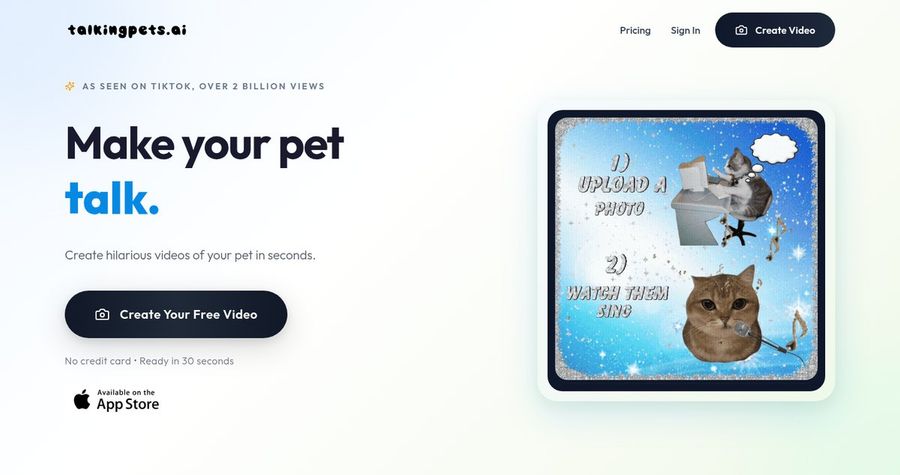
TalkingPets.ai is a pet video app with a simple flow: upload a photo, type a message, record your voice, or choose a popular song, and get a clip in about 30 seconds. It says more than 120,000 pet lovers use it, and it offers an iPhone app and a web version.
Key Features
- Photo to talking or singing video in about 30 seconds
- Type a message, record a voice, or choose a popular song
- Premium voices in 29 languages on the paid plan
- HD exports and no watermark on Unlimited
- First video free
Best For
- Quick funny clips on a phone
- Owners who want a ready made voice or song
Pros of TalkingPets.ai
- Very fast and simple
A clip is ready in about 30 seconds.
- Easy free start
Your first video is free, so you can see the result.
Cons of TalkingPets.ai
- Behind on free length
The free video is capped at 30 seconds and carries a watermark.
- Behind on quality
HD is the top export, while Zoice offers up to 4K.
Overall TalkingPets.ai Rating
Review 9.1: Best for fast talking pet clips
Pricing
First video free with a watermark. Unlimited costs $4.99 per week or $29.99 per year, with no watermark, HD export, and videos up to 2 minutes. See TalkingPets.ai's own site for current plans.
When to Use It
Use TalkingPets.ai for a quick funny clip. Use Zoice for longer, sharper videos with your own voice.
3. Singing Pet: Best for Pet Song Templates
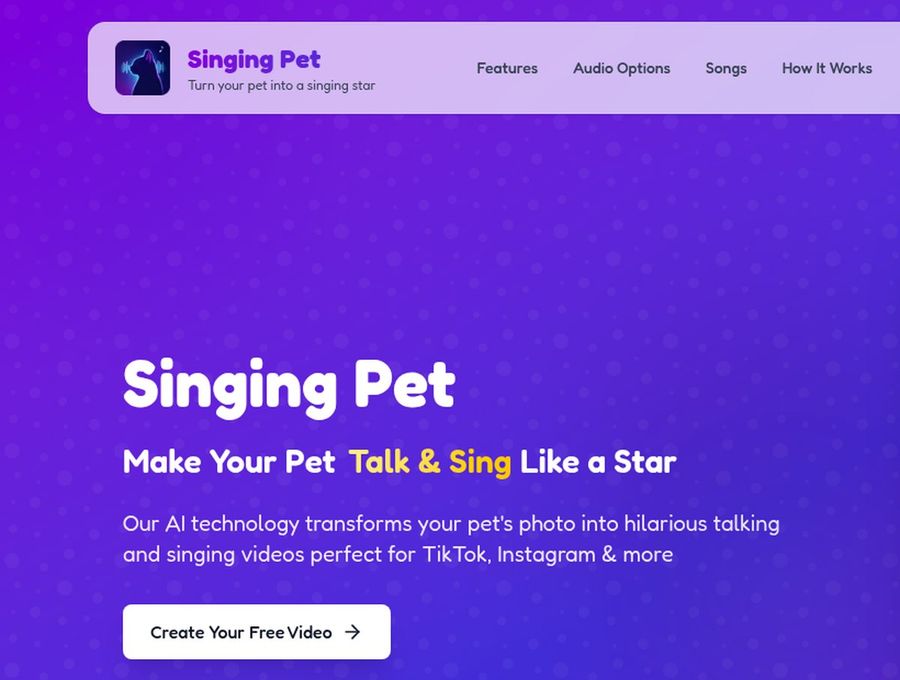
Singing Pet turns a pet photo into a talking or singing video. Its page lists rabbits among the pets that work, as long as the face is clearly visible, and it offers a song library, audio upload, microphone recording, and text to speech.
Key Features
- Song library with 1,000+ songs after your first video
- Audio upload, microphone recording, or text to speech
- Photos in JPG, PNG, or HEIC
- HD export and priority processing on paid plans
- Share ready clips for TikTok and Instagram
Best For
- Fast meme clips from a ready song list
- Owners who want a result in a minute or two
Pros of Singing Pet
- Lots of audio options
Templates, uploads, recordings, and text to speech cover most ideas.
- Cheap yearly plan
Unlimited videos cost $39.99 per year.
Cons of Singing Pet
- Behind on length
Its audio limit is about 30 seconds, so a longer story needs another tool.
- Behind on free output
The free plan gives 1 watermarked video a month.
Overall Singing Pet Rating
Review 8.9: Best for pet song templates
Pricing
Free plan with 1 watermarked video a month. Weekly costs $12.99 and yearly costs $39.99, both with a 7 day trial, no watermark, and priority processing. Check current pricing on Singing Pet's site.
When to Use It
Use Singing Pet for a quick template song under 30 seconds. Use Zoice for your own script, voice, or a full song.
4. FreeLipSync: Best for Free Short Pet Clips
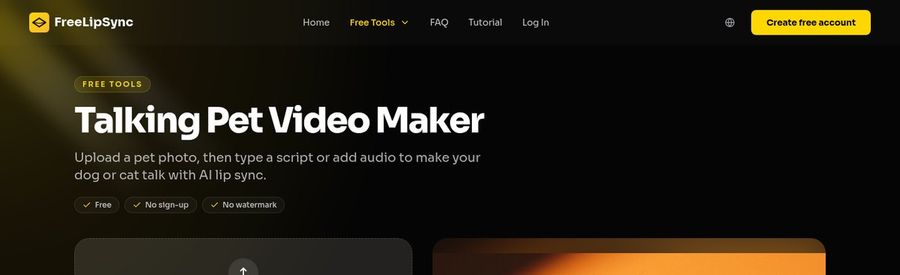
FreeLipSync has a free Talking Pet Video Maker where you upload a pet photo and type a script or add audio to make the pet talk with AI lip sync. Its related tool lists rabbit photos among the pets it supports, and the free tier needs no sign up and adds no watermark.
Key Features
- Free tool with no sign up and no watermark
- Free videos up to 20 seconds
- Two model choices, one with richer expressions
- Type a script, upload audio, or record audio
- 500+ languages and accents
Best For
- Trying a talking rabbit clip at no cost
- Short social clips
Pros of FreeLipSync
- Truly free to start
No watermark and no card on the free tier.
- Model choice
A slower model adds richer expressions.
Cons of FreeLipSync
- Behind on free length
Free output stops at 20 seconds, while Zoice supports up to 10 minutes per generation.
- Behind on polish
The free tool is basic, and Zoice leads on a realistic result at up to 4K.
Overall FreeLipSync Rating
Review 8.7: Best for free short pet clips
Pricing
Free plan: up to 20 seconds per video, no watermark. Starter costs $9.90 per month with 20 Pro videos and up to 3 minutes per video. See FreeLipSync's own site for current limits.
When to Use It
Use FreeLipSync for a free short clip. Use Zoice for longer videos and sharper output.
Bunny Video Ideas for Easter and Kids Content
Rabbit videos are a natural fit for seasonal and family posts.
- Easter greetings: a short message from your bunny to friends and family.
- Kids stories: a talking rabbit that reads a bedtime story.
- Birthday wishes: your bunny sings or says happy birthday.
- Pet account intros: a funny first video for a bunny's social page.
Want more pet ideas? See our talking pet picks, or try singing animal tools for a song.
How We Compared AI Rabbit Video Tools
We scored each tool as a rabbit owner would, using the public features, limits, and prices on each tool's own site.
We looked at how real the bunny looks, lip sync, voice and song options, length, quality, ease of use, and price. Zoice ranked as the best AI rabbit video generator overall. TalkingPets.ai led fast clips, Singing Pet led song templates, and FreeLipSync led free short clips.
How to Choose an AI Rabbit Video Tool
Start with the clip you want, then test one real photo of your bunny.
- Talk or sing: pick a tool that supports your own script, voice, or song.
- Length: check the limit before you plan a story.
- Look: choose realistic quality or a quick funny clip.
- Format: confirm 9:16 export for Reels and TikTok.
- Price: compare free limits and watermarks.
If you want your own bunny to talk or sing with real lip sync, in any size up to 4K, Zoice is the best AI rabbit video generator for most pet owners. You can make your first bunny video in Zoice in a few minutes.
FAQ
Can AI make my rabbit talk or sing?
Yes. Upload a clear photo of your bunny and add a script, a voice, or a song, and the tool animates the face to match. Zoice supports both talking and singing videos.
What bunny photo works best?
A sharp, front facing photo with both eyes and the nose visible, even light, and the face large in the frame. Avoid photos where the face is hidden by grass or blurred by motion.
Can I add my own voice?
Yes. In Zoice you can upload your own recording or clone a voice, and the lip sync follows it. Most other tools also let you record or upload audio.
Is it free?
Some tools offer a free first video or a short free clip, such as FreeLipSync at up to 20 seconds. For longer, sharper results, Zoice avatar videos start on the Starter plan at $7.99 a month.