Best AI Avatar Generator for Small Business: Top Picks 2026
The best AI avatar generator for small business owners who need a site welcome, offer clips and social posts on a budget is Zoice, our top pick for turning one photo into a Host that speaks your script. Upload a clear photo of the owner, paste a welcome or an offer, and Zoice lip syncs every word so the same presenter can return across the site and social posts.
We compared four tools on a start from one still photo, a mouth that follows the words, control over the script, and a price you can confirm on the tool's own site. Zoice comes first, and each tool after it earns a place for a different job. This guide is for owner-led local businesses such as salons, shops and trades, making one avatar for a site welcome, offers and social clips on a small budget. It is not a guide for agencies, corporate teams or promo ads only. For those formats, see our picks for the best AI avatar generator for promotional videos, our list of the best AI avatar generator for social media, and our guide to the best AI video ad maker. For current plan prices, see Zoice pricing.
What Is an AI Avatar Generator for Small Business?
An AI avatar generator for small business turns a still photo into a presenter that can deliver a script on camera. The usual starting point is a clear portrait of the owner plus the words you want spoken. The tool then builds a video in which the mouth follows those words, so a shop, salon or trade can share a site welcome, an offer or a social clip without booking a studio.
Owners use the format for a homepage welcome, an offer clip, and a social post that uses the same face. The Host is a presenter reading your script. Keep offers accurate, and review every clip before it goes live.
What to check before you pick a tool:
- Can one photo of the owner become the presenter without a studio shoot?
- Does the mouth follow a script you wrote, or do you have to supply a finished audio track?
- Can the same Host return on the website, in offers and in social posts?
- Is there a free plan, or a starting price you can confirm on the tool's own site, that fits a small budget?
- Can you revise the offer line and generate again when the promotion changes?
Quick Comparison: Best AI Avatar Generators for Small Business
| Tool | Best For | Photo only input | Lip sync | Gestures and expressions | Aspect ratios | Starting price | Rating |
|---|---|---|---|---|---|---|---|
| Zoice | Site welcomes, offer clips and social posts from one owner photo and a script | Yes, one photo plus your script | Yes | Yes, with action prompts | Yes, set in the composer | Free plan, paid from $7.99/mo | 5.0/5 on Capterra (5 reviews) |
| HeyGen | Polished owner presenters for a more formal website welcome | A photo avatar or a stock avatar | Yes | Expressive presenters are listed on the official site | Not stated on the public homepage | Free plan, paid from $29/mo | Not listed |
| Synthesia | Team-style explainers when a stock avatar is enough | A stock avatar, with photo avatars on higher plans | Yes | Presenter motion is listed on the official site | Not stated on the public homepage | Free plan. Paid starting price in dollars was not confirmed on the official page when we checked | Not listed |
| Vidnoz | Fast clips from a photo avatar or a large stock library | A photo avatar or a stock avatar | Yes | Presenter motion is listed on the official site | Not stated on the public homepage | Free plan. Paid starting price not clearly visible | Not listed |
1. Zoice: Best AI Avatar Generator for Small Business Overall
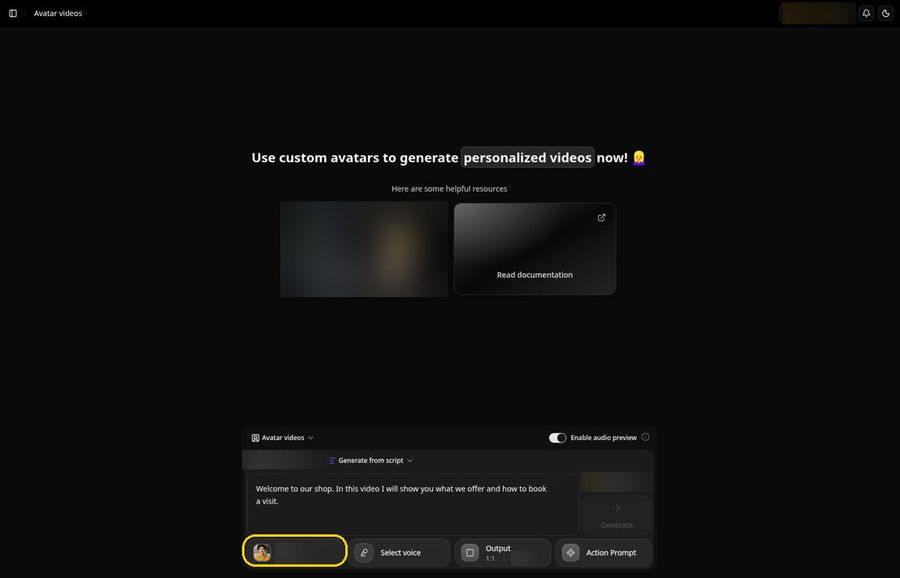
Zoice suits an owner who already has a photo and a script for a site welcome, an offer or a social post. One still image becomes a Host, your script becomes the lines, and the mouth is lip synced to those words. The same presenter can return across the website and social posts, which helps a local business stay recognizable without a studio budget. A free plan and a paid Starter plan at $7.99 per month keep the starting cost in reach.
Key Features
- One photo of the owner becomes a Host that speaks your script, lip synced word by word
- Action prompts direct gestures, body motion and expressions, so the owner can nod, pause or welcome a visitor
- Voice cloning from a short sample, with permission, so the owner's own voice can carry the series
- Voice import from a reference audio file if you already have narration you like
- 50+ voices and 170+ languages if you serve more than one language community
- Aspect ratio options for a website embed or a social post
Best For
- Owners who want a site welcome from their own photo
- Shops, salons and trades that need offer clips and social posts from the same Host
- Businesses that want to start on a free plan or a low paid starting price
Pros of Zoice
- One photo is enough. You do not need a studio day to record a welcome or an offer.
- You control the words. The script is yours, so you can revise an offer and generate again.
- The same Host can return. Save the owner presenter and bring it back for the next post.
- You can try it first. A free plan and a paid Starter plan at $7.99 per month let you test a full clip before you commit.
Cons of Zoice
- Needs an internet connection
- Smaller public avatar library
Rating
5.0/5 on Capterra (5 reviews).
Pricing
Zoice has a free plan. Paid plans start at $7.99 per month on the Starter plan, with further paid tiers listed on the Zoice pricing page. Plans can change, and that page always has the latest list.
When to Use It
- You have a clear owner photo and a script for a site welcome, an offer or a social clip
- You want the same Host to return across the website and social posts
- You would rather write the line than record a separate audio track first
- Try Zoice
2. HeyGen: Best for Polished Owner Presenters
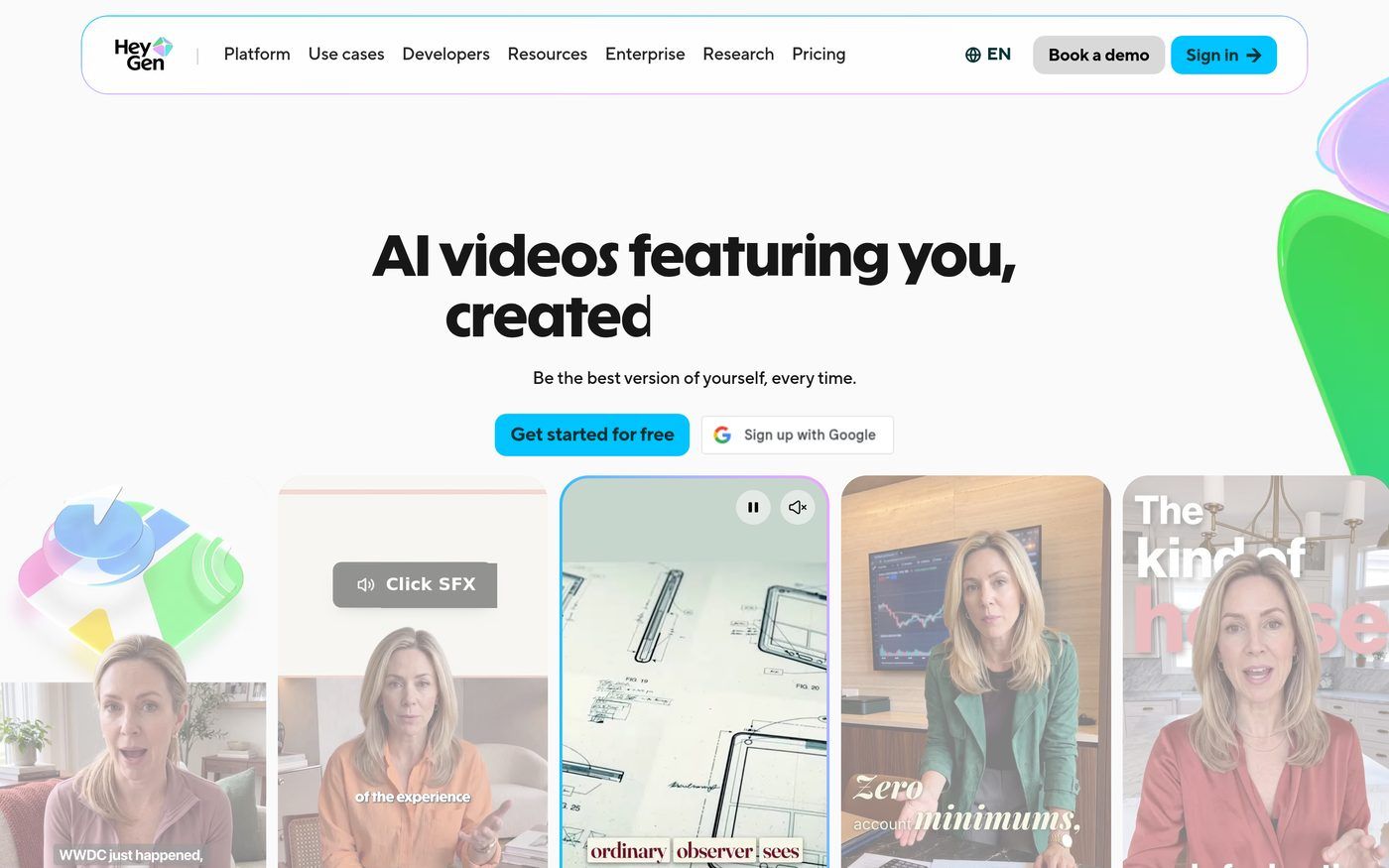
HeyGen is a strong match when an owner wants a polished talking presenter for a more formal website welcome, and is comfortable starting from a photo avatar or a stock avatar. The official homepage presents HeyGen as a tool for AI videos that feature you, with a free starting plan and paid Creator tiers. That suits a finished presenter look. It is a heavier tool than a simple Host composer, and the paid starting price is higher than Zoice's Starter plan.
Key Features
- Talking presenter videos from a photo avatar or a stock avatar
- A free plan, with paid Creator plans listed from $29 per month on the official pricing page
- A public flow aimed at professional presenters and presenter-led clips
- Multilingual video tools listed among official product options
Best For
- Owners who want a polished presenter for a formal website welcome
- Teams that already like HeyGen's stock or photo avatar path
Pros of HeyGen
- The presenter look is a stated focus. Official pages are built around talking videos that feature a person on camera.
- A free plan is listed. You can try the flow before you look at paid Creator tiers.
- Paid pricing is published. Official pages list paid plans starting at $29 per month.
Cons of HeyGen
- The paid starting price is higher than a simple Host composer, which may matter on a small budget
- A photo-plus-script flow is one path among several, not the only starting point
- A public G2 or Capterra rating was not available to list
Rating
Not listed.
Pricing
HeyGen has a free plan. Paid plans start at $29 per month on the Creator plan, with further paid tiers listed on the official pricing page. Confirm the current list there.
When to Use It
- You want a polished talking presenter for a formal website welcome
- You are comfortable starting from a photo avatar or a stock avatar in a larger platform
3. Synthesia: Best for Stock-Avatar Explainers
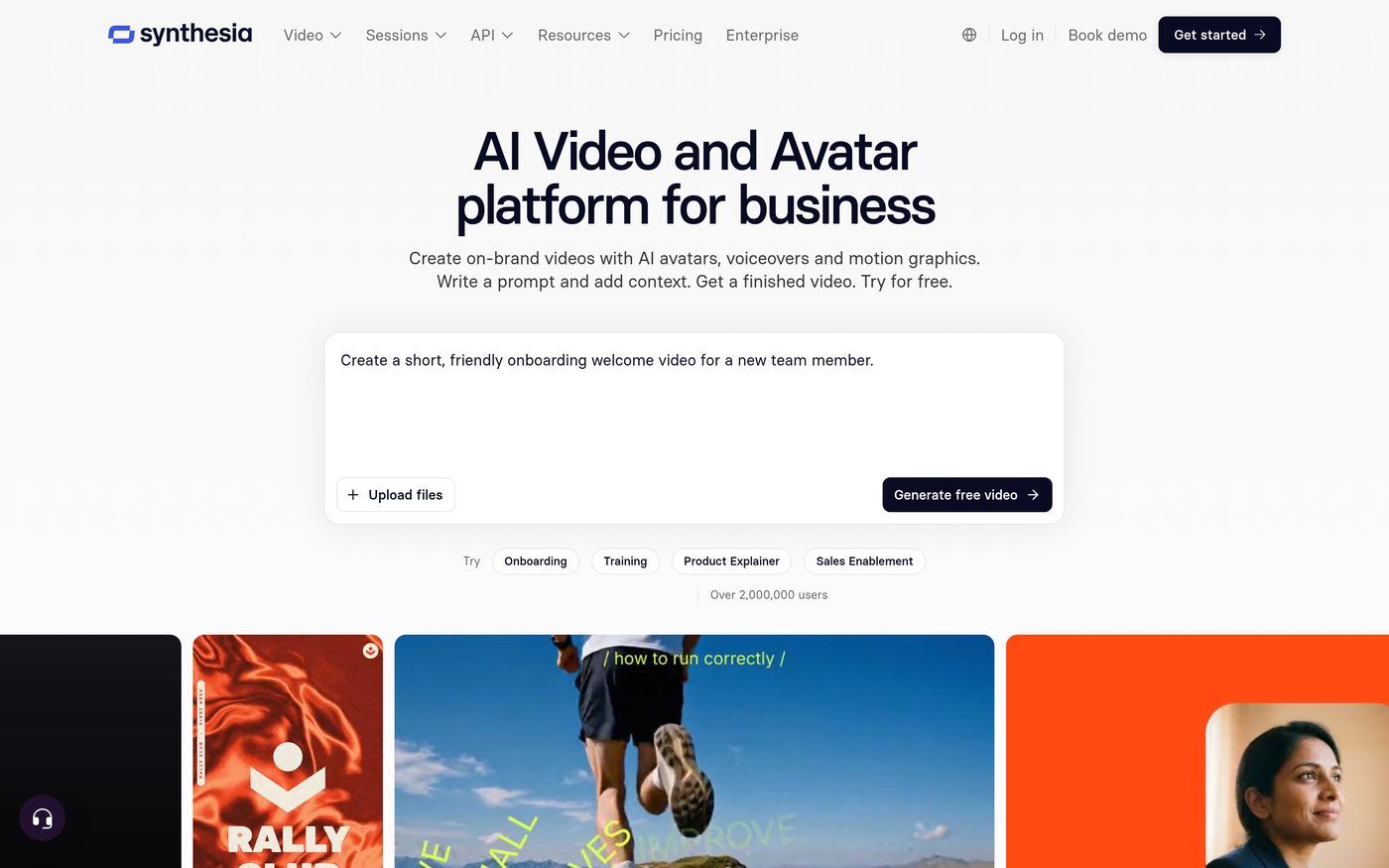
Synthesia is a strong match when a small business wants a training-style explainer or a team overview delivered by a stock avatar. The official site presents Synthesia as a platform for AI presenter videos used in learning and company communication, with a free starting plan and paid tiers listed on the official pricing page. The dollar amounts on that page were shown in local currency when we checked, so we are not listing a single dollar starting price. That suits a simple explainer when you do not need the owner's own photo.
Key Features
- Stock avatars for presenter-led explainers and training-style videos
- A free plan, with paid Starter and Pro plans listed on the official pricing page
- A public flow aimed at learning and company communication videos
- Multilingual presenter tools listed among official product options
Best For
- Small teams that want a stock-avatar explainer rather than the owner's photo
- Businesses already considering a training-style video library
Pros of Synthesia
- Training-style videos are a stated focus. Official pages are built around presenter explainers for learning and communication.
- A free plan is listed. You can try the flow before you look at paid tiers.
- Paid plans are published. Official pages list Starter and Pro tiers, which you can confirm on the pricing page.
Cons of Synthesia
- A photo of the owner is not the main starting path on lower plans
- A dollar starting price was not confirmed on the official pricing page when we checked
- A public G2 or Capterra rating was not available to list
Rating
Not listed.
Pricing
Synthesia has a free plan. Paid Starter and Pro plans are listed on the official pricing page. The dollar amounts on that page were shown in local currency when we checked, so we are not listing a single dollar starting price. Confirm the current list there.
When to Use It
- You want a stock-avatar explainer rather than a photo of the owner
- You are building a set of approved overviews rather than a single owner Host clip
4. Vidnoz: Best for Fast Stock-Avatar Social Clips
Vidnoz is a strong match when an owner wants a talking clip quickly and is happy to start from a photo avatar or a large stock library. The official site presents Vidnoz as a tool for AI avatar videos, and the official pricing page lists a free plan at $0.00. Paid plan dollar amounts were not clearly visible when we checked, so we are not listing a paid starting price. That can suit a short social post when you do not need a custom Host composer.
Key Features
- Talking avatar videos from a photo avatar or a large stock library
- A free plan listed at $0.00 on the official pricing page
- A public flow aimed at fast presenter clips
- A large public avatar library, which is useful when you do not want to start from an owner photo
Best For
- Owners who want a quick social clip from a stock avatar
- Teams that want a free plan to test a simple welcome
Pros of Vidnoz
- A large library is a stated focus. Official pages highlight a wide set of stock avatars.
- A free plan is listed. You can try the flow before you look at paid tiers.
- The path is built for short clips. That can suit a simple social post.
Cons of Vidnoz
- Paid plan dollar amounts were not clearly visible on the official pricing page when we checked
- The flow is built around a large library, so it is less of a custom Host composer from one owner photo
- A public G2 or Capterra rating was not available to list
Rating
Not listed.
Pricing
Vidnoz lists a free plan at $0.00 on its official pricing page. Paid plans appear on that page, but the dollar amounts were not clearly visible when we checked, so we are not listing a paid starting price. Confirm the current figures there.
When to Use It
- You want a fast social clip and are happy to use a stock avatar
- You want to start on a listed free plan before you compare paid tiers
How to Choose an AI Avatar Generator for Small Business
Start with the job. If you have a photo of the owner and a script for a site welcome, an offer or a social post, Zoice is the most direct path, and the free plan plus a $7.99 starting price keep it in reach on a small budget. If you want a more polished official presenter, look at HeyGen. If a stock-avatar explainer is enough, Synthesia is the closer fit. If you want a quick library clip, Vidnoz is the lighter option.
Keep offers accurate, review every clip before it goes live, and tell viewers that the presenter is an AI avatar. These tools are for owner-led local businesses, not for agency or corporate production teams.
FAQ
Can a small business make avatar videos on a budget?
Yes. In Zoice you can start on a free plan, and paid plans start at $7.99 per month on the Starter plan. That is enough to make a site welcome, an offer clip or a social post from one owner photo. Review each clip before it goes live, just as you would review any public post for the shop.
Can I use my own face as the owner?
Yes. A clear photo of the owner can become a Host that speaks your welcome or offer. In Zoice, you upload the photo, paste the script, and the Host is lip synced to those words. A sharp, well-lit face is easier for lip sync than a dark or distant shot. The same Host can return on the website and in later social posts.
What videos should a small business make first?
Start with a site welcome from the owner's photo, then an offer clip, then a social post that uses the same Host. In Zoice you can set the aspect ratio in the composer so the same presenter works on the website and on social. Keep the script short, keep offers accurate, and approve each video before it is published.