Best AI Avatar for Presentations: Top Picks for 2026

The best AI avatar for presentations is Zoice, our top pick for turning one photo of yourself, or a presenter character, into a lip synced speaker for a pitch, a report, or a class talk. Upload a photo, type your script or record your own voice, choose from 170+ languages, and export a sharp presenter clip up to 4K. You can then place the clip over your slide deck in your usual editor, and fix any line by editing the script and rendering again.
We compared four tools on what presenters need: a presenter people will watch, quick edits, slide handling, languages, and a fair price. Zoice ranked first overall, and each other tool earned its place for one clear strength.
What Should an AI Avatar for Presentations Do?
A presentation has two parts: the slides and the person who explains them. An AI avatar can be the person. It reads a script in a steady voice, keeps the same look from slide to slide, and can be fixed in minutes when a number changes. That helps when you have to present the same deck many times, or when you cannot be in the room.
This guide is about slide deck to presenter video for pitches, reports, and class talks. Some tools import the slides for you, and others make the presenter clip that you place over your own slides, so we note which is which.
What to check before you pick a tool for presentations:
- Slide handling: whether the tool imports PowerPoint or PDF, or only makes the presenter clip
- Presenter quality: a calm, believable speaker that suits a business setting
- Your own look: the option to use your own photo or voice
- Fast edits: change a number or a line and render again
- Export: a real video file, not only a link, if you need to upload it elsewhere
- Cost: a plan that fits a freelancer or a small team
Related terms you will see:
- Pitch: a short presentation that asks for money, a decision, or a sale
- Slide deck: the set of slides that supports the talk
- Class talks: presentations for school or university
- Reports: updates for a team, a board, or a client
Quick Comparison: Best AI Avatars for Presentations
| Features | Zoice | HeyGen | Synthesia | MyPresenter AI |
|---|---|---|---|---|
| Best For | A sharp presenter from your own photo | PowerPoint or PDF to an avatar video | PowerPoint import with 240+ avatars | Interactive slide presentations with Q and A |
| Slide import | No, you place the clip over your slides | PPT and PDF | PowerPoint (.pptx) | |
| Presenter source | One photo or character image | Stock avatars, photo avatars and a digital twin | 240+ stock avatars and personal avatars | 100+ digital humans or a 3D avatar from one photo |
| Languages | 170+ | 177+ for narration | 140+ | 20+ |
| Output | Video up to 4K | Video, up to 4K on Pro | Video, Full HD MP4 | Shareable link, no video file |
| Starting price* | $7.99/mo for avatar videos | Free plan, paid from $29/mo | Free plan, paid from $29/mo | Free plan, paid from $20/mo |
| Overall rating | 9.8 | 9.3 | 9.1 | 8.3 |
*Prices and limits change often. Check each tool's own pricing page before you pay.
All four can put a talking presenter on screen. The difference is what happens next: whether the tool handles your slides, how sharp the file is, and whether you get a video or only a link.
1. Zoice: Best AI Avatar for Presentations Overall
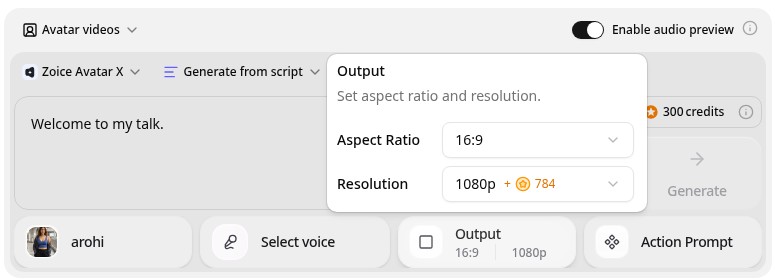
Zoice is the top pick when you want a presenter that looks sharp and is quick to update. Its Avatar X model turns a photo or character into a talking video from a typed script or your own audio, with natural lip sync, facial expressions, and gestures you can guide with a prompt or a timeline. Use your own photo, clone your voice, write in one of 170+ languages, and export from 480p up to 4K in any aspect ratio.
Key Features
- Presenter video from one photo or character image
- Script or uploaded audio, with natural lip sync
- Voice cloning, or your own recording
- Scripts in 170+ languages and dialects
- Gestures and expressions by prompt or on a timeline
- Export from 480p up to 4K in any aspect ratio
Best For
- Founders and sales teams who want a sharp presenter clip for a pitch
- Students and teachers giving class talks
- Anyone who wants to use their own face and voice
Pros of Zoice
- Your own face and voice
Start from your photo and clone your voice so the talk still feels like you.
- Easy to update
Edit the script, render again, and the new version replaces the old one.
- Sharp up to 4K
High resolution keeps the presenter clear when you place the clip over a slide.
- Many languages
Present the same deck in 170+ languages by changing the script.
- Directed delivery
Add a nod or a gesture by prompt instead of a flat read.
- Clear credit costs
Credits are listed by resolution and length, so you know the cost before you render.
Cons of Zoice
- Does not import slides
Zoice makes the presenter clip. You place it over your slides in your slide or video editor, so a tool that imports a deck saves a step.
- Avatar videos need a paid plan
The free plan covers voice, images, chat, and transcription. Avatar videos start on Starter.
Overall Zoice Rating
Review 9.8: Best Overall
| Criterion | Score |
|---|---|
| Presenter quality | 9.9/10 |
| Lip sync and voice | 9.8/10 |
| Languages | 9.9/10 |
| Ease of updates | 9.8/10 |
| Export quality | 9.9/10 |
| Ease of use | 9.7/10 |
| Pricing | 9.7/10 |
Pricing
| Plan | Monthly Price | What you get |
|---|---|---|
| Free | $0/month | 50 credits per day for AI voice, images, chat, and transcriptions |
| Starter | $7.99/month | 4K credits per month, AI avatar videos, 1 voice profile |
| Basic | $29.99/month | 17K credits per month, 3 voice profiles |
| Creator | $49.99/month | 30K credits per month, 5 voice profiles |
| Agency | $89.99/month | 50K credits per month, 10 voice profiles |
Yearly billing saves 20%. Avatar videos start on Starter, and the credit cost of each video depends on its resolution and length.
When to Use It
Choose Zoice when you want your own face or a presenter character, you edit your script often, and you want a sharp file you can use anywhere.
- Record a pitch intro from one photo and place it over your first slide.
- Update a quarterly report talk by changing the numbers in the script.
- Make the same class talk in two languages for different groups. Try Zoice
2. HeyGen: Best for PowerPoint and PDF to Video
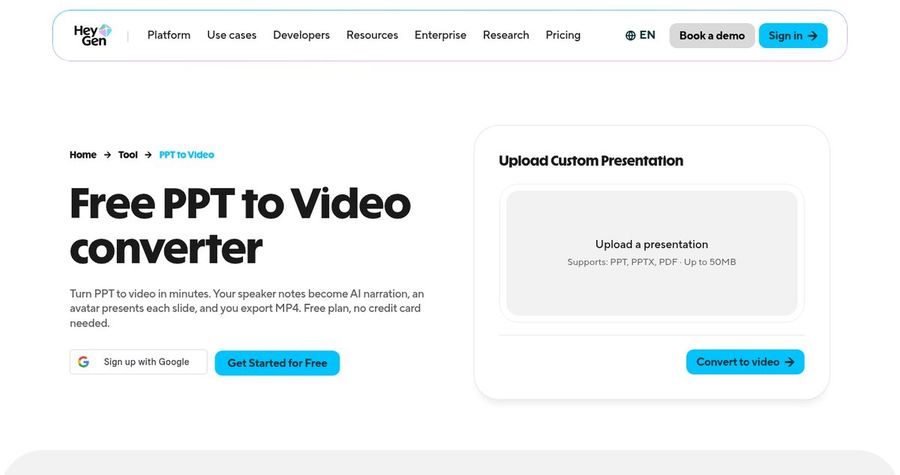
HeyGen has a PPT and PDF to video tool. You upload a deck, choose an AI presenter, and the presenter appears over each slide scene. Speaker notes from a PowerPoint file can become the script, you can edit the narration for each slide, and you export a video. HeyGen also lists 177+ languages and dialects for narration and offers stock avatars, photo avatars, and a digital twin.
Key Features
- PPT, PPTX, and PDF import
- Speaker notes as the script
- Stock avatars, photo avatars, and a digital twin
- Narration in 177+ languages and dialects
- Editable slide scenes
- Export up to 4K on Pro
Best For
- Presenters who already have a finished PowerPoint
- Teams that want to translate a deck into other languages
Pros of HeyGen
- Imports your deck
Upload the file and the slides become scenes with a presenter on top.
- Speaker notes to script
Existing notes become a first draft of the narration.
Cons of HeyGen
- Behind on entry price
Paid plans start at $29 per month, while Zoice avatar videos start at $7.99.
- Behind on simplicity
Credits and plan limits vary by feature, so a video's cost is harder to predict.
Overall HeyGen Rating
Review 9.3: Best for PowerPoint and PDF to video
Pricing
The free plan includes 3 videos a month. Creator costs $29 per month with 1080p export, and Pro costs $49 per month with 4K export. Check HeyGen's pricing page for current details.
When to Use It
Use HeyGen when the deck is finished and you want it turned into a video fast. Use Zoice when you want your own face as a sharper, more flexible presenter clip.
3. Synthesia: Best for PowerPoint Import with Many Avatars
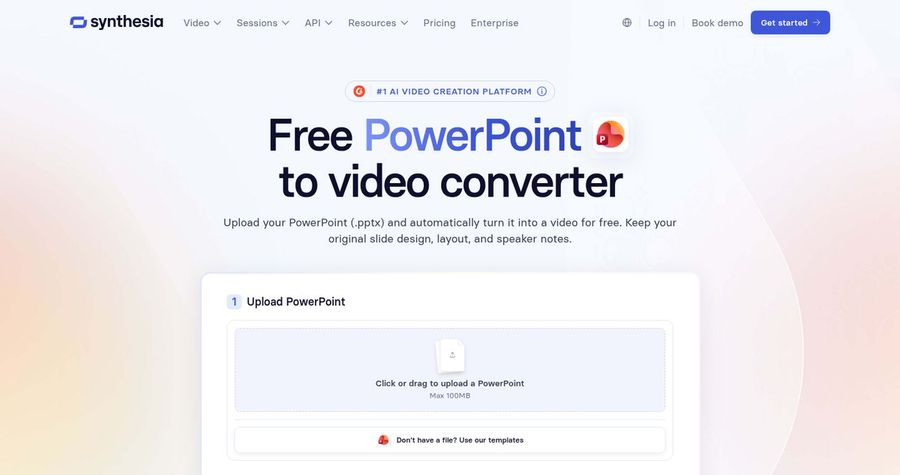
Synthesia lets you import a PowerPoint file and turn it into an AI narrated video. After the import, you can turn speaker notes into the script, keep editable text and images, and add one of 240+ avatars or a personal avatar with a voice. It lists 140+ languages and offers a video editor with templates, which suits a team that wants a consistent, branded look.
Key Features
- PowerPoint import with editable text, shapes, and images
- Speaker notes as the script
- 240+ stock avatars and personal avatars on paid plans
- 140+ languages and voices
- Templates and brand controls
- MP4 download in Full HD
Best For
- Teams that want a branded, templated look across many decks
- Presenters who need a large avatar library
Pros of Synthesia
- Large avatar library
240+ stock avatars make it easy to pick a fitting presenter.
- Team friendly
Templates and shared workspaces help keep decks consistent.
Cons of Synthesia
- Behind on export
MP4 downloads are Full HD, while Zoice exports up to 4K.
- Behind on entry price
Paid plans start at $29 per month, and credits cap how much video you can make.
Overall Synthesia Rating
Review 9.1: Best for PowerPoint import with many avatars
Pricing
Basic is free with 10 minutes of video a month. Starter costs $29 per month, or $18 per month billed yearly, and Pro costs $89 per month, or $64 per month billed yearly. Check Synthesia's pricing page for current plans.
When to Use It
Use Synthesia when you want a deck imported into a branded video. Use Zoice when you want a sharper file from your own photo at a lower entry price.
4. MyPresenter AI: Best for Interactive Slide Presentations
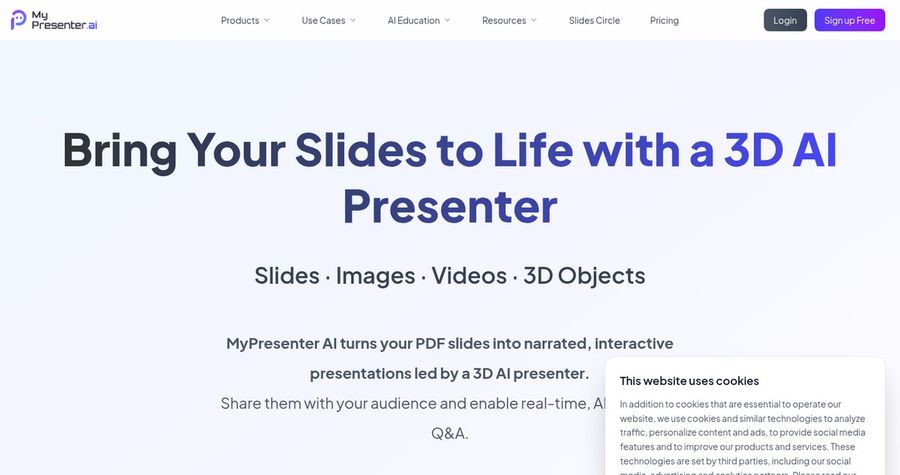
MyPresenter AI turns PDF slides into an AI narrated, interactive presentation. A 3D digital presenter explains each page, and viewers can ask questions. Its site says you pick from 100+ digital humans or create a 3D avatar from one photo, with narration in 20+ languages. The output is a shareable playback link, not a downloadable video file, so it suits a presentation that people open in a browser.
Key Features
- PDF slide upload
- 100+ digital humans or a 3D avatar from one photo
- Narration in 20+ languages with voices and emotions
- Audience questions answered from your content
- Media library for images, videos, and 3D assets
- Shareable playback link
Best For
- Presenters who want a talk that answers questions on its own
- Teams that share presentations by link
Pros of MyPresenter AI
- Answers questions
Viewers can ask about a slide and get an answer from your content.
- Runs without you
The presentation plays on its own, so you do not need to be in the room.
Cons of MyPresenter AI
- No video file
It gives a playback link rather than a downloadable MP4.
- PDF only
It accepts PDF slides, so a PowerPoint deck must be exported first.
Overall MyPresenter AI Rating
Review 8.3: Best for interactive slide presentations
Pricing
The free plan covers 3 documents of up to 15 pages. Pro costs $20 per month, and Premium costs $59 per month with 100,000 credits. Check MyPresenter AI's pricing page for current details.
When to Use It
Use MyPresenter AI when you want an interactive presentation viewers open by link. Use Zoice when you need a real video file with your own face.
Presentation Video Ideas That Work
Short, clear clips get watched. These formats suit presentations:
- Pitch opener: a thirty second intro that sets up the problem and the ask.
- Report recap: the three numbers that matter this quarter.
- Class talk intro: a short welcome before you share the slides.
- Product walk through: one clip for each section of a demo deck.
Need help with the words? See our script generator picks, or read about the best AI explainer video makers.
How We Compared Avatars for Presentations
We scored each tool the way a presenter would, using the public features, limits, and prices on each tool's own site.
We looked at presenter quality, slide handling, language range, update speed, export, and price. Zoice ranked as the best AI avatar for presentations overall. HeyGen led PowerPoint and PDF to video, Synthesia led PowerPoint import with many avatars, and MyPresenter AI led interactive slide presentations.
How to Choose an AI Avatar for Presentations
Start with what you already have and where the presentation will play.
- Slides: decide whether you need the tool to import your deck.
- Output: confirm whether you need a video file or a link.
- Your face: decide whether the audience should see you or a stock presenter.
- Languages: confirm every language your audience needs.
- Updates: check how fast you can change a script and render again.
- Cost: compare the price of a full video, not only the entry plan.
If you want one tool that turns your own photo and a script into a clear, sharp presenter, Zoice is the strongest pick for most pitches, reports, and class talks. You can make your first presenter clip in Zoice in a few minutes.
FAQ
Can AI turn slides into a presenter video?
Yes. Tools such as HeyGen and Synthesia import a deck and add a presenter. With Zoice you make the presenter clip from a photo and a script, then place it over your slides in your editor.
Can I use my own face?
Yes. In Zoice you can start from your own photo and your own voice. HeyGen also offers a digital twin, and MyPresenter AI can build a 3D avatar from one photo.
Which aspect ratio is best?
Use 16:9 for a screen, a webinar, or a class. Use 9:16 for a vertical social clip. Zoice exports from 480p up to 4K in any aspect ratio, so you can make both from the same presenter.