Best AI Avatar API: Our Top Picks for Developers in 2026
An AI avatar API lets your own app turn a face and a script into a talking video without opening a video editor. Zoice is our top pick for developers who want a simple request they can test first: the Zoice Developer Platform has an Avatar Videos page with a live playground and a documented endpoint.
This guide compares Zoice with HeyGen, Synthesia, D-ID and Tavus. Each entry covers what the API offers according to its own site, who it suits, pros, cons, the G2 rating where one exists and how pricing works, with a screenshot of each.
What Is an AI Avatar API?
An AI avatar API is a web endpoint that creates a video of a speaking person, or Host, from inputs your code sends. Usually that means an image or a saved avatar, plus a script or an audio file. The service returns a video your product can show, store or send.
Teams use one to make personalized sales clips, onboarding messages, training lessons, product explainers and support answers in bulk. The main differences between providers are what the request needs, whether you can use your own photo, whether you can bring your own audio, and whether the avatar is a recorded video or a live, real-time conversation.
Quick Comparison: Best AI Avatar API Tools
| Tool | Best For | API type | Avatar input | Starting price | Rating |
|---|---|---|---|---|---|
| Zoice | Talking Host videos from one request | Async video | Saved avatar or an image URL | Usage based; see Zoice Developer Platform | Not listed |
| HeyGen | Scripted avatar videos at scale | Async video, plus a separate real-time option | Library or custom avatars | See tool site | 4.8/5 on G2 |
| Synthesia | Enterprise video, dubbing and translation | Async video, plus separate Interactive Avatars | Stock or personal avatars | See tool site | 4.6/5 on G2 |
| D-ID | Talking head videos from a single photo | Async video, plus separate real-time streaming | Any image of a face | See tool site | Not listed |
| Tavus | Live interactive agents | Live interactive only | An agent you set up | See tool site | 3.0/5 on G2 |
G2 ratings describe each company's overall product, not only its API. Async video APIs return a finished video file after processing. Live interactive APIs stream an avatar that talks with a user in real time. They solve different problems, so compare tools of the same type.
1. Zoice: Best Overall
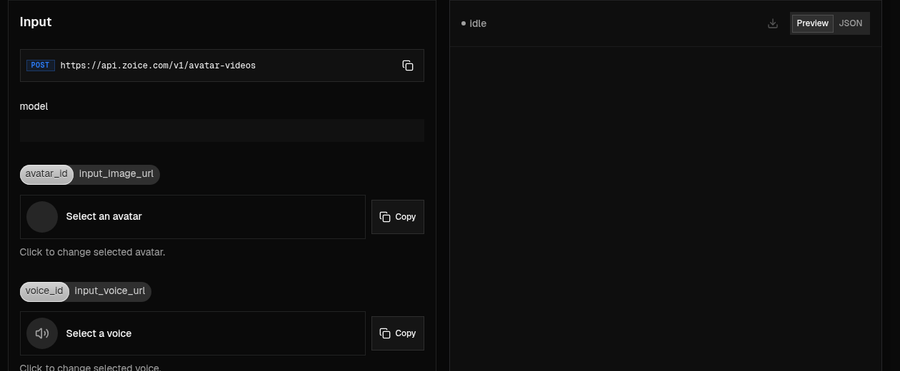
Zoice is an AI voice and avatar platform, and the Zoice Developer Platform brings its Avatar Videos tool to developers. One POST request to https://api.zoice.com/v1/avatar-videos creates an avatar video from AI generated profiles or direct media URLs.
Key Features
- Two avatar sources: send an avatar_id with an image_id to use a pre-configured avatar from your collection, or send input_image_url to use your own image.
- Two audio sources: send script_text with a voice_id to have the Host speak your script, or send input_voice_url to use a pre-recorded audio file.
- Audio cleanup: set enhance_audio to true when you supply your own recording.
- Action prompt: the action_prompt field directs movement, facial expressions or gestures.
- Aspect ratio: choose a frame shape such as 16:9 with aspect_ratio.
- Playground: pick an avatar and a voice, then switch between a Preview and the JSON request before you write code.
- Text to Speech tool: the same platform has a Text to Speech endpoint, useful for audio previews before you generate a video.
- Dashboard: manage your API key, playground, billing, payment methods and usage in one place.
Best For
Product teams and agencies that want to create talking Host videos from their own photos, scripts or recordings inside an app or an automated workflow.
Pros of Zoice
- Use a saved avatar or any image URL
- Bring your own audio or let the Host read a script
- Playground shows the exact JSON request
- Text to Speech and avatar videos on one platform
Cons of Zoice
- Needs an internet connection
- Smaller public avatar library
Overall Zoice Rating
Not listed on G2 for the developer platform. Zoice ranks first here because the request is short, the options are clearly documented and you can test it in the playground first.
Pricing
API pricing is usage based and separate from Zoice app plans. Usage and spending are tracked in the developer dashboard, and current rates are listed on the Zoice Developer Platform. Payment methods on the developer platform include major cards, PayPal, Apple Pay and Google Pay, with invoicing for enterprise customers.
When to Use It
- You want to send a photo URL and a script and get a talking Host video back
- You already have a voiceover and want a Host to deliver it
- You want to test avatars and voices in a playground before you integrate
- You want to direct gestures and expressions with a plain text prompt Try Zoice
If you want Zoice inside an AI assistant or agent workflow, contact Zoice through chat support to request access.
2. HeyGen: Best for Scripted Videos at Scale
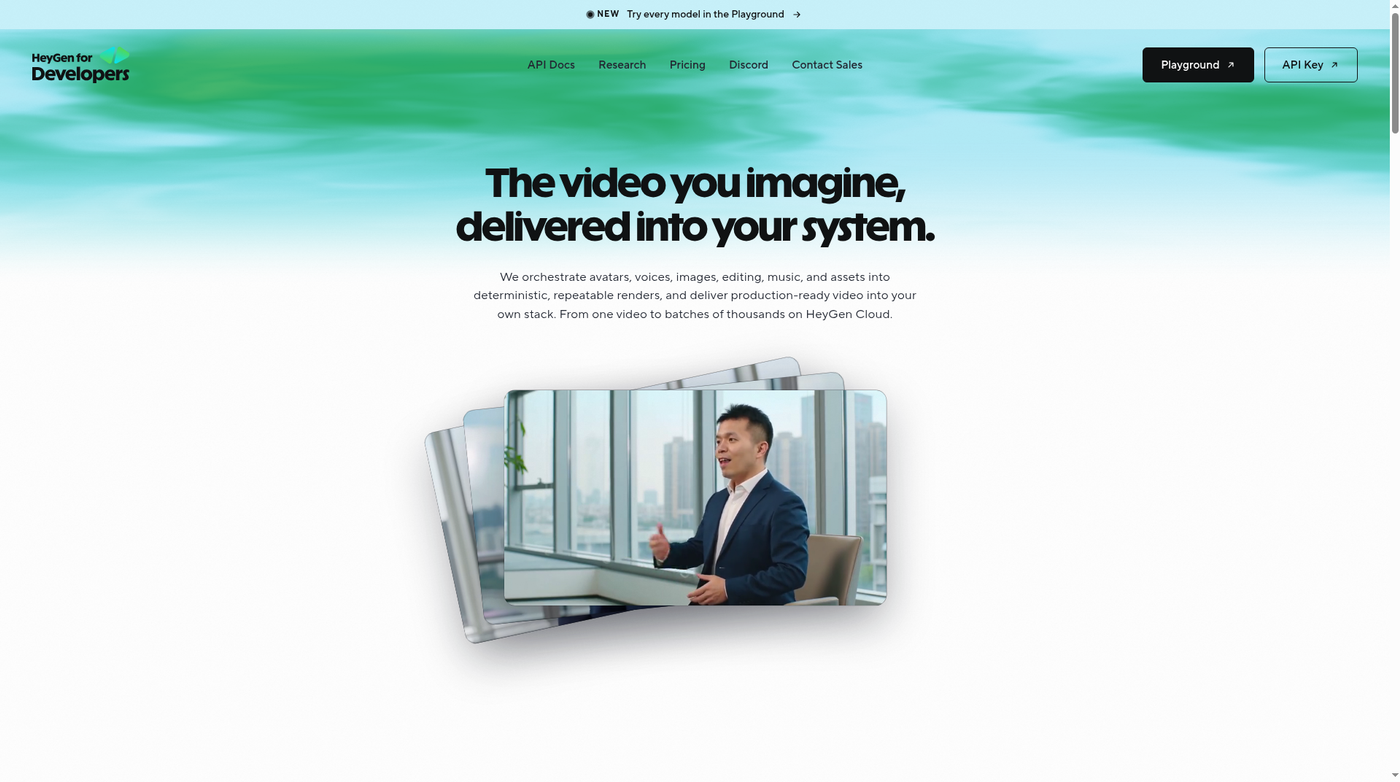
HeyGen offers a developer platform for avatar, voice, translation and lip sync video. Its developer site says it is built for teams that ship video from their own systems, from one video to large batches.
Key Features
- APIs for Avatars, Voices, Video Agent, Translation and Lipsync
- Batch APIs with up to 100 requests per call, with webhooks
- REST, CLI and MCP access
- Video translation into 30+ languages and a real-time interactive avatar
- Enterprise options for avatar consent uploads and higher rate limits
Best For
Teams that turn scripts into avatar videos in large batches.
Pros of HeyGen
- Wide range of video APIs
- Batch requests with webhooks
Cons of HeyGen
- Many products to choose between
- Pricing is on a separate page
Overall HeyGen Rating
4.8/5 on G2 from 1,975 reviews.
Pricing
See tool site.
When to Use It
- You produce many scripted videos at once
- You also need translation or lip sync
3. Synthesia: Best for Enterprise Video and Dubbing
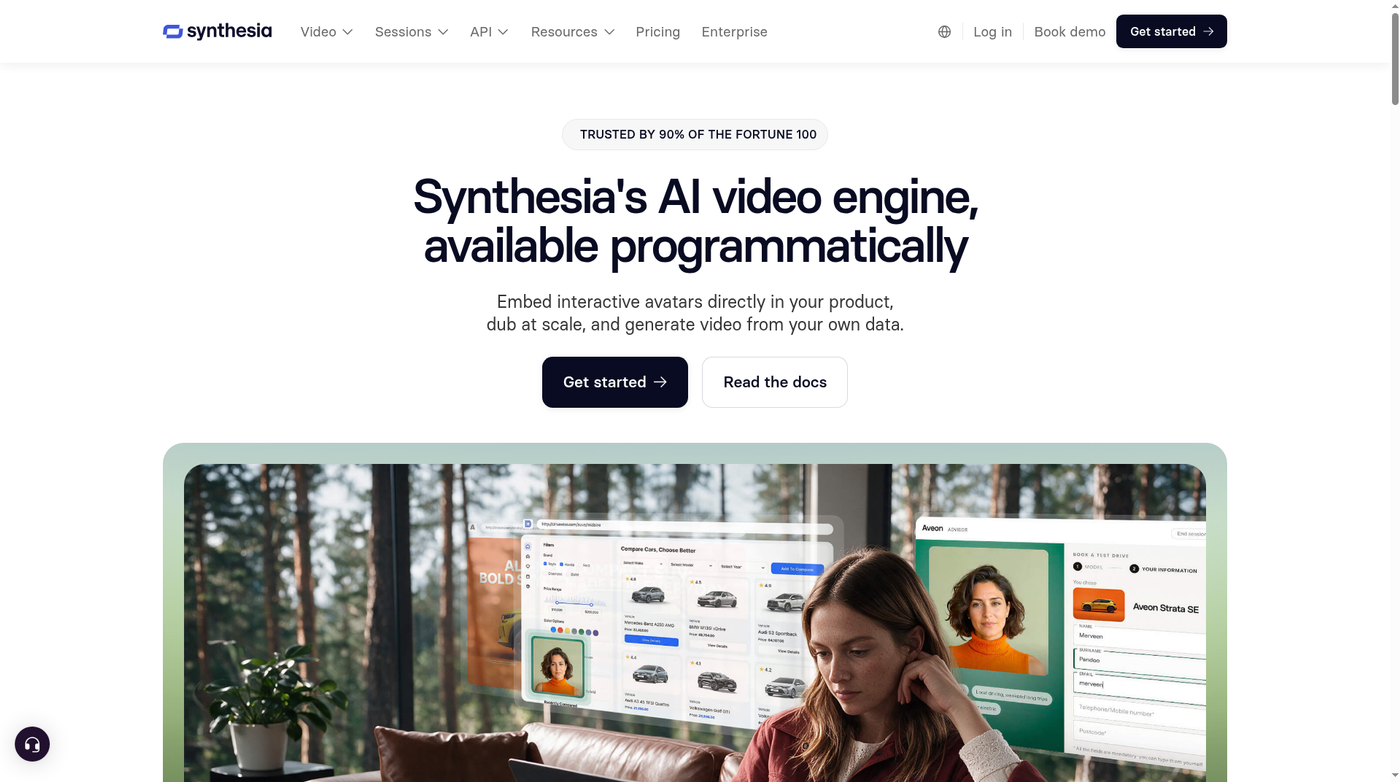
Synthesia offers its AI video engine through an API. Its Video API renders scripted video from a script and an avatar, and its developer page also covers translation, dubbing and interactive avatars.
Key Features
- Video API at api.synthesia.io/v2/videos with scriptText and avatar fields
- A webhook when the video is ready, then a downloadable file
- Translation API for Synthesia videos and a dubbing API for existing footage in 130+ languages
- Interactive Avatars over LiveKit and WebRTC, where you bring your own LLM and speech to text
- SOC 2, GDPR, ISO 42001, SSO and SCIM listed on its API page
Best For
Large companies that need security reviews passed and want video, dubbing and translation from one provider.
Pros of Synthesia
- One key covers several APIs
- Detailed security and compliance list
Cons of Synthesia
- Interactive avatars need your own LLM
- No drop in embed for interactive avatars
Overall Synthesia Rating
4.6/5 on G2 from 2,857 reviews.
Pricing
See tool site.
When to Use It
- Your security team needs formal certifications
- You also need dubbing or translation
4. D-ID: Best for Talking Photos
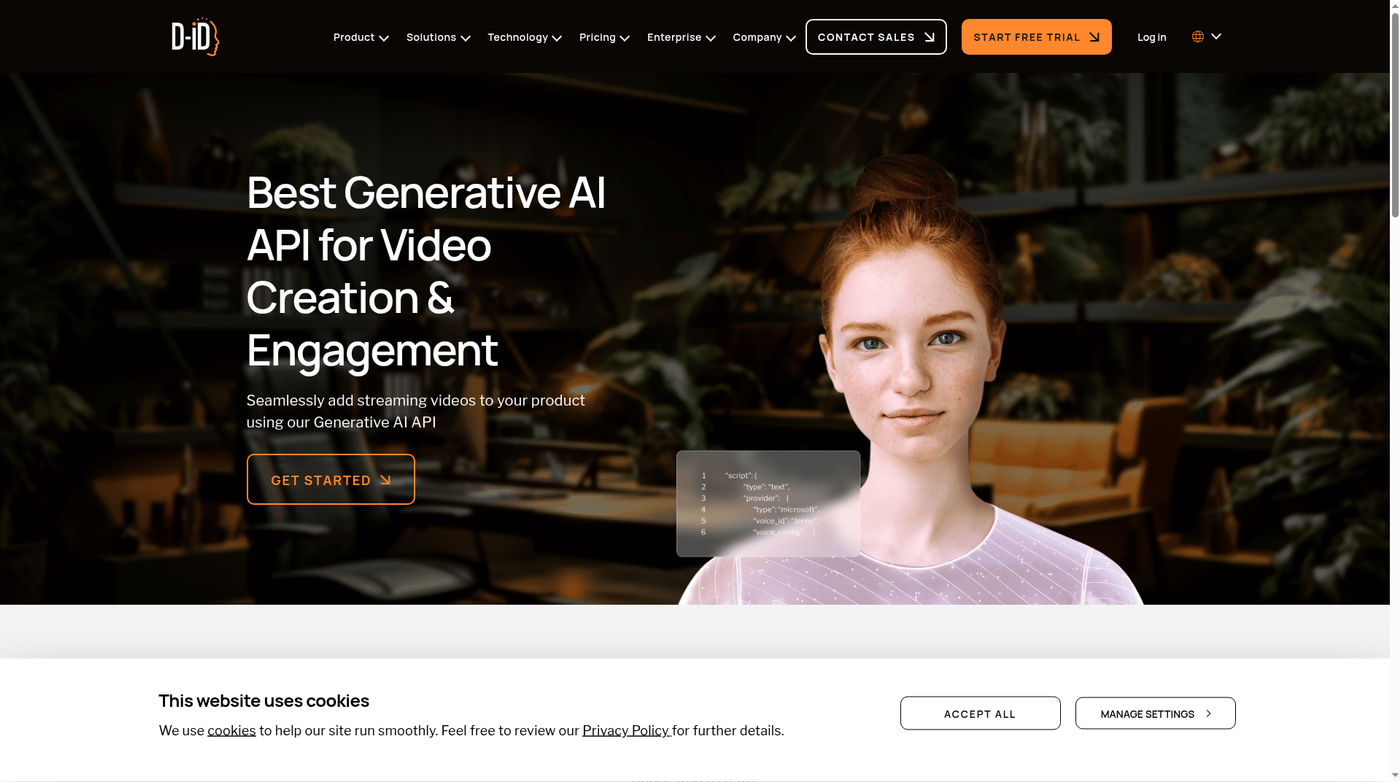
D-ID offers a generative AI API for talking head videos. Its API page says a single image of a face is enough to create a video with a simple API request.
Key Features
- Create a talking head video from one face image
- Choose from hundreds of text to speech voices or upload your own audio recording
- Personalize video in over 100 languages
- Real-time streaming for chatbots and live support agents
Best For
Developers who want to animate photos or add a face to a chatbot.
Pros of D-ID
- Works from a single photo
- Supports your own audio
Cons of D-ID
- Pricing is not shown on its API page
- No G2 rating found
Overall D-ID Rating
Not listed.
Pricing
See tool site.
When to Use It
- You have photos and want them to speak
- You want a face on a chatbot
5. Tavus: Best for Live Interactive Agents
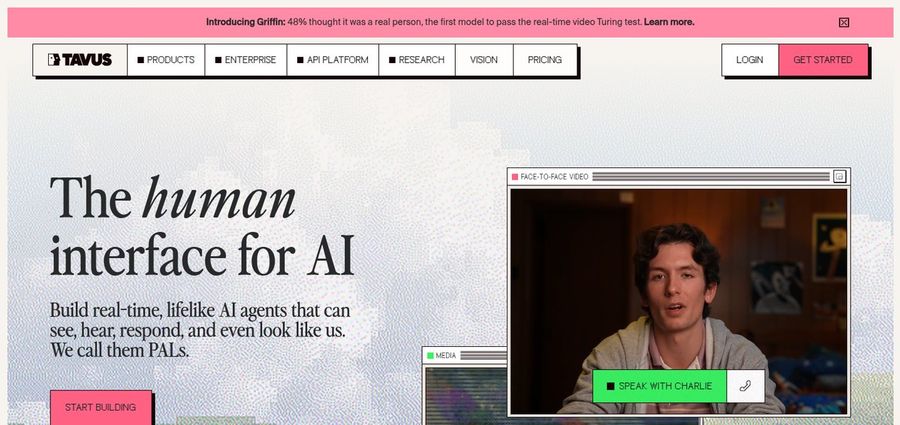
Tavus is the only live interactive pick on this list, so treat it as a different kind of API from the async video tools above. Tavus builds real-time AI agents that can see, hear and respond face to face. Its site offers APIs for developers and a no code maker for everyone else.
Key Features
- APIs for real-time, face to face AI conversations
- A no code maker to launch an agent without engineering
- A hosted LLM or your own
- A knowledge base for answers grounded in your documents
- Agents that can join Zoom, Google Meet or Teams calls
Best For
Teams building live video agents for sales, coaching or support rather than recorded videos.
Pros of Tavus
- Built for live conversations
- No code option alongside the API
Cons of Tavus
- Not focused on recorded videos
- Few G2 reviews
Overall Tavus Rating
3.0/5 on G2 from 3 reviews.
Pricing
See tool site.
When to Use It
- You want a live agent your users can talk to
- You want the agent in video calls
Best AI Avatar Generator for Developers: Pick by Use Case
- Personalized videos triggered by your app: an async video API such as Zoice. Send a photo URL and a script when a user signs up or buys, then deliver the finished video.
- A Host for a voiceover you already recorded: Zoice or D-ID, since both accept your own audio file.
- Large batches of scripted videos: HeyGen, which documents batch requests with webhooks.
- Localized training at enterprise scale: Synthesia, with its translation and dubbing APIs.
- A face for a live chatbot or support agent: a live interactive API such as Tavus, or the separate real-time options from HeyGen, Synthesia and D-ID.
- AI assistant or agent workflows with Zoice: contact Zoice through chat support to request access.
How to Choose the Right AI Avatar API
Start with the API type. If you need finished videos for messages, lessons or product pages, look at the async video APIs: Zoice, HeyGen, Synthesia or D-ID. If you need an avatar that talks back in real time, look at Tavus or the separate real-time products from HeyGen, Synthesia and D-ID.
Next, check the inputs. Zoice and D-ID accept your own image and your own audio, which helps when every video must use a real person or an existing voiceover. HeyGen and Synthesia center on avatars and scripts.
Then test before you build. The Zoice playground shows a preview and the JSON request, so you can copy a working request into your code. Finally, compare usage pricing on each provider's own developer site against how many videos you plan to make each month.
FAQ
What is an AI avatar API?
It is an endpoint that creates a video of a speaking Host from an image or avatar plus a script or audio file, so your app can make videos automatically.
What does a Zoice avatar video request need?
An avatar source and an audio source. For the avatar, send an avatar_id with an image_id, or an input_image_url. For audio, send script_text with a voice_id, or an input_voice_url.
Can I test the Zoice avatar API before coding?
Yes. The Avatar Videos page on the Zoice Developer Platform has a playground where you pick an avatar and a voice and see both a Preview and the JSON request.
Can I use my own voice recording with Zoice?
Yes. Send the audio file URL as input_voice_url, and set enhance_audio to true if you want the audio cleaned up.
Can I use Zoice with an AI assistant or agent workflow?
For this workflow, contact Zoice through chat support to request access.
Which AI avatar API is best for live conversations?
Tavus is built for live interactive agents. HeyGen, Synthesia and D-ID also offer real-time products that are separate from their async video APIs.