Best AI Anime Talking Avatar Generator: Top Picks for 2026
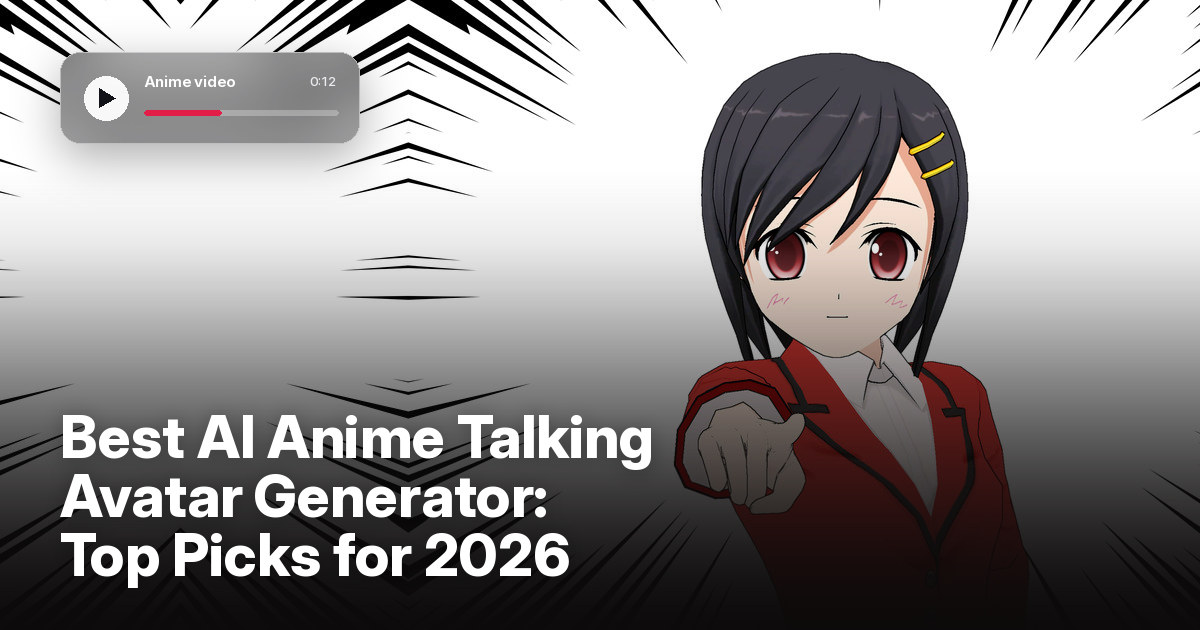
The best AI anime talking avatar generator is Zoice, our top pick for turning character art into talking videos. Upload a clear image of your character, type a script or upload a voice track, choose from 170+ languages, and export a sharp video up to 4K. You keep your own art and your own character, and you can fix any line by editing the script and rendering again.
We compared four tools on what anime creators need: clean mouth movement on stylized art, control over the voice, a choice of formats, and a fair price. Zoice ranked first overall, and each other tool earned its place for one clear strength.
What Should an AI Anime Talking Avatar Generator Do?
Anime art has its own look: large eyes, bold outlines, and simple mouth shapes. A good generator keeps that look while it moves the mouth to match speech. It should not turn your character into a realistic face or change the style, and the voice has to fit the character.
This guide is about taking anime character art and making it talk. It is the one guide in our series where a cartoon style fits, so the tools here are judged on stylized art rather than on photos of real people.
What to check before you pick a tool for anime characters:
- Style kept: the character still looks like your art after it moves
- Lip sync: mouth movement that follows speech and your own audio
- Voice options: a voice that fits the character, or your own recording
- Control: expressions and gestures you can guide, not just a still image that moves
- Export quality: a sharp file in the aspect ratio you need, such as 9:16 or 16:9
- Cost: a plan that fits a creator, with clear limits on length and resolution
Related terms you will see:
- Anime character art: an original character or a drawing in anime style
- Lip sync: matching the mouth shapes to the words that are spoken
- Voice: the speech track, from a text to speech voice or your own recording
- Character animation: motion and expressions that bring a still image to life
Quick Comparison: Best AI Anime Talking Avatar Generators
| Features | Zoice | Medeo | Anijam | LipsyncX |
|---|---|---|---|---|
| Best For | Anime art to a sharp talking video | Chat based video scenes with a consistent character | Designing and animating anime characters in one place | Fast lip sync on a photo, video or character image |
| Character source | Your own image or character art | A character you generate and lock in | Generated or uploaded characters | A photo, avatar, or character image |
| Languages | 170+ | Not listed | 30+ for voices | 50+ |
| Max export | Up to 4K | 1080p on listed models, 16:9 and 9:16 | Not listed | 480p up to 4K on a credit scale |
| Style tools | Delivers the video file | Chat editing and character consistency | Anime and other styles, multi character scenes | Anime, cartoons, pets, and humans |
| Starting price* | $7.99/mo for avatar videos | Free plan, Pro from $28/mo billed yearly | From $16/mo | Credit packs from $2.99 |
| Overall rating | 9.8 | 8.4 | 8.9 | 8.6 |
*Prices and limits change often. Check each tool's own pricing page before you pay.
All four can make a character speak. The difference is what happens next: how well your own art survives the animation, how sharp the file is, and whether you want a single talking clip or a full animated scene.
1. Zoice: Best AI Anime Talking Avatar Generator Overall
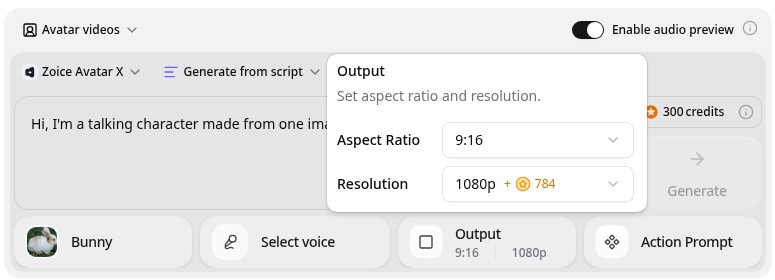
Zoice is the top pick when you already have anime character art and want it to talk. Its Avatar X model turns a photo or character image into a talking video from a typed script or your own audio, with natural lip sync, facial expressions, and gestures you can guide with a prompt or a timeline. Clone a voice or upload a recording, write in one of 170+ languages, and export from 480p up to 4K in any aspect ratio.
Key Features
- Talking video from one photo or character image
- Script or uploaded audio, with natural lip sync
- Voice cloning, or your own recording
- Scripts in 170+ languages and dialects
- Gestures and expressions by prompt or on a timeline
- Export from 480p up to 4K in any aspect ratio
Best For
- Anime artists who want their own character to talk
- Creators who post anime style clips to YouTube, TikTok, or Instagram
- Anyone who wants a sharp file in 9:16 or 16:9
Pros of Zoice
- Your own character
Start from your own image, so the character you drew is the one that talks.
- Real lip sync
The mouth follows the script or your audio, with expressions to match.
- Directed delivery
Guide a gesture or an expression by prompt or on the timeline.
- Any size up to 4K
Make 9:16 clips for phones and 16:9 videos from the same character.
- Many languages
Write the script in 170+ languages and dialects.
- Clear credit costs
Credits are listed by resolution and length, so you know the cost before you render.
Cons of Zoice
- One character per video
Zoice animates one talking character from your image. For multi character scenes, plan the clips separately and edit them together.
- Avatar videos need a paid plan
The free plan covers voice, images, chat, and transcription. Avatar videos start on Starter.
Overall Zoice Rating
Review 9.8: Best Overall
| Criterion | Score |
|---|---|
| Presenter quality | 9.9/10 |
| Lip sync and voice | 9.8/10 |
| Languages | 9.9/10 |
| Ease of updates | 9.8/10 |
| Export quality | 9.9/10 |
| Ease of use | 9.7/10 |
| Pricing | 9.7/10 |
Pricing
| Plan | Monthly Price | What you get |
|---|---|---|
| Free | $0/month | 50 credits per day for AI voice, images, chat, and transcriptions |
| Starter | $7.99/month | 4K credits per month, AI avatar videos, 1 voice profile |
| Basic | $29.99/month | 17K credits per month, 3 voice profiles |
| Creator | $49.99/month | 30K credits per month, 5 voice profiles |
| Agency | $89.99/month | 50K credits per month, 10 voice profiles |
Yearly billing saves 20%. Avatar videos start on Starter, and the credit cost of each video depends on its resolution and length.
When to Use It
Choose Zoice when you already have the character and want a clean, sharp talking video with your own voice or a script.
- Make your original character introduce itself in a short clip.
- Post a vertical talking clip of your anime art for social media.
- Re-render the same character in another language by editing the script. Try Zoice
2. Medeo: Best for Chat Based Animated Scenes
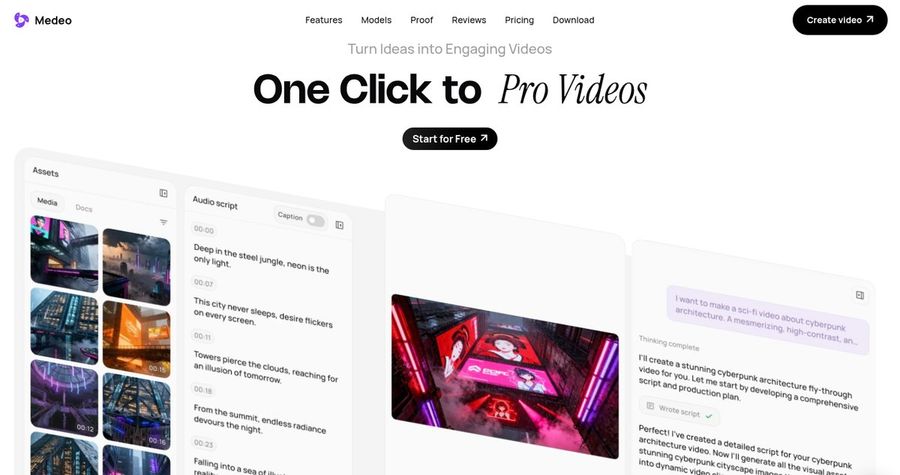
Medeo is a chat based video creator. You describe the video in a conversation, and it builds and edits scenes as you ask. Its site highlights character consistency, so a character keeps its identity across new locations and actions, along with stock media, AI voices, and export in both 16:9 and 9:16. It is a general video tool rather than a dedicated talking avatar generator.
Key Features
- Create and edit videos by chat
- Character consistency across scenes
- Stock images, videos, and AI voices
- Visual timeline for sound, subtitles, and assets
- Export in 16:9 and 9:16
- Access to several premium video models on paid plans
Best For
- Creators who want a whole animated short, not one talking clip
- Teams that prefer to edit by chatting
Pros of Medeo
- Whole scene creation
Build several scenes with the same character in one project.
- Flexible exports
Publish in 16:9 and 9:16 from the same project.
Cons of Medeo
- Not built for lip sync from your art
It is a general video creator, so it does not center on making your own character image talk the way Zoice does.
- Credit pricing is complex
Model costs vary by model, resolution, and second, so a video's cost is harder to predict.
Overall Medeo Rating
Review 8.4: Best for chat based animated scenes
Pricing
The free plan covers the core chat experience. Pro costs $28 per month billed yearly, or $39 per month billed monthly, and higher plans add more credits. Model costs vary. Check Medeo's pricing page for current details.
When to Use It
Use Medeo when you want to build a multi scene animated video by chat. Use Zoice when you want your own character to speak a script cleanly.
3. Anijam: Best for Designing and Animating Anime Characters
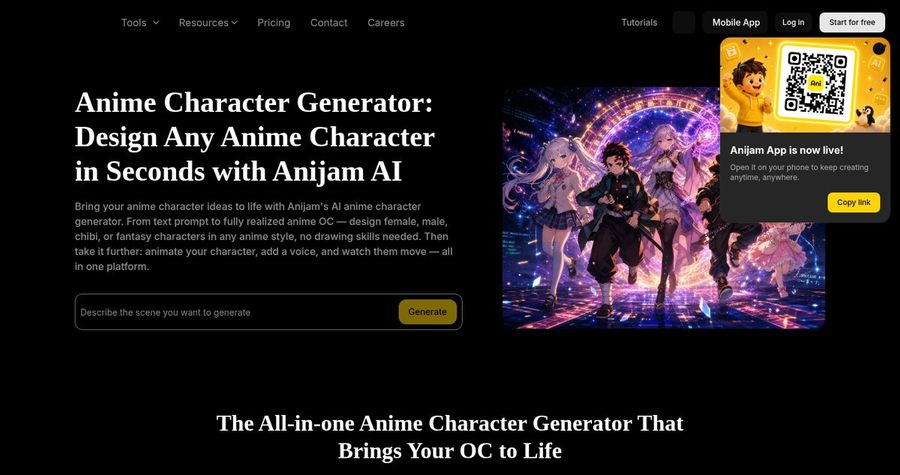
Anijam is an AI platform built around anime and stylized characters. It lets you design a character from a prompt or a reference, animate it with motion and lip sync, and add a voice from 200+ AI voices in 30+ languages or your own audio. Its site says up to 4 characters can be animated in a single scene, with styles that include anime, chibi, cartoon, and 3D.
Key Features
- Anime character design from a prompt or reference
- Animation with lip sync and expressions
- 200+ AI voices in 30+ languages, or your own audio
- Up to 4 characters in one scene
- Styles such as anime, chibi, cartoon, and 3D
- Web app and iOS app
Best For
- Creators who want to design a new anime character and animate it
- Storytellers who need several characters in one scene
Pros of Anijam
- All in one canvas
Design, animate, and voice a character without switching tools.
- Multi character scenes
Dialogue scenes can include several speaking characters.
Cons of Anijam
- Free outputs are limited
Free downloads carry a watermark and are for non commercial use.
- Credit based
Different models and resolutions use different credit amounts, so a video's cost is harder to predict.
Overall Anijam Rating
Review 8.9: Best for designing and animating anime characters
Pricing
Paid plans start at $16 per month for the Beginner plan, with a Creator plan at $26 per month. Free outputs are watermarked and limited to non commercial use. Check Anijam's pricing page for current credits.
When to Use It
Use Anijam when you want to design a new anime character and build a scene. Use Zoice when your character already exists and you want a sharp, high resolution talking clip.
4. LipsyncX: Best for Quick Lip Sync on Any Character
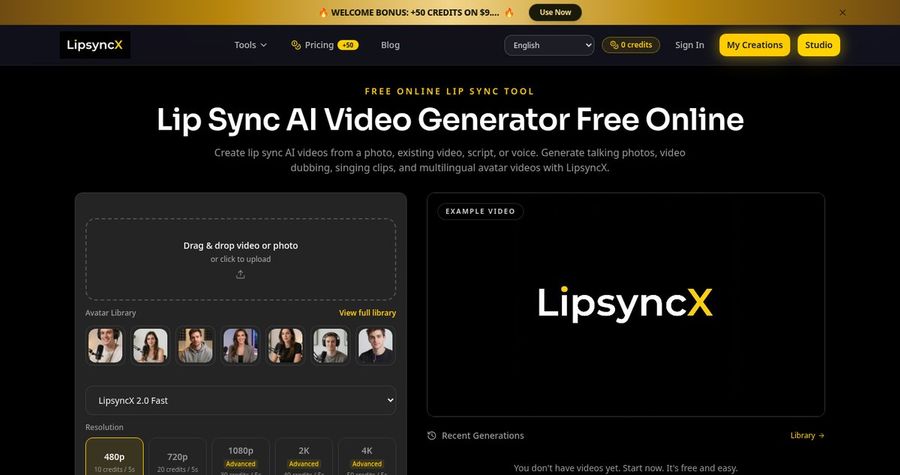
LipsyncX is a lip sync tool that works from a photo, a video, a script, or a voice track. Its site lists humans, cartoons, pets, and anime characters, with text to speech, audio upload, recording, and voice cloning. It supports 50+ languages, offers resolutions from 480p up to 4K on a credit scale, and sells one time credit packs instead of a subscription.
Key Features
- Lip sync from a photo, video, script, or voice track
- Humans, cartoons, pets, and anime characters
- Text to speech, audio upload, recording, and voice cloning
- 50+ languages for lip sync and dubbing
- 480p to 4K on a credit scale
- One time credit packs with no subscription
Best For
- Creators who want a fast, pay as you go lip sync
- Anyone testing one short anime clip before they commit
Pros of LipsyncX
- No subscription
Credit packs start at $2.99 and the credits do not expire.
- Wide input choice
Start from a photo, a video, a script, or audio.
Cons of LipsyncX
- Short clips work best
Its own page says audio under 1 minute gives the best lip sync quality.
- Credit costs add up
A 5 second 1080p clip uses 30 credits, so longer videos need larger packs.
Overall LipsyncX Rating
Review 8.6: Best for quick lip sync on any character
Pricing
Credit packs start at $2.99 for 60 credits, with bigger packs at $99.99 and $199.99 and no subscription required. A 5 second clip costs 10 credits at 480p and 30 credits at 1080p. Check LipsyncX's pricing page for current packs.
When to Use It
Use LipsyncX when you want a quick pay as you go clip. Use Zoice when you want longer scripts, directed expressions, and a sharper export from your own art.
Anime Talking Video Ideas That Work
Short, single topic clips get shared. These formats suit anime characters:
- Character intro: your original character says who they are in ten seconds.
- Daily greeting: a short good morning clip for a social channel.
- Mini story: one line of dialogue that sets up a scene.
- Language switch: the same character speaking in a second language.
Want a wider view of cartoon tools? See our talking cartoon picks, or read about AI lip sync for drawings.
How We Compared Anime Talking Avatar Generators
We scored each tool the way an anime creator would, using the public features, limits, and prices on each tool's own site.
We looked at lip sync, how well the art style is kept, voice options, export quality, and price. Zoice ranked as the best AI anime talking avatar generator overall. Medeo led chat based animated scenes, Anijam led character design and multi character scenes, and LipsyncX led quick pay as you go lip sync.
How to Choose an AI Anime Talking Avatar Generator
Start with what you already have and what you want to publish.
- Starting point: use a talking tool if the character exists, or a design tool if it does not.
- Style: test a clip to see whether your art style survives the animation.
- Voice: decide between a text to speech voice, your own recording, and a cloned voice.
- Scenes: check whether you need several characters in one shot.
- Format: confirm 9:16 and 16:9 exports at the resolution you need.
- Cost: compare the price of a full clip, not only the entry plan.
If you want one tool that turns your own anime character art and a script into a clean, sharp talking video, Zoice is the strongest pick for most creators. You can make your first talking clip in Zoice in a few minutes.
FAQ
Can AI make anime art talk?
Yes. A talking avatar tool can take a still image of an anime character, add a script or audio, and move the mouth and face to match. Results are best with a clear, front facing character and a visible mouth.
Can I use my own anime character?
Yes. In Zoice you can upload your own character image, so the character you drew is the one that speaks. Make sure you own the art or have the right to use it.
Can it lip sync to my audio?
Yes. Zoice accepts a script or your own audio, and the mouth follows the speech. LipsyncX also accepts uploaded audio, and it suggests keeping it under 1 minute for the best result.