Wavel AI Alternative Tested, Compared & Ranked

Wavel AI Alternative: Wavel AI is a wide platform for generating video, dubbing into 100 plus languages, subtitles, text to speech and avatars in Professional or UGC looks with an auto lip sync option. That range is the appeal, and also the reason some people drift away: a tool that does dubbing, shorts and edits all at once can feel crowded when you only need a dependable presenter. We compare Zoice, Colossyan, HeyGen, Synthesia and VEED.
For each tool we looked at how the avatar is chosen, how the voice is set and how easily the same presenter returns.
Every section covers features, strengths, limits, plans and the right fit. We took prices from vendor pages and marked what we could not confirm.
Quick Comparison of the Best Wavel AI Alternative Tools
| Features & Capabilities | Zoice | Colossyan | HeyGen | Synthesia | VEED |
|---|---|---|---|---|---|
| Quick Comparison | |||||
| Best For | Avatar Videos in One Account | Training Videos and Courses | Avatar Presenter Videos | Training and Business Videos | Browser Video Editing With Subtitles |
| AI Presenter Avatars | Yes | Yes | Yes | Yes | Yes |
| Voice Cloning | Yes | Yes | Yes | Yes | Not confirmed |
| Script to Video | Yes | Yes | Yes | Yes | Yes |
| Free Plan | Available | Available | Available | Available | Available |
| Starting Price | $7.99/month | Free, then $59/month | $29/month | $19/month | $12/user/month billed annually |
Best Wavel AI Alternative
The best Wavel AI alternative depends on whether you want a Swiss army platform or a focused presenter tool. Wavel is handy when dubbing and edits share one project. A focused tool wins when one presenter must appear weekly.
Zoice leads because a Host, a saved voice and action prompts sit in one browser workspace.
Colossyan, HeyGen, Synthesia and VEED each suit a different audience, as the table above shows.
1. Zoice

Zoice builds its browser workspace around a Host, who you choose from the public library, describe a new Host in text or build one from an image.
Speech arrives as a typed script, a recording, an upload or a saved voice profile, each with a preview. Action prompts guide the Host through a video.
If you came for avatars, the AI avatar generator page shows the Host workflow in more detail.
Key Features
- AI avatar videos from a script
- Custom avatar characters
- Public character library
- Record or upload your own audio
- Voice profiles for cloned speech
- Action prompts for the Host
- AI images and AI videos
- AI chat and transcriptions
Best For:
- Agency staff who deliver videos with a presenter for a range of clients
- Small firms who need quick updates and explainer videos
- Creators looking to build their own avatar character
- Training leads transforming written content into videos with a presenter
- Marketing teams building product explainers and social videos
- Teachers who turn class notes into a presenter video
Zoice Pros
- Host Sources
A Host can be picked, described or made from a photo.
- Speech Inputs
Typed, recorded and uploaded speech all work.
- Voice Profiles
Voice profiles keep a voice consistent.
- Direction
Action prompts give the Host direction.
- Browser Based
Everything runs in a browser.
- Extra Tools
Chat, image and transcription tools are in the account.
Zoice Cons
- Needs an Internet Connection:
Zoice needs an internet connection because it runs online.
- Smaller Public Library:
Its public avatar library is smaller than the largest ones.
Zoice Pricing
Zoice starts free, adds four paid plans and ends with a custom Enterprise offer.
| Plan | Price | What's Included |
|---|---|---|
| Free | $0/month | The free tier offers transcription, voice, image and chat tools |
| Starter | $7.99/month | Avatar videos and AI videos arrive here, with AI Voice and a single Voice Profile |
| Basic | $29.99/month | Three Voice Profiles plus the Starter set |
| Creator | $49.99/month | Five Voice Profiles plus the Starter set |
| Agency | $89.99/month | Ten Voice Profiles plus the Starter set |
| Enterprise | Custom Pricing | Negotiated setup with a support lead and multi staff access |
Starter is $7.99 a month, Basic is $29.99, Creator is $49.99 and Agency is $89.99, with 20% off for yearly billing.
When to Use Zoice?
Zoice suits people who want a consistent presenter across many videos.
2. Colossyan
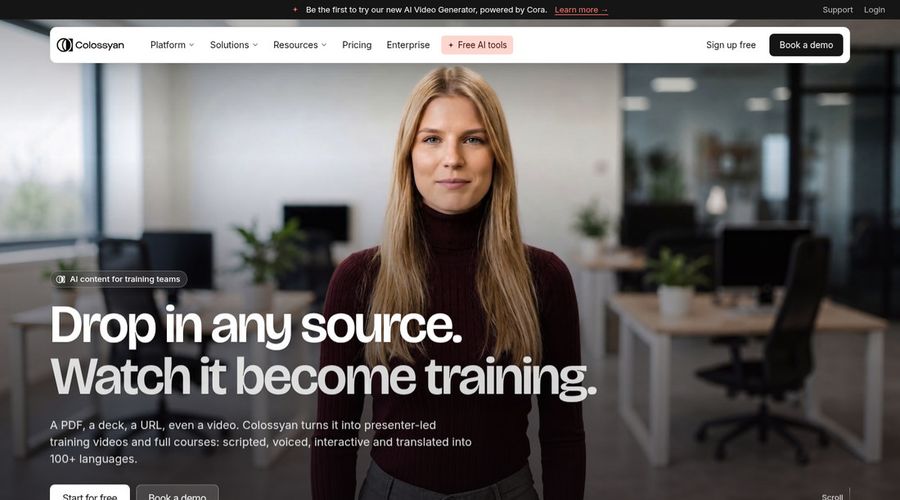
Colossyan makes training and communication videos with interactive elements, brand kits, course creation and a library of 300 plus avatars and 700 plus voices.
Studio avatars cost an extra $1,000 each year.
Learning teams use it most.
Key Features
- AI avatars
- Cloned voices
- Interactive videos
- Course creation
- Export for learning systems
- Brand kits
- Screen recorder
- PowerPoint and PDF import
Best For:
- Consultants building client learning material
- Big firms that ask for security reviews and data residency
- Training groups building courses from documents
- People teams developing onboarding content
- Trainers after quizzes inside a video
- Companies that localize training for various regions
Colossyan Pros
- Interactive Videos
Interactive videos work for training.
- Courses
Courses can be assembled in one place.
- Brand Kits
Brand kits keep a consistent look.
- Free Starter
Starter costs nothing yet unlocks the entire avatar library.
- Learning Exports
Professional adds learning system exports.
- Voice Library
The voice library lists 700 plus voices.
Colossyan Cons
- Avatar Add On:
Studio avatars add $1,000 per year.
- Training Focus:
It is geared to training rather than dubbing workflows.
Colossyan Pricing
Colossyan has Starter, Professional and Enterprise.
| Plan | Price | What's Included |
|---|---|---|
| Starter | Free | Interactive videos, brand kits, courses and all avatars |
| Professional | $59/month billed annually | Three editors, learning exports, no watermark and AI images |
| Enterprise | Custom Pricing | Branded avatars, analytics, SSO, all features and a success manager |
Professional is $59 per month on annual billing.
When to Use Colossyan?
Colossyan suits teams that convert procedures into lessons.
3. HeyGen
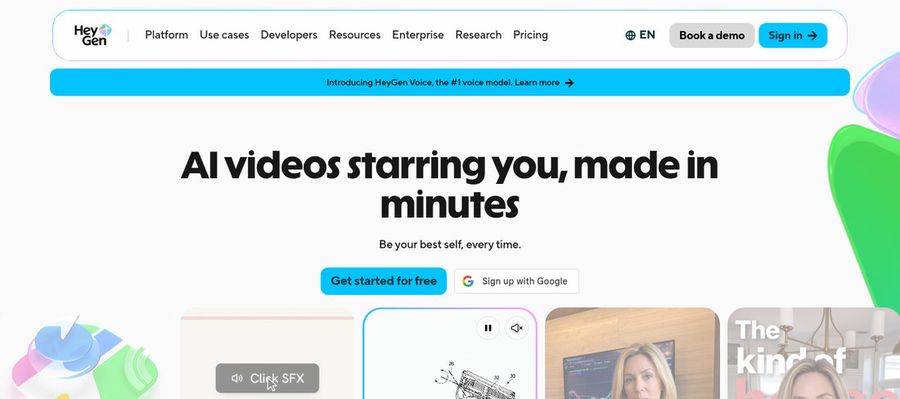
HeyGen makes presenter videos with 500 plus presenters on the free tier, photo avatars, voice cloning, translation, templates and PowerPoint or PDF import.
A shared workspace and a brand kit come with Business.
It is a well known all rounder.
Key Features
- AI presenter avatars
- Custom video avatar
- Photo avatars
- AI voices and voice cloning
- Video translation
- AI video agent
- Templates and PowerPoint import
- Team workspace and brand kit
Best For:
- Sales groups looking for a human touch in outreach
- Product teams looking for a host for release notes
- Training managers who release in many languages
- Help desk groups explaining features on video
- Consultants branding explainer videos for every client
- Content creators who would like one recognizable on screen persona
HeyGen Pros
- Free Presenters
The free tier lists 500 plus presenters.
- Custom Avatar
A paid custom avatar can use your voice.
- Language Range
Paid plans reach past 175 languages and dialects.
- Proofreading
Pro lets you proofread translations.
- Slide Import
Slide import turns decks into videos.
- Business Tools
Business offers SSO and integrations.
HeyGen Cons
- Free Branding:
Free videos show the HeyGen brand.
- Seat Fees:
Each Business seat after the first adds $20.
HeyGen Pricing
HeyGen offers five tiers: Free, Creator, Pro, Business and Enterprise.
| Plan | Price | What's Included |
|---|---|---|
| Free | $0/month | Presenters, Avatar IV, Video Agent, watermark and one custom avatar |
| Creator | $29/month | Unbranded output with 175 plus languages and a custom avatar that speaks as you |
| Pro | $49/month | Creator tools with translation proofreading |
| Business | $149/month plus $20 per seat | Single sign on, learning export, workspace sharing, integrations and a brand kit |
| Enterprise | Custom Pricing | Custom terms, provisioning, multi workspace control and a success manager |
Monthly prices are $29 for Creator and $49 for Pro, while Business is $149 plus $20 for each seat.
When to Use HeyGen?
HeyGen suits teams that publish presenter videos to many markets.
4. Synthesia
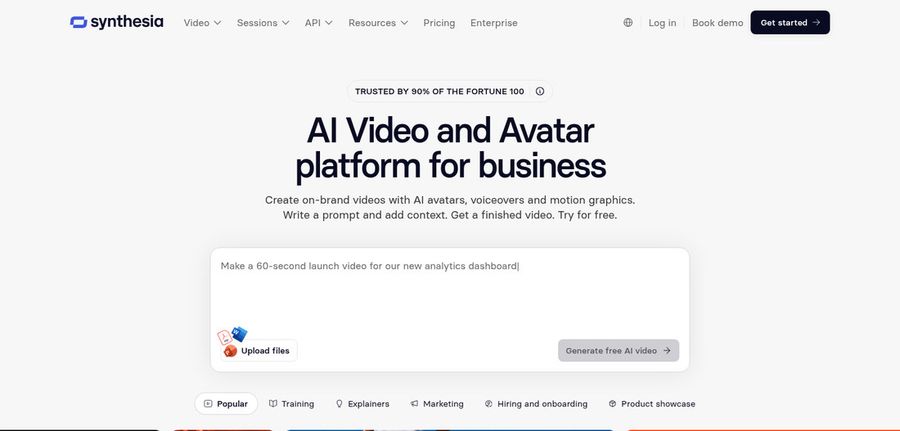
Synthesia produces business and training videos with 125 plus avatars on Starter, 180 plus on Pro and 240 plus on Enterprise.
Guests and personal avatars scale with the plan.
Corporate teams are its core audience.
Key Features
- AI avatars
- Personal avatars
- Voice cloning
- AI dubbing
- Syren AI video agent
- PowerPoint import
- Bulk personalization
- AI screen recorder
Best For:
- Marketing professionals delivering personalized videos from a spreadsheet
- Compliance training leads that require repeatable course videos
- Human resources teams producing onboarding walkthroughs
- Sales enablement teams keeping their product training updated
- Global companies dubbing videos with AI
- Operations teams transforming slides into voiced videos
Synthesia Pros
- Avatar Tiers
Avatar counts grow by plan.
- Templates
Templates help you begin.
- Personal Avatars
Pro includes personal avatars.
- Guests
Guests are part of the plans.
- Enterprise Features
Enterprise includes SSO and learning export.
- Free Basic
A free Basic plan lets you test.
Synthesia Cons
- Basic Watermark:
Basic videos are watermarked.
- Enterprise Only:
Unlimited personal avatars need Enterprise.
Synthesia Pricing
Synthesia has Basic, Starter, Pro and Enterprise.
| Plan | Price | What's Included |
|---|---|---|
| Basic | $0/month | Templates with watermarked videos |
| Starter | $19/month | Downloads, 125 plus avatars and three guests |
| Pro | $89/month | Five guests plus five personal avatars and a catalog of 180 plus |
| Enterprise | Custom Pricing | A success manager, endless personal avatars, 240 plus catalog avatars, SSO and learning export |
Starter is $19 monthly and Pro is $89.
When to Use Synthesia?
Synthesia suits company teams that standardise training video.
5. VEED

VEED is an online editor with automatic subtitles, translation and dubbing, a screen and webcam recorder, brand templates, text to video and AI avatars.
Plans are priced per user.
It overlaps most with Wavel's editing side.
Key Features
- Online video editor
- Automatic subtitles
- Translation and dubbing
- AI avatars
- Recording screen and webcam together
- Brand templates
- Text to video
- Team workspaces
Best For:
- Creators looking for an editor in the browser
- Agency groups wanting custom templates for clients
- Startup founders making simple explainer videos
- People who want to start free and edit rapidly
- Groups that capture their screen and trim the output
- Social media teams who put subtitles on all their videos
VEED Pros
- Browser Editing
Editing works online with no install.
- Subtitles
Auto subtitles come on paid plans.
- Pro Features
Pro adds dubbing, translation and avatars.
- Recorder
A recorder captures screen and webcam.
- Brand Templates
Studio offers custom brand templates.
- Text to Video
Text to video is available.
VEED Cons
- Per User Billing:
Pricing is per user.
- Editor First:
It is an editor first, so presenter videos are a side feature.
VEED Pricing
VEED sells Free, Creator, Pro, Studio and Enterprise plans.
| Plan | Price | What's Included |
|---|---|---|
| Free | $0/month | Core editing with VEED branding |
| Creator | $12/user/month billed annually, $22 monthly | No watermark and unlimited auto subtitles |
| Pro | $22 to $24/user/month billed annually, $47 monthly | Creator plus dubbing, translation and avatars |
| Studio | $39/user/month billed annually, $76 monthly | See vendor pricing page |
| Enterprise | Custom Pricing | Custom plans through sales |
On annual billing Creator is $12 per user monthly, Pro is $22 to $24 and Studio is $39.
When to Use VEED?
VEED suits people who edit and caption a lot of video.
Best Use Cases of Wavel AI Alternative
These jobs show where a broad platform may be more than you need.
Internal Communications
For a weekly update, a Host in Zoice reads your script.
Language Practice
For a training module, Colossyan adds interactive elements.
Product Explainers
For multilingual presenters, HeyGen translates videos.
Marketing Campaigns
For corporate lessons, Synthesia offers templates and avatars.
Personalised Greetings
For subtitled edits, VEED handles captions and trims.
Pet and Character Content
For a song video, a Host in Zoice can lip sync your upload.
Sales Outreach
For a podcast, a Zoice Host introduces episodes from audio.
Brand Spokesperson
For a launch, a Host in Zoice announces the news.
How We Compared the Best Wavel AI Alternative
Wavel AI spans generation, dubbing and editing, so we compared alternatives on ten points about the avatar and presenter workflow.
Ease of Use
We checked whether a single avatar can be reused.
Input Options
We noted how scripts, audio or text start a video.
Voice and Audio
We recorded where voices come from.
Character Options
We tested for lip sync and dubbing support.
Customisation
We checked which editor, template and brand kit features each tool includes.
Pricing Transparency
Prices come only from vendor pages.
Free Plan Access
We noted free plans and watermarks.
Platform Fit
We marked down browser access, any API and the team plans.
Support and Learning Material
We scanned vendor guides.
Overall Performance
Each verdict says what a Wavel AI user gains by switching to that tool.
How to Choose the Right Wavel AI Alternative Before You Pay
Choose between a broad media platform and a presenter tool.
Define Your Input
Decide if you need dubbing, editing or a presenter.
Test the Free Option
Check for free plans and watermarks.
Check the Voice Options
Decide where voices come from.
Look at Character Control
Confirm the avatar can return.
Read the Plan Details
Read plan tables for what unlocks.
Think About Where You Work
Check for browser, API and team access.
Plan for Growth
Check per seat prices.
Frequently Asked Questions
1. What is the best Wavel AI alternative?
Zoice is our first pick when you want a steady avatar. Colossyan, HeyGen, Synthesia and VEED fit narrower needs.
2. Why look for a Wavel AI alternative?
People leave broad platforms when they want one dependable presenter, a chosen voice or a simpler workflow.
3. Is Zoice free to try?
The free plan covers transcription, voice, image and chat tools, and avatar videos begin on Starter at $7.99 per month.
4. Can I use my own audio with Zoice?
Yes. You can record in the browser or upload audio and listen back first.
5. Can I create my own character in Zoice?
Yes. A Host can be described, made from an image or taken from the library.
6. What are action prompts?
They are brief cues for what the Host does.
7. Does Zoice work in the browser?
Yes. A Host in Zoice can lip sync to uploaded audio.
8. How does Colossyan compare?
HeyGen is closest for presenters, while VEED overlaps with Wavel's editing and subtitles.
9. Which tool suits beginners?
Zoice, Colossyan, HeyGen, Synthesia and VEED all have free entry points.
10. Can I use these tools for business videos?
Yes. Businesses can pick a paid plan, and Enterprise includes support plus multi staff access.
11. How should I test these tools?
Use the same script in each tool and compare.
Conclusion
Wavel AI is a broad toolkit for video, dubbing and avatars. If the presenter matters more than the toolkit, the alternatives above are more focused.
Zoice is an easy first test with a Host and your own script. A free account covers voice and image tools, and Starter adds avatar videos.