Viggle Alternative Tested, Compared & Ranked

Viggle Alternative: Viggle is a playful character platform: you drop a character into a trending template, swap people in and out of a scene, or animate a still image from a reference video, and its Mic feature adds speech and lip sync. Some people reach a point where the character needs to say real lines in a voice they chose. This guide covers Zoice, Fliki, HeyGen, Hedra, and Creatify for that next step.
There is no single reason people look past Viggle. A creator may want recorded audio to drive the face, a character that returns in every upload, or a plan that matches how often they publish.
Each tool below follows one format: what it is, key features, who it suits, pros, cons, pricing, and when to choose it. Prices are listed only where the vendor shows them, so you will see a few gaps marked as unconfirmed.
Quick Comparison of the Best Viggle Alternative Tools
| Features & Capabilities | Zoice | Fliki | HeyGen | Hedra | Creatify |
|---|---|---|---|---|---|
| Quick Comparison | |||||
| Best For | Custom Characters With Voice | Text to Video With Voiceover | Avatar Presenter Videos | Talking Characters From Audio | Product Link to Video Ads |
| AI Presenter Avatars | Yes | Yes | Yes | Yes | Yes |
| Voice Cloning | Yes | Yes | Yes | Not confirmed | Yes |
| Script to Video | Yes | Yes | Yes | Limited | Yes |
| Free Plan | Available | Available | Available | Not confirmed | Available |
| Starting Price | $7.99/month | $21/month billed annually | $29/month | $20/month | $10/month |
Best Viggle Alternative
The best Viggle alternative is the one that handles speech as well as it handles the character. Look at how each tool pairs a character image with a voice, because that single step decides whether it works for you.
Zoice leads because a Host is created, voiced, and rendered in the same browser workspace. Type a script, record audio, or upload a file, and the Host delivers it.
Fliki, HeyGen, Hedra, and Creatify come after Zoice, each with a narrower focus. The table below gives a quick overview, and the sections that follow explain who benefits from each.
1. Zoice

Zoice is a browser tool where a Host, the avatar character, reads your script or your recording. The Host can be taken from the library or built from a short text description or an uploaded image.
You supply the voice by typing, recording, uploading, or training a voice profile, and you can listen to it before anything is generated. An action prompt tells the Host to do something while talking, such as picking up an item.
The same account holds AI images, AI videos, AI chat, and transcriptions. The AI avatar generator page has the full picture of how the avatar side works.
Key Features
- AI avatar videos from a script
- Custom avatar characters
- Public character library
- Record or upload your own audio
- Voice profiles for cloned speech
- Action prompts for the Host
- AI images and AI videos
- AI chat and transcriptions
Best For:
- Marketing professionals who write their own scripts
- Companies that want a Host to deliver a message they have drafted
- Startup founders who want a consistent Host across campaigns
- Teachers who prefer starting from notes
- Agency groups who deliver videos with a presenter for a range of clients
- Marketing teams making product explainer videos and social media videos
Zoice Pros
- Speech from Your Input
The Host speaks whatever you type, record, or upload.
- Library or Custom Host
Start with the library, or make a Host out of a description or an image.
- Voice Profile Support
A trained voice profile lets the Host keep speaking in a voice you chose.
- Directing Actions
Action prompts direct the Host in everyday language.
- Preview the Audio
Listening first means no video is spent on a bad recording.
- Beyond Avatars
Images, videos, chat, and transcription are included in the account.
Zoice Cons
- Needs an Internet Connection:
Zoice is online only, so you need an internet connection to use it.
- Modest Public Library:
The public library has fewer faces than the biggest stock collections, which is why building your own Host is encouraged.
Zoice Pricing
Zoice has a free plan, then Starter, Basic, Creator, and Agency, and an Enterprise plan priced on request.
| Plan | Price | What's Included |
|---|---|---|
| Free | $0/month | Transcription, voice, image, and chat tools at no charge |
| Starter | $7.99/month | Unlocks avatar videos and AI videos, with AI Voice and one Voice Profile |
| Basic | $29.99/month | Starter, plus three Voice Profiles |
| Creator | $49.99/month | Starter, plus five Voice Profiles |
| Agency | $89.99/month | Starter, plus ten Voice Profiles |
| Enterprise | Custom Pricing | Custom features with dedicated support and access for several staff |
Prices are $7.99 for Starter, $29.99 for Basic, $49.99 for Creator, and $89.99 for Agency each month. Voice Profiles rise from one to ten, and yearly billing saves 20%.
When to Use Zoice?
Choose Zoice when your character needs to speak a script or recording, and you want the same Host in every video. It is a sensible next step for Viggle users who want their characters to deliver dialogue.
2. Fliki
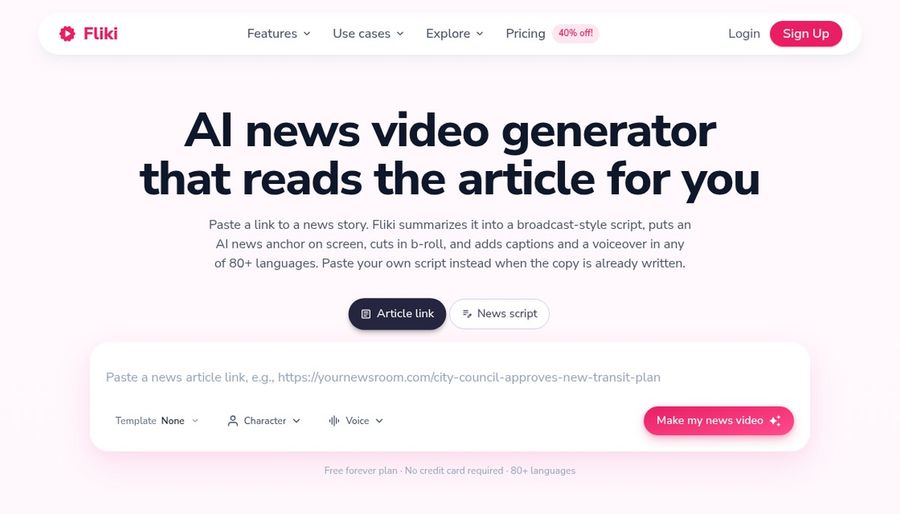
Fliki turns an idea, a script, or a blog post into a video with voiceover. It has a large voice library, voice cloning from the Standard plan, and video translation and dubbing.
AI avatars and photo avatars are on offer, and an AI Copilot editor guides the edit. Fliki can also generate images and thumbnails.
It is a voice first tool, which is the main difference from Viggle.
Key Features
- Idea, script, and blog to video
- Large voice library
- Voice cloning
- Video translation and dubbing
- AI avatars and photo avatars
- AI Copilot editor
- AI images and thumbnails
- Series and publishing features
Best For:
- Social teams who keep a posting schedule
- Marketing professionals who need voiceover in various languages
- Course builders developing narrated lessons
- Podcasters who set visuals to their audio
- Small teams hoping for brand kits and shared access
- Users who want to start from an easy idea
Fliki Pros
- Many Ways to Start
Ideas, scripts, and blog posts can all become videos.
- Voice Library
A big voice library covers many languages and styles.
- Voice Cloning
Voice cloning is included from Standard.
- Translation and Dubbing
Translation and dubbing help with other languages.
- Copilot Editor
The Copilot editor helps you shape a video.
- Images and Thumbnails
AI images and thumbnails are generated in the same place.
Fliki Cons
- Watermark on Free:
Free exports carry the Fliki watermark.
Fliki Pricing
Fliki has a free plan, Standard, Premium, and an Enterprise plan.
| Plan | Price | What's Included |
|---|---|---|
| Free | $0/month | Stock media, voices in many languages, AI images, and a Fliki watermark |
| Standard | $28/month, or $21/month billed annually | Voice cloning, commercial rights, and a limited set of stock avatars and custom characters |
| Premium | $88/month, or $66/month billed annually | Photo avatars, every avatar, several voice clones, brand kits, and developer access |
| Enterprise | Custom Pricing | Custom avatars, team features, a dedicated manager, and professional voice cloning |
Standard is $28 monthly or $21 billed annually, and Premium is $88 monthly or $66 billed annually.
When to Use Fliki?
Fliki is a good match when voiceover and many languages are central and your videos begin as text. It is less suited to character swapping.
3. HeyGen
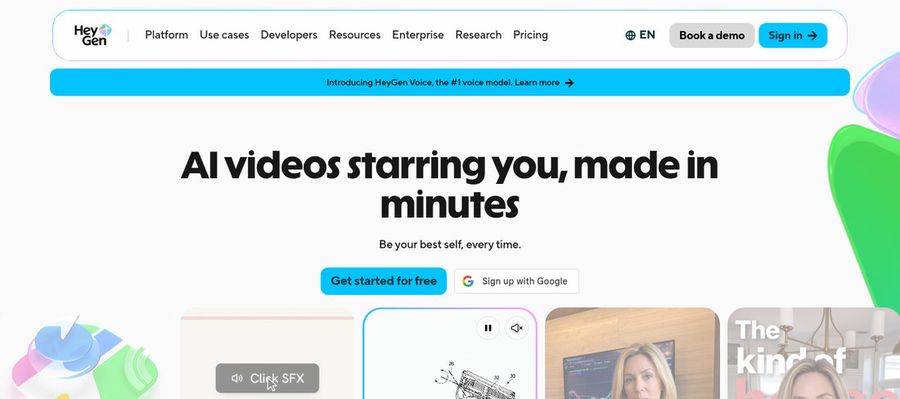
HeyGen is built for presenter videos in marketing, training, and sales. It lists over 500 ready made presenters on the free plan and one custom video avatar.
Photo avatars, voice cloning, video translation, and an AI video agent are included, with PowerPoint and PDF import for existing material. Business adds a shared workspace and brand kit.
Where Viggle swaps characters into scenes, HeyGen gives a presenter a script to read.
Key Features
- AI presenter avatars
- Custom video avatar
- Photo avatars
- AI voices and voice cloning
- Video translation
- AI video agent
- Templates and PowerPoint import
- Team workspace and brand kit
Best For:
- HR groups recording policy updates, no studio needed
- Course authors looking for a polished host for every lesson
- Recruiters sharing personalized video intros
- Agency teams handling avatar videos for several clients
- Small businesses who need a spokesperson at a modest price
- Marketing teams creating multilingual product videos
HeyGen Pros
- Many Free Presenters
Over 500 presenters are on the free plan.
- Photo Avatars
Photo avatars bring a portrait to life as a speaker.
- Cloning and Catalog
Voice cloning sits beside a voice catalog.
- Language Coverage
Creator covers more than 175 languages and dialects.
- Document Import
Importing slides saves effort.
- Team Features
Business provides a brand kit and single sign on.
HeyGen Cons
- Watermark on Free:
The free tier adds HeyGen branding.
- Metered Usage:
Usage based pricing makes the monthly bill harder to predict.
- Seats Cost Extra:
Business seats beyond the base cost $20 monthly each.
HeyGen Pricing
HeyGen goes from a free tier to Creator, Pro, Business, and Enterprise.
| Plan | Price | What's Included |
|---|---|---|
| Free | $0/month | Branded output, a custom avatar, Avatar IV and Video Agent, and 500 plus presenters |
| Creator | $29/month | Branding removed, 175 plus languages, and your voice on a custom avatar |
| Pro | $49/month | Creator, plus Seedance 2.5, scene avatars, and translation proofreading |
| Business | $149/month plus $20 per seat | A shared workspace with sign on controls, a brand kit, integrations, and learning system export |
| Enterprise | Custom Pricing | Custom terms, workspace control, provisioning, and a success manager |
Creator is $29 monthly, Pro is $49, and Business is $149 plus $20 per seat.
When to Use HeyGen?
HeyGen is for teams that want presenters and translation at scale. It fits marketing and training better than meme style content.
4. Hedra
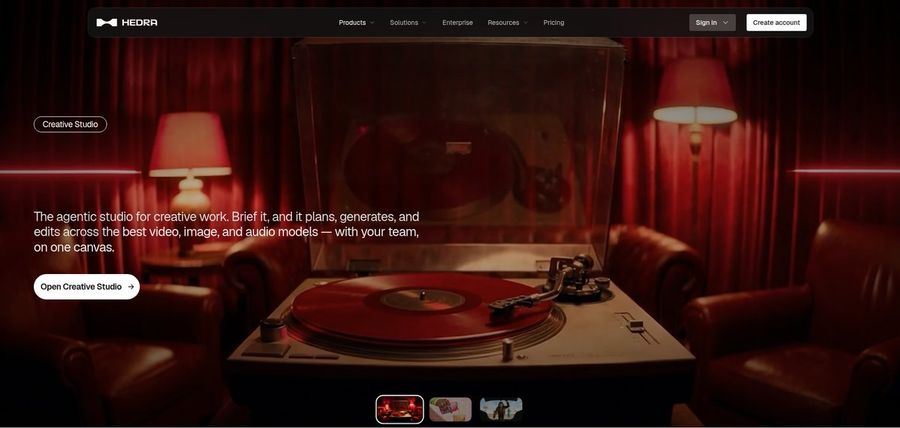
Hedra makes talking and singing characters from an image plus audio, using its Character 3 model. The audio can be recorded, uploaded, or generated.
Its Creative Studio, Visual Agent, developer access, and Teams plan make it a broader workspace. Music video scenes are a common use.
Both Hedra and Viggle start from a still image, but Hedra needs audio to drive it.
Key Features
- Character 3 talking and singing avatars
- Image plus audio to video
- Creative Studio
- Visual Agent
- Several output formats
- Developer access
- Team plan
- Music video scenes
Best For:
- Musicians making visuals for a song
- Storytellers who create characters from a single image
- Software builders wishing for a talking avatar model
- Departments sending a workspace for creative tasks
- Content creators who build social posts from a photo and a recorded voice
Hedra Pros
- Audio Drives the Character
Audio decides how the character performs.
- Creative Studio
The Creative Studio holds image, video, and audio tools.
- Individual and Team Plans
Teams plan supports shared work.
- Clear Monthly Prices
Monthly prices of $20, $50, and $100 are posted.
- Music and Story Use
People use it for music and stories.
Hedra Cons
- Audio Is Required:
Audio is a requirement, so you must have a voice first.
- Plan Names Changed:
Late September repricing means old reviews can mislead.
- Not a Script Tool:
It is not designed for script based training videos.
Hedra Pricing
Hedra has Basic, Pro, Ultra, and Teams plans, from $20 per month. We could not confirm a free tier.
| Plan | Price | What's Included |
|---|---|---|
| Basic | $20/month | Basic plan for individual creators |
| Pro | $50/month | See the vendor pricing page for details |
| Ultra | $100/month | Ultra is the largest individual plan |
| Teams | $75/month | A plan for collaborating teams |
Basic is $20, Pro is $50, Ultra is $100, and Teams is $75 per month.
When to Use Hedra?
Hedra is for people with audio who want a face to perform it. It is not aimed at business training.
5. Creatify

Creatify produces video ads from product links using AI actors, custom avatars, and AdFlow templates. It targets brands on Meta and TikTok.
Ad Clone, a competitor ad tracker, a model playground, and over 75 languages add depth. Pro lists 1,500 AI actors.
Viggle is built for sharing, and Creatify is built for selling.
Key Features
- Product link to video
- AI actors
- Custom avatars
- AdFlow templates
- Ad Clone from a URL
- Competitor ad tracker
- Premium model playground
- 75 plus languages
Best For:
- Online retailers converting product listings into ad videos
- App marketing teams building ads from store links
- Agencies creating ad variations for many clients
- Marketers who would like to study competitor ads
- Teams after a managed creative service as well as the tool
- Engineers looking to automate ad videos through its developer plans
- Small firms wanting ads with no video team
- Brands that run ads on Meta and TikTok
Creatify Pros
- Link to Ad
A product link starts an ad.
- Actor Library
300 AI actors are on Free and Standard, and 1,500 on Pro.
- Custom Avatars
Pro has three custom avatars.
- Ad Tools
Ad Clone and the tracker help ad tests.
- Templates
AdFlow gives ready ad layouts.
- Languages
Over 75 languages are supported.
Creatify Cons
- Watermark on Free:
Free exports are watermarked.
- Best Tools on Higher Plans:
The ad agent, tracker, and Ad Clone need Pro.
Creatify Pricing
Creatify has a free plan, four paid plans, and Enterprise.
| Plan | Price | What's Included |
|---|---|---|
| Free | $0/month | Watermarked exports, a premium model trial, and 300 actors |
| Standard | $10/month | Over 200 templates, 300 actors, core tools, and watermark removal |
| Pro | $38/month | Three custom avatars, 1,500 actors, Ad Clone, the tracker, and the Ad Agent |
| Max | $66/month | Adds three seats and three brand spaces to the Pro feature set |
| Business | $136/month | Ten seats, ten brand spaces, and team access |
| Enterprise | Custom Pricing | Security, custom agreements, and an account manager |
Monthly prices run $10 for Standard, $38 for Pro, $66 for Max, and $136 for Business.
When to Use Creatify?
Creatify suits brands that make ads from product pages. It is not aimed at meme or character content.
Best Use Cases of Viggle Alternative
These are the projects where Viggle users usually look for something different, and how each tool responds.
Music and Singing Projects
A Host in Zoice can deliver a short post using your voice, and Creatify turns a product link into an ad for social platforms.
Customer Support Videos
Zoice gives onboarding a consistent Host, and Fliki turns written procedures into voiced videos.
Podcast and Audio Teasers
Zoice lets a Host explain lesson notes, and HeyGen can import a PowerPoint deck.
Storytelling and Animation
Upload a song to Zoice so a Host performs it, or give Hedra a song and image for a singing character.
Event Invitations
Zoice reads support steps from a script, and Fliki can voice a help article.
Social Media Posts
Upload audio to Zoice for a Host to present, or have Fliki turn a script into a voiced teaser.
Training and Onboarding
Build a narrator Host from a description in Zoice, or place characters in a story scene with Hedra.
Educational Content
A Host in Zoice announces an event, and HeyGen can translate the invitation.
How We Compared the Best Viggle Alternative
Viggle is built for playful character scenes, so we judged each alternative on ten points about real spoken lines.
Ease of Use
We counted the steps from sign up to a first character that speaks a line you chose.
Input Options
We noted whether each tool starts from a character image, a script, an audio file or a template.
Voice and Audio
We checked recordings, uploads, cloned voices and stock voices, since Viggle users want to pick the voice.
Character Options
We compared how reusable each character is across uploads.
Customisation
We listed templates and editors, since Viggle users arrive expecting trends and effects.
Pricing Transparency
Viggle fans want playful tools, but we still used vendor pages only for prices and flagged gaps.
Free Plan Access
We recorded free plans and watermarks for each Viggle rival.
Platform Fit
We noted browser, API and team access.
Support and Learning Material
We scanned tutorials and help pages for people moving from a template app.
Overall Performance
Each verdict names the Viggle task the tool can take over.
How to Choose the Right Viggle Alternative Before You Pay
Run through these checks before choosing a Viggle alternative.
Define Your Input
Decide whether your character must speak real lines or perform in a template.
Test the Free Option
Look for a free plan first, and note any watermark.
Check the Voice Options
Viggle's Mic adds speech, so decide between your own recording, a cloned voice and a stock voice.
Look at Character Control
Make sure the same character can return in every upload.
Read the Plan Details
Read each plan a Viggle rival lists for seats, exports and gated features.
Think About Where You Work
Pick a tool that fits where you already make content.
Plan for Growth
Compare seat prices if collaborators will join you.
Frequently Asked Questions
1. What is the best Viggle alternative?
For Viggle users, Zoice is the first pick for a Host that speaks your audio in a browser. Fliki, HeyGen, Hedra and Creatify serve other needs.
2. Why look for a Viggle alternative?
Some Viggle users want their character to speak real lines, and others want a reusable Host or a different pricing model.
3. Is Zoice free to try?
Yes. The free plan is $0 and covers AI Transcriptions, AI Voice, AI Images and AI Chat, while Starter at $7.99 per month adds avatar videos.
4. Can I use my own audio with Zoice?
Yes. A recording made in the browser or an uploaded file becomes the Host's voice.
5. Can I create my own character in Zoice?
Yes. Build one from a text description or an image, or pick from the library.
6. What are action prompts?
They are written directions that tell the Host what to do as the audio plays.
7. Does Zoice work in the browser?
Yes. It runs in a browser and needs an internet connection.
8. How does Fliki compare?
Fliki is voice first and works from text, while Zoice centres on a Host character that speaks your script or recording.
9. Which tool suits beginners?
Zoice, Fliki and HeyGen all have free plans, a gentle start for Viggle users.
10. Can I use these tools for business videos?
Yes. Paid Zoice plans are used for business, and Enterprise adds dedicated support and multi staff access.
11. How should I test these tools?
Give each tool the same character image and voice, then compare how each one handles them.
Conclusion
Viggle is a fun way to put characters into scenes, but speech is a different job. If your character needs to talk, the tools above are built for it.
Try Zoice first for a reusable Host and your own audio. A free account or Starter is enough to compare it with Fliki or HeyGen.